

Free Scangrip Manuals – Read, Download & Print
19 Manuals
Manuals

12 Pages
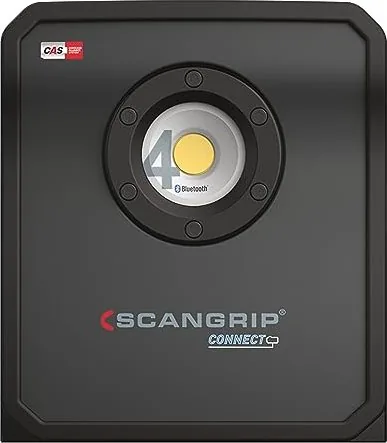
20 Pages

8 Pages
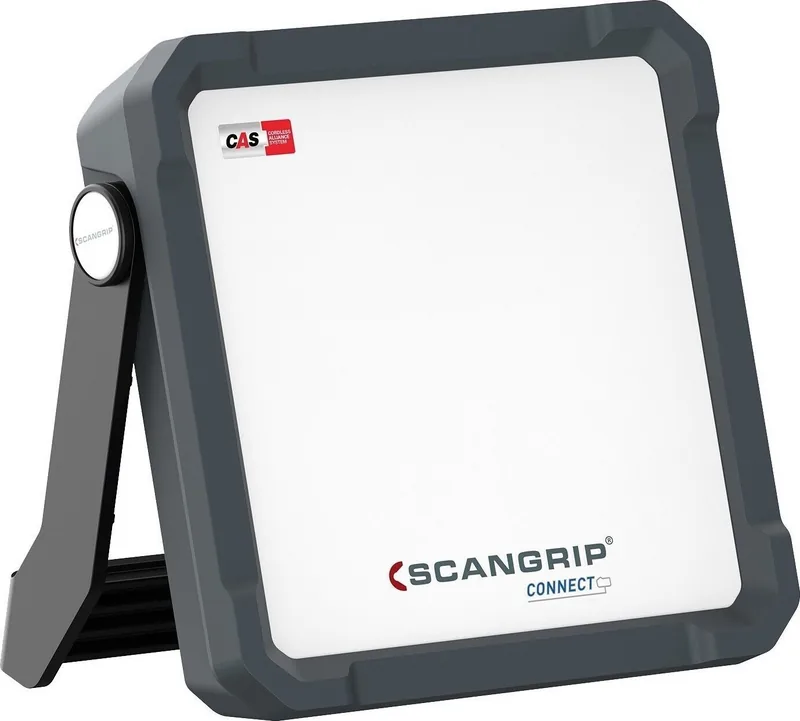
12 Pages
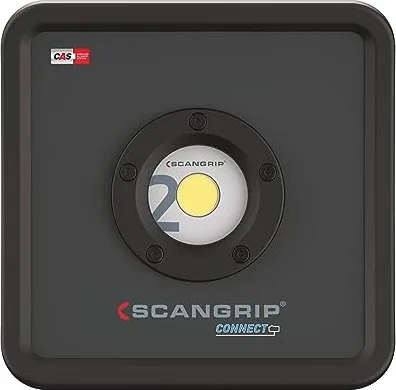
20 Pages

20 Pages

20 Pages
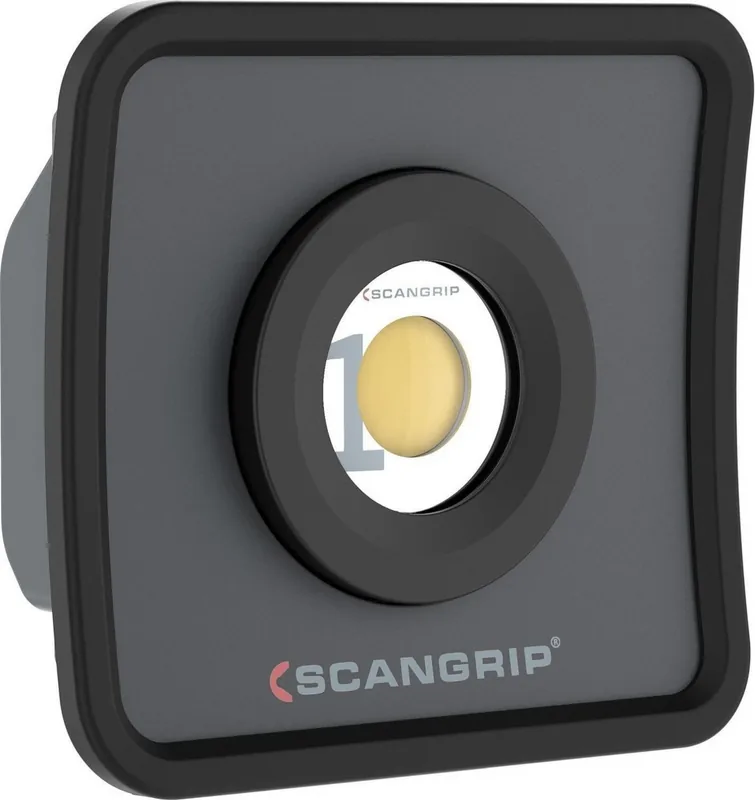
20 Pages
12 Pages

12 Pages
12 Pages
36 Pages

12 Pages

36 Pages

12 Pages

20 Pages

2 Pages

12 Pages
20 Pages
Categories


Free Scangrip Manuals - Read, Download & Print
Introduction to Scangrip Documentation Resources
Scangrip has established itself as a leading manufacturer of medical and laboratory equipment, renowned for its high-quality magnifying lamps, light boxes, and specialized tools designed for healthcare professionals. As the complexity of these devices increases, having access to comprehensive documentation becomes essential for safe and effective operation. This guide provides a complete overview of how users can access free Scangrip manuals to read, download, and print detailed instructions for their specific models. Whether you are a new user setting up equipment for the first time or an experienced technician requiring troubleshooting steps, these resources ensure that every device performs at its optimal level.
The importance of manual documentation cannot be overstated in clinical settings. Proper usage guidelines prevent equipment damage, ensure patient safety, and maximize the lifespan of expensive instruments. By offering free access to these digital resources, Scangrip empowers medical facilities to maintain their inventory without incurring additional costs for printed materials. The availability of these documents supports rapid onboarding of new staff and serves as a reliable reference during maintenance procedures.
Understanding the Scope of Available Manuals
The collection of Scangrip manuals covers a wide range of product categories. Each category is tailored to address the unique operational requirements of different medical environments. The primary sections include magnifying lamps, light boxes, dermatoscopes, and specialized lighting solutions for surgery and examination rooms. For each product line, the manuals provide exhaustive details regarding assembly, installation, electrical specifications, and routine maintenance schedules.
Magnifying lamp manuals are particularly detailed because these devices often feature adjustable arms, variable zoom lenses, and integrated LED lighting systems. Users will find step-by-step guides on how to calibrate the arm tension to ensure stability during use. Instructions also cover lens cleaning techniques to maintain optical clarity without scratching the surface. Light box manuals focus on illumination uniformity and color temperature settings, which are critical for tasks like viewing radiographs or examining tissue samples. These documents explain how to adjust brightness levels and replace aging bulbs or LEDs efficiently.
Dermatoscope manuals cater to dermatologists who require precise imaging capabilities. They include information on attaching accessories such as polarized filters and immersion fluids. Surgical lighting manuals emphasize sterility protocols and shadow reduction features. Every document is written with clarity in mind, using diagrams and labeled illustrations to complement the text. This visual approach helps users quickly locate specific components and understand complex mechanical relationships within the device.
How to Access and Navigate the Manual Library
Accessing the Scangrip manual library is a straightforward process designed for efficiency. Users typically begin by visiting the official Scangrip website or a dedicated support portal. A search function allows individuals to input their specific model number, which is usually found on a label attached to the base or back of the device. Once the model is identified, the system retrieves all relevant documentation associated with that product. The interface presents options to view the manual directly in the browser or download it as a PDF file for offline access.
Navigation within the library is organized by product type and series. This categorization ensures that users do not waste time sifting through unrelated documents. For example, someone looking for a manual for a specific surgical lamp will find it under the surgical division rather than the general examination section. The search engine also supports keyword queries, allowing users to find specific topics like warranty information, replacement parts lists, or error code definitions without needing to know the exact model number immediately.
Once a manual is selected, the platform offers seamless interaction. Users can zoom in on technical diagrams, search for keywords within the document, and navigate between chapters using a clickable table of contents. This digital format eliminates the need to flip through physical pages, making it easier to jump directly to the section needed for a particular task. The ability to print specific pages or the entire document is also available, providing flexibility for those who prefer hard copies for quick reference near workstations.
Benefits of Digital Manual Formats
Transitioning from paper-based guides to digital formats offers numerous advantages for medical facilities and individual practitioners. One of the most significant benefits is the ease of updates. Manufacturers frequently release firmware upgrades or design improvements for their devices. When a change occurs, the digital manual can be updated instantly to reflect the new specifications. This ensures that users always have access to the most current information, reducing the risk of operating outdated equipment incorrectly.
Searchability is another major advantage. In a traditional paper manual, finding a specific instruction might require scanning through dozens of pages. With a digital PDF, a simple keyword search locates the exact phrase or term in seconds. This efficiency is crucial in emergency situations where time is of the essence. Furthermore, digital files take up no physical storage space, eliminating the clutter of bulky binders in office areas. They can be stored on local servers, cloud drives, or personal tablets, ensuring accessibility from anywhere within a facility.
Print-on-demand capabilities allow organizations to print only what is necessary. Instead of printing hundreds of pages for a single procedure, a user can select just the setup instructions or the safety warnings. This reduces paper waste and lowers printing costs. Additionally, digital manuals can be easily shared among team members via email or internal networks, facilitating collaborative learning and consistent training standards across different departments.
Detailed Content Breakdown of Key Sections
Each Scangrip manual is structured to guide the user logically from initial unboxing to advanced troubleshooting. The introduction section typically includes a list of contents, safety symbols, and regulatory compliance statements. This sets the stage for understanding the legal and safety context of the device. The unboxing and assembly chapter follows, providing clear visuals for unpacking the crate and connecting power sources. It highlights common mistakes to avoid during this phase, such as over-tightening screws or misaligning optical components.
Operational instructions form the core of the manual. These sections detail how to turn the device on, adjust settings, and perform standard tasks. For magnifying lamps, this includes explaining the difference between daylight and warm light modes and how to switch between them. Maintenance chapters outline cleaning procedures, bulb replacement timelines, and lubrication points for moving joints. Regular maintenance logs are often included as templates, helping facilities track service history for audit purposes.
Troubleshooting guides address common issues like flickering lights, unstable arms, or dimming performance. Each problem is paired with a potential cause and a recommended solution. If a user encounters a persistent issue, the manual directs them to contact authorized service centers. Warranty information is clearly stated, detailing coverage periods, exclusions, and the process for filing a claim. This transparency builds trust between the manufacturer and the customer.
Safety Protocols and Regulatory Compliance
Safety is paramount in the design and documentation of Scangrip products. All manuals adhere to international standards such as IEC 60601-1 for medical electrical equipment. The documentation explicitly warns against unauthorized modifications and specifies the correct voltage requirements for different regions. Electrical safety sections remind users to inspect cords for damage before use and to ground the equipment properly. Optical safety guidelines advise against staring directly into bright light sources to prevent eye strain or damage.
Hygiene and infection control are also emphasized, especially for devices used in sterile fields. Instructions specify which cleaning agents are safe to use and which materials should be avoided to prevent degradation of plastic or rubber components. Sterilization methods are described for parts that come into direct contact with patients or contaminated surfaces. By following these protocols, healthcare providers can maintain a safe environment for both staff and patients.
Conclusion: Maximizing Value Through Comprehensive Documentation
Free access to Scangrip manuals represents a commitment to user success and equipment longevity. By providing detailed, easy-to-navigate, and up-to-date documentation, Scangrip ensures that its customers can get the most out of their investments. Whether reading online for quick reference or downloading and printing full guides for permanent records, these resources are invaluable tools. They empower medical professionals to operate with confidence, knowing they have the correct information at their fingertips. Embracing these digital resources fosters a culture of safety, efficiency, and continuous improvement in healthcare settings worldwide. As technology evolves, so too will the content of these manuals, ensuring they remain relevant and useful for years to come. Users are encouraged to bookmark the resource page and check regularly for new updates or expanded content covering emerging product lines.
Search for 67,732 Manuals online


Type-in Brand or Model