
Samson Go Mic Manual
PDF manual · 24 Pages
English



Advantages and Disadvantages
Advantages

- True plug-and-play USB operation for Mac and PC with onboard 16-bit/48 kHz converters.
- Dual polar patterns (Cardioid and Omni) offer flexible recording options for solo and group sources.
- Integrated headphone output and direct monitoring for zero-latency listening.
- Portable fold-up design with clip, desk stand option and mic-stand adapter included.
- 10 dB pad and peak LED help manage loud sources and prevent clipping.
Disadvantages

- Fixed small-diaphragm capsules limit low-end warmth compared with large-diaphragm studio condensers.
- 16-bit/48 kHz resolution is adequate but lower than many modern 24-bit interfaces.
- Built-in preamp and USB bus power can be noisier or less powerful than dedicated external preamps.
- No onboard EQ or advanced DSP — relies on OS/DAW controls for tone shaping and effects.
- Limited physical controls on the mic mean most gain and routing adjustments occur in software.
Ask a Question
Frequently Asked Questions
Yes. The Go Mic uses standard USB audio class drivers so most Mac and Windows systems recognize it automatically. After plugging in, select "Samson Go Mic" in your OS sound settings or your DAW’s audio device list to begin recording.
Is this answer helpful?
The Go Mic provides Cardioid and Omni patterns. Use Cardioid for focused single-source recording (vocals, solo instruments) and better off-axis rejection. Use Omni for group discussions, conference capture, or when you want full-room ambience.
Is this answer helpful?
Place the mic 4–18 inches from the vocalist, angle it slightly off-axis to reduce direct blasts of air, or use an external pop filter. The manual also recommends keeping consistent distance to control proximity effect and bass boost.
Is this answer helpful?
No. The Go Mic is bus-powered via USB and does not need external phantom power. The USB connection supplies the microphone’s internal electronics and the LED indicates when USB power is present.
Is this answer helpful?
Yes. The Go Mic offers direct (hardware) monitoring controlled via your OS/DAW settings. Enabling the microphone’s direct monitor mode lets you hear the input signal with effectively zero latency; disabling it lets you monitor through software and effects.
Is this answer helpful?
The Go Mic bundle typically includes a 10-foot mini-B USB cable, a cable clip, a mic stand adapter for standard stands, and a protective zipper pouch for transport and storage.
Is this answer helpful?
Key specs include dual Cardioid/Omni polar patterns, Cardioid response ~80 Hz–18 kHz, Omni 20 Hz–20 kHz, 10 mm electret capsules, sensitivity around -47 dB, and max SPL ~121 dB. The mic outputs via USB at 16-bit/48 kHz.
Is this answer helpful?
Product Description

Samson Go Mic — Portable USB Studio Microphone
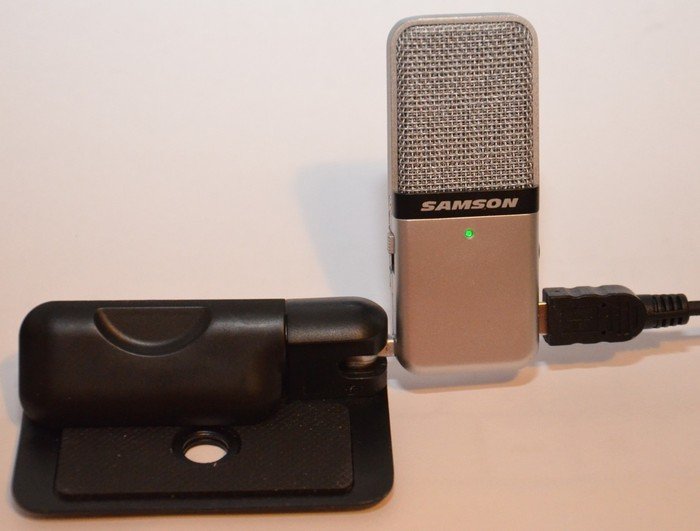
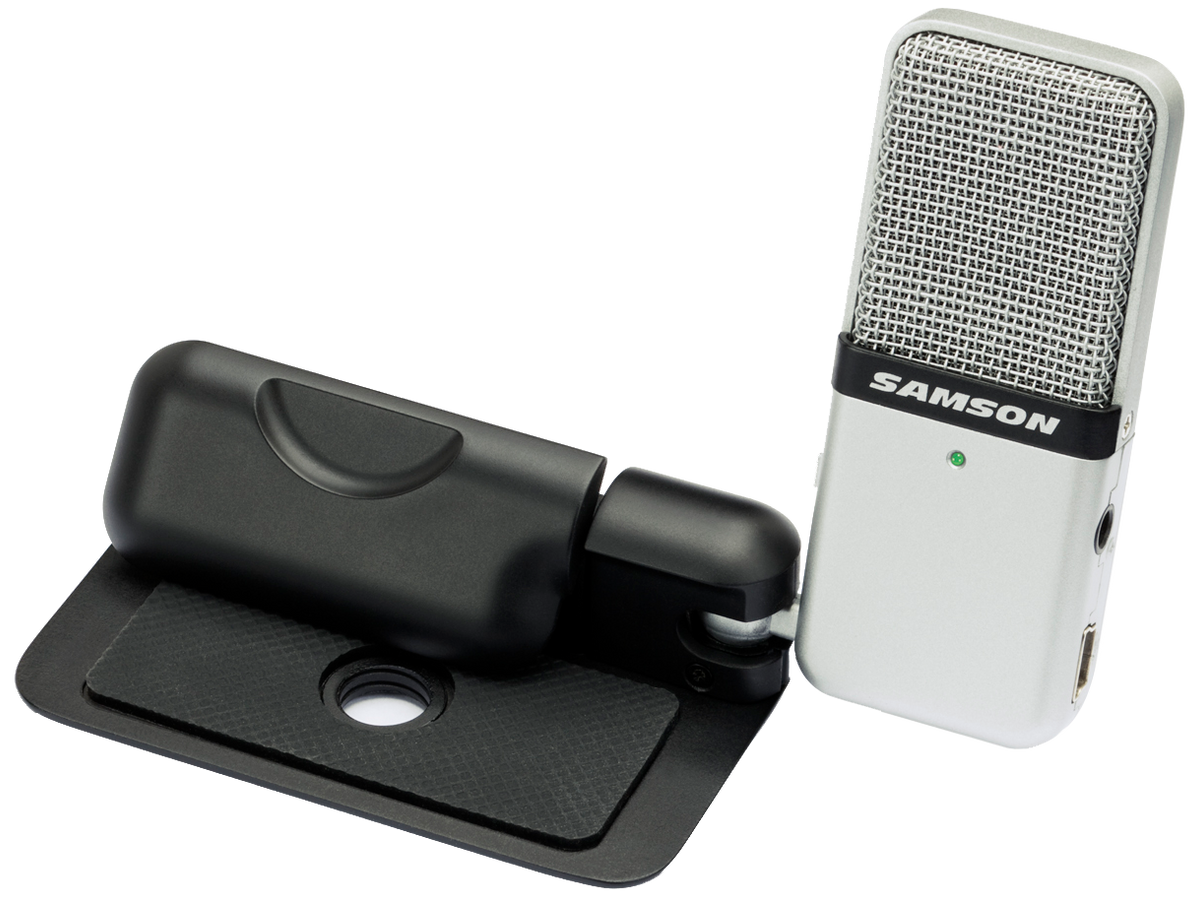
The Samson Go Mic is a compact, fold-up USB condenser microphone built for portable recording, podcasting, webcasting and live chat. Compact yet robust, it pairs a dual-pattern capsule (cardioid and omnidirectional) with onboard 16-bit/48 kHz A/D conversion and a headphone output for direct monitoring. Its clever clip design lets you mount it on laptop screens, use it as a desktop stand, or attach it to a standard mic stand with the included adapter. The Go Mic also features a 10 dB pad for hot sources, a peak LED to help set input levels, and software-controlled direct monitoring for zero-latency listening.
Key features and use
The Go Mic is plug-and-play on Mac and PC, recognized by standard USB audio drivers. It’s well suited for recording vocals, acoustic instruments, piano, and overhead drum cymbals, as well as for conferencing and VoIP. Cardioid mode isolates forward sound for focused recordings and feedback control; Omni mode captures 360° ambience for meetings or room tone. Placement guidance and proximity-effect tips help you tailor tonal balance — e.g., 4–18 inches for vocals, offset angles to reduce plosives, or mic placement near the guitar fingerboard or soundhole to shape low/high content.
The package includes a 10-foot USB cable, cable clip, mic stand adapter, and carry pouch for mobile use. The die-cast base and internal shock isolation enhance desktop stability and capsule protection, while the built-in headphone jack provides real-time monitoring and playback. Typical setup steps are simple: unfold and mount, select pattern, connect USB, select Go Mic in OS/DAW audio settings, set gain to avoid clipping, and record.
Practical tips
- Use Cardioid with the logo facing the source for vocal tracks; use Omni for group capture or ambient room tone.
- Engage the 10 dB pad when recording loud sources to avoid distortion.
- Employ direct monitoring to eliminate latency during live tracking; disable when you prefer software monitoring with effects.
- Use a pop filter or slight off-axis placement to reduce P-pops.
Notes
- Powered via USB bus — no external phantom power required.
- Compatible with most DAWs supporting USB Audio Class devices.
- Specifications: Cardioid 80 Hz–18 kHz, Omni 20 Hz–20 kHz; sensitivity ~ -47 dB; SPL 121 dB.
Search for 370 Manuals online


Type-in Brand or Model