
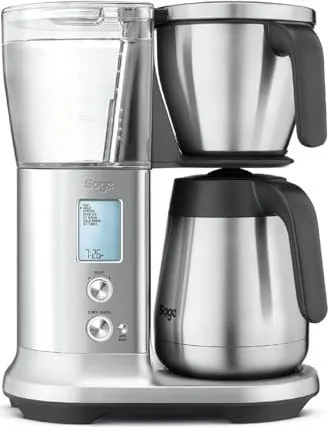
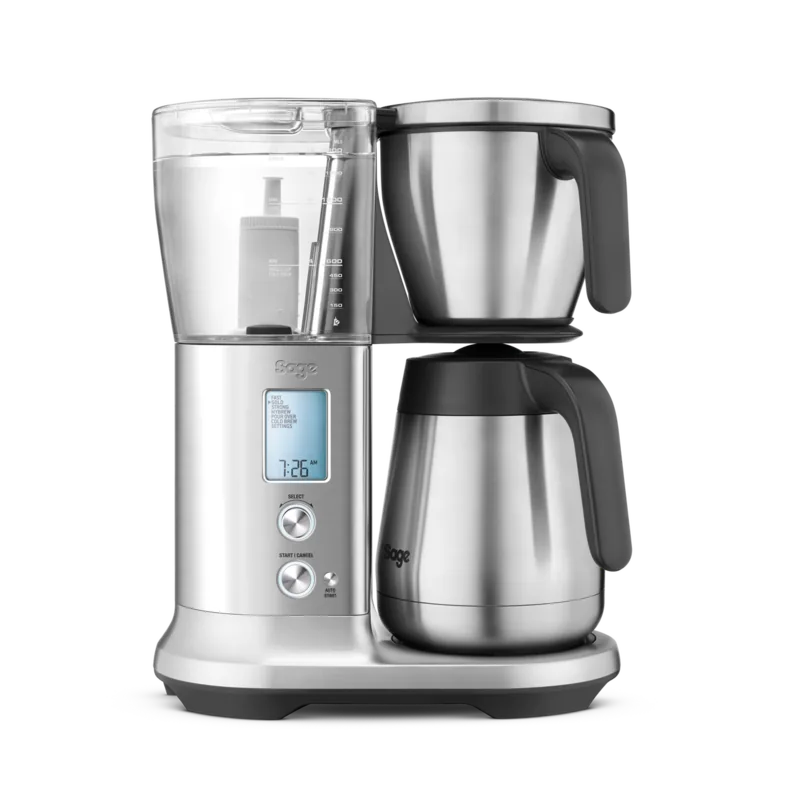
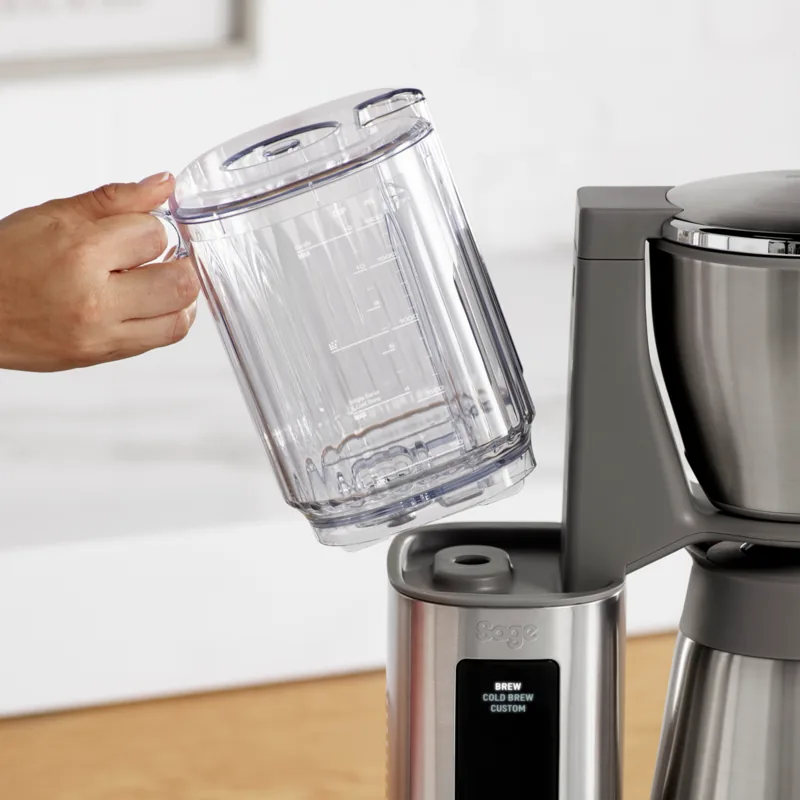
Sage Precision Brewer Thermal SDC450BSS Manual
PDF manual · 120 Pages
English



Quick check
Incorrect answer, please try again.
Chat with your Sage Precision Brewer Thermal SDC450BSS manual using AI
Get instant AI answers from your Sage Precision Brewer Thermal SDC450BSS manual
Ask anything about the Sage Precision Brewer Thermal SDC450BSS. Answers come from this manual, with the pages they are based on.
Precision Brewer Thermal SDC450BSS Maintenance Schedule
Empty and rinse the carafe and lid under warm running water after each use to prevent staining. Do not let brewed coffee stand overnight.
Simply wipe down the showerhead area periodically. For a thorough clean, remove the showerhead by unlocking the ring and rotate clockwise.
It is recommended to regularly inspect the appliance for damage or issues before use.
Replace the water filter cartridge when indicated on the LCD screen or after 3 months to reduce the need for descaling.
Descaling is required when 'DESCALE' flashes on the LCD or regularly due to hard water buildup. The cycle takes approximately 33 minutes.
Ask a Question
Do you recommend Precision Brewer Thermal SDC450BSS?
Yes NoFrequently Asked Questions
Fill the tank, turn the machine on. Select Hardness on the LCD. Test the provided strip for one minute. Match the strip result on the screen and press select to confirm.
Is this answer helpful?
No. Distilled or de-mineralized water can affect the taste and is not recommended. Use cold filtered tap water for the best flavor profile and machine health.
Is this answer helpful?
Check if the tank is full. Wipe the sensor prisms inside the tank with a soft cloth. Ensure there is no debris blocking the sensor detection from the water level.
Is this answer helpful?
Run the cycle when the screen flashes descale. This usually happens every few months depending on water hardness. A full cycle takes about thirty-three minutes.
Is this answer helpful?
The internal clock resets whenever the unit is unplugged. Keep the device plugged in to memory settings. Re-set the time after disconnecting for power outages.
Is this answer helpful?
Yes. It is designed to hold hot coffee for extended periods without a warming plate to prevent scorching. Do not place it on a hot surface to avoid insulation damage.
Is this answer helpful?
Press and hold the Auto Start button for three seconds until the display shows a lock icon disappears. This unlocks the controls for normal brewing operations.
Is this answer helpful?
Advantages and Disadvantages
Advantages

- Precision temperature control with multiple customizable brew modes
- Thermal carafe maintains heat without burning coffee like heater plates
- Auto Start feature allows you to wake up to fresh coffee daily
- Water hardness sensor automatically adjusts settings for local conditions
- Bloom time and flow rate adjustments for barista level customization
Disadvantages

- High initial cost compared to standard drip coffee makers on the market
- Learning curve is steep for first-time users trying new settings
- Requires regular descaling which takes over thirty minutes to complete
- Thermal carafe lid is not dishwasher safe and must be hand washed
- Single cup mode has limited volume options compared to carafe brewing
Product Specification
Power
1650 W
Color
stainless steel, black
Capacity
12 cups
Filter
Permanent filter, filter insert
Features
Aroma selection, Timer, Auto shut-off, Water level display (transparent), Integrated water filter, Adjustable water hardness, Anti-drip
Package contents
1x Thermal carafe
Product Description
The Comprehensive Guide to Mastering Your Coffee Machine
Brewing superior coffee at home requires precision and understanding of your equipment. The Sage SDC450BSS The Precision Brewer Thermal Manual outlines critical steps for maximizing performance and safety. This appliance brings barista level control directly into your kitchen for enthusiasts seeking consistency in every cup.
Exploring Brewing Modes
The machine features distinct modes including Gold for optimal extraction standards and Fast for speed lovers. Strong settings enhance richness while My Brew allows total customization of parameters. Users can adjust bloom time and water flow rate to suit personal preferences. Pour Over support exists for specific adapters though this requires separate purchase. The system recognizes water hardness automatically upon setup to prevent scaling issues over time.
Thermal Carafe Benefits
Unlike glass versions, the thermal carafe retains heat effectively without a base heater plate. This prevents the bitter taste associated with prolonged warming. The lid locks securely to reduce spill risks when pouring. Ensure the carafe is empty before insertion to prevent overflow during the initial brew cycle. Keep the unit unplugged when cleaning to avoid electrical shocks or component damage.
Safety and Maintenance Protocols
Hot surfaces on the shower head and carafe can cause burns if touched directly. Always use the handle when moving any liquid vessel. The machine requires regular descaling to maintain water flow efficiency. Replacing the water filter every three months reduces mineral accumulation significantly. Use distilled water only for cleaning, not for brewing as it alters taste profiles. Keep the power cord untangled and away from edges to prevent accidental disconnection.
Final Recommendations
Auto Start functionality allows scheduled brewing but requires correct clock settings. Be aware that unplugging resets the internal clock automatically. Child locks prevent unauthorized operation by engaging specific button combinations. The guarantee covers two years for domestic use against manufacturing defects. Inspect parts regularly for wear to ensure safe operation for all family members.
Notes for Daily Operation
- Fill the tank after placing the basket not before to avoid contamination.
- Do not leave brewed coffee in the pot to prevent staining.
- The sensor prisms must be wiped clean if errors persist.
- Wait for cooling before removing the brew basket entirely.
Detailed Setup Procedures
Initial setup involves filling the tank and setting hardness levels. The LCD screen guides you through flushing the unit before the first brew. Ensure the filter basket is empty when starting the cycle to check water flow. If the single cup mode activates, the volume is capped below specific lines. Follow these steps carefully to avoid overflow or wastage of precious coffee grounds during calibration.
Troubleshooting Common Issues
Errors often stem from improper water levels or dirty sensors. If the machine displays fill tank warnings, check the reservoir immediately. Steam output without water indicates descaling is needed due to internal buildup. The unit will not start without sufficient liquid detected in the sensors. Contact support if problems persist after standard cleaning attempts.
Optimizing Flavor Profiles
Experimenting with grind sizes and ratios enhances the final product quality. The scoop provided helps measure exact amounts for consistent results. Using more water increases volume but might dilute flavor if beans are fixed. The bloom phase releases carbon dioxide before full saturation for better extraction. Adjusting these factors takes practice but yields superior outcomes.
Additional Care Tips
Regular inspection of the carafe handle prevents accidents during pouring. Always remove the basket when the machine signals high temperatures to protect your hands. Avoid using abrasive pads on the housing to maintain the finish quality. The warranty claims process requires proof of purchase and contact with customer service.
Understanding Water Quality
Hard water affects brew temperature consistency more than you might think. The machine calculates settings based on detected hardness levels initially. Soft water might result in a faster extraction rate than expected. Testing strips help determine this value accurately for better brewing cycles.
Search for 67,706 Manuals online


Type-in Brand or Model
Eliza Schulist
7 months ago
Is the high price justified by the coffee quality?
Manual.ly
7 months ago
Yes, customers report excellent taste and fast brewing. Despite the cost, satisfaction is high, making it a worthwhile investment for daily use.