
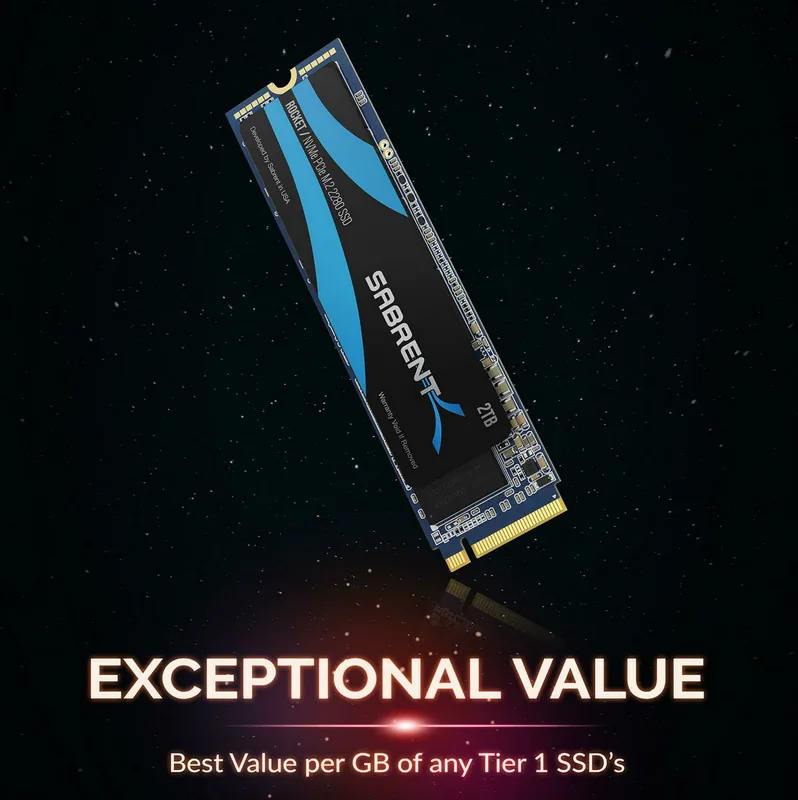
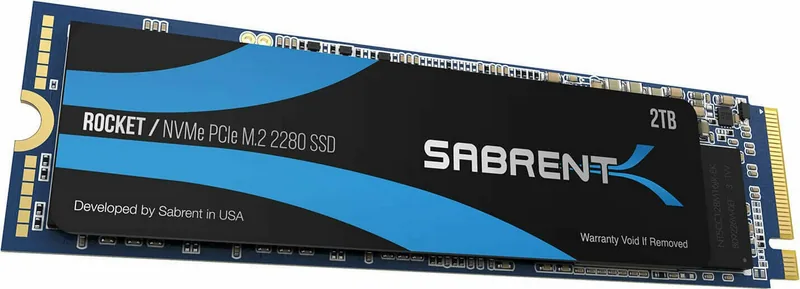
Sabrent Rocket Manual
PDF manual · 14 Pages
English



Quick check
Incorrect answer, please try again.
Chat with your Sabrent Rocket manual using AI
Get instant AI answers from your Sabrent Rocket manual
Ask anything about the Sabrent Rocket. Answers come from this manual, with the pages they are based on.
Ask a Question
Do you recommend Rocket?
Yes NoFrequently Asked Questions
The standard warranty is one year from the purchase date. If registered within ninety days of purchase, the warranty extends to five years. Proof of purchase is required for claims.
Is this answer helpful?
No. Sabrent does not provide any warranty for data stored on the product. Costs and expenses relating to data recovery are not covered under any circumstances during repairs or replacements.
Is this answer helpful?
Microsoft Windows 8.1 or Microsoft Windows 10 is recommended for proper PCIe and M.2 boot installation support. Other systems may not offer full compatibility.
Is this answer helpful?
No. Do not disassemble the product. The warranty is void if the unit is disassembled, damaged, or if any stickers and labels are removed from the product.
Is this answer helpful?
No. Sabrent products should not be used in medical, safety equipment, life support, or military applications where failure might cause harm. You assume all risks in such environments.
Is this answer helpful?
Advantages and Disadvantages
Advantages

- High-speed NVMe PCIe 3.1 x4 performance for fast data transfer
- Five year warranty available with product registration within ninety days
- Compatible with Microsoft Windows 8.1 and Windows 10 operating systems
- Supports both primary and secondary drive installation configurations easily
- Complies with FCC rules for indoor use safety standards
Disadvantages

- No warranty coverage for data recovery or data loss incidents
- Disassembling the unit voids the product warranty immediately
- Physical damage or deep scratches invalidate warranty protection
- Not designed for use in critical care or life support systems
- Improper packaging during shipping can invalidate warranty claims
Product Specification
Capacity
2TB (approx. 1862.65GiB or 1.82TiB, for more information)
Form
Solid State Module (SSM)
Form Factor
M.2 2280
Interface
M.2/M-Key (PCIe 3.1 x4)
Read Speed
3400 MB/s
Write Speed
2700 MB/s
IOPS 4K
490k read, 510k write
Memory Modules
3D-NAND TLC
Reliability Forecast
1.8 Million Hours (MTBF)
Controller
Phison PS5012-E12, 8 Channels
Protocol
NVMe 1.3
Security Features
256-bit AES
Power Consumption
5.7 W (max), 5.4 W (operating)
Dimensions
3.15x0.87x0.15 in (without heatsink)
Features
L1.2 Low-Power-Standby
Warranty
60 Months (Registration required! Standard Warranty: 1 Year)
Warning/Note/Trivia
Note: This SSD ships with either the Phison PS5012-E12 or E12S controller and may be equipped with memory modules from Kioxia (BiCS3/BiCS4) or Micron.
Product Description
Boosting Speed with Sabrent Rocket Install
Installing a new drive changes your computing experience significantly. The Sabrent Rocket 2TB, M.2 2280 / M-Key / PCIe 3.1 x4 Manual provides essential guidance for users upgrading their desktop systems to much faster storage performance today. This high-speed NVMe storage solution offers rapid data transfer rates compared to traditional spinning drives commonly used recently. Proper installation ensures optimal system stability and secure boot performance across various modern configurations. Users should prepare necessary tools like a screwdriver for opening the case and securing the hardware properly. Always back up data before beginning any hardware modification to prevent loss during the process safely.
Primary Drive Configuration Steps
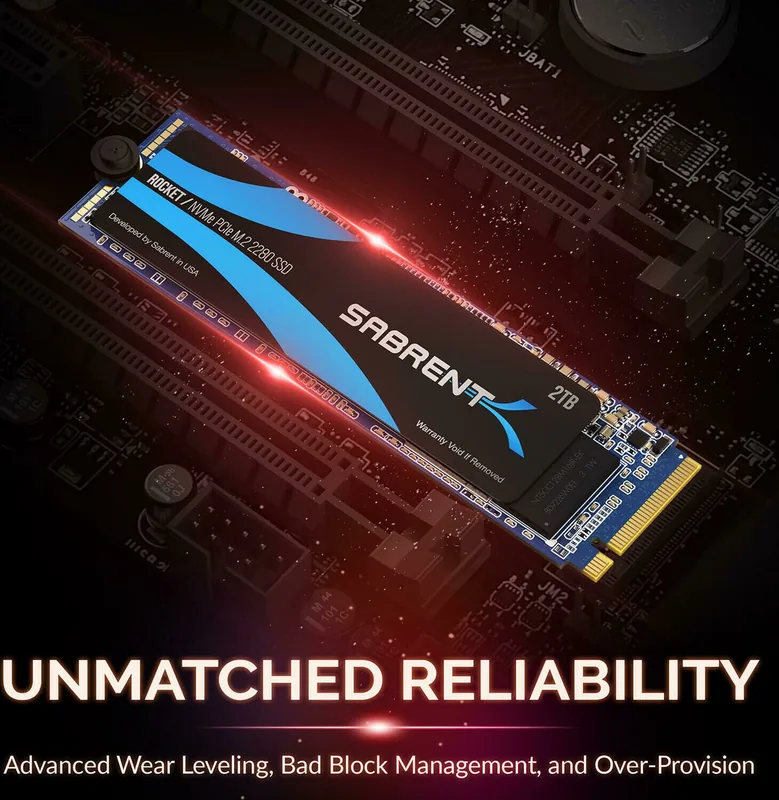
If using this hardware as a primary boot drive, BIOS settings must be adjusted carefully by the user. Access the motherboard BIOS during the boot sequence by pressing designated keys on the keyboard. Ensure PCIe devices are prioritized in the boot list for OS loading. Microsoft Windows 8.1 or Windows 10 is highly recommended for full boot compatibility support. Power down and disconnect power cords before connecting the device to the motherboard safely. Locate the M.2 slot and insert the pin-side first into the connector slot properly. Fastening the device prevents physical movement and electrical disconnects during operation effectively.
Secondary Drive Configuration Options
Alternatively, connect the SSD to an existing Windows system to expand storage capacity quickly. Initialize the drive via Disk Management after installation is successfully completed. You may choose between MBR or GPT partition tables depending on system legacy needs. Formatting the drive allows immediate data storage without additional software installation needed now. The wizard guides selection of volume size and drive letters for easy access to files.
Warranty and Care Guidelines
Protect the device against heavy shocks to avoid potential malfunction or data loss incidents. Disassembly voids the warranty immediately upon inspection by technicians. Removing stickers invalidates coverage regarding product authenticity. Sabrent offers a one-year standard warranty period from purchase date without registration. Registration within ninety days after purchase grants five years of protection for eligible items. Data recovery costs are not covered under any policy conditions provided. FCC rules apply for indoor use only to ensure no interference. California Proposition 65 warnings indicate chemical safety standards met for consumers.
Compliance and Safety Warnings
The product is not designed for life support or critical care systems where failure causes harm. Liability is limited to defects in material or workmanship excluding physical damages from mishandling. Unauthorized modifications or third party components void warranty protections automatically. Improper packaging during shipping can invalidate claims upon arrival at the facility. Sabrent reserves the right to change specifications without notice regarding product features. You assume all risks from using the product in non-guaranteed environments.
Following these steps ensures longevity for your hardware investment. Proper handling protects your investment. The Sabrent Rocket 2TB, M.2 2280 / M-Key / PCIe 3.1 x4 Manual serves as a reference.
Search for 67,706 Manuals online


Type-in Brand or Model