
Sabrent Rocket Nano Manual
PDF manual · 14 Pages
English



Quick check
Incorrect answer, please try again.
Chat with your Sabrent Rocket Nano manual using AI
Get instant AI answers from your Sabrent Rocket Nano manual
Ask anything about the Sabrent Rocket Nano. Answers come from this manual, with the pages they are based on.
Ask a Question
Do you recommend Rocket Nano?
Yes NoFrequently Asked Questions
You must register the product for free within ninety days of purchase. Visit the Sabrent website product registration page using your specific model number. This extends the standard one-year warranty to five years for defects in material and workmanship.
Is this answer helpful?
No. Sabrent products should not be used in critical care, life support, medical, safety equipment, or military applications. Failure in these environments could result in loss of life or physical harm. You assume all risks for such uses.
Is this answer helpful?
Sabrent does not provide any warranty for data stored on the product. The warranty does not cover costs and expenses relating to SSD overhaul, assembly, or data recovery for repairs or replacements. You should always backup important data.
Is this answer helpful?
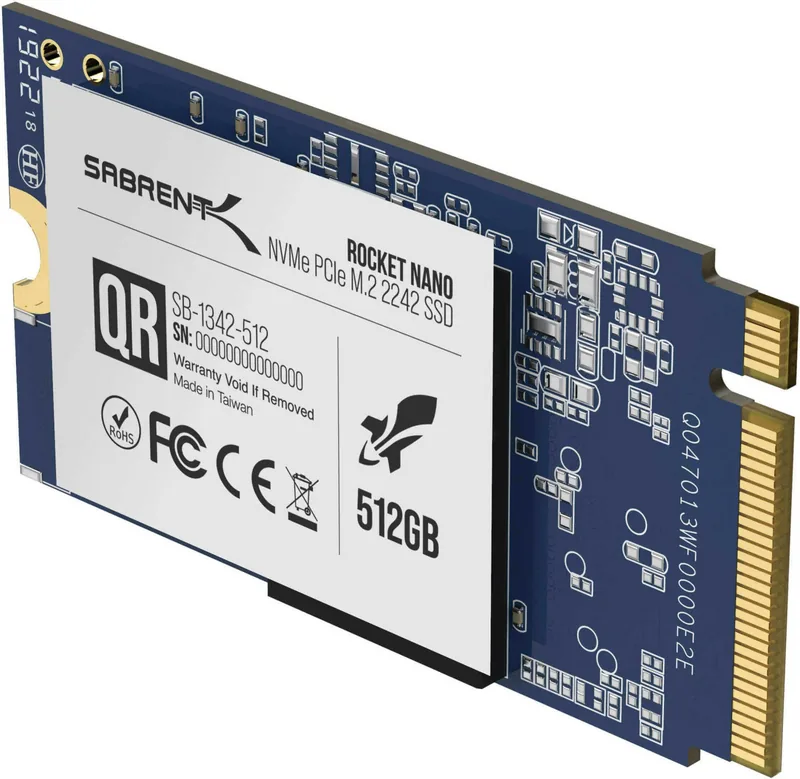
The product warranty will be void if the unit is disassembled, damaged, or if the stickers or labels attached to the product are removed. This applies to all SABRENT labels or barcodes on the product casing.
Is this answer helpful?
Microsoft Windows 8.1 or Microsoft Windows 10 is recommended for proper PCIe and M.2 boot support. You should also check your motherboard user manual for compatibility details regarding BIOS boot sequence settings.
Is this answer helpful?
Attach the driver and load Windows from your existing drive. Use Disk Management to initialize the SSD, select MBR or GPT partitioning, create a new simple volume, and assign a drive letter to make it ready for use.
Is this answer helpful?
Advantages and Disadvantages
Advantages

- Fast NVMe M.2 connection speeds via PCIe interface for better performance
- Extended five-year warranty available with free registration within 90 days
- Supports both primary drive boot and secondary data storage configurations
- Complied with FCC rules for indoor electronic equipment use
- Compatible with Windows 8 and Windows 10 operating systems
Disadvantages

- No warranty coverage is provided for data loss or data recovery expenses
- Warranty is void if the product casing is opened or labels are removed
- Device is sensitive to heavy shocks which may cause data loss
- Warranty is not transferable between different owners
- System BIOS must be configured correctly for boot sequence recognition
Product Specification
Module Type
Solid State Module (SSM)
Form Factor
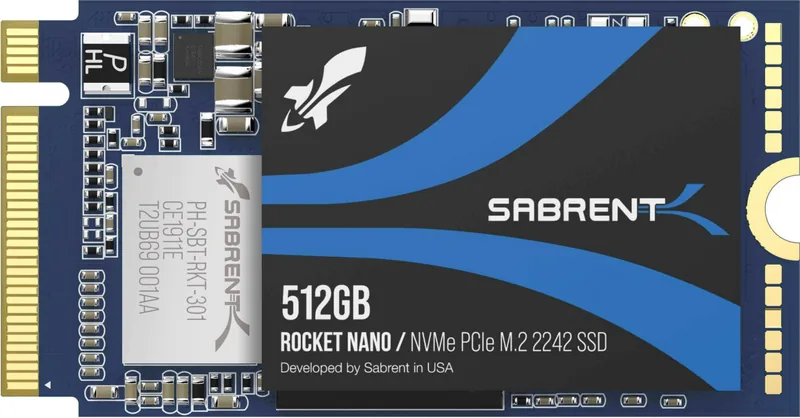
M.2 2242
Interface
M.2/M-Key (PCIe 3.1 x4)
Memory Type
3D-NAND TLC, Kioxia
Protocol
NVMe 1.3
Security Features
256-bit AES
Dimensions
1.65 x 0.87 x 0.14 in (without heatsink)
Features
L1.2 Low Power Standby
Warranty
60 months (Registration required! Standard Warranty: 1 year)
Product Description
Revolutionize Your PC Storage with the Sabrent Rocket Nano M 2
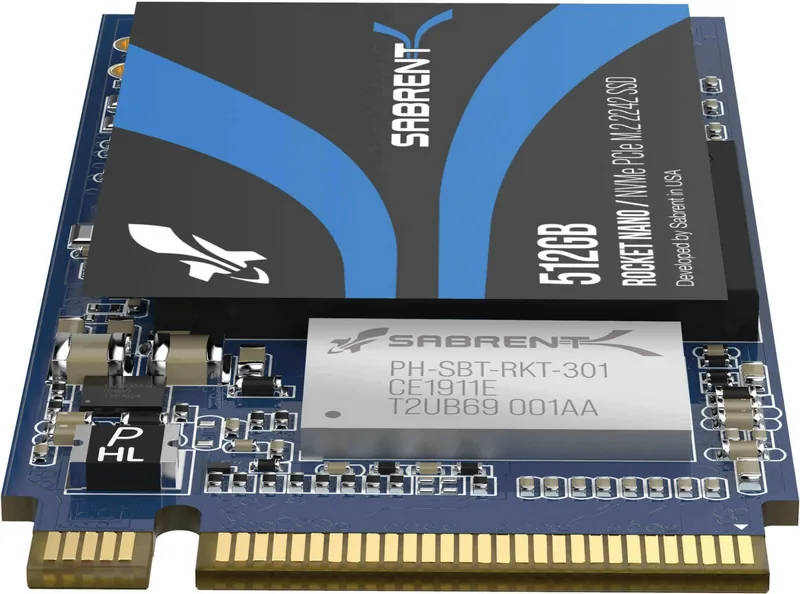
Building a new system or upgrading an old one requires careful selection of components. One vital piece often overlooked is the storage drive. The Sabrent Rocket Nano, M.2 offers a compelling solution for desktop users seeking speed and reliability. Whether you are a gamer, a content creator, or a business professional, having fast access to your files matters. This NVMe M.2 SSD connects directly to your motherboard via the PCIe interface, bypassing the bottlenecks of older SATA connections. It is designed to enhance productivity by reducing load times for applications and games.
Installation Overview
Installing the drive can serve multiple purposes depending on your needs. It can function as a primary drive for a brand new system or act as a secondary storage unit for extra data. For primary use, you must configure your motherboard BIOS to recognize the PCIe device in the boot sequence. This ensures your computer starts up from the new drive when powered on. Accessing the BIOS requires pressing specific keys during the boot process before saving settings. If using it as secondary storage, simply attach the device and initialize it within the operating system. Windows 8 and 10 are recommended for full support regarding boot and installation procedures. Initialization requires partitioning the drive either via MBR or GPT depending on system legacy needs.
Warranty and Support
Understanding the protection plan is essential for peace of mind. Sabrent provides a standard one-year warranty for owners who register their purchase within the original packaging timeframe. Free product registration extends this coverage to five years if completed within ninety days of purchase. This is a significant benefit for buyers who want long term assurance regarding material defects. However, the warranty excludes data loss completely. You must back up important data before installing the hardware. The manufacturer is not responsible for recovery costs during repairs.
Important Usage Notes
Physical care is critical for maintaining performance. The device should be protected against heavy shocks which could cause malfunction or data loss. Do not attempt to disassemble the unit as this voids the warranty immediately. Labels must remain intact to validate claims. Additionally, ensure the system is powered down completely before handling internal components. Safety guidelines also recommend avoiding use in medical or military applications where failure could be catastrophic. The available models include 512GB, 1TB, and 2TB capacities to suit different storage requirements. Always refer to the motherboard manual for slot orientation and screw placement before beginning the upgrade process. You are responsible for following all manufacturer instructions to maintain your system warranty coverage.
Final Notes
Remember that FCC rules apply for indoor use only. California Proposition 65 warnings may apply depending on region. Contact technical support for additional troubleshooting needs if issues arise during setup.
Search for 67,706 Manuals online


Type-in Brand or Model