
Sabrent Rocket 4 Plus Manual
PDF manual · 16 Pages
English



Quick check
Incorrect answer, please try again.
Chat with your Sabrent Rocket 4 Plus manual using AI
Get instant AI answers from your Sabrent Rocket 4 Plus manual
Ask anything about the Sabrent Rocket 4 Plus. Answers come from this manual, with the pages they are based on.
Ask a Question
Do you recommend Rocket 4 Plus?
Yes NoFrequently Asked Questions
Yes, because the drive generates significant heat at extreme speeds. While some motherboards have built-in heatsinks, you may need to add a separate one to avoid thermal throttling and maintain maximum performance.
Is this answer helpful?
Microsoft Windows 8.1 and Windows 10 are recommended for proper PCIe and M.2 boot support and installation functionality with this specific SSD model.
Is this answer helpful?
Open Disk Management in Windows, select MBR or GPT partition style, create a new simple volume, assign a drive letter, and format the partition to make it ready for use.
Is this answer helpful?
No, Sabrent explicitly states that their warranty does not cover costs related to data recovery, overhaul, or assembly of the SSDs during repairs or replacements.
Is this answer helpful?
Yes, registering your product on the Sabrent website within 90 days of purchase can extend your standard warranty period from one year to five years.
Is this answer helpful?
Advantages and Disadvantages
Advantages

- Delivers exceptional PCIe Gen4 read and write speeds for ultra-fast data transfers
- Compatible with built-in motherboard heatsinks or optional Sabrent copper-aluminum cooling solutions
- Available in multiple high-capacity sizes from 500GB up to 8TB for diverse needs
Disadvantages

- Requires active cooling or a heatsink to prevent thermal throttling during intense usage
- Warranty is void if the device is disassembled or if protective labels are removed
- Does not offer any warranty coverage for lost or corrupted data stored on the drive
Product Description
Unlocking Extreme Speed with the Sabrent Rocket 4 Plus M.2
The Sabrent Rocket 4 Plus M.2 stands as a pinnacle of modern storage technology, designed specifically for users who demand the absolute fastest data transfer speeds available on the market today. This advanced NVMe PCIe Gen4 x4 SSD is engineered to eliminate bottlenecks in high-performance computing environments, making it an ideal choice for gamers, content creators, and power users who need rapid access to massive files.
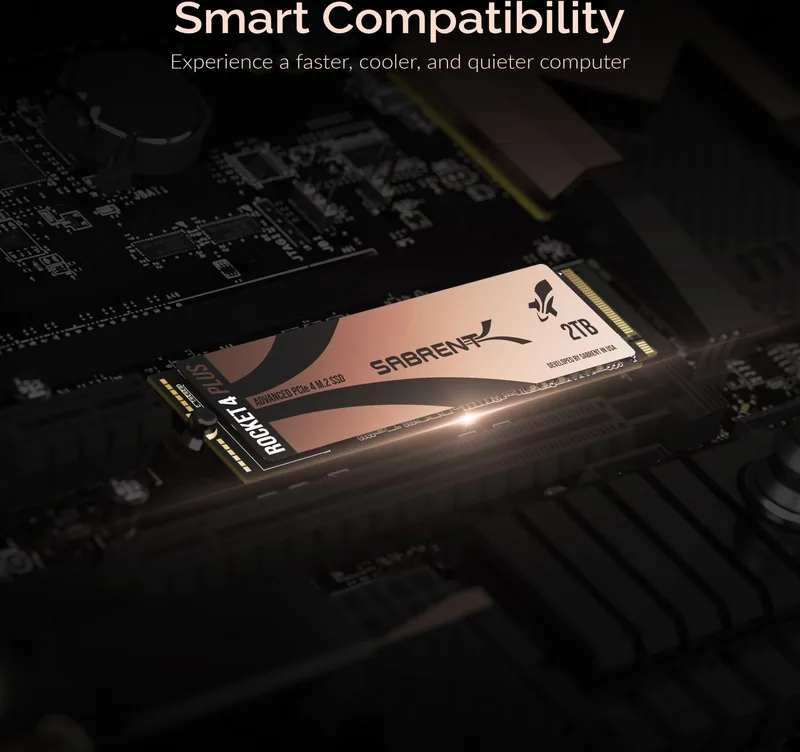
When installing this drive directly onto a compatible PCIe Gen4 motherboard, heat management becomes a critical factor due to the extreme speed levels generated by the hardware. To ensure optimal performance and prevent thermal throttling, effective cooling is essential. Many modern motherboards come equipped with built-in heatsinks that are sufficient for this purpose. However, if your system lacks integrated cooling, utilizing a dedicated heatsink is highly recommended. Sabrent has developed a state-of-the-art solution combining copper and aluminum to absorb heat efficiently and dissipate it through grooved surfaces, ensuring your drive maintains peak velocity without overheating.
Setting up the Rocket 4 Plus is straightforward whether you are building a new system or expanding an existing one. For primary drive installations, accessing your motherboard BIOS allows you to configure the boot sequence correctly. Once the drive is physically secured into the M.2 slot using the appropriate screw, initializing the disk within Windows via Disk Management prepares it for immediate use. As a secondary drive, the process involves similar steps but focuses on formatting and assigning a drive letter rather than setting it as the boot device. The guide recommends using Microsoft Windows 8.1 or 10 for full compatibility with PCIe and M.2 boot support.
Beyond raw speed, reliability is a cornerstone of the Rocket 4 Plus experience. The unit comes with a limited warranty that covers defects in material and workmanship, provided the product remains unaltered and properly installed. Users should always back up their data, as the manufacturer does not provide warranties for data loss. Protecting the device from heavy shocks and avoiding disassembly ensures that the warranty remains valid throughout its lifespan. With capacities ranging from 500GB to 8TB, there is a version of this powerhouse to suit every storage requirement.
Search for 67,706 Manuals online


Type-in Brand or Model