
Rotor 2INpower Road Manual
PDF manual · 32 Pages
English



Quick check
Incorrect answer, please try again.
Chat with your Rotor 2INpower Road manual using AI
Get instant AI answers from your Rotor 2INpower Road manual
Ask anything about the Rotor 2INpower Road. Answers come from this manual, with the pages they are based on.
Ask a Question
Do you recommend 2INpower Road?
Yes NoFrequently Asked Questions
It is used to measure cycling power and analyze pedaling efficiency. With the software, riders can monitor live performance data, review training files, and improve technique through detailed metrics.
Is this answer helpful?
Choose ANT+ or Bluetooth Smart, enter the Sensor ID found on the crank, and press Connect. Once paired, the top toolbar lets you move through the different sections of the software.
Is this answer helpful?
You can view power, cadence, left-right balance, torque effectiveness, pedal smoothness, and average values. Advanced mode also shows torque-based graphs for a more technical analysis.
Is this answer helpful?
Yes. Basic training mode lets you start and stop recording, save files in CSV format, and export selected files to FIT for broader training analysis and third-party platforms.
Is this answer helpful?
TORQUE 360 is an advanced graph that shows how force is applied throughout the pedal stroke. It helps identify efficient angles and shows how each leg contributes during the rotation.
Is this answer helpful?
Yes, calibration is part of the service tools and helps keep measurements accurate. The process is simple: position the cranks correctly, run calibration, and confirm the result.
Is this answer helpful?
No. INpower allows balance adjustment if you know your leg ratio, but 2INpower measures both legs independently and does not need manual balance configuration.
Is this answer helpful?
Advantages and Disadvantages
Advantages

- Detailed live metrics help riders analyze power, cadence, balance, and pedal smoothness during training.
- Dual connectivity options make setup flexible, with ANT+ support and Bluetooth Smart available on 2INpower.
- Advanced graphs provide a deeper look at torque, efficiency, and pedal stroke behavior.
- Service tools include calibration, firmware updates, and battery status checks for ongoing maintenance.
Disadvantages

- Setup requires compatible hardware like a USB ANT stick or Bluetooth Smart stick, depending on the connection type.
- The software depends on supported operating systems, so older or unsupported devices may not work well.
- Some functions differ by model, and balance configuration is limited to INpower only.
- The software notes that compatibility and proper operation are not guaranteed on every computer.
Product Specification
Type
Crankset
Colors
black
Mount
Spider (5-Arm)
Speeds
9, 10, 11
Crank arm length
6.50in, 6.69in, 6.79in, 6.89in
Battery life
300h (rechargeable battery)
Data transfer
ANT+, Bluetooth Smart
Weight
1.42lb (6.79in)
Product Description
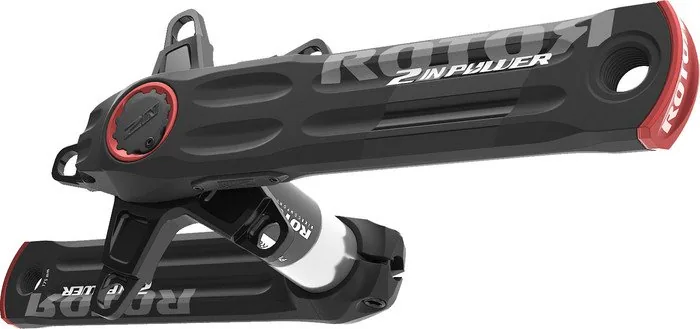
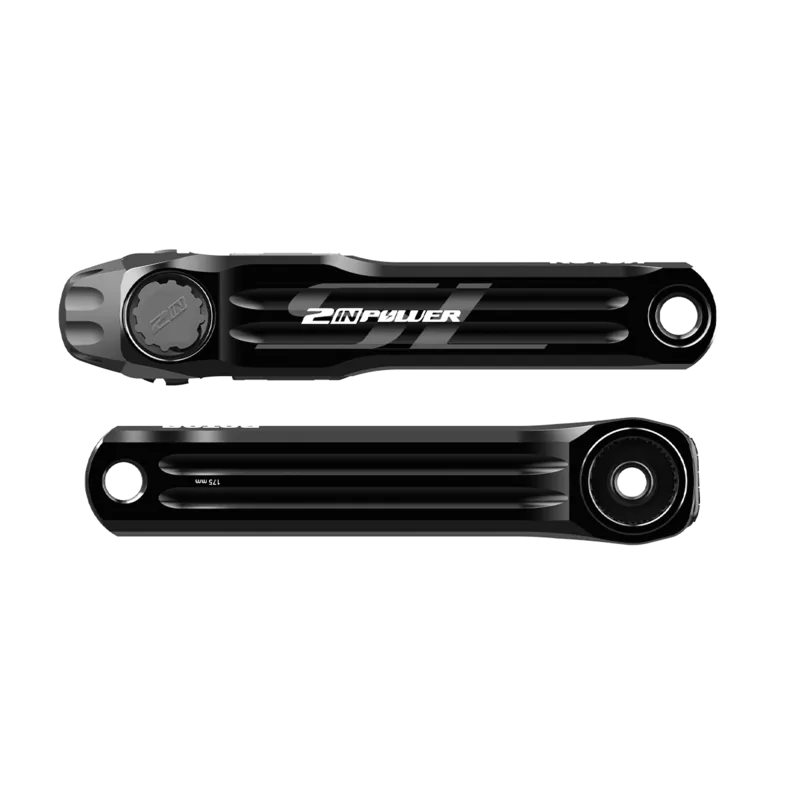
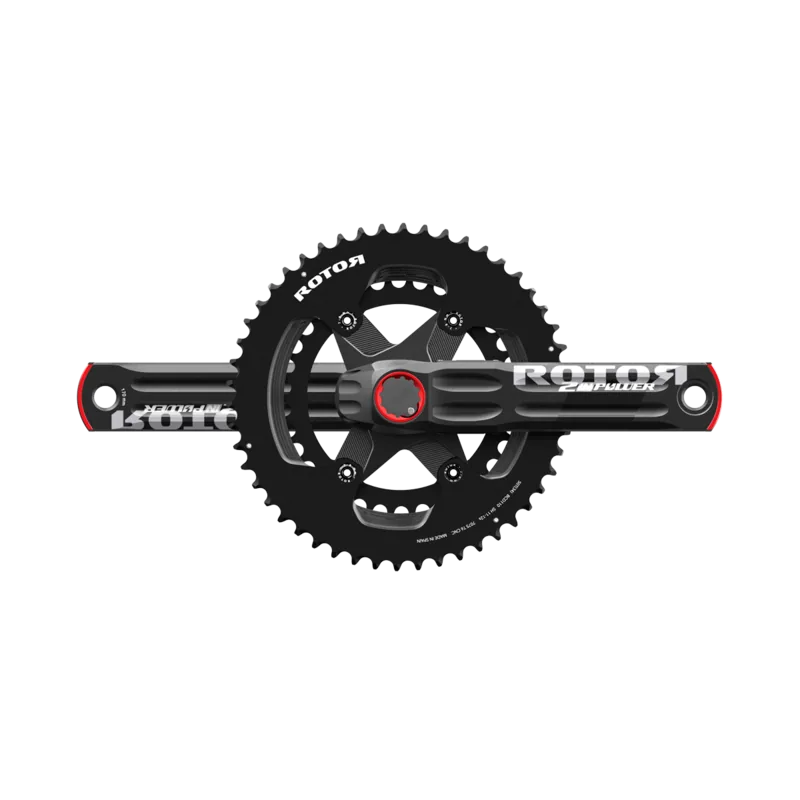
Rotor 2INpower Road Crankset: Smarter Power for Better Pedaling
The Rotor 2INpower Road crankset is built for riders who want more than basic watt readings. Paired with the Rotor 2INpower Road crankset Manual and the User Software, it becomes a practical tool for understanding how power is produced, how smoothly each pedal stroke flows, and how efficiently the rider moves through the full revolution. Instead of guessing at training quality, you get data that can guide every session.
What makes it stand out
This system is designed around detailed performance feedback. Once connected by ANT+ or Bluetooth Smart, the software lets you see live metrics such as power, cadence, left-right balance, torque effectiveness, and pedal smoothness. That means you can track not only how hard you ride, but also how effectively your effort is transferred into motion. For indoor training, this kind of visibility can be a major advantage.
The basic training mode keeps things simple and practical. Riders can start a session, record data, save files in CSV format, and export them to FIT for broader analysis. It is a clean setup for athletes who want reliable training records without unnecessary complexity. The interface also makes it easy to connect by entering the Sensor ID found on the crank.
Advanced analysis and service tools
For riders who want deeper insight, the advanced mode offers the TORQUE 360 view and a linear graph option. TORQUE 360 maps the pedal stroke in real time, showing where force is strongest and where the most efficient angle appears. The software also allows up to six adjustable parameters, combining fast and slow data sampling for a detailed picture of performance.
The service section adds another layer of value. Users can check battery information, review product details, calibrate the crankset, and update firmware when needed. In certain cases, INpower users can even fine-tune leg balance settings, while 2INpower provides dual-leg measurement directly. That makes the platform both technical and flexible.
Notes
- Requires compatible Windows or Mac systems.
- ANT+ support is broad; Bluetooth Smart applies to 2INpower.
- Calibration should be done carefully for best accuracy.
- Firmware updates help keep the crankset performing at its best.
In short, the Rotor 2INpower Road crankset is a serious training companion for cyclists who want precision, control, and deeper insight into every ride.
Search for 67,706 Manuals online


Type-in Brand or Model