
Rollei Steady Butler Mobile 2 Manual
PDF manual · 28 Pages
English



Quick check
Incorrect answer, please try again.
Chat with your Rollei Steady Butler Mobile 2 manual using AI
Get instant AI answers from your Rollei Steady Butler Mobile 2 manual
Ask anything about the Rollei Steady Butler Mobile 2. Answers come from this manual, with the pages they are based on.
Ask a Question
Do you recommend Steady Butler Mobile 2?
Yes NoFrequently Asked Questions
The app supports iOS 10.0 or higher and Android 5.0 or higher. Make sure your smartphone meets these requirements before installation.
Is this answer helpful?
Place the gimbal on the tripod or hold it, then slowly tilt the handle 90 degrees to the side. The gimbal will automatically align the phone for vertical recording.
Is this answer helpful?
The maximum usable load or payload capacity is 250 grams. Smartphones heavier than this may cause instability or motor strain.
Is this answer helpful?
The operating time is up to 12 hours when the smartphone is well balanced with the camera mounted and the gimbal is functioning correctly.
Is this answer helpful?
Calibration is recommended if the tilt angle is not level or if the roll angle is not parallel to the horizontal surface. Use the app to start the IMU calibration.
Is this answer helpful?
The package includes the gimbal, tripod, Micro USB cable, user manual, and a carrying loop. The smartphone itself is not included.
Is this answer helpful?
It is highly recommended to remove the phone case for proper balancing and stability, but it depends on the case thickness and material.
Is this answer helpful?
Advantages and Disadvantages
Advantages

- Ultralight construction makes it easy to carry during long shoots.
- Battery lasts up to 12 hours when well balanced.
- Three-axis stabilization supports 330 degree rotation.
- Seamless switch between horizontal and vertical shooting modes.
- Includes powerbank output to charge the smartphone during use.
Disadvantages

- Charging time takes approximately 4 hours to full capacity.
- No power adapter is included in the standard package.
- The maximum supported weight is 250 grams.
- Battery cannot be replaced by the user independently.
- An adapter is required for direct outlet charging.
Product Specification
Compatibility
Smartphone
Pan Axis
330°
Roll Axis
160°
Tilt Axis
310° (+155° to -155° mechanically)
Max Load
0.55 lbs
Display
No
Connection
USB Micro-B
Power Supply
Battery
Operating Time
12h
App Control
Yes
Handling
One-handed
Features
Joystick, Charging function for external devices, Accessory Mount (1x 1/4"), Tripod (removable)
Dimensions
6.89x2.17x2.09in
Weight
1.03 lbs
Product Description
Rollei Gimbal Steady Butler Mobile 2 Review
Elevate Your Mobile Photography
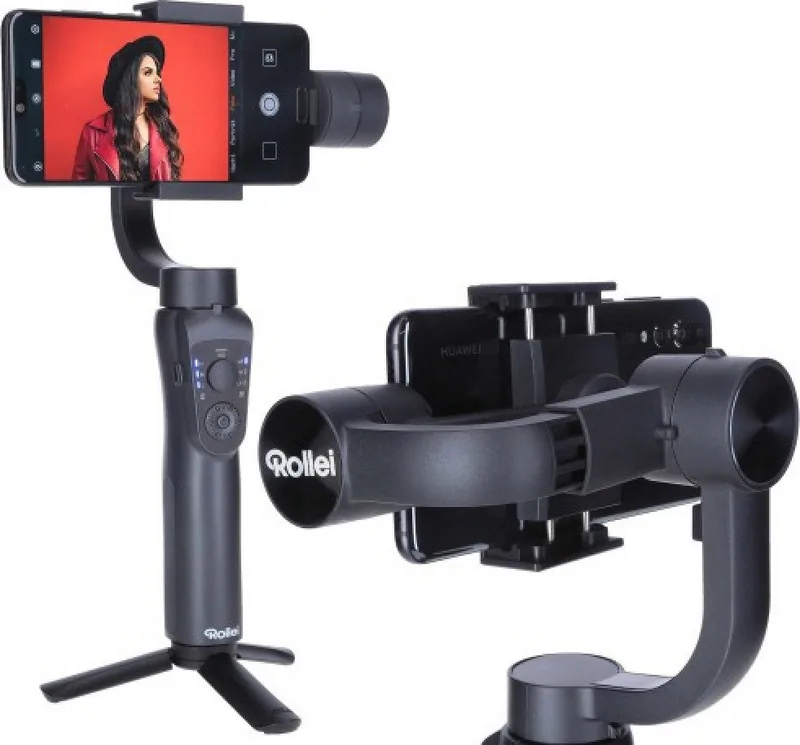
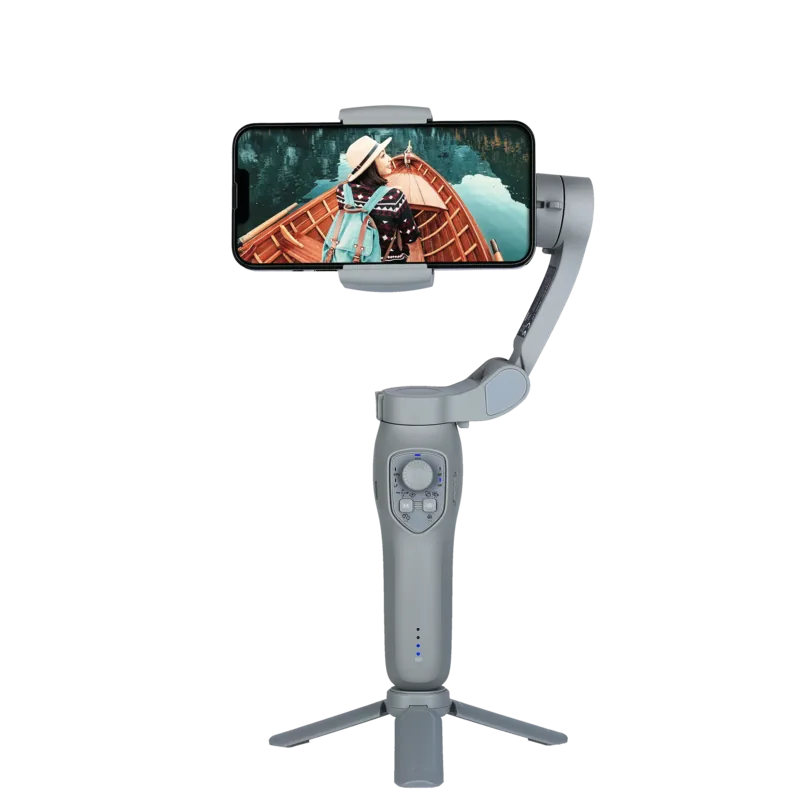
The Rollei Gimbal Steady Butler Mobile 2 is designed for creators who demand stability without the bulk. This device features a robust and ultralight construction, perfect for handheld vlogging and cinematic shots. It weighs only 465 grams, making it easy to carry during long shoots. The product design ensures durability while maintaining a sleek profile. Users can find detailed guidance in the Rollei Gimbal Steady Butler Mobile 2 Manual.
Installation and Operation
Setting up the system is straightforward for most users. First, download the Rollei Smart Gimbal 2 app on your smartphone. Ensure you have iOS 10.0 or higher. Mount your phone securely in the holder with the home button near the tilt motor. The gimbal balances the device automatically when calibrated correctly. If the motor vibrates, reposition the phone to balance the center of gravity. This ensures smooth footage.
Features and Design
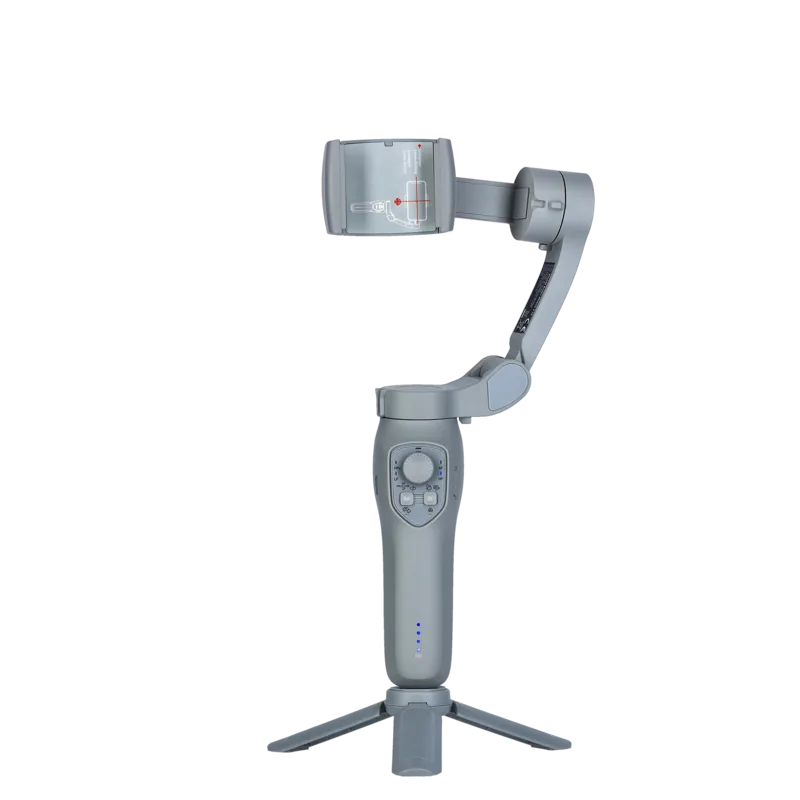
The gimbal includes a joystick for intuitive control and specific buttons. A zoom wheel adjusts the view directly on the phone. It supports full range of motion across three axes. It pans 330 degrees, tilts 330 degrees, and rolls 160 degrees. A switch allows users to toggle between modes like All Follows or Locked. This provides flexibility for different shooting scenarios.
Battery Life and Charging
The battery lasts up to 12 hours when the smartphone is well balanced. Charging takes approximately 4 hours via the Micro-USB port. LED indicators show the charge status from 0 percent to 100 percent. There is also a USB port to charge your smartphone while shooting using the powerbank output feature. An adapter is needed but not included in the box.
Connectivity and Modes
Bluetooth connectivity links the gimbal to the phone for direct control. You can rotate the gimbal 90 degrees to switch from horizontal to vertical mode seamlessly. This feature is ideal for social media content creators. The app settings control zoom and focus on supported devices. Compatible models include iPhone, Samsung Galaxy, and Huawei smartphones within weight limits.
Maintenance and Care
Always ensure the smartphone is tightly fixed to prevent shakes. Follow the instructions provided for the best experience. If the axes are not level, calibrate the IMU through the app. Never dismantle or short the battery to prevent damage. Dispose of waste correctly according to environmental regulations.
Conclusion
Whether for professional or casual use, this tool delivers stability and ease. It comes with a tripod and USB cable for immediate use. Ensure the phone fits within weight limits for optimal performance. The package includes a carrying loop for extra convenience.
Search for 67,732 Manuals online


Type-in Brand or Model
Sarah Schmidt
6 months ago
Are there known compatibility issues with specific Samsung models or Android versions due to connection drops reported by users?
Manual.ly
6 months ago
Thank you for your inquiry. While our gimbal is compatible with most Android and iOS devices, some users with older Samsung models have reported occasional connection instability. We recommend enabling GPS during the initial pairing process as it can help establish a stronger signal connection. Additionally, please ensure both the gimbal firmware and the companion app are updated to the latest versions. For heavier devices, careful balancing on the second stage is often recommended for optimal stability.