
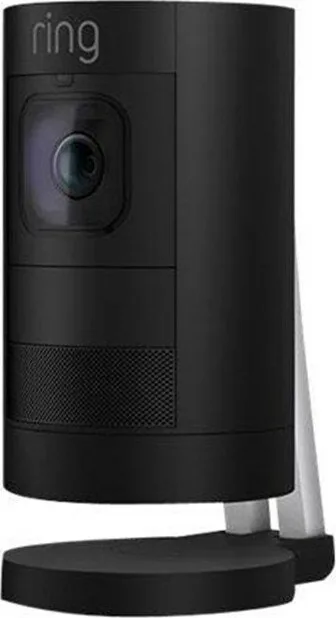
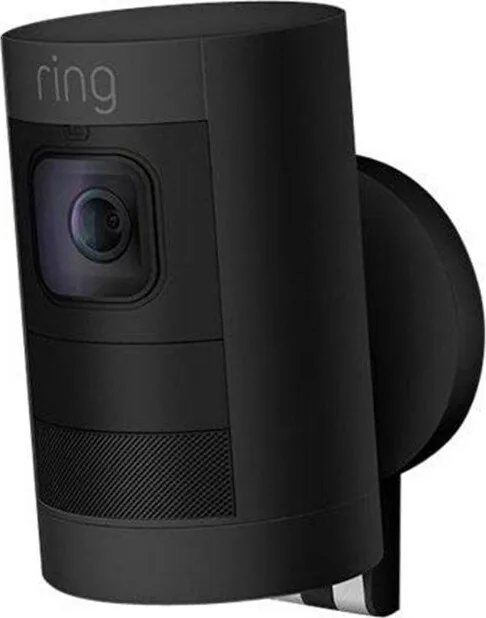
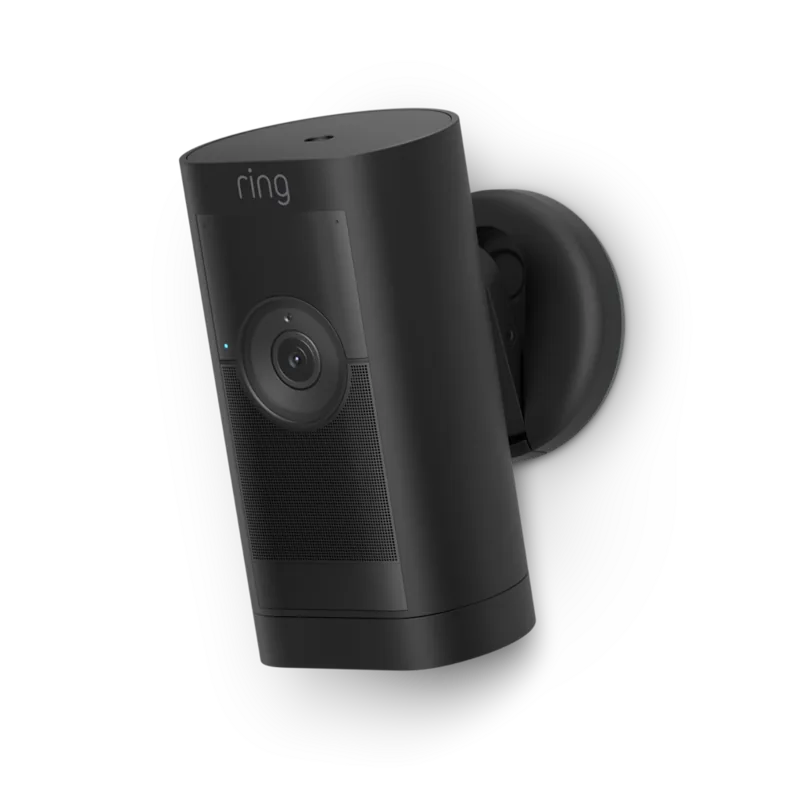
Ring Stick Up Cam Battery Manual
PDF manual · 7 Pages
English



Quick check
Incorrect answer, please try again.
Chat with your Ring Stick Up Cam Battery manual using AI
Get instant AI answers from your Ring Stick Up Cam Battery manual
Ask anything about the Ring Stick Up Cam Battery. Answers come from this manual, with the pages they are based on.
Ask a Question
Do you recommend Stick Up Cam Battery?
Yes No
Lexie Dietrich
5 months ago
Is this camera suitable as a baby monitor for a nursery, and does it work with Alexa?

Manual.ly
5 months ago
Yes, this device is highly effective as a baby monitor or nursery camera. It features an excellent wide-angle lens that provides a complete view of the room without blind spots. Additionally, it integrates seamlessly with Alexa for enhanced convenience. The app functions smoothly on both mobile devices and PC, and the unit boasts good build quality along with a long-lasting battery.
Melyna Cole
5 months ago
Does this camera have a wide enough field of view to see the entire room clearly?
Frequently Asked Questions
Remove the battery cover and connect the battery to a USB power source using the provided orange cable. Wait until the LED light stops blinking and remains solid to indicate a full charge.
Is this answer helpful?
Yes, the Ring Stick Up Cam Battery is weather-resistant and can be installed both indoors and outdoors on walls, ceilings, or flat surfaces.
Is this answer helpful?
You need the included wall bracket, screws, and a Phillips screwdriver. Remove the stand, attach the bracket to the wall, and slide the camera onto the hooks.
Is this answer helpful?
No, the camera requires a Wi-Fi connection to function, send alerts, and stream live video to your smartphone via the Ring App.
Is this answer helpful?
You can install optional safety screws into the base and battery compartment to secure the camera to its mount or surface, deterring removal.
Is this answer helpful?
The manual content is integrated into the Ring App setup process, but detailed guides are also available on the Ring website under the support section.
Is this answer helpful?
Advantages and Disadvantages
Advantages

- Wireless battery operation allows flexible indoor and outdoor placement without wiring.
- Easy setup process guided by the intuitive Ring mobile application.
- Versatile mounting options include table, wall, and ceiling configurations.
- Real-time live video streaming provides immediate visual monitoring.
- Optional safety screws help deter theft of the camera unit.
Disadvantages

- Battery requires regular recharging which may interrupt continuous monitoring.
- Safety screws require a separate Phillips screwdriver not included in the box.
- Ceiling mounting requires purchasing a separate accessory not included.
- Wi-Fi signal strength is critical for stable connection and video quality.
- Initial setup requires a strong internet connection and specific password.
Product Specification
Resolution
1920x1080 pixels
Viewing angle
110 degrees (horizontal), 57 degrees (vertical), 130 degrees (diagonal)
Wireless
Wi-Fi 4 (WLAN 802.11b/g/n)
Microphone
integrated
Speaker
integrated
Lighting
IR lighting (33 feet)
Power supply
battery, solar-powered
Protection class
IP64
Housing
black, suitable for outdoor use
System control & operation
Mobile app (Android, iOS)
Zones & analysis functions
motion detection
Features
integrated siren
Manufacturer warranty
1 year
Product Description
Enhance Your Home Security with the Ring Stick Up Cam Battery
The Ring Stick Up Cam Battery black is a versatile security solution designed to protect your home inside and out. This sleek, all-black camera offers flexibility in placement, allowing you to set it up on a flat surface like a shelf or mount it securely on a wall. Its battery-powered design eliminates the need for complex wiring, making installation quick and convenient for any homeowner.
Setting up the device is straightforward using the Ring App. After downloading the application from your preferred app store, you will be guided through connecting the camera to your Wi-Fi network. Before starting, ensure your battery is fully charged by connecting it to a USB power source until the LED indicator shows a solid light. Once charged, insert the battery into the camera, replace the cover, and follow the in-app instructions to complete the setup process.
Installation options are extensive. For tabletop use, simply place the camera on a stable surface and adjust the angle as needed. If you prefer a more permanent solution, the camera can be wall-mounted using the included bracket. The unit also supports ceiling mounting when paired with a separate ceiling mount accessory. You can even secure the camera against theft by installing optional safety screws into the base or battery compartment.
Once installed, you can view live video feeds directly through the Ring App to monitor your property in real-time. Whether you are checking on deliveries, watching over pets, or securing an entryway, this camera provides reliable performance. It works seamlessly with other Ring devices to create a comprehensive smart home security ecosystem.
Important Notes
- Always ensure the battery is fully charged before first use.
- Use a Phillips screwdriver for optional safety screw installation.
- Check the live feed after installation to confirm the viewing angle is correct.
- Contact Ring support via their website or phone numbers if you encounter issues.
Search for 67,732 Manuals online


Type-in Brand or Model
Dominic Carter
10 months ago
Can this camera really be used as a baby monitor for a kids room, and can I view the feed via Alexa or on my PC?
Manual.ly
10 months ago
Yes. It works well as a baby cam because you get a full-room, wide-angle view, so you can monitor the entire area comfortably. The device has good build quality and strong battery life for everyday use. You can watch the live feed through the companion app, and it can also be used with Alexa for convenient viewing. In addition, it is usable from a PC, so you can check the camera without relying only on your phone.