
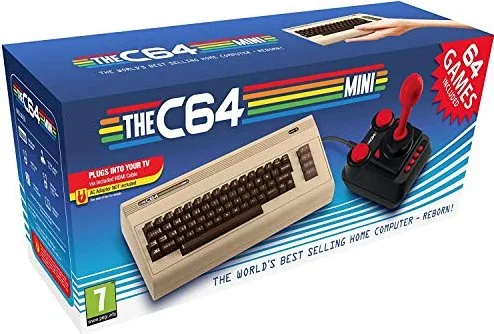
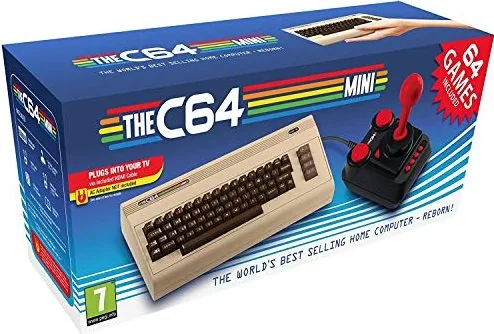
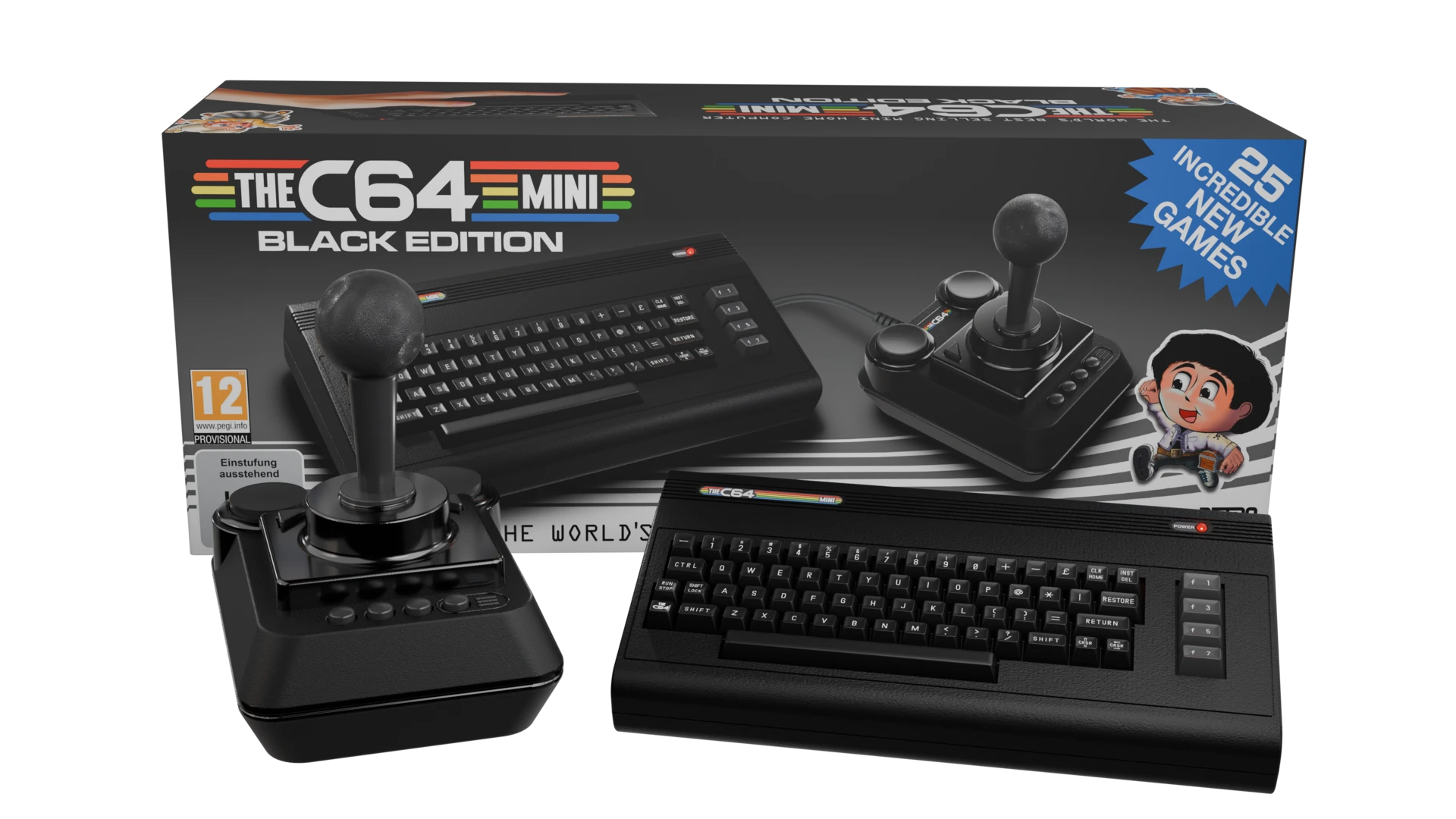
Retro Games The C64 Mini Manual
PDF manual · 34 Pages
English



Quick check
Incorrect answer, please try again.
Chat with your Retro Games The C64 Mini manual using AI
Get instant AI answers from your Retro Games The C64 Mini manual
Ask anything about the Retro Games The C64 Mini. Answers come from this manual, with the pages they are based on.
Ask a Question
Do you recommend The C64 Mini?
Yes No
Lukas Schmid
9 months ago
Does the built-in keyboard work, and how good is the included joystick? I want to know what to expect for real gameplay and not just nostalgia.

Manual.ly
9 months ago
The built-in “keyboard” is decorative and its keys are not functional for gameplay (including BASIC input). If you want to type commands, you can connect a standard USB keyboard to one of the USB ports. The included joystick is functional, but many users report it feels less precise and the quality can be inconsistent (some describe it as loose or prone to breaking, and the cable can be short). For the best experience, update to the latest firmware and consider using a supported USB joystick/gamepad instead of relying only on the included one.
Thomas Schmidt
6 months ago
Is the included joystick durable enough for regular play, and does the keyboard work for typing or coding?
Manual.ly
6 months ago
Thank you for your inquiry. The built-in keyboard is decorative and not functional; we recommend an external USB keyboard for programming. The joystick is suitable for most classic games, though some users prefer an aftermarket controller for long sessions. Please ensure you run the latest firmware update via USB stick to access the full library of games and improve peripheral compatibility. We hope you enjoy the nostalgic experience!

Michelle Parker
8 months ago
I want to buy this, but some reviews say the controller feels cheap and breaks easily. Is there a warranty on it? Also, since only one is included, can we add a second one for multiplayer games?
Manual.ly
7 months ago
Thank you for your question. We understand the concern about the joystick quality. While the controller is designed for retro play, we have received feedback regarding durability. For multiplayer, please be aware only one controller is included in the box. You can connect additional USB joysticks or gamepads to enable two-player mode. Many users report success with third-party controllers or official replacements after a firmware update. We recommend purchasing a backup controller if you plan on extended use. Please contact support if you experience hardware failure within the warranty period. We hope this helps you enjoy your new retro system.
Video Manual
THEC64 User Manual Book Review
Frequently Asked Questions
Use the provided Micro-USB to USB power supply connected to a 5v 1a certified adapter. Do not use while games load to avoid data loss or hardware damage during operation sequence.
Is this answer helpful?
Yes. The system has four save slots per game. Use the pause menu to save or load specific progress points quickly. This allows you to resume from where you left off anytime.
Is this answer helpful?
The front keys are cosmetic. Use the joystick with on-screen keyboard or connect a USB keyboard for input. This ensures full C64 functionality without relying on the non-functional plastic keys.
Is this answer helpful?
Menu languages are selectable at startup. Game text is mostly English but UI supports multiple region settings. You can choose your preferred language from the system options menu.
Is this answer helpful?
Download file to FAT32 USB stick. Plug stick in while joystick connected. Follow menu prompts to apply update. Ensure the file is placed directly on the stick without renaming.
Is this answer helpful?
Only THEC64 joystick or standard USB keyboards work. Other USB devices may not be recognized or function correctly during gameplay and could impact performance negatively.
Is this answer helpful?
Warnings exist regarding epilepsy and flashing lights. Take breaks every hour. Avoid using in dark rooms. This prevents health issues related to visual stimulation from older game graphics.
Is this answer helpful?
Advantages and Disadvantages
Advantages

- Authentic retro design with modern USB connectivity options for flexibility
- Includes functional joystick and extensive save state options for progress
- Supports external USB keyboards for full key access and typing convenience
- Pre-installed library requires no additional purchases for immediate fun
- CRT filter modes offer authentic viewing experience similar to 1980s sets
Disadvantages

- Physical keyboard is decorative and cannot be used for typing data
- Virtual keyboard input can be slow for complex text entry tasks
- System restarts automatically after firmware update installation completes
- USB peripheral recognition fails if plugged in during active gameplay session
- Save slots are limited to four per game title only for storage
Product Specification
Connections
3 USB, 1 HDMI
Power Supply
USB
Package Contents
C64 Mini Console, Joystick, HDMI Cable, USB Cable, 64 Games (Pre-installed)
Note
USB power adapter not included
Product Description
Welcome to the Retro Games Ltd. The C64 Mini
Step back into the vibrant world of 8-bit computing with THEC64 Mini by Retro Games Ltd. This modern recreation captures the essence of the beloved Commodore 64 home computer system from 1982. The unit features a sleek, compact design that fits perfectly on any desk while providing an authentic nostalgic experience for veterans and newcomers alike. The aesthetic keyboard remains non-functional to preserve the original look, but gameplay flexibility is maintained through other input methods which ensures accessibility for everyone.
Pre-Installed Classics and Convenience
The console arrives with a curated library of classic games already installed on internal memory. You do not need cartridges or external media to start playing immediately after opening the box. Just connect the included components to your television using the provided HDMI cable. The package contains THEC64 Mini, a dedicated joystick, power supply, and necessary cables for a hassle-free setup. This allows immediate play without needing to hunt for old software or expensive hardware repairs.
Advanced Control Systems and Menu Navigation
Input is handled primarily through the included THEC64 Joystick, which connects via USB port. It offers multiple buttons for combat and menu navigation including fire, pause, and select actions. For games requiring text input, a virtual keyboard appears on screen, controlled entirely by the joystick. Alternatively, connect a standard USB keyboard to access the full range of C64 keys including function keys and special graphics characters. The menu system allows language selection and display configuration for optimal visual quality.
Save States and Customization
One of the major improvements over the original hardware is the save state functionality. Players can store their position in four unique game slots per title. The system allows for different display modes including CRT filters to mimic old television sets. Region settings adjust the screen aspect ratio to match European or North American standards for accuracy. System updates can be performed easily using a USB stick to ensure the device remains current and bug free.
Safety and Support Details
The hardware meets European safety standards for electricity and environmental recycling. Important warnings exist regarding epilepsy and flashing lights during intense play sessions to protect viewer health. The manufacturer provides a support channel for technical questions regarding firmware or peripherals via email or website. Regularly visit the official website for the Retro Games Ltd. The C64 Mini Manual to learn about forums and additional tips. With this device, you own a piece of gaming history that is ready to run today.
Search for 67,706 Manuals online


Type-in Brand or Model
Hans Mueller
8 months ago
Is the included joystick durable enough for long gaming sessions, and can I connect a second controller for multiplayer?
Manual.ly
8 months ago
The console includes one joystick designed for retro play. Please note that the joystick is made of plastic and some users report it may feel loose or wear out over time with heavy use. For two-player games, you can connect additional USB gamepads, but a second controller is not included and must be purchased separately. The system supports firmware updates which improve compatibility with modern USB inputs. If you experience hardware issues, please check the warranty policy.