
Remington Heritage HC9100 Manual
PDF manual · 132 Pages
English



Quick check
Incorrect answer, please try again.
Chat with your Remington Heritage HC9100 manual using AI
Get instant AI answers from your Remington Heritage HC9100 manual
Ask anything about the Remington Heritage HC9100. Answers come from this manual, with the pages they are based on.
Heritage HC9100 Maintenance Schedule
Remove fixed blade screws with hex screwdriver, brush hair between blades without removing lubricating grease, realign if necessary, and oil gliding surfaces.
Brush hair from blades, rinse if needed, dry thoroughly, remove blade set, and apply 1-2 drops of oil to tips and back gliding surfaces.
Free maintenance reminders
Timed to your purchase date. Always free, unsubscribe anytime.
Ask a Question
Do you recommend Heritage HC9100?
Yes NoFrequently Asked Questions
The manual states the runtime from a fully charged battery is up to 60 minutes. Charging from empty takes about 4 hours, and LED indicators help you monitor low battery and charging status.
Is this answer helpful?
Yes. The clipper supports corded use, and the charging indicator behavior is described for when it is connected. However, the manual warns that frequent or extended cord-only use can reduce battery life.
Is this answer helpful?
The manual indicates the blade set can be rinsed under an open water tap when needed, especially for deeper cleaning. It also warns that the main body is not washable or water resistant, so do not submerge or wash the main unit.
Is this answer helpful?
Yes, the manual recommends oiling after cleaning and drying. It suggests adding 1 or 2 drops to the blade tips and a drop on the gliding surfaces after each use, and also recommends oiling after fully drying for best performance and longevity.
Is this answer helpful?
Guide combs attach to the detachable blade set and help you achieve consistent lengths. The manual provides a step-by-step approach for nape, back, sides, and top, typically using shorter combs for the sides and longer fixed comb lengths for the top.
Is this answer helpful?
Inspect the clipper to ensure it is free from hair and dirt. Seat the person at about your eye level, then comb the hair until it is tangle-free and dry before starting.
Is this answer helpful?
The manual strongly recommends professional battery removal. It explains that some components have sharp edges and that the battery must be removed before disposal, with the clipper disconnected from the charger first.
Is this answer helpful?
Advantages and Disadvantages
Advantages

- Up to 60 minutes of cordless runtime for home trimming sessions.
- Detachable blade set and detachable guide-comb system for length control from very short to longer styles.
- Charging indicator LEDs show charging, low battery, and fully charged status clearly.
- Blade set can be rinsed under a tap for convenient cleaning when needed.
- Included oil and brush guidance supports ongoing cutting performance.
Disadvantages

- The main body is not washable or water resistant; only parts are suitable for water cleaning.
- Using the clipper for long periods as corded-only can reduce battery life.
- Recharge must be done with the supplied charger type.
- Cleaning requires care: do not wash while plugged into mains power.
- Battery removal should be done by a professional before disposal.
Product Specification
Type
Hair clipper
Operating mode
Mains operation, Battery operation (Li-Ion)
Cutting lengths
0.06-0.98 in
Attachments
11x Comb attachment
Special features
washable
Operating time
1h
Charging time
4h
Scope of delivery
Bag, 11x attachment, Cleaning brush, Oil
Product Description
Remington HC9100 Heritage Manual: A Heritage-Inspired Clipper for Clean, Custom Cuts
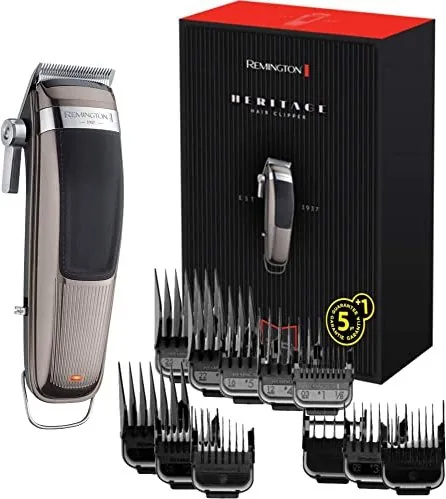
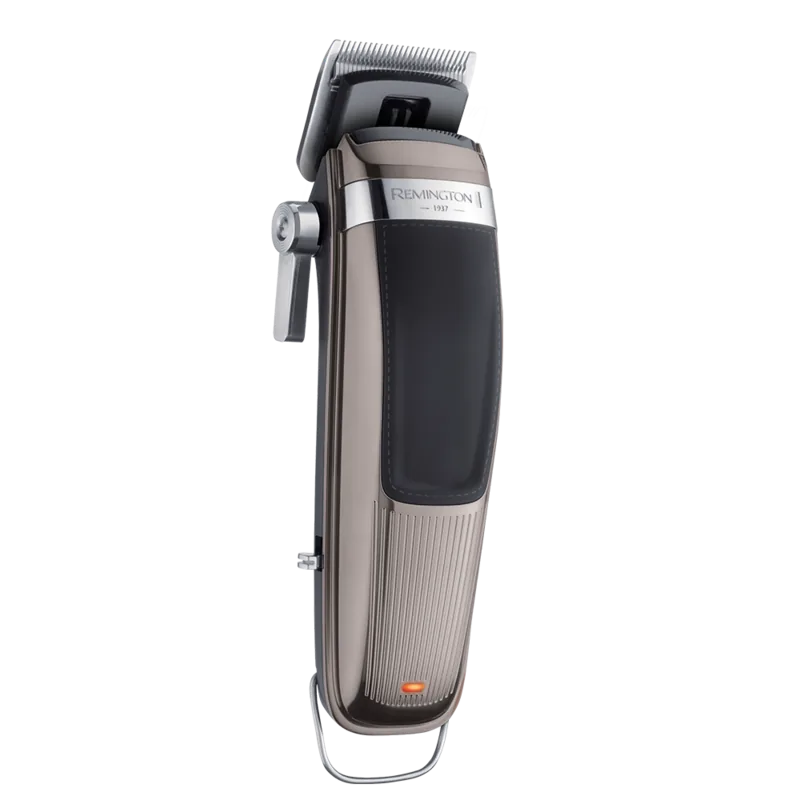
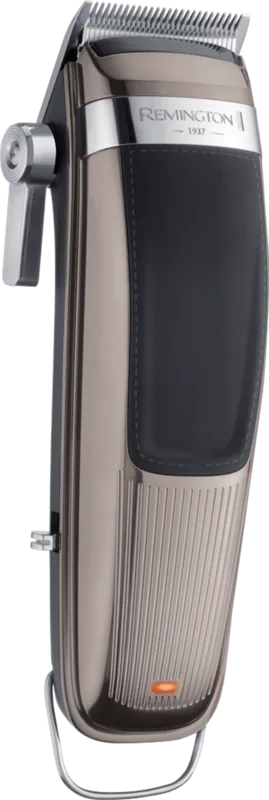
The Remington HC9100 Heritage is a versatile hair clipper designed for dependable, at-home results. Built around a detachable blade set and a set of professional-grade guide combs, it helps you move smoothly from short trims to longer styles. If you have been looking for a Remington HC9100 Heritage Manual style walkthrough, this guide-style overview covers the practical setup, cutting approach, and care habits that keep the clipper performing at its best.
What makes it easy to use
Before you start, the basics matter: check the clipper is clear of hair and dirt, and comb the hair dry and tangle-free. From there, guide combs snap on quickly so you can work consistently across the head. The HC9100 Heritage supports multiple lengths (including comb sizes spanning roughly 1.5 mm up to 25 mm), making it suitable for step-by-step fades, uniform trims, and finishing work.
When it comes to power, you can expect up to 60 minutes of cordless runtime from a full charge. Charging typically takes about 4 hours. Charging status is shown via LED indicators (flashing blue for charging, flashing red for low battery, and the fully charged LED turning off). For convenience, the clipper can also be used with a cord, with the note that extended cord-only use can reduce battery life.
Cutting approach that delivers even results
For the smoothest blend, let the blade and comb do the work instead of forcing it. Start at key zones like the nape and move upward and outward in small sections. Use longer combs for the top and shorter options for sides and sideburn areas. For sharper lines around the neck and side edges, the clipper can be used without an attachment comb, with guidance on reversing the clipper for clean contouring.
Care and maintenance that keeps performance strong
After each use, switch off the clipper and unplug before cleaning. You can brush away hair from the blades, and the blade set can be rinsed under an open water tap. After rinsing, dry thoroughly and oil the blades to help maintain performance and prolong life. For deeper cleaning intervals, remove the blade set and clean between blades, while avoiding harsh cleaners. Battery removal is strongly recommended to be handled by a professional.
Key takeaways (most important results)
- Cordless runtime up to 60 minutes, with about a 4-hour charge cycle for ready-to-cut sessions.
- Detachable blade set and guide comb system to support multiple lengths for trims, tapers, and flat-top style basics.
- Wash and rinse guidance: blade set can be rinsed under tap, but the main body is not water washable.
- LED charging indicators make battery status easy to track during use and recharging.
- Regular oiling after fully drying helps maintain cutting efficiency over time.
Notes
- Use only the supplied charger type for recharging.
- Avoid cleaning while plugged in and avoid harsh corrosive cleaners.
- Store the clipper with the included pouch and accessories for easy access.
Pros and cons (summary)
Pros:
- Up to 60 minutes runtime for practical cordless grooming
- Detachable blade set and adjustable taper lever for flexible styles
- Guide comb range supports consistent length control
- Blade set is washable under a tap when needed
- Includes oil, brush, and blade guard to support routine maintenance
Cons:
- Main body is not washable or water resistant
- Extended cord-only use can shorten battery life
- Battery removal is recommended to be done by a professional
- Requires careful cleaning habits to avoid washing while plugged in
- Only the correct supplied charger type should be used
Search for 67,732 Manuals online


Type-in Brand or Model
SintOmnis69
8 months ago
Can I use this to cut my hair at home (even if my partner does it), and will it look good without needing a hairdresser fix?
Manual.ly
8 months ago
It can be very helpful for at-home trims, especially if another person is able to guide the cutting. Results depend on experience and technique. For best outcomes, start with a longer guard/setting, work in small sections, and follow the steps in the manual closely (including combing and keeping an even cutting angle). If you are new to cutting hair, we recommend doing a short practice session first or keeping the length conservative so you can adjust gradually. If you notice uneven areas, a professional can quickly refine the final look, but careful setup and gradual changes usually reduce the need for fixes.