
Reebok GX40s ONE Manual
PDF manual · 16 Pages
English



Quick check
Incorrect answer, please try again.
Chat with your Reebok GX40s ONE manual using AI
Get instant AI answers from your Reebok GX40s ONE manual
Ask anything about the Reebok GX40s ONE. Answers come from this manual, with the pages they are based on.
Ask a Question
Do you recommend GX40s ONE?
Yes NoFrequently Asked Questions
It tracks time, speed, distance, calories, RPM, pulse, and recovery. These readings help you follow your workout progress and adjust your effort during training.
Is this answer helpful?
You can start immediately by pedaling. If you want a target for time, speed, distance, or calories, set it before you begin pedaling.
Is this answer helpful?
Recovery measures how quickly your pulse returns after exercise. After a one-minute countdown with your hands on the pulse sensors, the console shows a grade from F1 to F5.
Is this answer helpful?
No. The distance and speed units are preset to either kilometers or miles, and the console does not allow switching between them.
Is this answer helpful?
If there is no movement for about 4 minutes, the console turns off. You can press a button or start pedaling again to wake it up.
Is this answer helpful?
No. The pulse display is intended as a general guide only. It should not be used for medical purposes or direct comparisons.
Is this answer helpful?
Advantages and Disadvantages
Advantages

- Quick start lets you begin pedaling immediately without a complicated setup.
- The scan display cycles through key stats, making workout tracking simple.
- Recovery grading gives a clear fitness reference after a one-minute pulse test.
- Pulse, calendar, and temperature features add extra everyday convenience.
Disadvantages

- Speed and distance units are fixed and cannot be switched between km and miles.
- Battery replacement resets the console values, so settings are not retained.
- The console powers down after around 4 minutes of inactivity.
- Pulse readings are only guidance and should not be used for medical decisions.
Product Specification
Colors
black, red
Resistance
32-level electronically adjustable
Braking system
magnetic
Flywheel position
rear
Flywheel mass
19.84 lb
Max. user weight
264.55 lb
Dimensions
53.15x28.35x66.54in
Special features
Transport rollers, Hand pulse measurement, Bottle holder
Product Description
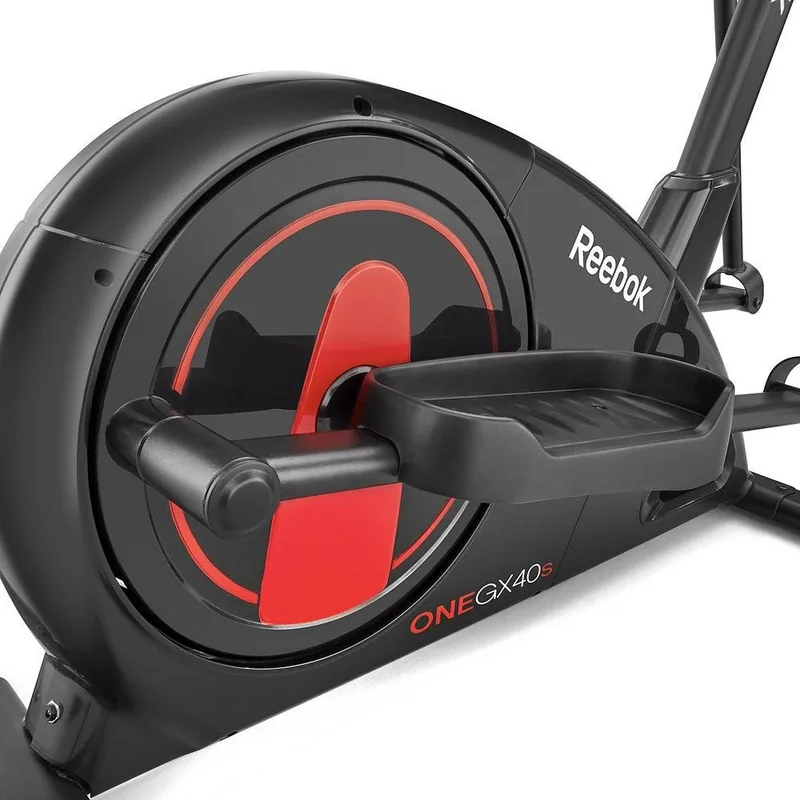
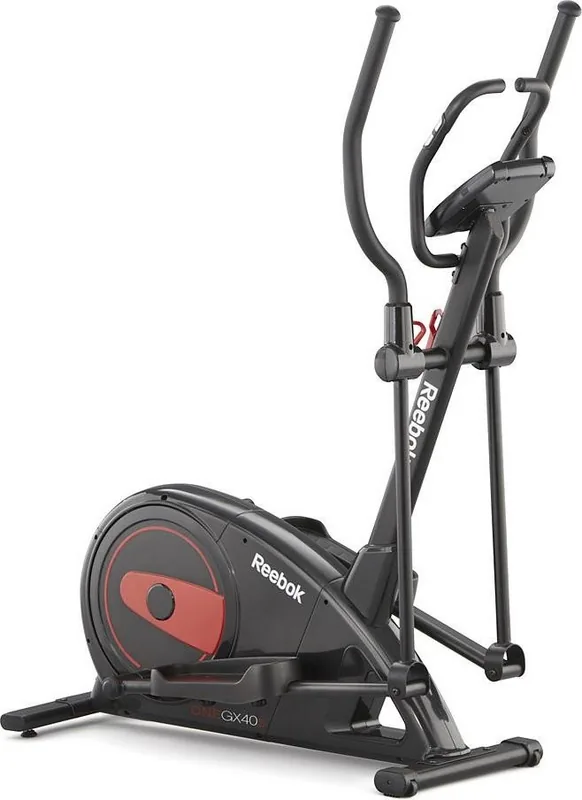
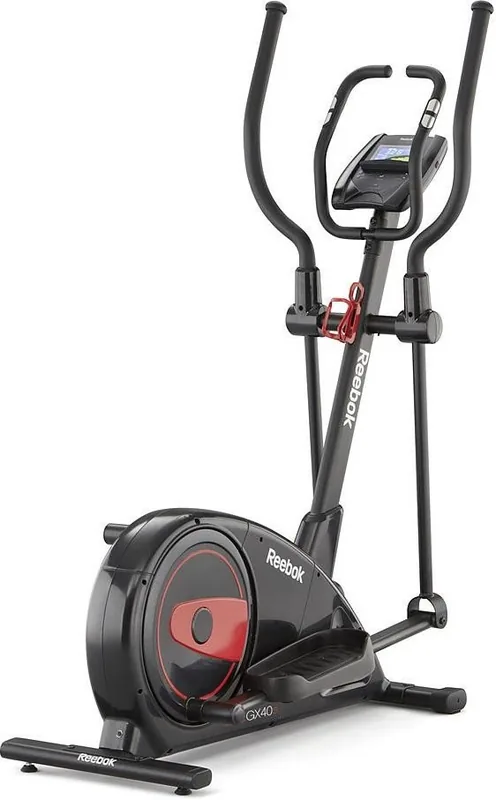
Reebok GX40s ONE Cross Trainer
The Reebok GX40s ONE Cross Trainer is designed to make cardio training feel straightforward, trackable, and motivating. Whether you are building a daily routine or pushing for better performance, the console gives you a clear view of the essentials: time, speed, distance, calories, RPM, pulse, and recovery. The experience is built around easy control, so you can start pedaling and begin a session instantly, or set specific workout targets before you begin.
Smart workout tracking
One of the most useful parts of the Reebok GX40s ONE Cross Trainer Manual is how clearly it explains the console functions. The scan mode rotates through workout data every few seconds, making it simple to monitor your progress without changing screens manually. Time can count up or count down, while speed, distance, and calories are shown in readable ranges that suit steady training as well as more focused sessions.
Built for everyday training
This cross trainer also includes a recovery test that helps you gauge how your body responds after exercise. By holding the pulse sensors and completing the one-minute countdown, you receive a recovery grade from F1 to F5, with F1 representing excellent recovery. It is a practical way to follow fitness improvements over time and stay engaged with your training goals.
The pulse function adds another layer of awareness during workouts, while the calendar and ambient temperature display bring extra convenience when the machine is idle. If you pause for a few minutes, the console can switch to room temperature, and it will power down automatically after inactivity to save energy.
Notes to keep in mind
- The console uses 2 AA batteries.
- Replacing the batteries resets stored values.
- Speed and distance units are fixed to either kilometers or miles.
- The pulse reading is for reference only, not medical use.
- Preset targets trigger an alert when they reach zero.
Overall, the Reebok GX40s ONE Cross Trainer suits users who want a simple but informative training console. It blends quick-start convenience with useful performance feedback, making it a solid choice for home cardio sessions.
Search for 67,706 Manuals online


Type-in Brand or Model