
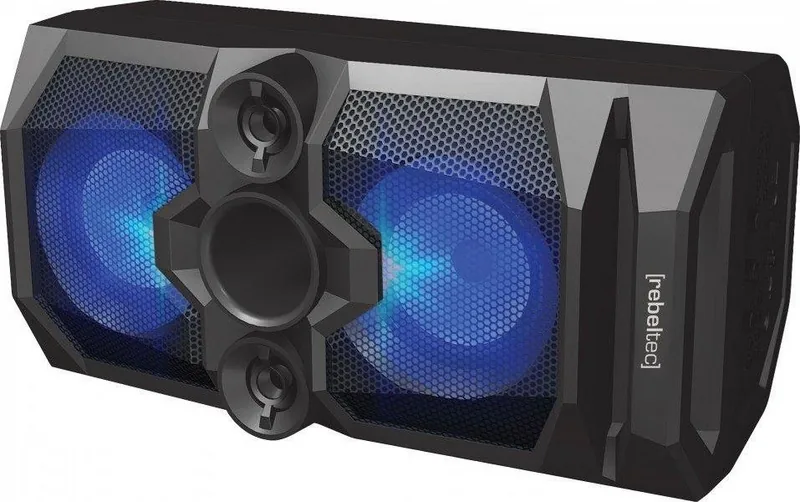
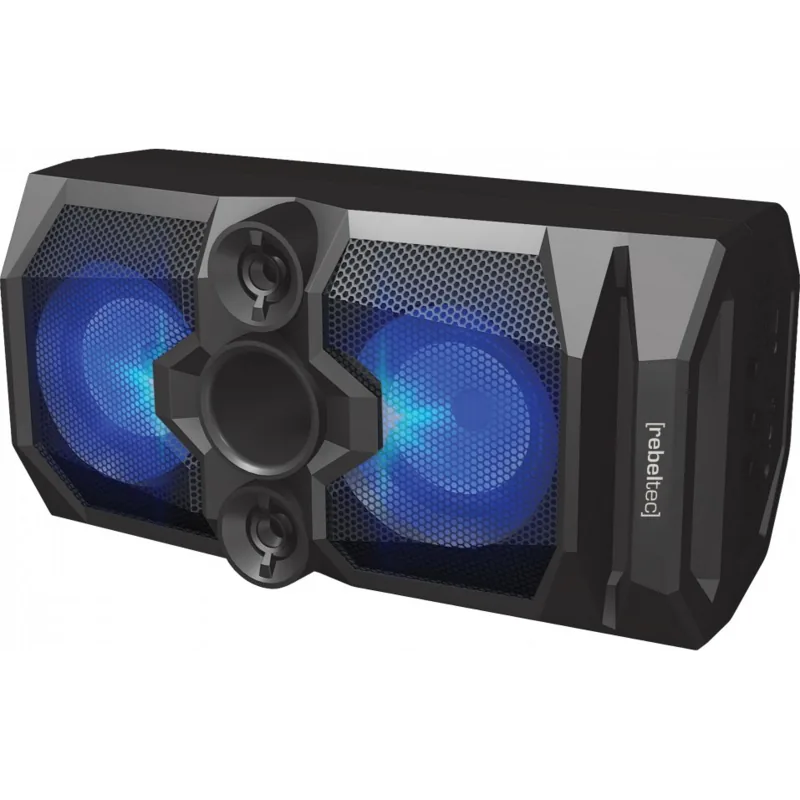
Rebeltec SoundBox 480 Manual
PDF manual · 4 Pages
English



Quick check
Incorrect answer, please try again.
Chat with your Rebeltec SoundBox 480 manual using AI
Get instant AI answers from your Rebeltec SoundBox 480 manual
Ask anything about the Rebeltec SoundBox 480. Answers come from this manual, with the pages they are based on.
Ask a Question
Do you recommend SoundBox 480?
Yes NoFrequently Asked Questions
Turn on both speakers and set them to Bluetooth mode. Connect one speaker to your source device via Bluetooth. Then, long press the REC/DEL button on the second speaker to pair it with the first, entering STEREO mode.
Is this answer helpful?
Yes, insert a USB drive or microSD card and connect a microphone. Pause any playing music, then long press the REC/DEL button to start recording. Press the button again to stop.
Is this answer helpful?
The warranty for the lithium-ion battery included in the Rebeltec SoundBox 480 is valid for six months from the date of purchase.
Is this answer helpful?
Yes, it features an FM radio that scans frequencies between 87.5MHz and 107MHz. You can save up to 50 stations automatically or manually tune frequencies.
Is this answer helpful?
Use the EQ button to switch between bass and treble modes. You can increase or decrease the levels using the volume control buttons while in EQ mode.
Is this answer helpful?
No, the device is not waterproof. Avoid exposure to water and high humidity to prevent damage to the internal electronics and battery.
Is this answer helpful?
Advantages and Disadvantages
Advantages

- Versatile connectivity including Bluetooth, USB, TF card, AUX, and FM radio
- Built-in microphone with echo and recording functions for karaoke
- TWS mode enables stereo sound by pairing two units
- RGB lighting effects enhance the visual experience during playback
- EQ controls allow customization of bass and treble levels
Disadvantages

- Battery warranty is limited to only six months
- Device is not waterproof and must be kept dry at all times
- Internal battery cannot be replaced by the user
- Requires specific 5V adapter for optimal charging performance
- High humidity and temperature can negatively impact longevity
Product Specification
Power
50W RMS
Frequency range
20Hz-20kHz
Speakers
4 (2x 1" tweeters, 2x 4" mid-range)
Tuner
FM
Audio connectors
AUX In (3.5mm jack), Mic In (6.35mm jack)
Other connectors
USB-A 2.0
Wireless
Bluetooth 5.0
Power supply
Li-Ion battery (4000mAh), USB
Playback time
8h
Karaoke features
Echo
Special features
Light effects
Dimensions
18.9x9.45x9.45in (WxHxD)
Weight
8.51lbs
Product Description
Rebeltec SoundBox 480: Your Ultimate Portable Audio Companion
The Rebeltec SoundBox 480 is a versatile Bluetooth speaker designed to bring high-quality sound and convenience to any environment. Whether you are hosting a party, enjoying a quiet afternoon outdoors, or need a reliable karaoke setup, this device adapts to your needs with ease. Its robust build supports multiple connectivity options, ensuring you can play music from various sources without hassle.
At the heart of the SoundBox 480 is its powerful Bluetooth capability, allowing seamless wireless streaming from smartphones and laptops. The device features an intuitive control panel with a volume knob, EQ settings for bass and treble adjustment, and dedicated buttons for track navigation. For those who love live performances, the built-in microphone support enables echo effects and recording capabilities directly to USB or microSD cards. The RGB lighting adds a dynamic visual element that syncs with your music, creating an immersive atmosphere.
Connectivity is a major strength of this model. In addition to Bluetooth, it includes an AUX input for wired connections, FM radio with auto-scan functionality, and slots for USB drives and micro SD cards. The TWS mode allows two speakers to pair up for true stereo sound, doubling the audio power when needed. Charging is straightforward via the Micro USB port using a standard 5V adapter, though users should avoid exposing the unit to water or extreme temperatures to maintain battery health.
Important Usage Notes
- Always use the recommended DC 5V charger to prevent battery damage.
- The battery warranty covers only six months, so handle charging carefully.
- Do not attempt to remove the internal lithium-ion battery as it is permanently sealed.
- Ensure the speaker is turned off when not in use to conserve energy.
- Keep the device away from children to prevent accidental ingestion of small parts or battery leakage.
Search for 67,706 Manuals online


Type-in Brand or Model