
Real-El S-450 Manual
PDF manual · 7 Pages
English



Quick check
Incorrect answer, please try again.
Chat with your Real-El S-450 manual using AI
Get instant AI answers from your Real-El S-450 manual
Ask anything about the Real-El S-450. Answers come from this manual, with the pages they are based on.
Ask a Question
Do you recommend S-450?
Yes NoFrequently Asked Questions
Press the mode button on the speaker or the BT button on the remote to enter Bluetooth search mode. Enable Bluetooth on your phone, select 'S-450' from the list, and confirm the connection. You may need to enter the code 0000 if prompted.
Is this answer helpful?
No, the USB port is designed exclusively for reading audio files from flash drives. Using it to charge other devices may cause damage to the speaker system.
Is this answer helpful?
You must let the speaker system sit at room temperature for at least four hours before turning it on to prevent condensation damage and ensure proper operation.
Is this answer helpful?
Yes, the package includes a warranty card which must be stamped by the seller with the purchase date and goods number to be valid.
Is this answer helpful?
The Bluetooth operation distance is up to 10 meters in an open area without significant obstacles interfering with the signal.
Is this answer helpful?
Yes, there is a dedicated headphone jack on the front panel that allows you to connect standard headphones for private listening.
Is this answer helpful?
Advantages and Disadvantages
Advantages

- Versatile connectivity including Bluetooth, FM radio, USB, and AUX inputs
- Elegant wooden MDF case design enhances room decor and sound quality
- Includes comprehensive accessory kit with multiple cable types and remote control
- Wide frequency response range of 40Hz to 22000Hz for detailed audio
- Dedicated headphone jack allows for private listening sessions
Disadvantages

- USB port cannot be used to charge mobile devices or other electronics
- FM radio performance depends heavily on the included external antenna
- Requires a four-hour warm-up period after exposure to cold temperatures
- No built-in rechargeable battery; must remain plugged into mains power
- Bluetooth pairing may require entering a default code on some devices
Product Specification
Type
Speaker Set
Channels
2.0
Total Power
46W RMS
Frequency Range
40Hz-22kHz
Audio Connections
Stereo Line In (RCA), Headphone (3.5mm jack)
Other Connections
USB-A
Wireless
Bluetooth
Features
Remote Control
Color
Black
Dimensions
6.38x11.02x7.09in (WxDxH)
Consists of
2x Compact Speakers
Product Description
Real-El S-450 Multimedia Speaker System Review
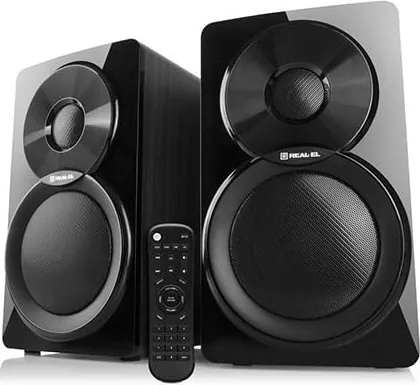
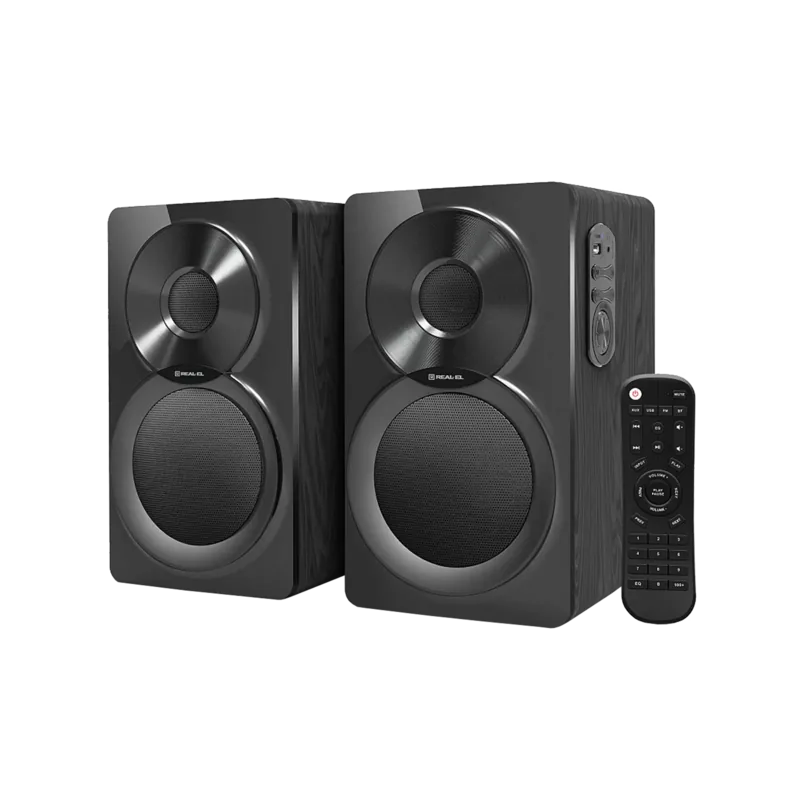
The Real-El S-450 is a versatile multimedia speaker system designed to elevate your audio experience at home or in the office. This unit combines classic wooden aesthetics with modern connectivity options, making it a standout choice for music lovers who value both style and functionality. The system features a robust 2.0 channel configuration that delivers clear sound across a wide frequency range.
One of the most appealing aspects of this speaker system is its diverse input methods. Whether you prefer streaming wirelessly via Bluetooth, tuning into local broadcasts through the built-in FM radio, or playing files directly from a USB flash drive, the S-450 handles it all with ease. The inclusion of an AUX input ensures compatibility with older devices, tablets, and smartphones that lack wireless capabilities. The remote control adds a layer of convenience, allowing you to manage volume, switch modes, and navigate tracks without leaving your seat.
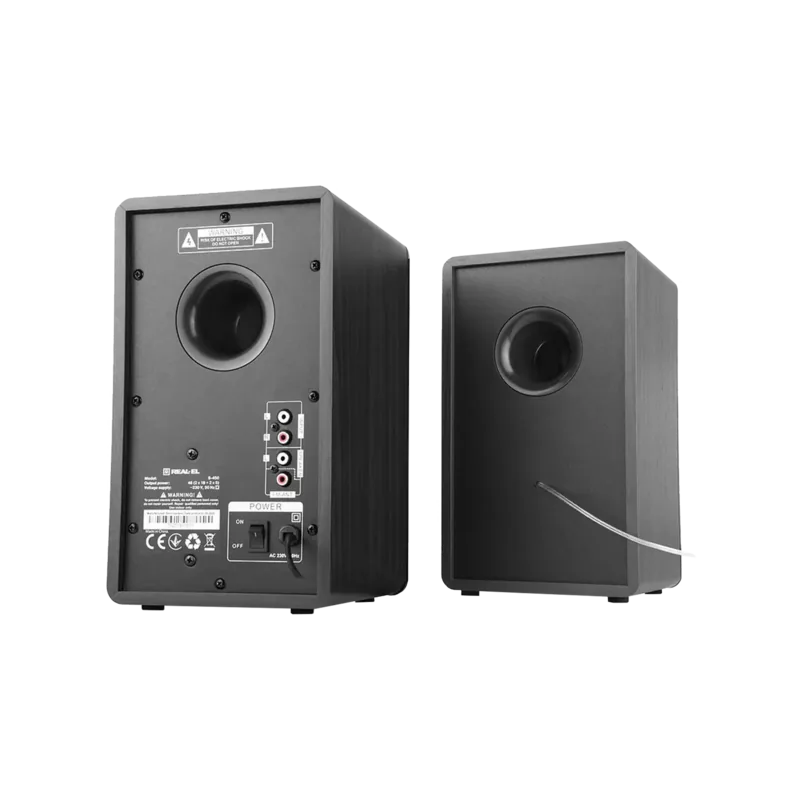
Constructed with a wooden case made from MDF, the speakers not only look elegant but also contribute to better acoustic resonance. The package includes everything needed for immediate setup, such as RCA signal cables and an external antenna for optimal radio reception. Safety precautions emphasize keeping the unit away from heat sources and moisture, ensuring longevity. For those looking for a reliable audio companion that blends retro charm with contemporary tech, the Real-El S-450 stands out as a practical and stylish solution.
Key Notes
- Always acclimate the device to room temperature before use if moved from cold environments.
- The USB port is strictly for media playback and does not charge other devices.
- Regular cleaning should be done with a dry soft cloth to maintain the finish.
Search for 67,706 Manuals online


Type-in Brand or Model