
RaidSonic Icy Box IB-RP108 Manual
PDF manual · 14 Pages
English



Quick check
Incorrect answer, please try again.
Chat with your RaidSonic Icy Box IB-RP108 manual using AI
Get instant AI answers from your RaidSonic Icy Box IB-RP108 manual
Ask anything about the RaidSonic Icy Box IB-RP108. Answers come from this manual, with the pages they are based on.
Ask a Question
Do you recommend Icy Box IB-RP108?
Yes No
Helen Collins
5 months ago
Does the included screwdriver work with all screws in the kit?
Frequently Asked Questions
No, the Raspberry Pi 4 Model B board and antenna are sold separately. The package contains only the case, fan, heatsinks, screws, and tools.
Is this answer helpful?
Connect the red cable to the 5V pin (GPIO-4) and the black cable to the ground pin (GPIO-6) on the GPIO header.
Is this answer helpful?
Yes, the design supports the installation of Raspberry Pi HAT modules and includes an antenna mount hole for wireless connectivity.
Is this answer helpful?
Avoid electrical shock by disconnecting power before assembly. Keep small parts away from children to prevent choking hazards. Do not expose the device to moisture.
Is this answer helpful?
Disconnect the device first. Use a dry, anti-static cloth. Avoid aggressive solvents or liquids that could cause short circuits or damage.
Is this answer helpful?
No, it must not be disposed of as domestic waste. Follow WEEE directives and return it to a retailer or local recycling point.
Is this answer helpful?
Advantages and Disadvantages
Advantages

- Includes a 40 mm cooling fan for active thermal management
- Translucent frame allows visibility of status LEDs
- Aluminum construction ensures superior heat dissipation
- Self-adhesive heat sinks protect critical chipsets
- Easy access to all ports and GPIO pins
Disadvantages

- Raspberry Pi board and antenna are not included
- Requires manual assembly using provided tools
- Small parts pose a suffocation risk for children
- Plastic frame may scratch if handled roughly
- Fan requires wiring to specific GPIO pins
Product Specification
Platform
Raspberry Pi
Suitable for
Raspberry Pi 4 Model B
Color
black, black transparent
Material
Aluminum, Plastic
Dimensions (WxDxH)
3.66x1.18x2.64 in
Power supply
none, external
Cooling
1.57 in fan
Weight
3 oz
Product Description
RaidSonic Icy Box IB-RP108 schwarz - Read, Download & Print Free
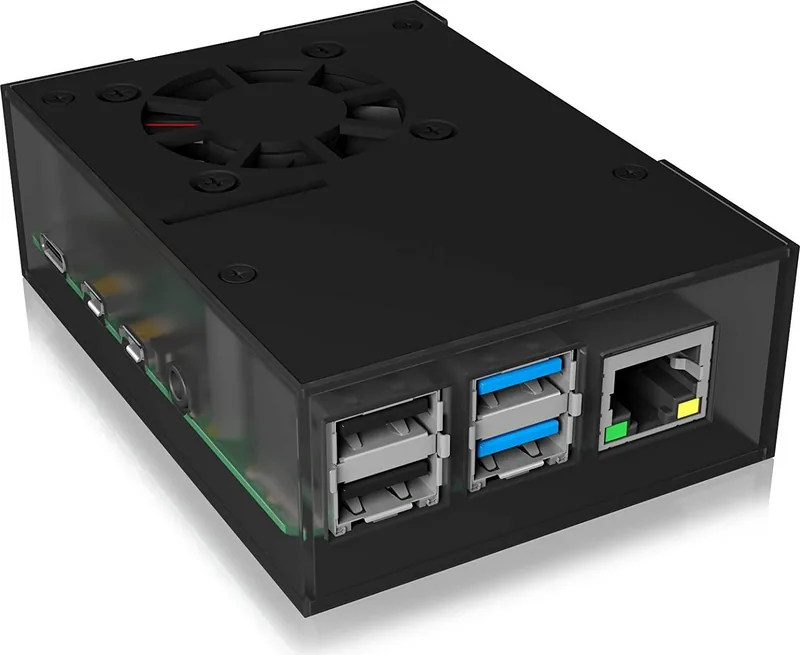
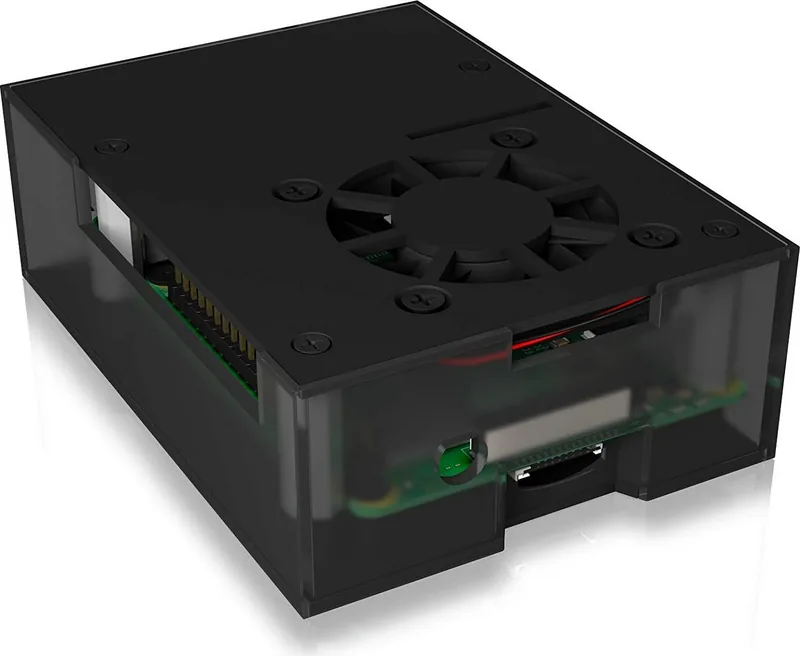
The RaidSonic Icy Box IB-RP108 in black is a premium protective enclosure specifically engineered for the Raspberry Pi 4 Model B. This case combines sleek aesthetics with robust functionality to ensure your single-board computer operates at peak performance. The design features a translucent plastic frame that allows users to monitor status LEDs while keeping the internal components visible. An aluminum top and bottom lid provides excellent heat dissipation, preventing the device from slowing down due to overheating during intensive tasks.
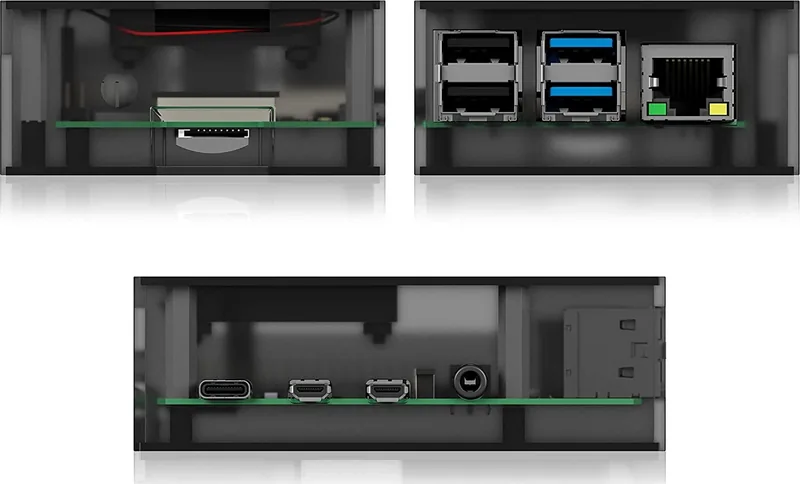
One of the standout features of the IB-RP108 is its comprehensive cooling solution. It comes with a pre-installed slot for a 40 mm cooling fan, which is included in the package. This active cooling system works in tandem with self-adhesive heat sinks placed on critical chipsets like the CPU and IC. Together, they maintain optimal operating temperatures even under heavy load. The innovative layout ensures easy access to all essential ports including power, video, audio, USB, LAN, microSD, GPIO, camera CSI, and display DSI connections.
Assembly is straightforward thanks to the detailed quick installation guide provided. Users can install the board by aligning the USB side first and securing it with screws. The case supports HAT modules and includes a dedicated hole for antenna mounting, making it versatile for various projects. Whether you are building a home server or a media center, this enclosure offers wall-mount compatibility and preparation for touch displays. It is a complete solution that protects your investment while enhancing thermal efficiency.
Important Notes
- Always back up data before commissioning new hardware.
- Ensure proper ventilation to avoid overheating.
- Do not dispose of electronic waste in regular trash.
- Use only the included accessories for assembly.
Search for 67,706 Manuals online


Type-in Brand or Model
beatae85
5 months ago
Is the assembly difficult, and does the case run hot under load?
Manual.ly
5 months ago
Assembly can be fiddly due to tight fitments and potential minor warping of the base plate, which may require gentle force. However, the included instruction manual is well-illustrated. Regarding heat, the cooling system performs very effectively. The provided fan operates quietly enough for most environments, and users have successfully overclocked their devices to 1.85 GHz while maintaining comfortable temperatures.