
R-Go Steel Basic CPU Holder Manual
PDF manual · 1 Pages
English


Quick check
Incorrect answer, please try again.
Ask a Question
Do you recommend Steel Basic CPU Holder?
Yes NoFrequently Asked Questions
The R-Go Steel Basic CPU PC Mount is engineered to hold standard mid-tower and full-tower cases weighing up to 15 kilograms. Always verify the specific weight of your unit against the manufacturer guidelines before installation.
Is this answer helpful?
No, this mount requires a solid surface like wood or metal for secure attachment. Glass desks cannot support the drilling required for this under-desk solution and may shatter under the stress.
Is this answer helpful?
Yes, by moving the computer away from the floor, you often reduce noise transmission through the desk structure. Improved airflow also helps fans run at lower speeds, further decreasing operational noise levels.
Is this answer helpful?
A detailed installation guide is provided to assist with setup. The manual covers all necessary steps for securing the bracket and managing cables effectively within the under-desk environment.
Is this answer helpful?
Installing this mount generally does not void the computer warranty as it does not require opening the case. However, damaging the desk during installation might affect the desk warranty.
Is this answer helpful?
Most users find the installation manageable with basic tools. It involves measuring, marking drill points, and securing the bracket. Patience and following the manual closely ensure a successful setup.
Is this answer helpful?
Advantages and Disadvantages
Advantages

- Significantly improves airflow around the CPU by lifting it off the dusty floor
- Creates valuable extra workspace on the desktop by removing the tower
- Sturdy steel construction supports heavy computer cases securely
- Helps maintain a cleaner and more organized cable management system
Disadvantages

- Requires drilling into the desk which may void warranties on some furniture
- Installation can be challenging if desk material is very thick or hard
- Limited adjustability compared to premium floating arm systems
- May not fit all desk depths depending on the specific model configuration
Product Specification
Type
PC mount
Load capacity
66.14 lbs
Width
5.51 inches
Height
11.81x21.26 inches
Depth
2.95-7.87 inches
Features
Under-desk mounting
Product Description
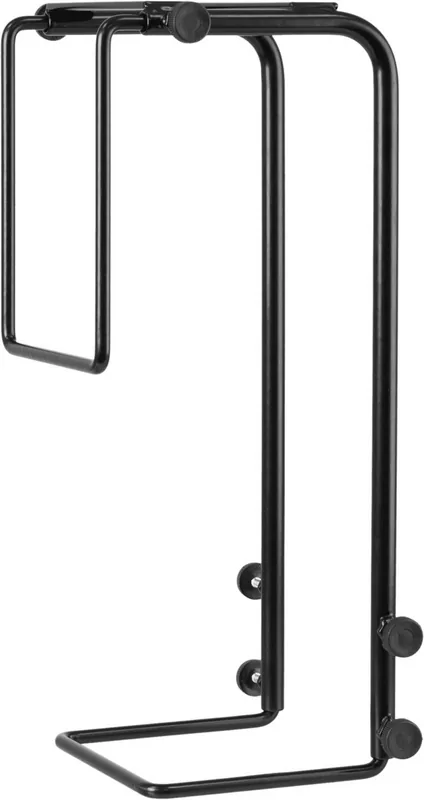
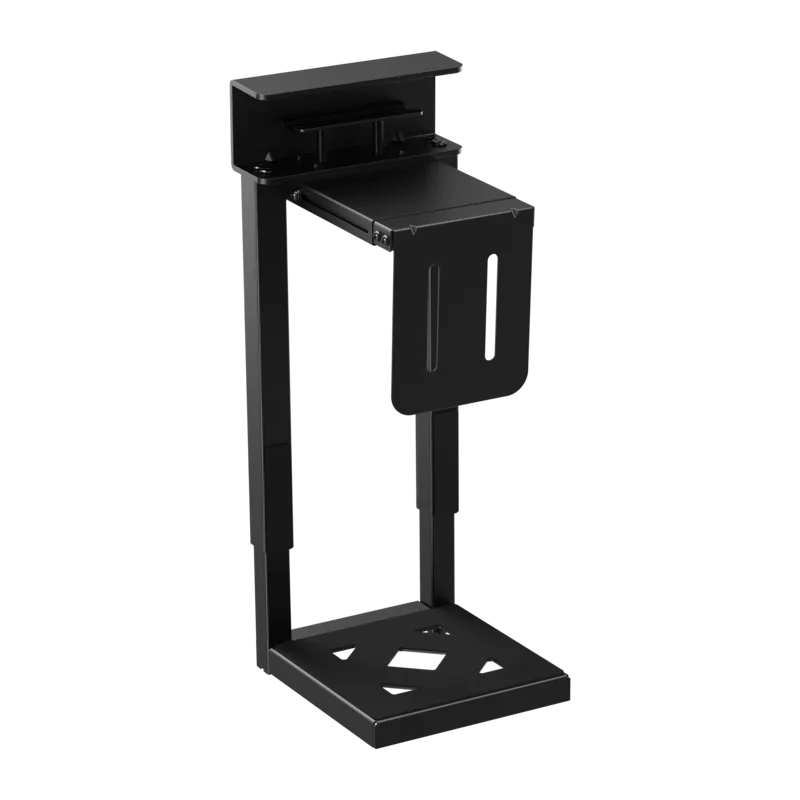
Elevate Your Workspace with the R-Go Steel Basic CPU PC Mount
The modern home office or professional workstation demands more than just functionality; it requires an environment that promotes health, organization, and efficiency. Enter the R-Go Steel Basic CPU PC Mount, a robust under-desk solution designed to transform how you utilize your desk space. This mount is not merely an accessory but a strategic tool for decluttering your immediate work area while ensuring your computer hardware remains secure and accessible.
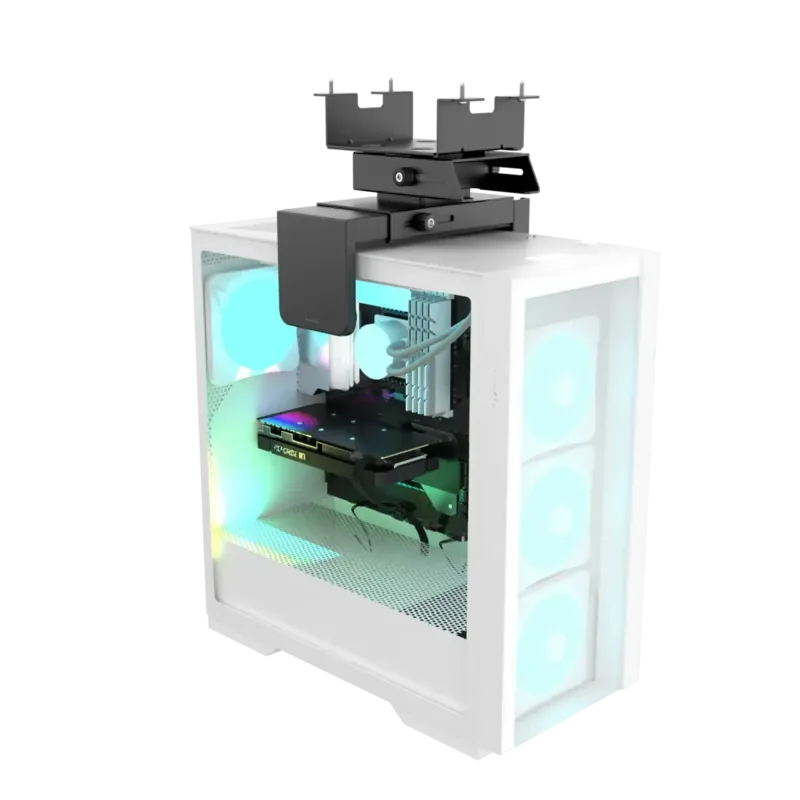
Designed specifically for users who value a clean aesthetic without sacrificing performance, this under-desk mount allows you to move your tower away from the floor. By elevating the CPU unit, you improve airflow around the chassis, which can lead to better thermal management and potentially quieter operation as fans do not have to work as hard to cool dust-laden air near the ground. The sturdy steel construction ensures that even heavy gaming rigs or workstations stay firmly in place, preventing accidental bumps or vibrations from affecting performance.
Installation is straightforward, making it an ideal choice for DIY enthusiasts and professionals alike. The manual provides clear instructions for attaching the mount securely beneath your desk surface. Once installed, the unit offers a stable platform that keeps cables organized and out of sight, reducing visual clutter significantly. This freedom of movement allows for a larger usable surface area on top of your desk for monitors, keyboards, and other peripherals. Whether you are a gamer needing extra room for streaming gear or a designer requiring a pristine canvas for their workflow, the R-Go Steel Basic CPU PC Mount delivers the necessary support.
Beyond aesthetics, this mount contributes to a healthier ergonomic setup. Keeping the CPU off the floor reduces exposure to dust and debris, which can extend the lifespan of your machine components. It also prevents the risk of pets or children accidentally knocking over the unit. The minimalist design blends seamlessly with various desk styles, from industrial metal frames to sleek wooden tables. By choosing this mount, you are investing in a long-term organizational strategy that prioritizes both form and function.
Notes:
- Ensure your desk has sufficient clearance underneath for the mount height.
- Check weight limits before installing heavy server-grade units.
- Regularly check mounting screws to maintain stability.
Search for 67,732 Manuals online


Type-in Brand or Model