
R-Go Riser Document Manual
PDF manual · 13 Pages
English



Quick check
Incorrect answer, please try again.
Chat with your R-Go Riser Document manual using AI
Get instant AI answers from your R-Go Riser Document manual
Ask anything about the R-Go Riser Document. Answers come from this manual, with the pages they are based on.
Ask a Question
Do you recommend Riser Document?
Yes NoFrequently Asked Questions
Yes, the R-Go stand is designed to accommodate various sizes of laptops, tablets, and monitors, ensuring flexibility for different devices.
Is this answer helpful?
The assembly is straightforward and involves sliding nuts into slots, securing legs with thumb screws, and attaching rubber feet, taking only a few minutes.
Is this answer helpful?
Absolutely, the product comes with an integrated document holder to keep your papers organized and visible without needing extra desk space.
Is this answer helpful?
Yes, you can choose a position that gives you a suitable angle and secure the leg and saddle assemblies with thumb screws for stability.
Is this answer helpful?
The product contains small parts and is not suitable for small children, so please keep it out of reach of kids during use and assembly.
Is this answer helpful?
No, the stand includes self-adhesive rubber feet under the front shelf to prevent slipping and protect your desk from scratches.
Is this answer helpful?
Advantages and Disadvantages
Advantages

- Promotes ergonomic posture by elevating screens to eye level
- Includes a dedicated document holder for improved workflow
- Features stable construction with rubber feet for protection
- Simple assembly using thumb screws and plastic rivets
- Versatile design suitable for monitors, laptops, and tablets
Disadvantages

- Contains small parts making it unsuitable for young children
- Assembly requires specific steps which may take time initially
- Fixed angle options might not suit every user preference
- Plastic components may feel less premium compared to metal alternatives
- Requires manual adjustment of leg positions for optimal height
Product Description
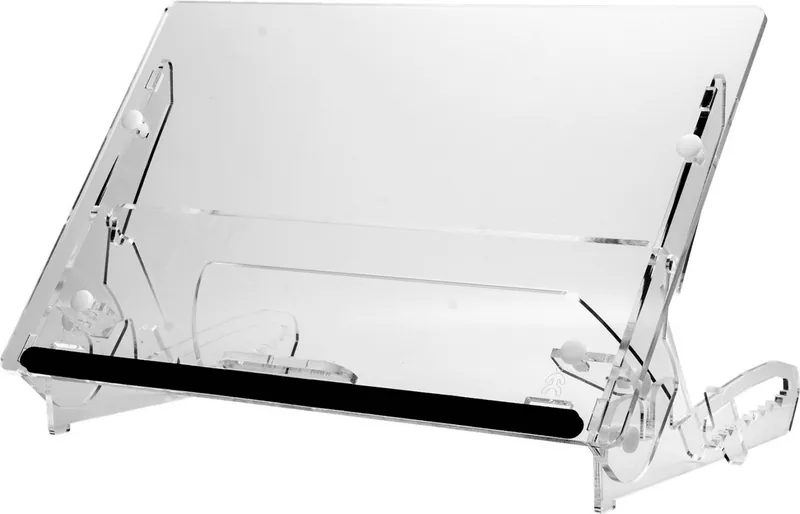
Elevate Your Workspace with the R-Go Monitor, Laptop and Tablet Stand
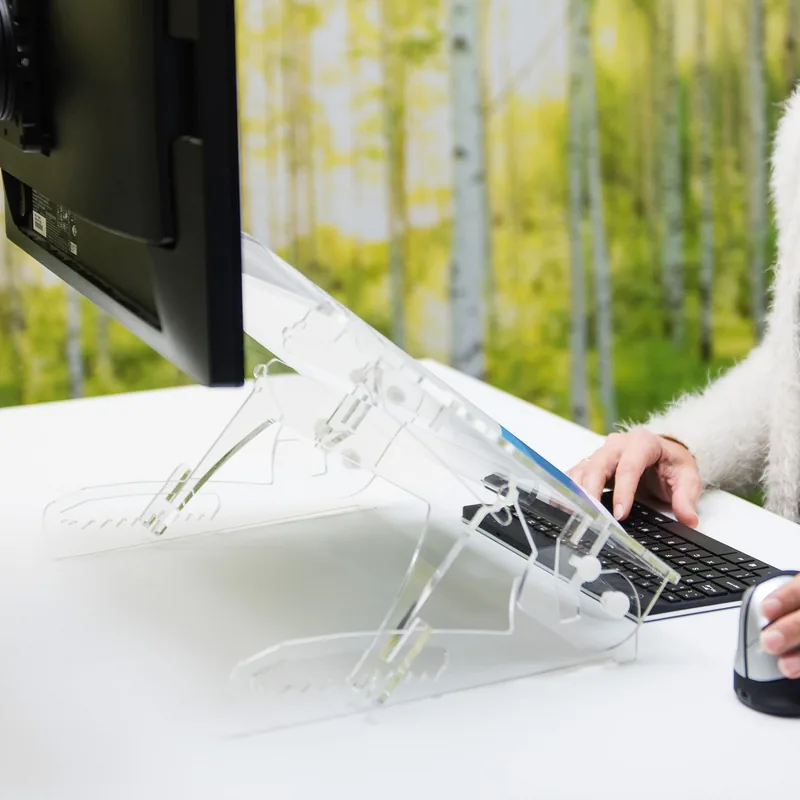
Transforming a cluttered desk into an ergonomic sanctuary is easier than you think. The R-Go Monitor, Laptop and Tablet Stand, as well as Document Holder for ergonomic Desk Design Manual, offers a comprehensive solution for modern professionals who value health and productivity. This versatile stand is designed to elevate your screen to eye level, reducing neck strain and promoting better posture throughout your workday.
Ergonomic Excellence
The core philosophy behind this product is simple yet effective: align your technology with your body. By raising your laptop or tablet, you eliminate the need to hunch over a keyboard. The adjustable design allows you to find the perfect viewing angle, whether you are typing a report or analyzing data. The included document holder keeps your reference materials within easy reach without cluttering your workspace, ensuring you stay focused on the task at hand.
Easy Assembly and Durability
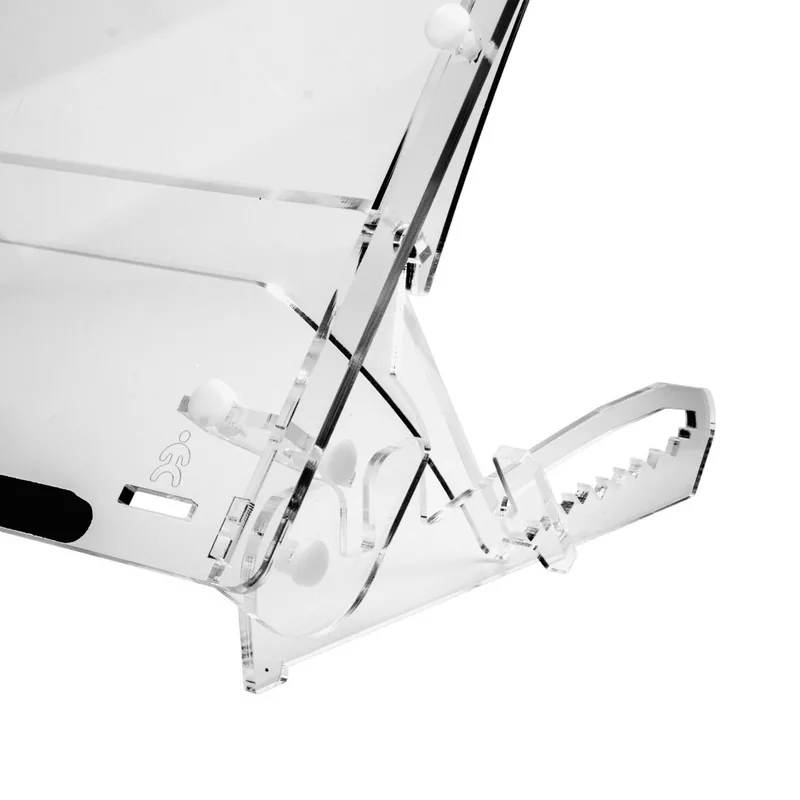
Constructed with robust materials, this stand features a sturdy brace system and secure leg slides that provide stability even under heavy loads. The assembly process is straightforward, utilizing thumb screws and plastic rivets to hold the structure together firmly. Rubber feet attached to the front shelf prevent slipping and protect your desk surface from scratches. With a warning regarding small parts, it is clear that safety and quality are paramount in its design.
Versatility for Every Setup
Whether you have a large desktop monitor or a compact tablet, this stand adapts to your needs. It serves as more than just a prop; it is a tool for creating a healthier working environment. By integrating this stand into your daily routine, you invest in your long-term physical well-being while enjoying a cleaner, more organized office space.
Search for 67,732 Manuals online


Type-in Brand or Model