
R-Go Numpad Break Manual
PDF manual · 37 Pages
English



Quick check
Incorrect answer, please try again.
Chat with your R-Go Numpad Break manual using AI
Get instant AI answers from your R-Go Numpad Break manual
Ask anything about the R-Go Numpad Break. Answers come from this manual, with the pages they are based on.
Ask a Question
Do you recommend Numpad Break?
Yes NoFrequently Asked Questions
The R-Go Break indicator uses LED lights to signal your work status. Green means you are working healthily, orange suggests taking a short break, and red warns that you have worked too long without resting.
Is this answer helpful?
The provided documentation specifies compatibility with Windows XP, Vista, 10, and 11. It does not explicitly mention support for macOS systems.
Is this answer helpful?
Yes, the R-Go Numpad Break is designed to be ambidextrous. You can operate it with your left or right hand, allowing you to place it wherever is most comfortable on your desk.
Is this answer helpful?
The wired version connects directly via a USB cable for constant power and data. The wireless version connects via Bluetooth for a clutter-free setup but requires periodic charging via the included cable.
Is this answer helpful?
Basic typing functions work without software. However, to access the R-Go Break monitoring features and customize buttons, you must download the R-Go Break software from the official website.
Is this answer helpful?
You can use the optional cable included in the package to connect the numpad to compatible R-Go Split Break or Compact Break keyboards for a unified ergonomic setup.
Is this answer helpful?
Advantages and Disadvantages
Advantages

- Ergonomic thin design reduces wrist strain and promotes natural hand positioning
- Integrated color-coded break indicator (green, orange, red) encourages healthy work habits
- Available in both wired and wireless versions for maximum desk flexibility
- Compatible with multiple operating systems including Windows XP to Windows 11
- Can be used with either left or right hand to balance workload between arms
Disadvantages

- Requires specific R-Go Break software for full customization and monitoring features
- Wireless model requires regular charging which may interrupt usage if forgotten
- Additional adapter needed if computer only has USB-A ports instead of USB-C
- Optional connectivity to other R-Go keyboards requires a separate purchase of compatible hardware
- Learning curve for new users adjusting to the specific button layout and software integration
Product Specification
Type
Numpad
Compatibility
PC, Mac OS
Key Type
Rubber Dome
Keys
22
Lighting
N/A
Key Height
Flat
Key Shape
Straight
Wrist Rest
N/A
Chassis
Metal
Chassis Color
Solid, Black
Connection
Wired (5.9 ft), USB-A
Power Supply
USB
Dimensions (WxDxH)
3.4x0.4x5.5 in
Weight
3.4 oz
Features
Chiclet, Pause Display
Product Description
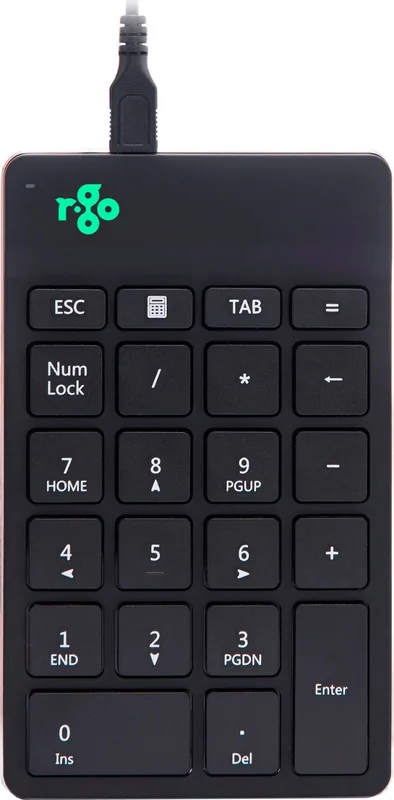
Elevate Your Workspace with the R-Go Numpad Break schwarz USB
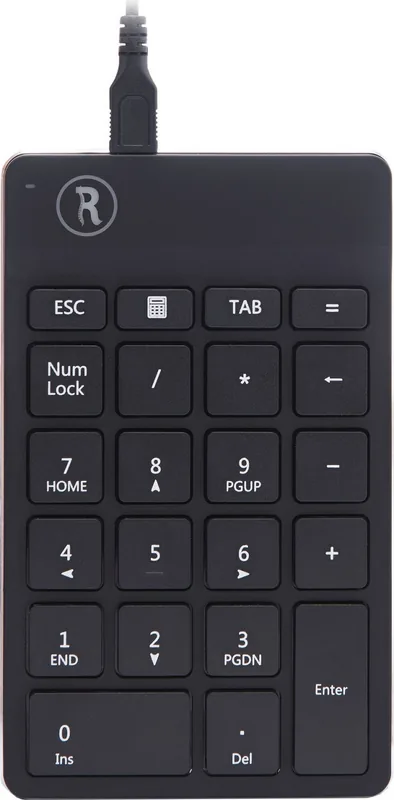
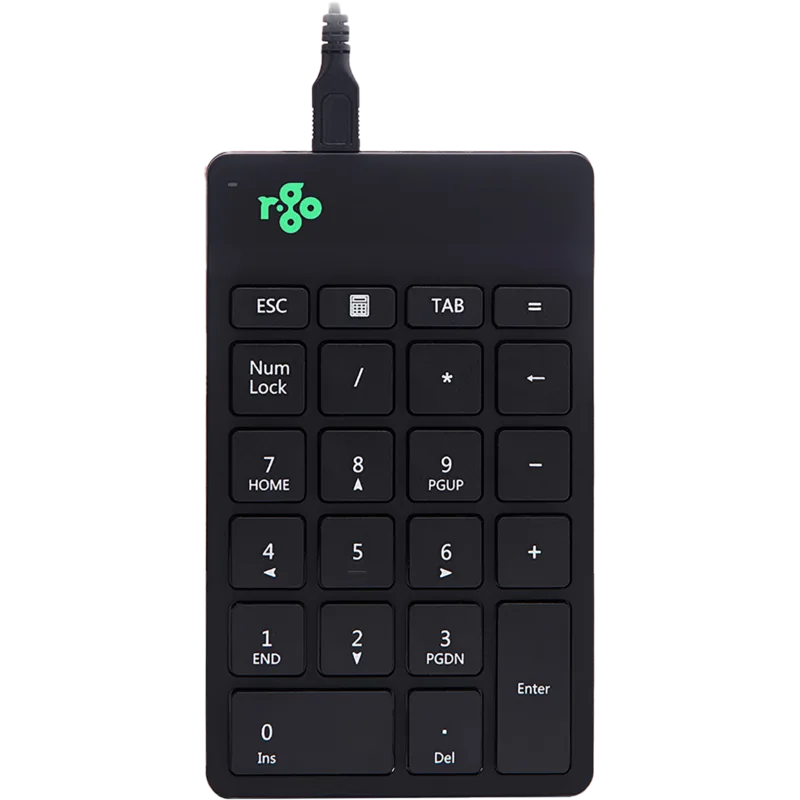
The R-Go Numpad Break schwarz USB is a sophisticated ergonomic solution designed to transform how you interact with your computer. This sleek black numeric keypad combines advanced functionality with health-conscious design, ensuring that your typing experience remains comfortable and efficient throughout long work sessions. Unlike standard numpads that force awkward wrist angles, this device features a thin profile that promotes a relaxed, flat hand position, significantly reducing muscle tension.
One of its standout features is the integrated R-Go Break indicator. This intelligent system acts as a personal wellness coach, using color-coded signals to monitor your work habits. When the light glows green, it confirms you are working in a healthy rhythm. An orange signal serves as a gentle reminder to take a short break, while red indicates that you have been working too long without rest. This visual feedback loop encourages better posture and regular breaks, helping to prevent repetitive strain injuries.
Versatility is at the heart of the R-Go Numpad Break. It is available in both wired and wireless configurations, allowing you to choose the setup that best suits your desk arrangement. The wireless version offers complete freedom from cables, connecting seamlessly via Bluetooth for a clutter-free workspace. For those who prefer a physical connection or need to charge the device, the included USB-C cable ensures reliable power and data transfer. The keyboard can be operated by either the left or right hand, making it ideal for users who want to keep both hands within shoulder width to maintain balanced posture.
The product also supports integration with other R-Go Break keyboards, such as the Split Break or Compact models, through a dedicated connector cable. This creates a unified ergonomic ecosystem where all devices communicate to optimize your workflow. Compatible with Windows XP through Windows 11, this numpad is ready to enhance productivity immediately upon installation. By prioritizing user health and flexibility, the R-Go Numpad Break stands out as an essential tool for modern professionals.
Search for 67,732 Manuals online


Type-in Brand or Model