

Pulsar Gaming Gears Superglide 2 Manual
PDF manual · 6 Pages
English



Quick check
Incorrect answer, please try again.
Chat with your Pulsar Gaming Gears Superglide 2 manual using AI
Get instant AI answers from your Pulsar Gaming Gears Superglide 2 manual
Ask anything about the Pulsar Gaming Gears Superglide 2. Answers come from this manual, with the pages they are based on.
Ask a Question
Do you recommend Superglide 2?
Yes NoFrequently Asked Questions
No, the glass feet will not break naturally or damage during normal usage. However, they can wear over time. If you drop the mouse or hit it with a sharp object, it may crack or break. Inspect them regularly.
Is this answer helpful?
Stop using the mouse immediately. Clean the surface immediately using a wet tissue. Vacuum the surface thoroughly. Use tools like a broom to pick up debris. Avoid direct hand contact with glass shards to prevent injury.
Is this answer helpful?
No, do not use with glass mouse pads. The frictionless nature of the glass feet combined with a glass surface can lead to unpredictable movement or potential damage. Choose a cloth or hybrid pad instead.
Is this answer helpful?
Remove the skates from your mouse. Attach the Superglide skate and press firmly for two to three seconds. Clean the surface to ensure no residue is present before the bond sets properly.
Is this answer helpful?
Do not use your finger or nail. Please use a thin plastic prying tool to remove the Superglide. Use the tool to gently and slowly lift the Superglide from the edge to avoid damaging the adhesive or shell.
Is this answer helpful?
Yes, support is available globally via email at [email protected]. If you have questions or need help with your products, do not hesitate to contact them for assistance.
Is this answer helpful?
Advantages and Disadvantages
Advantages

- Provides superior low friction glide for competitive gaming
- Enhances smoothness compared to standard PTFE feet
- Does not break during normal usage or over time
- Improves mouse control and tracking accuracy significantly
- Compatible with most standard cloth mouse pads
Disadvantages

- Fragile and can crack if dropped or hit by sharp objects
- Cannot be used safely with glass mouse pads
- Requires specific tools for removal to prevent damage
- Consumable parts that require eventual replacement
- Adhesive remover chemicals will permanently damage the feet
Product Specification
Type
Mouse glides
Compatibility
all Xlite mouse series (also Medium and Mini)
Material
Glass
Product Description
Elevate Your Aim with Superglide 2
Experience Superior Glide Performance
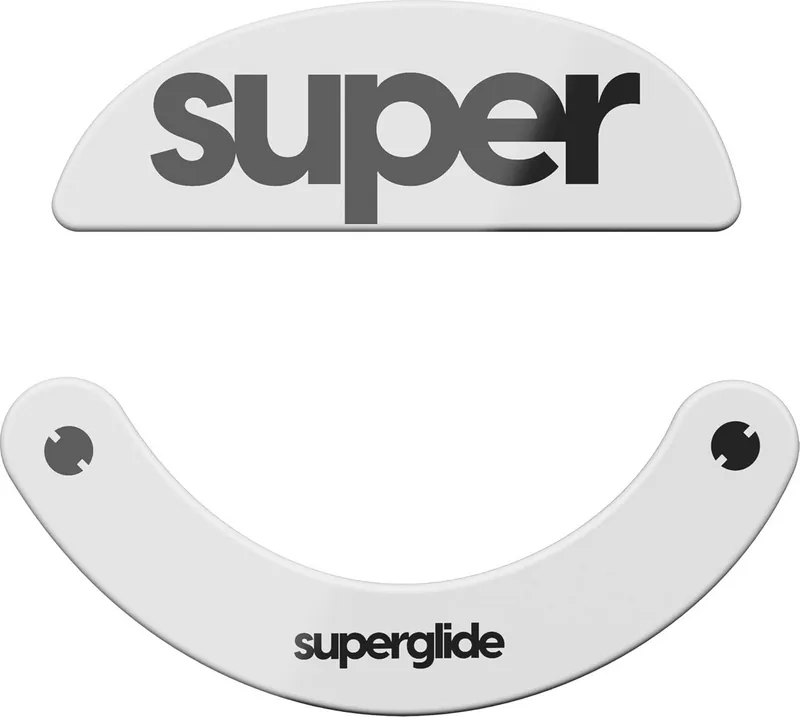
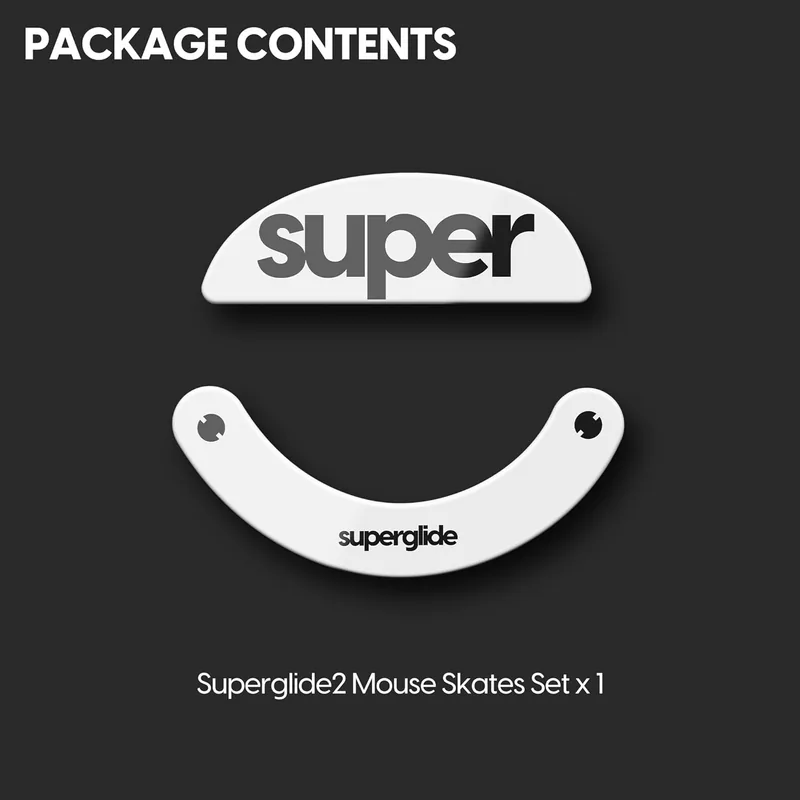
The Pulsar Gaming Gears Superglide 2 is designed to enhance the performance of the Pulsar Xlite Wireless mouse significantly. It offers a distinct upgrade from standard PTFE feet through the use of durable glass material. Gamers require frictionless movement for precise aim and quick reactions during competitive matches. These feet ensure consistent glide that does not degrade quickly over time with proper care. The smooth surface reduces drag significantly which allows for effortless mouse control across your desk. This improvement helps players track targets more accurately without resistance from the surface texture. Many users notice a substantial difference in how the mouse feels during intense moments.
Safety and Durability Guidelines
It is important to recognize that glass feet are consumable parts similar to standard PTFE skates. While they do not break naturally or during normal usage, they can wear over time with heavy use. If you drop the mouse or hit it with a sharp object the glass can crack or break completely. In such instances do not use the mouse to prevent injury or damage to surrounding surfaces. Broken glass creates hazards on the desk and floor area. If feet are damaged stop use immediately and inspect the area closely. Clean the surface with a wet tissue first to remove residue. Vacuum the area thoroughly to remove all shards safely and completely. Use tools such as a broom or dustpan for debris removal effectively. Avoid direct hand contact with any sharp glass parts to avoid cuts.
Installation and Removal Instructions
Replace the existing skates by removing old ones and attaching the Superglide skate carefully. Press firmly for two to three seconds during installation to ensure a strong bond. Ensure the surface is clean and has no residue before application for best results. For removal do not use your finger or nail as this can damage the adhesive layer. Please use a thin plastic prying tool to remove the Superglide safely without scratches. If you use adhesive remover or cleaner it will permanently damage the adhesives on the Superglide. Use a prying tool to gently and slowly lift the Superglide from the edge of the mouse bottom. This method preserves the mouse shell from unnecessary scratches and damage.
Important Usage Warnings
There is a strict warning regarding mouse pad compatibility that users must follow. Do not use with glass mouse pads as the friction will be too low for control. Glass pads combined with glass feet can cause loss of control or damage to the feet. Choose a cloth or textured hybrid pad instead to ensure reliable tracking. This caution protects both the product and your desk setup completely. Following these rules ensures the best performance possible for your gaming sessions.
Support and Contact Information
If you need help contact the support team via email provided on the website. Questions are welcome regarding product setup or comments on performance. Thank you for choosing Superglide technology for your Xlite Wireless mouse.
Search for 67,732 Manuals online


Type-in Brand or Model