
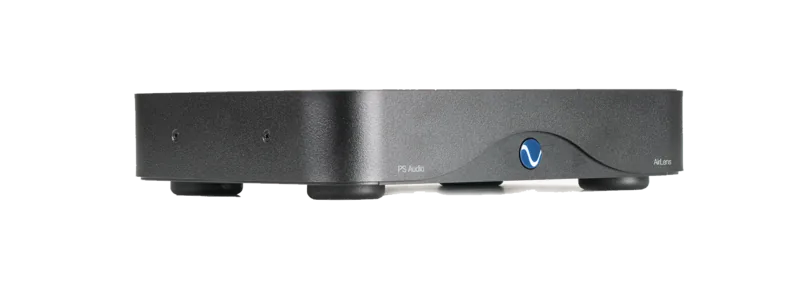
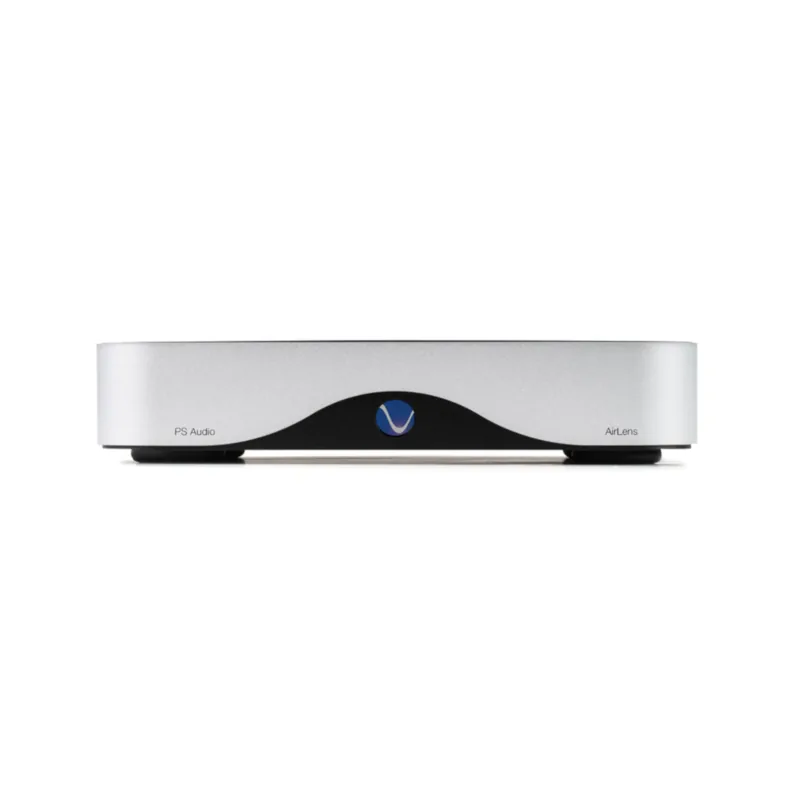
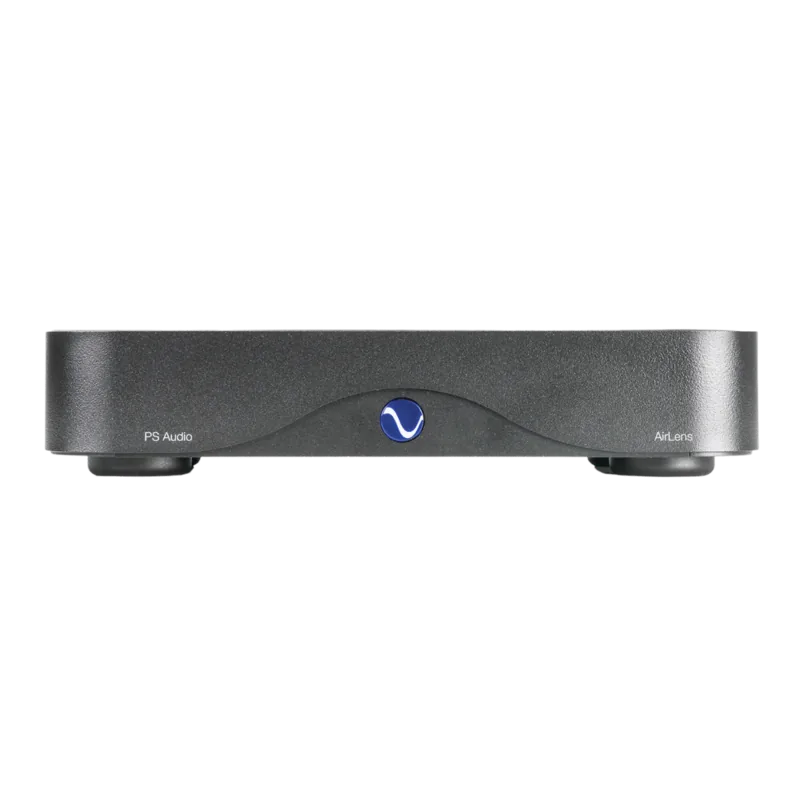
PS Audio AirLens Manual
PDF manual · 20 Pages
English



Quick check
Incorrect answer, please try again.
Chat with your PS Audio AirLens manual using AI
Get instant AI answers from your PS Audio AirLens manual
Ask anything about the PS Audio AirLens. Answers come from this manual, with the pages they are based on.
AirLens Maintenance Schedule
The manual states to clean only with a dry cloth. Do not use liquids or place objects filled with liquids on the apparatus.
Check for and install AirLens and streamer module firmware updates via the WPS button when new versions are available.
Ask a Question
Do you recommend AirLens?
Yes NoFrequently Asked Questions
It acts as a network streamer interface that connects your home network or internet to your Digital to Analog Converter. It uses galvanic isolation to remove noise and jitter from the digital audio signal.
Is this answer helpful?
Yes, it supports PCM rates up to 384KHz/32 bit and Native DSD up to DSD256 when using the I2S output option. Coaxial outputs support DoP up to DSD128.
Is this answer helpful?
Turn on the power, then press and hold the WPS button for 15 seconds. Follow the LED blink patterns to indicate update status. Ensure a network connection is active before starting.
Is this answer helpful?
The product comes with a limited warranty for three years from the date of purchase. Registration validates the start date. Proof of purchase is required if registration is not done within thirty days.
Is this answer helpful?
Yes, the device supports IEEE 802.11 b/g/n/ac dual band Wi-Fi. However, Ethernet is recommended for the most reliable connection and highest performance stability.
Is this answer helpful?
Connect using a high quality HDMI cable for I2S protocol or use a coaxial cable if I2S is unavailable. Disconnect power before making connections to ensure component safety.
Is this answer helpful?
Advantages and Disadvantages
Advantages

- Galvanic isolation eliminates electrical interference and jitter from network sources.
- Supports high resolution audio formats up to 384KHz and DSD256 via I2S.
- Dual band Wi-Fi and Ethernet options provide flexible network connectivity.
- Compatible with Roon and various streaming services like Tidal and Spotify.
Disadvantages

- Requires specific DAC connection protocols for optimal I2S performance.
- Setup involves DIP switches that may be confusing for beginners.
- Wi-Fi connection speed cannot be guaranteed compared to wired Ethernet.
- Sensitive to cable quality and length for I2S transmission results.
Product Specification
Type
Streaming Player
D/A Converter
32-bit/352.8kHz
Audio Formats
AAC, DSD256, FLAC, MP3, MQA, WAV, WMA
Streaming Clients
Qobuz, Roon, Spotify, Tidal
Audio Connections
Digital Audio Out (Coaxial), I2S Out (HDMI)
Additional Connections
RJ-45 (10/100/1000Base-T)
Wireless
Wi-Fi 5 (WLAN 802.11a/b/g/n/ac)
Dimensions
10.00 x 1.50 x 7.01 in (W x H x D)
Weight
4.85 lbs
Product Description
Elevating Audio Quality for Audiophiles
The PS Audio AirLens Manual provides essential information for audiophiles looking to upgrade their sound system significantly. This device serves as a dedicated streaming interface between your local network and your digital converter. It ensures high fidelity playback by completely removing interference from standard digital sources. This is vital for serious listeners who demand the best from their music collection. This guide also covers troubleshooting steps for common issues.
Noise Reduction Technology Explained
Standard network connections often introduce significant noise and jitter from computers or routers. The AirLens uses advanced galvanic isolation to eliminate electrical connections between input and output stages. This design creates a truly clean pathway for high resolution audio data. Users will experience improved transparency and wider dynamics when audio passes through this specialized unit. It effectively removes haze caused by external EMI influences on the signal path.
Connection Options and Cabling
You can link the device seamlessly via Ethernet or Wi-Fi connections depending on your home network. Ethernet is recommended for superior reliability during long listening sessions. For best sound, connect using the I2S output if your DAC supports this protocol fully. The unit supports PCM up to 384KHz and native DSD streaming formats easily. High quality HDMI cables are strictly needed for I2S transmission to maintain signal integrity. Keep cables short for optimal performance results.
Smart Setup and Control Features
DIP switches configure the unit to match your specific DAC capabilities accurately. This helps Roon software handle complex audio formats correctly without errors. Firmware updates are managed directly through the WPS button on the front panel safely. Users can reset the factory settings if they encounter persistent issues. LED lights indicate status and connection states clearly for visual feedback.
Warranty and Support Details
The company offers a comprehensive three-year warranty on this product for peace of mind. Registration validates the start date for protection against material defects easily. Customer support is available for service inquiries and troubleshooting requests. The unit is built in Colorado and designed for global markets effectively. Proper maintenance extends the usable life of the component significantly over time.
Safety Guidelines for Longevity
Keep the unit away from moisture and rain strictly at all times. Do not expose to flammable materials near the chassis to prevent hazards. Ensure adequate ventilation during operation to avoid overheating issues. Unplug during lightning storms for safety of the electrical components inside. Always follow manufacturer instructions for longevity and reliability. Adhering to these rules ensures your investment remains protected.
Notes
Adhering to these rules ensures your investment remains protected.
Search for 67,706 Manuals online


Type-in Brand or Model