
Poly Voyager Focus 2 Manual
PDF manual · 15 Pages
English



Quick check
Incorrect answer, please try again.
Chat with your Poly Voyager Focus 2 manual using AI
Get instant AI answers from your Poly Voyager Focus 2 manual
Ask anything about the Poly Voyager Focus 2. Answers come from this manual, with the pages they are based on.
Ask a Question
Do you recommend Voyager Focus 2?
Yes NoFrequently Asked Questions
Simply plug the included USB Bluetooth adapter into your computer and turn on the headset. The LED will flash blue indicating a successful connection. If pairing fails, hold the power switch until LEDs flash red and blue to enter pairing mode.
Is this answer helpful?
Yes, the Teams model includes a dedicated button to launch Microsoft Teams quickly. You must have the Teams desktop application installed on your computer for full functionality, including notification alerts.
Is this answer helpful?
While exact hours vary by usage, the headset provides substantial talk time. A full charge takes approximately two hours using the Micro-USB cable or the optional charging station.
Is this answer helpful?
Low ANC is ideal for typical office environments where some ambient sound is acceptable. High ANC is recommended for very loud areas to maximize silence and concentration.
Is this answer helpful?
No, the smart sensors and active noise cancelling require the headset to be powered on and paired. However, you can use the wired USB mode if Bluetooth connectivity is lost or unstable.
Is this answer helpful?
Advantages and Disadvantages
Advantages

- Active Noise Cancelling effectively reduces background distractions
- Smart Sensors automate call handling and media playback
- Supports dual device connectivity for seamless switching
- Includes dedicated Microsoft Teams integration for easy access
- Offers both wireless and wired USB modes for maximum flexibility
Disadvantages

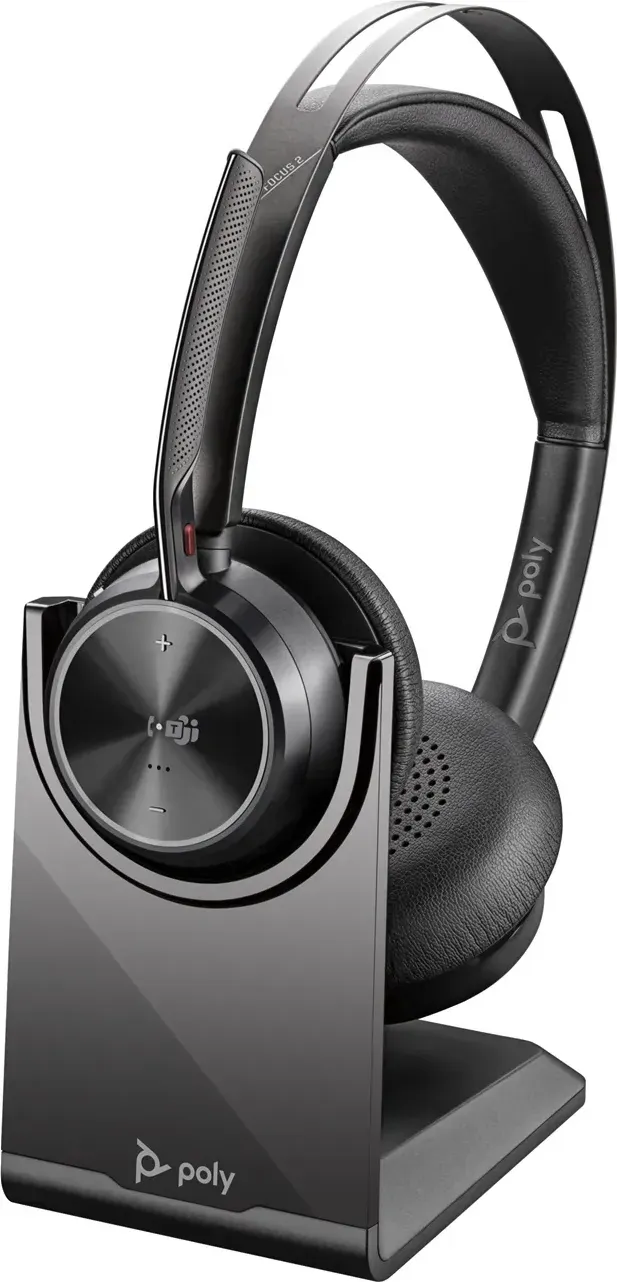
- Charging station is sold separately and not included in standard box
- Microphone arm requires manual adjustment for optimal placement
- Some advanced features require specific software installation
- Bluetooth range may be limited by physical obstructions
- Voice prompts are only available in English by default initially
Product Specification
Type
On-Ear Headphones
Form Factor
Headband
Microphone
Boom Microphone
Controls
3-button remote, mute button, auto-pause/play
Battery Life
16h (with ANC), 19h (without ANC)
Frequency Range
20Hz-20kHz, Wideband
Device Features
Active Noise Cancellation (ANC)
Color
Black
Weight
0.39 lbs
Product Description
Poly Voyager Focus 2: Redefining Professional Audio
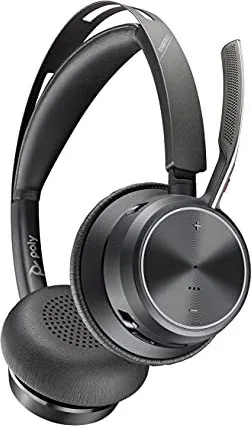
The Poly Voyager Focus 2 stands as a pinnacle of modern communication technology, designed specifically for professionals who demand clarity and comfort. This advanced Bluetooth headset seamlessly integrates into your daily workflow, offering an immersive audio experience that keeps you connected without the distractions of background noise. Whether you are working from a bustling office or a quiet home environment, the Focus 2 adapts to your needs with intelligent features that prioritize your productivity.
At the heart of this device is its Active Noise Cancelling (ANC) system, which effectively blocks out external chatter and environmental interference. Users can toggle between low and high ANC settings depending on their surroundings, ensuring optimal focus at all times. The headset also features Smart Sensors that automatically pause music or answer calls when you put the device on or take it off. This intuitive interaction streamlines your day, allowing you to stay engaged in conversations without fumbling with buttons.
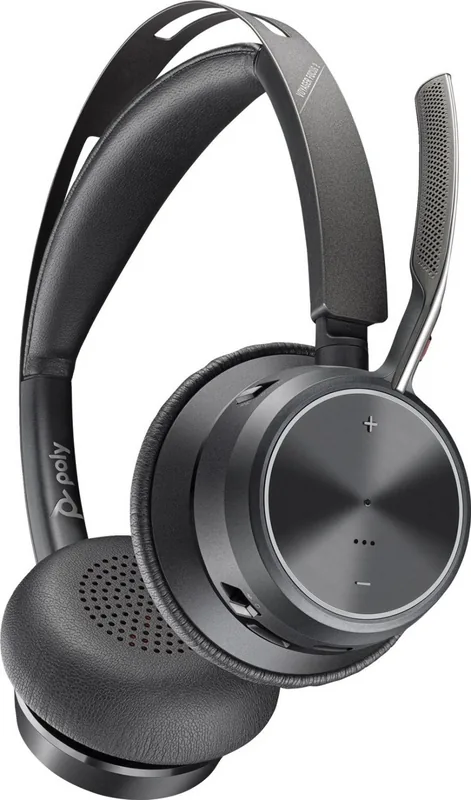
Connectivity is effortless thanks to the included Hi-Fi USB Bluetooth adapter, which pairs directly with your computer upon first use. The device supports simultaneous connections to two devices, meaning you can manage a call on your mobile phone while listening to audio on your PC. For those who prefer a wired connection, the Focus 2 offers a dedicated mode where audio streams directly over a USB cable, eliminating any potential Bluetooth interference. The microphone arm is fully adjustable, rotating to ensure perfect positioning near your mouth for crystal-clear voice transmission.
Battery life is robust, providing hours of talk time on a single charge. Charging is versatile; you can use the Micro-USB port or place the headset in the optional charging station. The Poly Lens desktop application allows for deep customization, letting users update firmware, adjust button functions, and manage language settings. With support for Microsoft Teams, Siri, and Google Assistant, the Voyager Focus 2 is more than just a headset; it is a comprehensive communication hub designed to enhance every professional interaction.
Search for 67,732 Manuals online


Type-in Brand or Model