
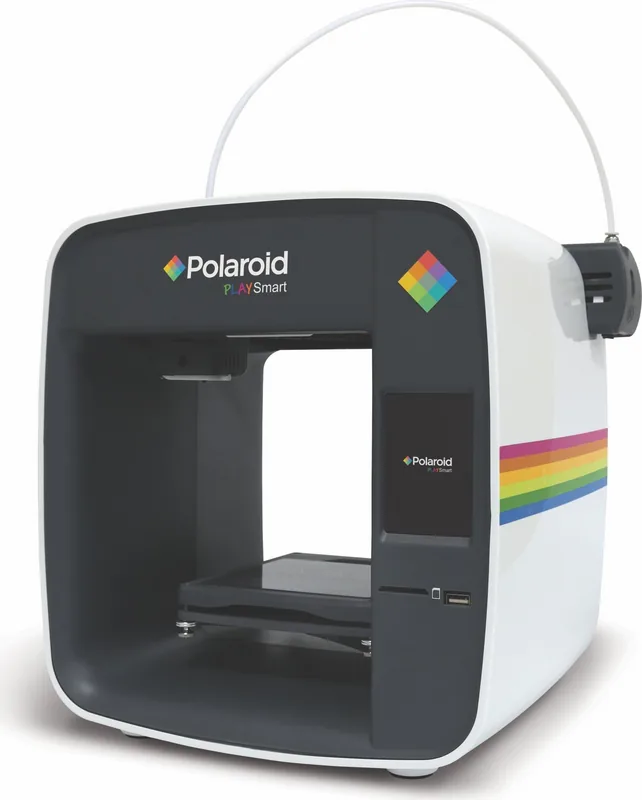
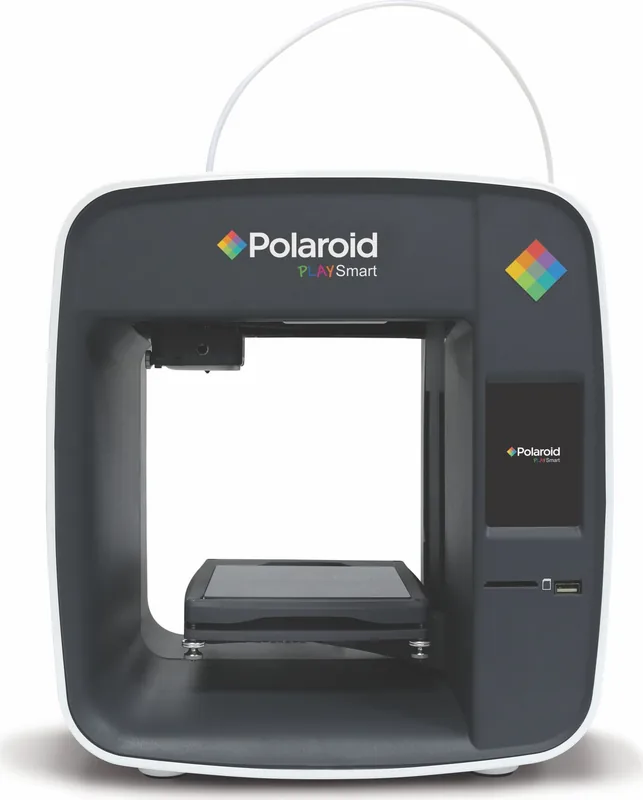
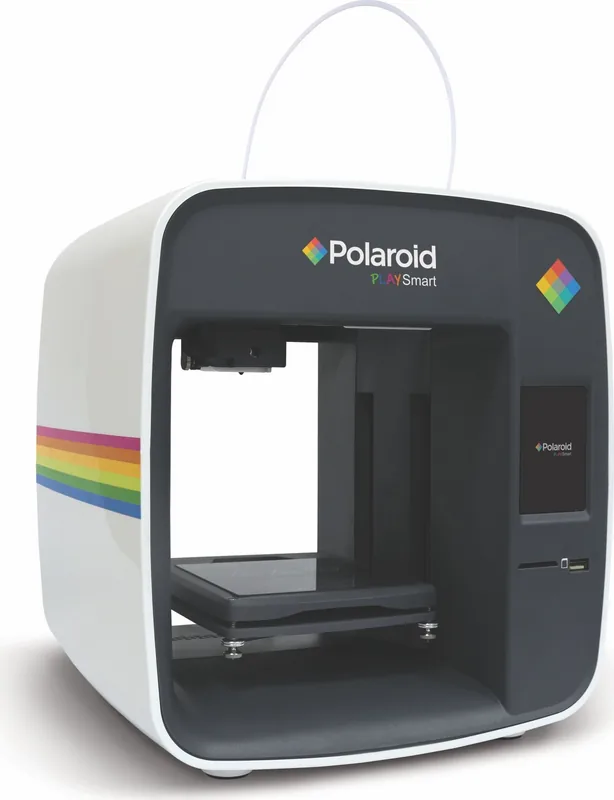
Polaroid3D PlaySmart Manual
PDF manual · 29 Pages
English



Quick check
Incorrect answer, please try again.
Chat with your Polaroid3D PlaySmart manual using AI
Get instant AI answers from your Polaroid3D PlaySmart manual
Ask anything about the Polaroid3D PlaySmart. Answers come from this manual, with the pages they are based on.
PlaySmart Maintenance Schedule
Check regularly for any residual filament build-up on the nozzle as this may cause unsuccessful prints.
Ensure the extruder remains clean and free from any residual filament prior to each print to prevent blockages.
Wipe the cool bed with a clean cloth and warm water or glass cleaning solution after removing the model and ensuring it is completely dry before printing.
Remove any items or residual material underneath or around the print bed to prevent obstruction of movement.
Free maintenance reminders
Timed to your purchase date. Always free, unsubscribe anytime.
Ask a Question
Do you recommend PlaySmart?
Yes NoFrequently Asked Questions
It combines guided on-screen setup, simple filament loading, and easy print controls. The workflow is designed to reduce confusion, so new users can start printing with fewer technical hurdles.
Is this answer helpful?
The printer supports common materials such as PLA and PETG. Proper material selection matters because the print settings and temperatures should match the filament type for the best results.
Is this answer helpful?
Yes. You can print directly from the printer’s LCD screen using an SD card or USB drive. You can also use the mobile app after pairing the printer over Wi-Fi.
Is this answer helpful?
Yes, but in a planned way. SmartPrep can insert pause points during a print, allowing you to change filament manually at specific stages to create multi-colour effects.
Is this answer helpful?
Use the Load function first and check that the filament is correctly inserted. If it still does not flow, remove and reinsert the tube and filament carefully, then try again.
Is this answer helpful?
Very important. Proper leveling helps the first layer adhere evenly and improves print quality. Uneven leveling can cause poor adhesion, warping, or failed prints.
Is this answer helpful?
Advantages and Disadvantages
Advantages

- Easy-to-follow setup with touchscreen and app support.
- SmartPrep software makes slicing and print preparation approachable.
- Heated bed, camera, and light controls add convenience.
- Support for common materials like PLA and PETG expands usage.
Disadvantages

- Bed leveling and calibration need attention for good results.
- Single-extruder design limits true multi-material printing.
- Some troubleshooting steps can be time-consuming for beginners.
- Windows-focused software support may inconvenience Mac users.
Product Specification
Process
Fused Filament Fabrication FFF
Manufacturer Recommended Materials
1.75mm Filament
Print Size
4.72x4.72x4.72in (WxHxD)
Layer Height
0.0020-0.0118in
Print Bed
Heatable
Interfaces
USB 2.0, LAN, Wi-Fi, Card Reader (SD Card)
Dimensions
9.06x12.99x10.63in (WxHxD)
Weight
11.02lb (empty)
Manufacturer's Warranty
one year
Product Description
Polaroid3D PlaySmart: A Practical 3D Printer for Confident Making
The Polaroid3D PlaySmart is designed for makers who want a guided, approachable path into 3D printing without losing useful control. The Polaroid3D PlaySmart Manual shows a system built around simple setup, touchscreen navigation, wireless connectivity, and easy filament handling, making it especially appealing for first-time users and home creators who want reliable everyday printing.
What stands out most is the balance between simplicity and flexibility. You can print directly from the printer’s LCD, manage jobs through the mobile app, or prepare models on the SmartPrep software before sending them to the machine. That means users can start with the basics and gradually explore more advanced features such as layer height, print speed, supports, and model arrangement as their confidence grows.
The printer also benefits from thoughtful hardware support. A heated bed, replaceable nozzles, and a filament holder with scale help streamline the printing process, while the built-in camera, light controls, and status display add convenience. The workflow is organized to reduce guesswork, from loading filament to leveling the bed and checking firmware updates. For a compact desktop printer, that kind of structure is a major advantage.
Material handling is another highlight. The PlaySmart works with common filaments like PLA and PETG, and it supports guided loading and unloading so users can keep the process clean and predictable. The inclusion of multi-colour pause options in SmartPrep also adds creative freedom, even with a single extruder, by letting users plan colour changes at specific points in the print.
At the same time, the printer rewards careful setup. Bed leveling, print bed calibration, and correct nozzle temperature all matter if you want consistent results. The manual makes it clear that maintenance and patience are part of the experience, especially when handling hot components, replacing nozzles, or troubleshooting filament flow. For users willing to follow the steps, the result is a dependable desktop printer that feels well-supported rather than overly complicated.
Overall, the Polaroid3D PlaySmart is best viewed as a friendly, structured 3D printing platform for learners, hobbyists, and practical makers. It combines guided software, useful automation, and clear maintenance routines into a package that encourages experimentation while keeping the process manageable.
Notes
- Best suited to users who value guided printing and clear setup steps.
- Stable placement, clean maintenance, and correct calibration improve results.
- SmartPrep adds useful control for models, supports, and multi-colour planning.
Search for 67,706 Manuals online


Type-in Brand or Model
AutEa89
8 months ago
Is the Polaroid Printer easy to use, especially the free app? I want something simple without lots of setup.
Manual.ly
8 months ago
Yes. Customers report that the included free app is very easy to use and makes the whole process straightforward. After a quick setup, you can print directly without complicated menus or troubleshooting. The printer is also described as simple to operate day to day, so it is a good choice if you prefer a plug-and-play experience rather than advanced settings.