
Polaroid3D Candy Pen Manual
PDF manual · 24 Pages
English



Quick check
Incorrect answer, please try again.
Chat with your Polaroid3D Candy Pen manual using AI
Get instant AI answers from your Polaroid3D Candy Pen manual
Ask anything about the Polaroid3D Candy Pen. Answers come from this manual, with the pages they are based on.
Ask a Question
Do you recommend Candy Pen?
Yes NoFrequently Asked Questions
You must use a 5.0 Volt DC, 2 Amp minimum power adapter. Standard phone chargers like iPhone blocks often lack sufficient power.
Is this answer helpful?
It is recommended to clean the pen after every use. Leftover candy may absorb moisture and become sticky, causing blockages.
Is this answer helpful?
Simply place the broken pieces together and draw over the break with fresh candy. Hold them until the new candy solidifies.
Is this answer helpful?
Yes, the cartridges are made of sugar-free ingredients like Isomalt and natural flavorings, making them safe for consumption.
Is this answer helpful?
This usually happens if the power bank is low on charge or if the power supply is insufficient for the heating element.
Is this answer helpful?
Heat the pen to soften the candy, then gently pick it off with tweezers. For deep cleaning, soak the nozzle in boiling water.
Is this answer helpful?
Advantages and Disadvantages
Advantages

- Allows creation of unique, edible 3D shapes and treats
- Compatible with six different sugar-free flavor cartridges
- Features automatic piston retraction for easy refilling
- Includes LED indicators for heating status and readiness
- Ergonomic design comfortable for extended drawing sessions
Disadvantages

- Requires specific 5.0V DC 2.0A power adapter which is not included
- Nozzle becomes extremely hot posing a burn risk during operation
- Candy cartridges must be stored in dry conditions to prevent stickiness
- Cleaning requires disassembly and careful drying of parts
- Cannot remove a cartridge once the printing process has started
Product Description
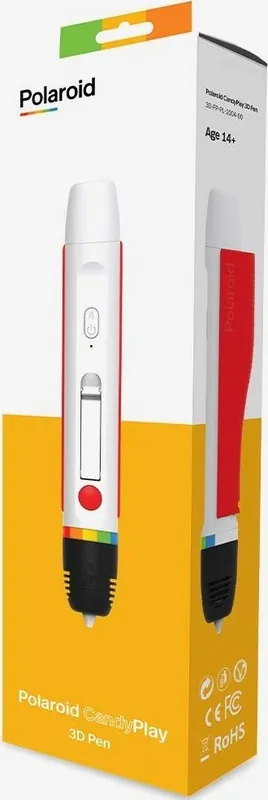
Discover the Magic of Edible Art with Polaroid3D Candy Pen
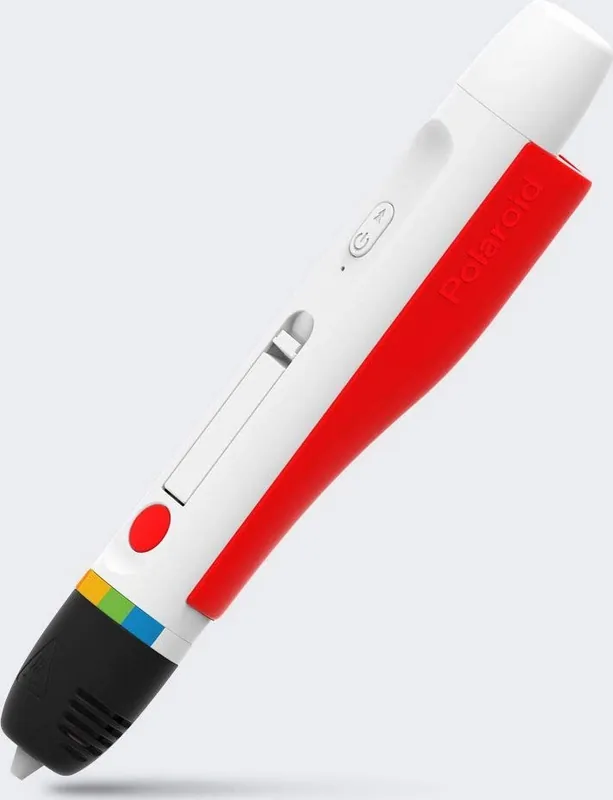
The Polaroid3D Candy Pen transforms your kitchen into a creative studio where you can design, print, and eat your own 3D creations. This innovative system allows users to extrude sugar-free candy filaments layer by layer, building intricate models, lollipops, or decorative cake toppers that are both visually stunning and delicious. Whether you are a beginner looking for simple treats or an expert aiming for complex sculptures, this pen offers a unique blend of technology and culinary fun.
Designed with safety and ease of use in mind, the device features an ergonomic grip suitable for both left and right-handed users. It includes LED indicators that guide you through the heating process, switching from red while warming up to blue when ready. The system supports manual and automatic extrusion modes, giving you precise control over your designs. With six vibrant flavors available including Strawberry, Grape, Lemon, Apple, Orange, and Cola, you can add color and taste to every project. The kit comes with four free Strawberry cartridges and a finishing cartridge to ensure no material is wasted before cleaning.
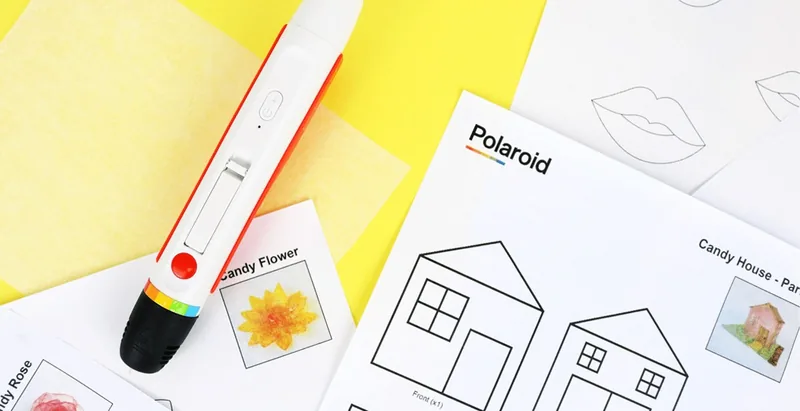
Creating your own candies is straightforward. You can trace templates found online onto greaseproof paper or free-draw your imagination directly. The pen heats the candy to approximately 100 degrees Celsius, allowing it to flow smoothly from the nozzle. Once cooled, your creation hardens instantly, holding its shape perfectly. Cleaning is also simplified with removable parts, though care must be taken to avoid water contact with electrical components. This product invites families to spend hours bonding over the joy of making and eating their own edible masterpieces.
Key Highlights
- Edible Creativity: Print sweet treats that are safe to eat.
- Versatile Flavors: Choose from six distinct sugar-free options.
- Smart Design: Auto-retraction and dual extrusion modes.
- Safety First: Built-in cooling timers and heat warnings.
- Easy Maintenance: Removable parts for thorough cleaning.
Search for 67,706 Manuals online


Type-in Brand or Model