
Polar M460 Manual
PDF manual · 67 Pages
English



Quick check
Incorrect answer, please try again.
Chat with your Polar M460 manual using AI
Get instant AI answers from your Polar M460 manual
Ask anything about the Polar M460. Answers come from this manual, with the pages they are based on.
M460 Maintenance Schedule
After baseline recordings, perform the orthostatic test 2-3 times a week, preferably in the morning after waking up, to monitor recovery status.
Detach the connector from the strap, dry it with a soft towel, and clean with mild soap if needed. Rinse the strap under running water and hang to dry.
Visually check that there is no hair, dust, or other dirt on the sealing surface area of the lid/back case after using the USB port. Gently wipe to remove any dirt.
It is recommended to always manually calibrate altitude when you know your current altitude to ensure accurate readings, especially before training.
Calibrate the power sensor before starting a training session to ensure accuracy. Keep the bike upright and cranks in place until completed.
Repeat the Polar Fitness Test approximately once a month to monitor aerobic fitness progress. Ensure consistent environment and time for reliable results.
If storing the training device for several months, recharge it after a few months to prolong battery lifetime and prevent deep discharge.
Ask a Question
Do you recommend M460?
Yes NoFrequently Asked Questions
You need a computer with an Internet connection. Download Polar FlowSync software, install it, plug in the M460, and follow on-screen instructions. Create a Polar account, fill in physical details precisely, and click Done to sync settings.
Is this answer helpful?
It works with Polar Cadence Sensor, Speed Sensor, H10 Heart Rate Sensor, and Polar LOOK Kéo Power Sensor. It also supports third-party Bluetooth power meters. Always check compatibility tables and ensure latest firmware.
Is this answer helpful?
Battery operating time is up to 16 hours with GPS and heart rate sensor enabled. This depends on temperature, features used like front light, and battery aging. Operating time reduces significantly in freezing temperatures.
Is this answer helpful?
Yes, the M460 is compatible with TrainingPeaks platform. You can see Normalized Power, Intensity Factor, and Training Stress Score if you pair a power sensor, connect accounts, and add the training view in sport profile settings.
Is this answer helpful?
You need a Strava Premium account. Connect Strava and Polar Flow accounts via the web service or app. Select segments to export, click Update Segments, and sync your M460. You will get alerts during the ride.
Is this answer helpful?
Use Assisted GPS (A-GPS) data which is updated via FlowSync. Ensure the A-GPS data file has not expired. If expired or not synced, the satellite fix takes longer. Sync your M460 regularly to update this data.
Is this answer helpful?
Go to General settings > Pair and sync > Pair and sync mobile device. Press Start. Accept Bluetooth request on your phone. Enter pin code displayed on M460. Pairing completed will show when done. You can also pair via the Flow app.
Is this answer helpful?
Advantages and Disadvantages
Advantages

- Accurate GPS and barometer tracking for speed, distance, and altitude
- Compatible with multiple Bluetooth power meters and heart rate sensors
- Up to 16 hours of battery life for long training sessions
- Integrated Fitness Test and Orthostatic Test for monitoring health
- Seamless syncing with Polar Flow web service and mobile app
Disadvantages

- Battery cannot be charged in temperatures below zero or above 50 degrees
- Max limit of 20 sport profiles available on the device itself
- Assisted GPS data expires after 14 days and requires updating
- Requires physical settings setup for accurate calorie calculation
- Setup process requires internet connection and initial software installation
Product Specification
Colors
black
Display
1.38x1.38 in, monochrome, backlit
Connection
wireless
Interfaces
USB, Bluetooth
Navigation
yes, GPS
Compatibility
Cadence sensor (not included), Heart rate sensor (not included)
Power Source
Battery (385mAh)
Battery Life
up to 16 hours
Weight
0.11 lbs
Features
water-resistant (IPx7), Altimeter
Product Description
Welcome to Your New Training Companion
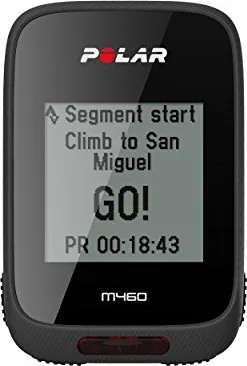
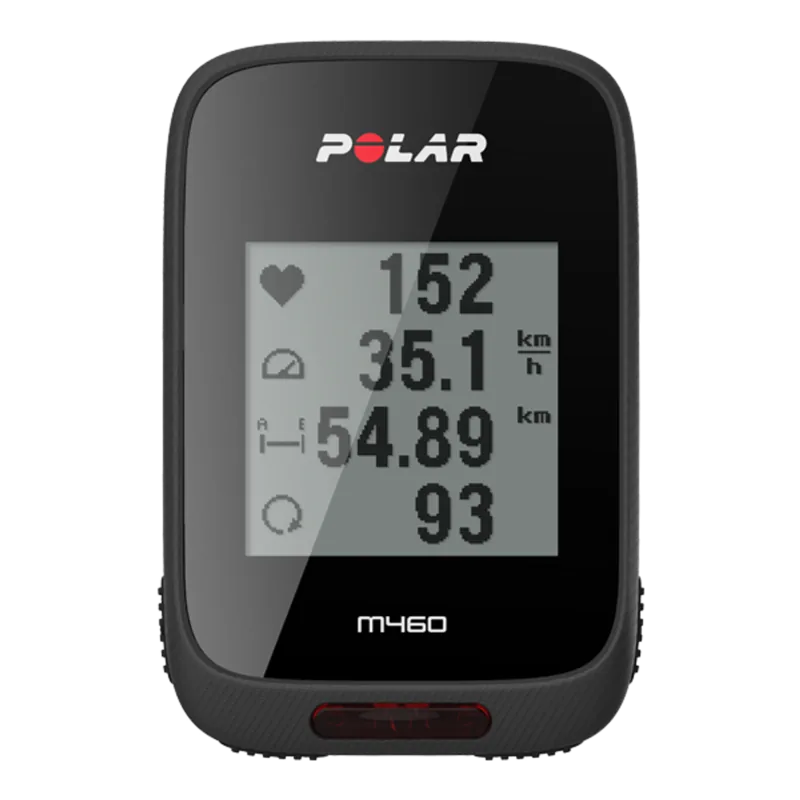
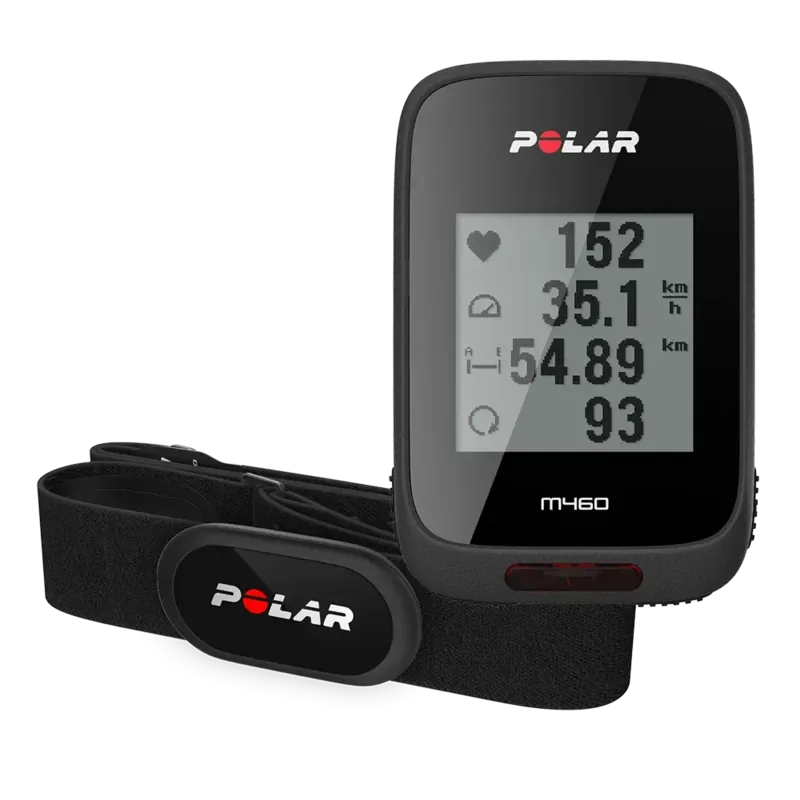
Congratulations on your new Polar M460. This all-round GPS bike computer is fully compatible with several Bluetooth power meters and makes cycling even more exciting with Strava Live Segments. Your M460 is compatible with the TrainingPeaks platform, offering advanced metrics like Normalized Power and Training Stress Score. When combined with a heart rate sensor, the device offers unique features such as the Fitness Test and Recovery Status. It is splash-proof and provides a battery life of up to 16 hours during training. GPS and barometer technology enable accurate tracking of speed, distance, altitude, and gradient. The device keeps you connected with smart notifications and includes a front LED light for safety.
Setup and Connectivity
Get an instant overview of your training right after a session with the Flow app. Plan and analyze your training in detail with the Flow web service. This Polar M460 GPS Manual helps you get started with your new training companion. Take full advantage of your M460 by viewing live, accurate heart rate during training with a Polar H10 sensor. Your heart rate data is essential for analyzing how your session went. View training data at a glance after every session with the Polar Flow mobile app. The flow app syncs your training data wirelessly to the Polar Flow web service. Polar FlowSync software allows you to sync data between your M460 and the Flow web service on your computer via the USB cable.
Detailed Configuration
Plan and analyze every detail of your training, customize your device and learn more about your performance with Polar Flow web service. Follow the Polar M460 GPS Manual to set up the device in the Flow web service. There you can fill in all physical details required for accurate training data at once. You can also select language and get the latest firmware for your M460. To do the setup in the Flow web service, you need a computer with an Internet connection. M460 is delivered in sleep mode and wakes up when plugged into a computer or charger. If the battery is empty, charging animation appears after a few minutes. Set up your M460 in the Polar Flow Web Service by downloading software and following instructions. The Flow web service opens automatically when you connect. Create an account and fill in physical settings precisely. Fill in settings as they affect calorie calculation and coaching features.
Notes on Usage
Synchronization completes when FlowSync status changes. You will be requested to update software to get full features. Charging uses the included USB cable via computer or wall outlet. Do not charge when wet or in extreme temperatures. Keep the USB port cover closed when not in use. The battery operating time depends on environmental factors and temperature. Follow this guide for button functions, menu structure, pairing sensors, and managing sport profiles accurately. Physical settings such as weight, height, and date of birth must be accurate. Training benefit features help understand the effectiveness of training. Textual feedback is provided after sessions over ten minutes in sport zones. Smart notifications allow calls and messages on the device. The device includes specific tests like the Orthostatic Test to monitor recovery. It also features interval timers for precise work phases. Training views allow customization of data fields during activity. Ensure you calibrate power sensors before starting sessions for accuracy. Always sync your device with the mobile app to receive notifications and ensure firmware is current. Regular maintenance keeps the GPS function optimized and the barometer accurate for altitude changes. This comprehensive setup ensures maximum performance on every ride.
Search for 67,706 Manuals online


Type-in Brand or Model