
Polar H10 Manual
PDF manual · 7 Pages
English



Quick check
Incorrect answer, please try again.
Chat with your Polar H10 manual using AI
Get instant AI answers from your Polar H10 manual
Ask anything about the Polar H10. Answers come from this manual, with the pages they are based on.
H10 Maintenance Schedule
Detach the connector from the strap after every use and dry it with a soft towel.
Rinse the strap under running water after every use and hang it to dry.
Free maintenance reminders
Timed to your purchase date. Always free, unsubscribe anytime.
Ask a Question
Do you recommend H10?
Yes NoVideo Manual
How to Set up and wear a Polar H10 heart rate monitor with a universal strap.
Frequently Asked Questions
Wear the sensor, open the Polar Beat app on your paired Android or iOS device, go to app settings and select HR sensor. When the sensor appears, tap PAIR. Ensure Bluetooth is enabled and the sensor is within range in front of you.
Is this answer helpful?
Yes. The sensor is water resistant and GymLink (ANT) can work in water. Bluetooth will not transmit underwater, but the sensor’s internal memory can record a single session which you can sync to Polar Beat after exiting the water.
Is this answer helpful?
Detach the connector after each use, rinse the strap under running water and hang to dry. Clean the connector with mild soap and water when needed, dry it with a soft towel, and avoid alcohol, abrasive cleaners, and tumble drying.
Is this answer helpful?
The connector uses a CR2025 battery. Pry the battery cover open with a small flat tool, remove the old battery, insert a new CR2025 with the negative side outwards, and snap the cover back in place. Inspect and replace the sealing O-ring if damaged.
Is this answer helpful?
The Polar H10 has internal memory that stores heart rate data for one training session. Start the session via Polar Beat with Save HR on sensor enabled and sync to the app after the session to transfer data.
Is this answer helpful?
Yes. Firmware updates are delivered via the Polar Beat app. Pair the sensor with Polar Beat on Android or iOS; the app will notify you of available updates and guide you through the update process.
Is this answer helpful?
A snug fit ensures good electrode contact with the skin, which improves measurement accuracy and reduces signal dropouts. The XS-S size is optimized for smaller chest circumferences to maintain consistent ECG signal quality.
Is this answer helpful?
Advantages and Disadvantages
Advantages

- High-accuracy ECG-level heart rate measurement via chest electrodes.
- Internal memory records one session for activities without a phone.
- Compatible with Bluetooth Smart, Polar Beat app and GymLink/ANT devices.
- User-replaceable CR2025 battery with clear replacement procedure.
- Slim, comfortable XS-S strap ensures good contact for smaller users.
Disadvantages

- Bluetooth does not transmit underwater; requires post-session sync.
- Electrodes must be moistened and strap cleaned after each use.
- Connector must be detached and dried separately to avoid damage.
- Replacement O-ring/battery kits may be needed and are additional cost.
- Limited internal memory—only one training session at a time.
Product Specification
Type
Chest strap
Colors
black
Interfaces
Bluetooth, ANT+
Power supply
Battery (1x CR2025)
Product Description
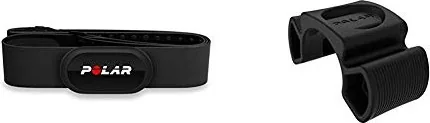
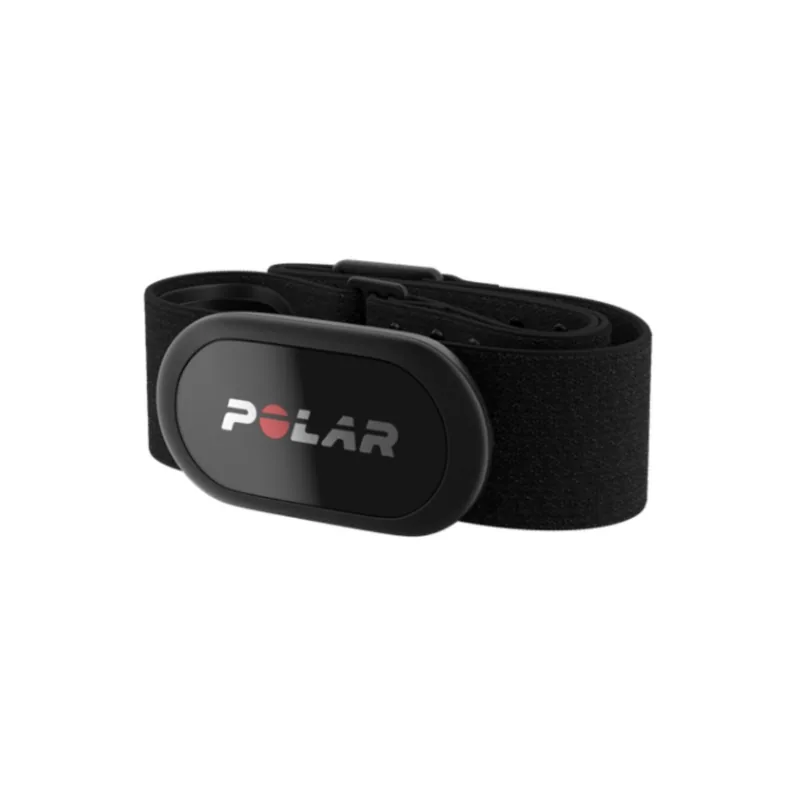
Polar H10 XS-S Heart Rate Sensor Set black Manual
The Polar H10 XS-S Heart Rate Sensor Set in black is a precision chest-strap sensor designed for athletes and fitness enthusiasts who demand accurate heart rate tracking. Lightweight and low-profile, the sensor uses chest-mounted electrodes and a detachable connector to capture ECG-level heart rate data. It pairs with Bluetooth® Smart devices and the Polar Beat app for live monitoring, training recording, and automatic synchronization with Polar Flow. The XS-S sizing ensures a snug fit for smaller chest circumferences, improving contact and measurement reliability.
Features and usage
The H10 sensor features soft textile electrodes integrated into a comfortable strap. Before use, moisten the electrodes, fasten the strap snugly around the chest, and attach the connector. The connector transmits live heart rate data via Bluetooth and also stores a single training session in its internal memory for post-session syncing — useful for swims or activities where a mobile device cannot be carried. Bluetooth does not function underwater, but the internal memory and GymLink (ANT) technologies allow recording and use in pool or open-water settings when paired later.
Pairing is done directly through the Polar Beat mobile app on Android or iOS. Once paired, Polar Beat can start recordings, receive live data, and automatically sync sessions to Polar Flow when connected. Firmware updates are delivered through the Polar Beat app to improve performance and add features.
Maintenance is straightforward: detach the connector after each session, rinse the strap under running water, and dry components separately. Clean the connector with mild soap and water when necessary, avoid alcohol and abrasive cleaners, and do not machine-dry the strap. The connector uses a user-replaceable CR2025 battery; replace it carefully and check the O-ring seal to preserve water resistance.
Notes
- Bluetooth transmission does not work underwater; use the sensor memory or GymLink for aquatic sessions.
- Dry connector and strap separately to prolong battery life and prevent corrosion.
- Check compatibility with your device and apps; Polar Beat and Polar Flow provide the fullest feature set.
Pros and cons are listed below to help evaluate whether the Polar H10 XS-S in black fits your training needs.
Search for 67,706 Manuals online


Type-in Brand or Model
Maja Schneider
7 months ago
Do I need Polar registration to use all features, and can the sensor sync with PolarApp, Runtastic, and Apple Health? Also, how do I pick the right chest strap size?
Manual.ly
7 months ago
Yes. Polar registration is required to unlock all sensor functions. After you connect the sensor through the Polar app, it works reliably with both the PolarApp and the Runtastic app. For Apple Health, you can enable data synchronization by granting permission during setup. The sensor also supports storing workout data; you can enable storage in the app and read it back later. For the chest strap, measure your chest circumference to select the correct strap length, since the strap comes in different sizes.