
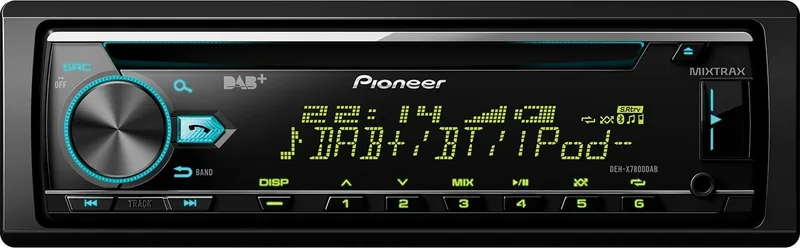
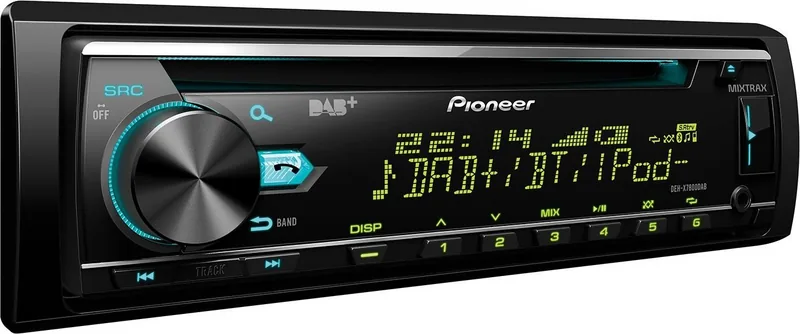
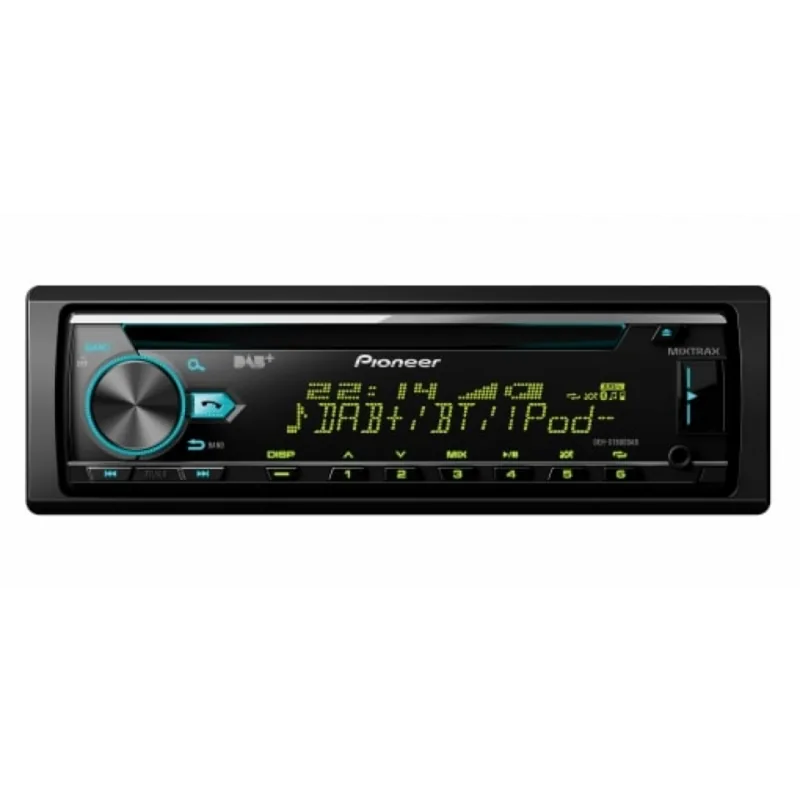
Pioneer DEH-X7800DAB Manual
PDF manual · 208 Pages
English


Quick check
Incorrect answer, please try again.
Chat with your Pioneer DEH-X7800DAB manual using AI
Get instant AI answers from your Pioneer DEH-X7800DAB manual
Ask anything about the Pioneer DEH-X7800DAB. Answers come from this manual, with the pages they are based on.
Ask a Question
Do you recommend DEH-X7800DAB?
Yes No
rkelly68
6 months ago
Is the DAB+ antenna included with the package or do I need to buy it separately?
Frequently Asked Questions
Yes, the unit supports DAB signals, but you must purchase and install an optional external DAB antenna (AN-DAB1) separately to receive digital broadcasts.
Is this answer helpful?
Yes, you can stream Spotify using a connected smartphone via Bluetooth or USB. You need to download the Spotify app on your phone and link it to the unit.
Is this answer helpful?
Yes, the front panel is fully detachable to prevent theft. You should remove it when parking the vehicle and store it in a protective case.
Is this answer helpful?
The unit supports MP3, WMA, AAC, and WAV files. Note that FLAC files cannot be played via MTP connection, and DRM protected files will be skipped.
Is this answer helpful?
You can pair up to three Bluetooth devices. However, only two phones can be connected simultaneously for hands-free calling, and audio streaming takes priority during calls.
Is this answer helpful?
Yes, the unit supports voice recognition for making calls, but this feature is exclusively available when an iPhone equipped with Siri is connected via Bluetooth.
Is this answer helpful?
Advantages and Disadvantages
Advantages

- Superior sound quality with DAB digital radio and 13-band graphic equalizer
- Versatile connectivity including Bluetooth, USB, and Spotify streaming
- Advanced audio tuning with MIXTRAX and time alignment features
- Detachable front panel provides enhanced security against theft
- Seamless integration with Pioneer ARC App for smartphone control
Disadvantages

- Optional DAB antenna must be purchased separately for digital radio
- Complex initial setup may require professional installation assistance
- Some advanced features like MTP do not support FLAC or WAV files
- Voice recognition is limited to specific iPhone models only
- Bluetooth pairing process can be lengthy when connecting multiple devices
Product Specification
Type
CD Receiver, 1-DIN
Display
Dot-Matrix
Navigation
No
TMC
No
Tuner
FM, AM, LW, DAB, DAB+
Media
CD (CD-R/RW), USB Storage
Audio Formats
AAC, FLAC, MP3, WAV, WMA
Power
4 x 50W Peak, MOSFET
Connections
3x Preamp Output, 1x AUX In (Front), 1x USB (Front), Bluetooth
Anti-Theft
Removable Control Panel
Features
Hands-free Kit, Variable Lighting, 13-Band Equalizer
Product Description
Pioneer DEH-X7800DAB: The Ultimate Digital Audio Receiver
The Pioneer DEH-X7800DAB stands as a premier choice for car audio enthusiasts seeking high-fidelity sound and modern connectivity. This digital media receiver is designed to transform your driving experience by integrating seamlessly with your digital lifestyle while delivering robust audio performance. Whether you are commuting or embarking on a long road trip, this unit ensures that your music sounds crisp, clear, and powerful.
At the heart of this device is advanced Digital Audio Broadcasting (DAB) technology. It supports both Band III and L Band frequencies, allowing you to access a vast array of digital radio stations with superior sound quality compared to traditional FM broadcasts. The tuner automatically switches between ensembles and services to maintain the best possible reception, ensuring you never miss your favorite shows. For those who prefer classic radio, the RDS functionality provides traffic announcements and program type information, keeping you informed and entertained.
Connectivity is where the DEH-X7800DAB truly shines. It offers versatile options including Bluetooth streaming for hands-free calls and wireless music playback via A2DP. You can easily pair up to three devices, though only two phones can be active simultaneously for calls. The unit also features full USB support for iPods, iPhones, and Android devices. With MTP and AOA protocols, you can manage your music library directly from the head unit. Spotify integration allows you to stream your favorite playlists, while the dedicated Pioneer ARC App gives you control over sources and settings right from your smartphone screen.
Audio customization is extensive. The built-in 13-band graphic equalizer lets you fine-tune every frequency to match your taste. The MIXTRAX feature creates seamless mixes with dynamic lighting effects that pulse to the beat. You can choose between standard mode for a simple 4-speaker setup or network mode for a complex multi-amp system with separate highs, mids, and subs. Time alignment and crossover settings ensure that sound reaches your ears perfectly regardless of speaker placement.
Safety and convenience are prioritized with a detachable front panel to deter theft and a clear display that adjusts to ambient light. The unit includes voice recognition for iPhone users, making it safer to make calls without taking your eyes off the road. Installation is straightforward with comprehensive wiring diagrams included in the manual, supporting various vehicle configurations.
Key Features Summary
- Digital Radio: Full DAB/DAB+ support with automatic service switching.
- Connectivity: Bluetooth, USB, AUX, and Spotify integration.
- Audio Control: 13-band EQ, MIXTRAX, and time alignment.
- Smart Integration: Works with Pioneer ARC App for Android and iOS.
- Security: Detachable faceplate and anti-theft design.
Important Notes
- Always disconnect the negative battery terminal before installation to prevent short circuits.
- Ensure proper ventilation around the unit to prevent overheating.
- Use only compatible discs and USB formats to avoid playback errors.
Search for 67,732 Manuals online


Type-in Brand or Model
Isabelle Cooper
4 months ago
Does this Pioneer radio support German language settings for the menu?
Manual.ly
4 months ago
Currently, the device supports English, Turkish, and Russian as display languages. German is not available in the on-screen menu options. However, the included user manual is fully available in German, which helps users navigate the settings effectively despite the language limitation.