
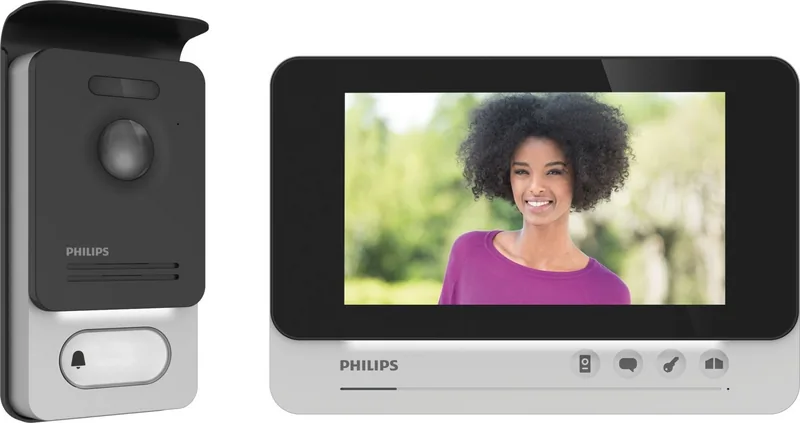
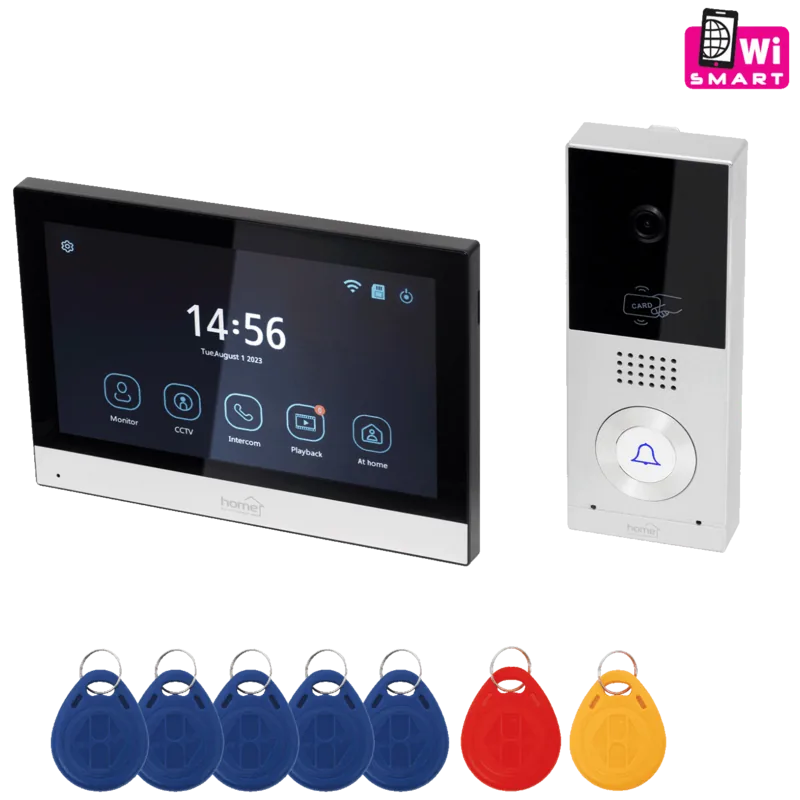
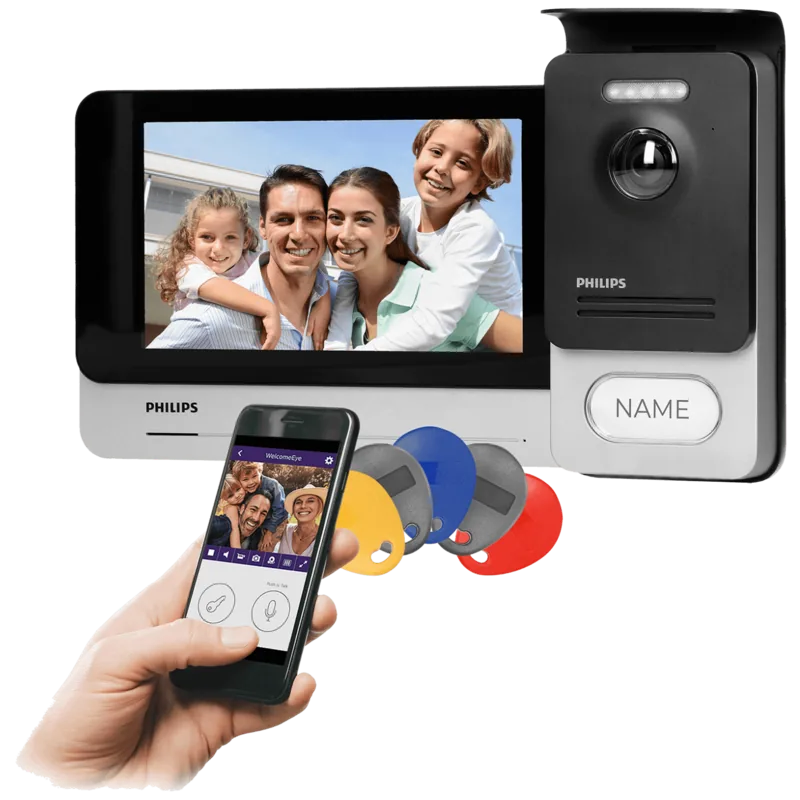
Philips WelcomeEye Comfort DES9500VDP Manual
PDF manual · 100 Pages
English



Quick check
Incorrect answer, please try again.
Chat with your Philips WelcomeEye Comfort DES9500VDP manual using AI
Get instant AI answers from your Philips WelcomeEye Comfort DES9500VDP manual
Ask anything about the Philips WelcomeEye Comfort DES9500VDP. Answers come from this manual, with the pages they are based on.
WelcomeEye Comfort DES9500VDP Maintenance Schedule
Disconnect the equipment or switch it off at the mains before cleaning.
Clean with a soft cloth only, no solvents. Do not use gasoline, carboxylic acid, alcohol or similar products.
Ask a Question
Do you recommend WelcomeEye Comfort DES9500VDP?
Yes NoFrequently Asked Questions
The kit includes an indoor monitor, wall bracket, plug-in power supply, EU/UK power adapter, and an outdoor intercom panel. The Compact version uses a smaller screen but follows the same core concept.
Is this answer helpful?
It uses a two-wire connection for the main functions, including calling, video, audio, gate control, and electric strike operation. This keeps installation simpler than many multi-wire systems.
Is this answer helpful?
Yes. The WelcomeEye technology supports shared use by two families. Each family can have up to three monitors, making the system suitable for multi-unit homes or shared entrances.
Is this answer helpful?
Yes. The intercom can trigger a gate motor through a dry contact and can operate an electric strike or lock, as long as the connected device matches the required electrical limits and has mechanical memory.
Is this answer helpful?
Yes. The outdoor panel is rated IP44 and includes white LEDs for night vision, making it suitable for typical exterior installation conditions and everyday outdoor exposure.
Is this answer helpful?
Do not run the intercom cable in the same conduit as power cables, do not double the wires to increase section, and do not test the indoor and outdoor units in the same room because feedback noise can occur.
Is this answer helpful?
Advantages and Disadvantages
Advantages

- Two-wire wiring keeps installation simpler and reduces cable clutter.
- Indoor touch monitor provides a clear, user-friendly view of visitors.
- Supports gate control, electric strike release, and optional add-ons.
- Outdoor panel includes night vision, volume control, and IP44 protection.
Disadvantages

- Final setup needs careful switch configuration before permanent installation.
- Testing the indoor and outdoor units in the same room can cause loud feedback.
- Electric lock compatibility is limited by current and mechanical-memory requirements.
- Expansion is defined: the system supports up to two panels and one optional camera.
Product Specification
Display
7" Color LCD, 800x480 Pixels
Image Sensor
CMOS
Detection Range
130 deg (horizontal), 90 deg (vertical)
Connection
2-Wire
Users
1
IP Rating
IP44
Package Contents
1x Indoor Unit, 1x Outdoor Unit
Dimensions
8.27x5.59x0.59in (Indoor Unit), 6.61x3.23x1.50in (Outdoor Unit)
Features
Card Reader (SDHC), LED Lighting
Product Description
Philips WelcomeEye Comfort Video Door Intercom Set
The Philips WelcomeEye Comfort Video Door Intercom Set brings a clean, practical layer of security to the front of the home. Designed around a simple indoor monitor and an outdoor door station, it lets you see who is calling, speak to visitors, and manage entry without leaving the room. The system is available in Comfort and Compact styles, so it can suit homes that want either a larger 7-inch screen or a more compact 4.3-inch display.
One of the strongest points of this range is its easy two-wire installation. All key functions run through the same slim connection: calling, video, intercom audio, gate control, and electric strike release. That makes it a smart choice for upgrades and for installations where wiring needs to stay efficient. The outdoor panel is also built for practical daily use, with night vision LED lighting, a twilight sensor, and a clear color camera that helps deliver a useful image even after dark.
The WelcomeEye system is especially interesting for shared homes. It can be configured for one or two families, and each family can use up to three monitors. It also supports up to two outdoor panels and an optional camera, which makes it adaptable for larger entrances or more complex access points. For added convenience, the panel can trigger a gate motor or electric lock, as long as the connected equipment meets the required technical limits.
Installation is designed to be straightforward, but the manual makes it clear that correct setup matters. Cable type and length, switch settings on the back of the panel, and the final position of the monitor all play a role in performance. The recommended mounting height is around 1.60 m, and the system should not be tested with the indoor and outdoor units in the same room, since that can create feedback noise. These details show that the product is aimed at users who want a reliable result rather than a rushed setup.
Beyond the basics, the set offers a neat balance of function and flexibility. IP44 protection helps the outdoor unit stand up to weather exposure, while adjustable volume, multiple chime options, and accessory support make everyday use more comfortable. It feels like a thoughtful solution for households that want secure access control without overcomplicating the entrance.
Notes
- Best results come from pre-configuring the system before final mounting.
- Keep video cables away from power cables to reduce interference.
- Use compatible locks and gate controls that match the electrical limits.
Search for 67,732 Manuals online


Type-in Brand or Model