
Philips Sonicare DiamondClean Smart HX9924/13 Manual
PDF manual · 198 Pages
English



Quick check
Incorrect answer, please try again.
Chat with your Philips Sonicare DiamondClean Smart HX9924/13 manual using AI
Get instant AI answers from your Philips Sonicare DiamondClean Smart HX9924/13 manual
Ask anything about the Philips Sonicare DiamondClean Smart HX9924/13. Answers come from this manual, with the pages they are based on.
Sonicare DiamondClean Smart HX9924/13 Maintenance Schedule
Remove the brush head from the handle and rinse the connection area with warm water at least once a week.
Replace the brush head every 3 months or sooner if signs of wear appear. Do not use a brush head with crushed or bent bristles.
Rinse the brush head and bristles with warm water after each use to remove toothpaste residue.
Free maintenance reminders
Timed to your purchase date. Always free, unsubscribe anytime.
Ask a Question
Do you recommend Sonicare DiamondClean Smart HX9924/13?
Yes NoFrequently Asked Questions
It can recognize compatible brush heads, choose recommended settings automatically, and connect to the Philips Sonicare app for brushing feedback, tracking, and personalized tips.
Is this answer helpful?
The toothbrush supports modes such as Clean, White+, Gum Health, DeepClean+, and, on specific versions, Tongue Care. Each mode is designed for a different oral care goal.
Is this answer helpful?
The pressure sensor warns you when you brush too hard by changing the vibration feel and lighting a pressure alert. This helps protect gums and encourages better brushing habits.
Is this answer helpful?
Yes. The toothbrush is considered safe for use with braces, fillings, crowns, and veneers. Brush heads may wear out faster on braces, so they may need replacing sooner.
Is this answer helpful?
You can charge it with the charging glass and base, or with a compatible USB travel case on selected models. A full charge usually takes at least 24 hours.
Is this answer helpful?
Philips recommends replacing the brush head about every 3 months, or sooner if the bristles are worn, bent, or crushed. The brush head reminder light helps track this.
Is this answer helpful?
Advantages and Disadvantages
Advantages

- Smart brush head recognition automatically matches the right mode and intensity for the attached head.
- Pressure sensor feedback helps prevent over-brushing and supports gentler gum care.
- Multiple modes cover cleaning, whitening, gum health, deep cleaning, and tongue care.
- App support adds real-time feedback, progress tracking, and brushing tips.
- Travel accessories make it practical for home use and trips.
Disadvantages

- A full charge can take at least 24 hours, so it is not ideal for last-minute charging.
- Easy-start may reduce cleaning effectiveness if left on for too long.
- Some charging and accessory features are only available on certain models.
- The travel case charging function is limited to specific compatible model numbers.
Product Specification
Type
Sonic toothbrush
Power source
Rechargeable battery (Li-Ion)
Brush head
Elongated
Cleaning programs
5
Timer
4x 30 seconds
Special features
App control (Bluetooth), Charging indicator, Pressure sensor, Storage for 2 brush heads
Operating time
84 min (21 days)
Scope of delivery
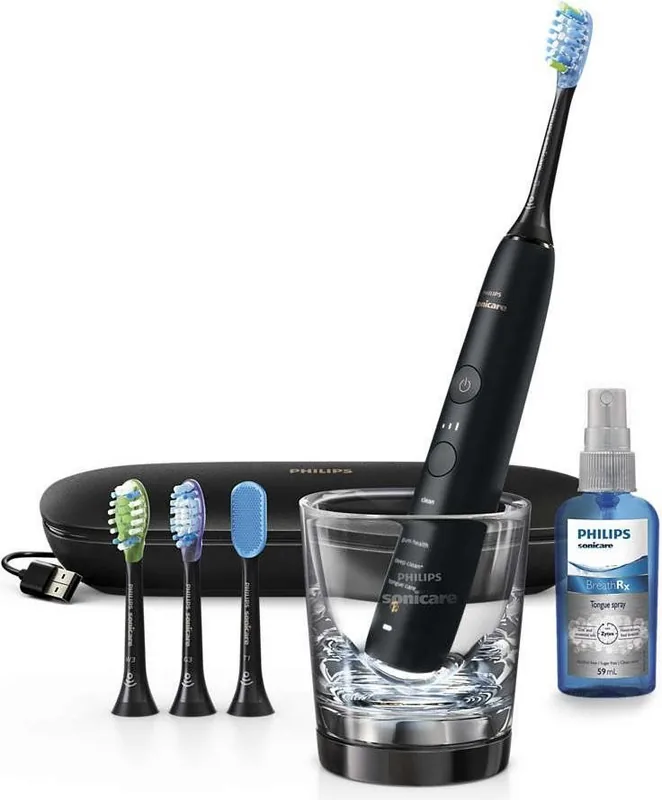
Charging glass, USB charging case, 3x brush heads (1x Premium Plaque Control, 1x Premium Gum Care, 1x Premium White), Tongue cleaner, Tongue spray
Product Description
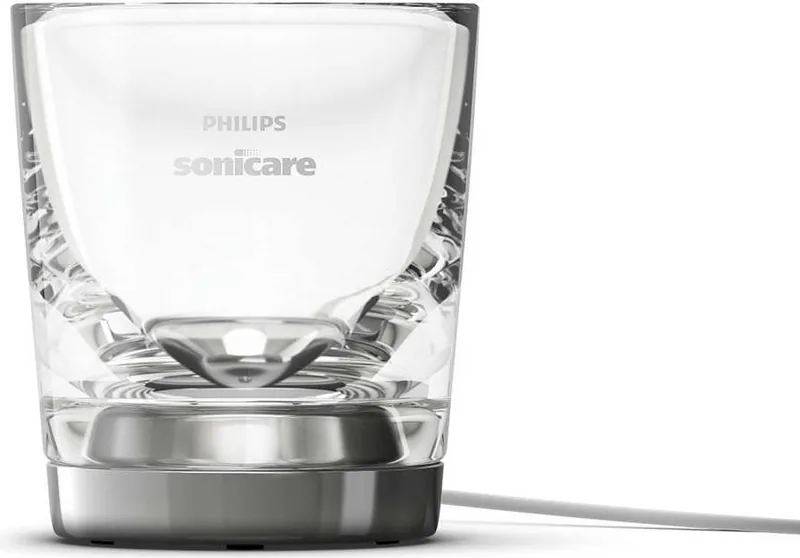
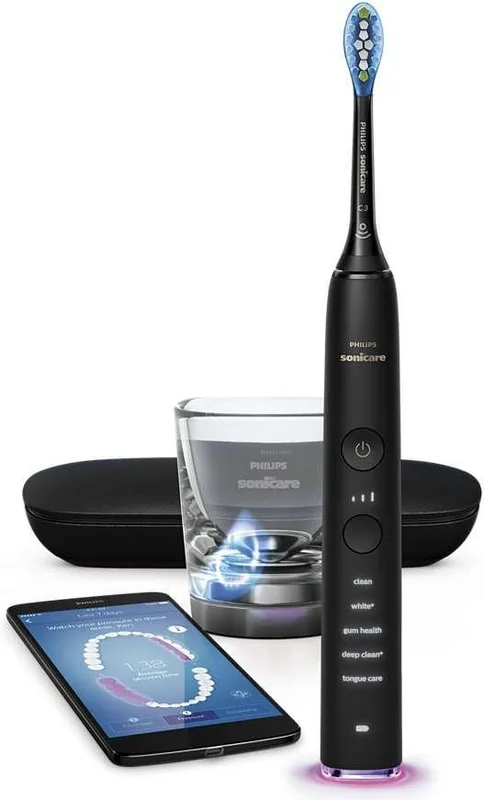
Philips HX9924/13 Sonicare DiamondClean Smart Black
A premium electric toothbrush built for smarter daily care
The Philips HX9924/13 Sonicare DiamondClean Smart black blends a sleek black finish with advanced brushing technology designed to make everyday oral care feel more precise and more personal. It is made for users who want more than a basic electric toothbrush: this model offers smart brush head recognition, guided routines, and a connected experience through the Philips Sonicare app.
One of its biggest strengths is how automatically it adapts to your brushing style. When you attach a compatible brush head, the handle can recognize it and select the recommended mode and intensity. That means the toothbrush can support different goals such as plaque removal, gum care, whitening, and tongue cleaning without requiring much guesswork. The built-in pressure sensor also adds a useful layer of protection by warning you when you press too hard, helping you brush more comfortably and avoid unnecessary wear on gums.
The DiamondClean Smart black is also built around structure. Its BrushPacer reminders divide the mouth into sections, encouraging even cleaning across all areas. Several brushing modes are available, including Clean, White+, Gum Health, DeepClean+, and Tongue Care on select versions. Each mode is designed with a specific purpose, so the brush can feel tailored whether you want a quick everyday clean or a more focused routine for stains and gum health.
Convenience is another key part of the appeal. The travel case makes it easier to take the brush on the go, while the charging glass and USB travel charging options add flexibility for home and travel use. The handle is also designed to work with the app, giving real-time feedback, usage tracking, and helpful brushing tips that can improve habits over time.
Notes
- Compatible brush heads are important for getting the best results.
- The pressure alert and replacement reminder help maintain brushing quality.
- A full charge takes time, so planning ahead is useful.
- Some features depend on the exact model and included accessories.
Overall, the Philips HX9924/13 Sonicare DiamondClean Smart black stands out as a polished, feature-rich toothbrush for people who want guided brushing, smart feedback, and a more refined oral care routine.
Search for 67,706 Manuals online


Type-in Brand or Model
Laura Schmidt
7 months ago
I like the cleaning results, but the app sounds buggy and the price is high. Is the app necessary, and can I still get good brushing without using the smartphone?
Manual.ly
7 months ago
You do not need the smartphone to use the DiamondClean Smart. The toothbrush has built-in cleaning modes and automatically switches off after about the 2-minute routine, and many users are happy using only the onboard cues (sound, vibration, and pressure guidance via the brush). The app mainly adds convenience, such as coaching during brushing, progress feedback, and brush head recognition. If you notice inaccurate or imperfect app behavior (for example, tracking or language display issues), we recommend updating the app, re-checking Bluetooth pairing, and ensuring the correct language settings. In practice, you can still achieve great results by following the brush's preset programs and pressure alerts without relying on the phone.