
Philips Sonicare DiamondClean Smart HX9917/89 Manual
PDF manual · 178 Pages
English



Quick check
Incorrect answer, please try again.
Chat with your Philips Sonicare DiamondClean Smart HX9917/89 manual using AI
Get instant AI answers from your Philips Sonicare DiamondClean Smart HX9917/89 manual
Ask anything about the Philips Sonicare DiamondClean Smart HX9917/89. Answers come from this manual, with the pages they are based on.
Sonicare DiamondClean Smart HX9917/89 Maintenance Schedule
Remove the brush head from the handle and rinse the brush head connection with warm water at least once a week.
Replace the brush head every 3 months or sooner if signs of wear appear. Stop using a brush head with crushed or bent bristles.
Rinse the brush head and bristles after each use to remove toothpaste residue.
Wipe the entire surface of the handle with a damp cloth. Do not use isopropyl alcohol, vinegar, or bleach.
Free maintenance reminders
Timed to your purchase date. Always free, unsubscribe anytime.
Ask a Question
Do you recommend Sonicare DiamondClean Smart HX9917/89?
Yes NoDo you recommend Sonicare DiamondClean Smart HX9917/89?
Yes No
Sophie Laurent
5 months ago
Does this electric toothbrush come with a printed instruction booklet or only online resources?
Frequently Asked Questions
Download the Philips Sonicare app, ensure Bluetooth is on, remove the handle from the charger, hold the mode button, and follow the on-screen instructions to pair.
Is this answer helpful?
A purple light indicates that the pressure sensor has detected you are brushing too hard. You should reduce the pressure applied to your teeth.
Is this answer helpful?
You should replace your brush head every three months or sooner if the bristles appear worn or splayed to maintain optimal cleaning performance.
Is this answer helpful?
Yes, it is safe to use on braces. However, be aware that brush heads may wear out faster when used on orthodontic appliances.
Is this answer helpful?
No, the Easy-start feature gradually increases power over the first 14 uses and then turns off. It can be manually activated or deactivated while on the charger.
Is this answer helpful?
Yes, the travel case includes a USB cord allowing you to charge the toothbrush from a laptop or USB wall adapter anywhere in the world.
Is this answer helpful?
Advantages and Disadvantages
Advantages

- Automatically detects brush heads to optimize mode and intensity for specific needs
- Advanced pressure sensor prevents gum damage with visual and haptic alerts
- Bluetooth connectivity allows for real-time tracking and coaching via the mobile app
- Includes versatile travel case with USB charging capability for on-the-go use
- Five specialized modes cover cleaning, whitening, gum health, deep cleaning, and tongue care
Disadvantages

- Requires downloading and setting up the mobile app for full feature utilization
- Replacement brush heads can be expensive compared to standard manual brushes
- Charging time takes approximately 24 hours for a full cycle
- Travel case is only compatible with specific handle models and not universal
- Device may feel heavy or loud initially for users unaccustomed to sonic vibrations
Product Specification
Type
Electric toothbrush
Operation mode
Battery operated (Li-Ion)
Brush head
elongated
Cleaning programs
4
Timer
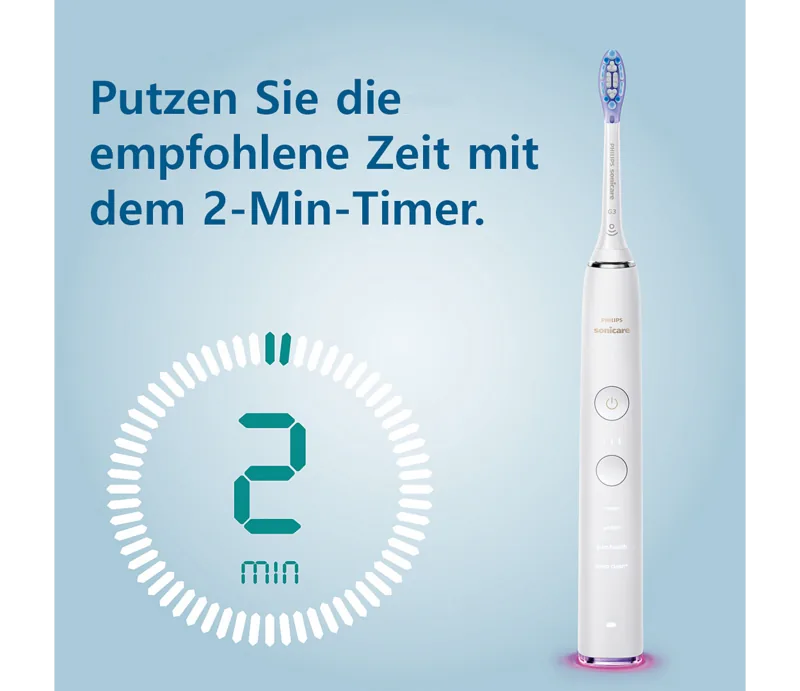
2 min
Features
App control (Bluetooth), charging indicator light, battery status display, pressure sensor
Runtime
56 min (14 days)
Package contents
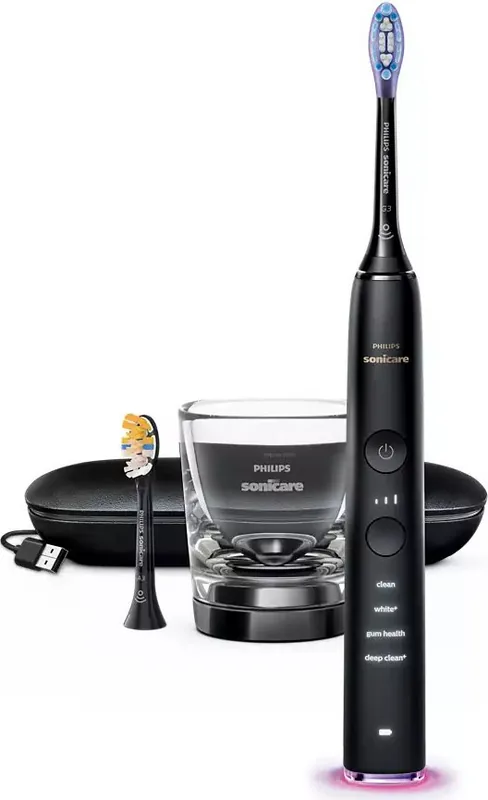
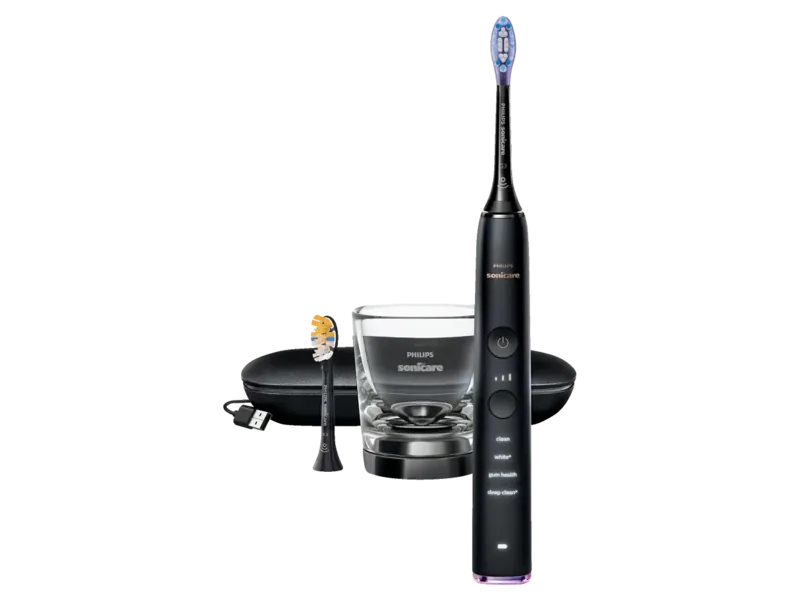
Charging glass, USB charging case, 2x brush heads (1x A3 Premium All-in-One, 1x G3 Premium Gum Care)
Product Description
Experience Superior Oral Care with the Philips HX9917/89 Sonicare DiamondClean 9000
The Philips HX9917/89 Sonicare DiamondClean 9000 represents the pinnacle of personal oral hygiene technology. Designed for those who demand excellence, this power toothbrush combines advanced sonic vibrations with intelligent features to deliver a superior clean every time. Whether you are looking to whiten your teeth, improve gum health, or simply maintain a pristine smile, this device adapts to your specific needs through smart brush head recognition.
At the heart of the DiamondClean 9000 is its ability to automatically detect the attached brush head and select the optimal mode and intensity level. This ensures that whether you are using the Premium Plaque Defense head for a deep clean or the Premium White head for stain removal, the machine performs at its best. The device offers five distinct brushing modes: Clean for daily thoroughness, White+ for polishing away stains, Gum Health for gentle yet effective care, DeepClean+ for an intensive session, and Tongue Care for fresh breath.
One of the standout features is the pressure sensor, which protects your gums from excessive force. If you press too hard, the brush changes its vibration pattern and lights up with a purple ring to alert you immediately. Additionally, the integrated BrushPacer guides you through a six-segment brushing routine, ensuring no area of your mouth is missed. For travelers, the included charging travel case offers convenience, allowing you to charge your device via USB on the go.
Connectivity is seamless with the Philips Sonicare app. By linking via Bluetooth, you receive real-time feedback on your brushing habits, track your progress over time, and get personalized tips to improve your oral health. The easy-start feature gently ramps up power over the first fourteen uses, making the transition to sonic cleaning comfortable for new users.
Key Features and Benefits
- Smart Recognition: Automatically adjusts settings based on the brush head attached.
- Five Modes: Covers all oral care needs from whitening to gum protection.
- Pressure Sensor: Prevents gum damage by alerting you when brushing too hard.
- App Integration: Provides real-time tracking and coaching for better habits.
- Travel Ready: Includes a stylish case with USB charging capabilities.
Important Maintenance Notes
Always rinse the brush head after use and replace it every three months or when bristles show wear. Do not place the handle or charger in a dishwasher. Ensure the battery is fully depleted before attempting any recycling procedures involving battery removal.
Search for 67,732 Manuals online


Type-in Brand or Model
a_aliquam
4 months ago
Is the Philips Sonicare durable enough to last beyond the warranty period, and is there a physical manual included?
Manual.ly
4 months ago
Thank you for your feedback. While many users report excellent cleaning results and handling, durability concerns have been raised regarding units failing shortly after the warranty expires. Regarding documentation, please note that a physical user manual is not always included in the box; however, comprehensive instructions are available for download on our official website. We recommend checking the product listing or contacting support for the specific model guide.