
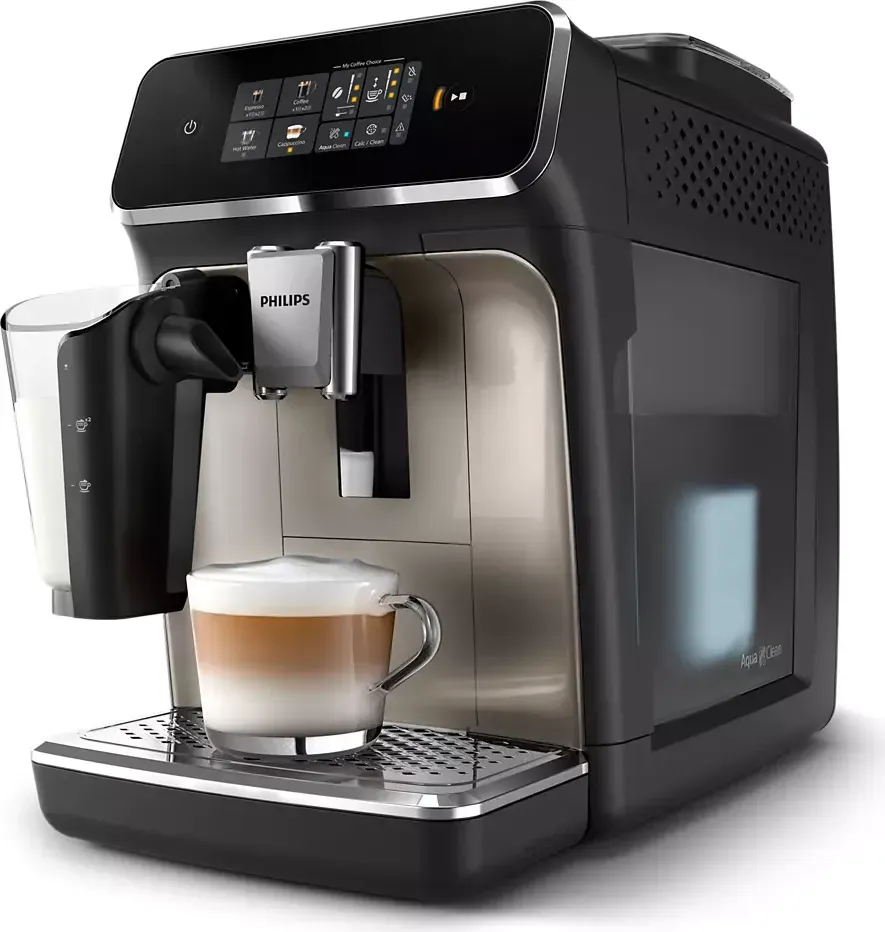
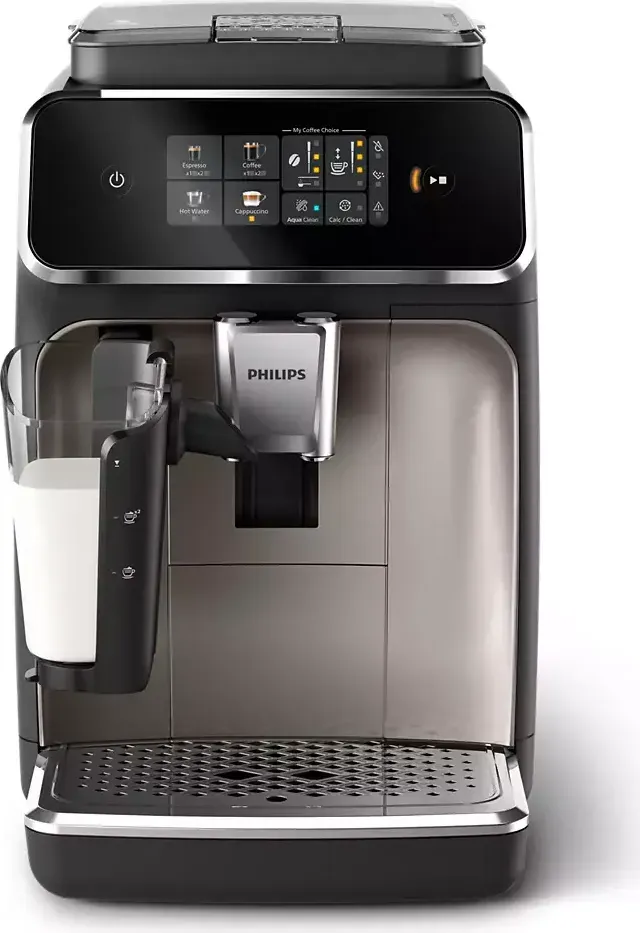
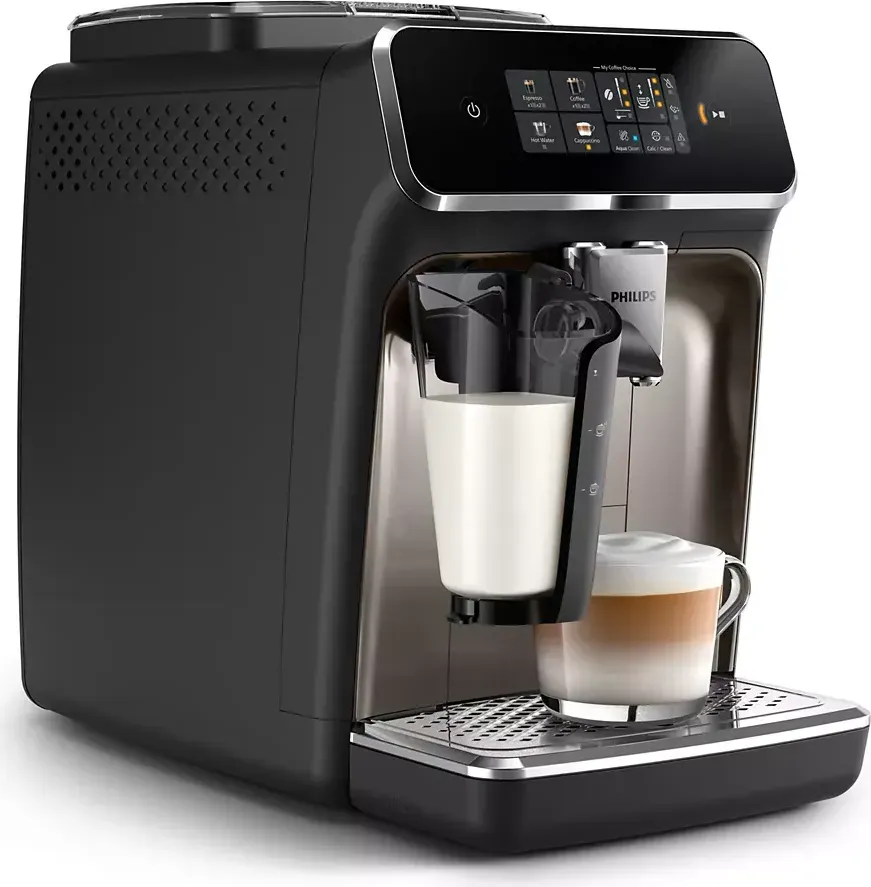
Philips Series 2300 EP2336/40 Manual
PDF manual · 78 Pages
English



Quick check
Incorrect answer, please try again.
Chat with your Philips Series 2300 EP2336/40 manual using AI
Get instant AI answers from your Philips Series 2300 EP2336/40 manual
Ask anything about the Philips Series 2300 EP2336/40. Answers come from this manual, with the pages they are based on.
Series 2300 EP2336/40 Maintenance Schedule
Empty the drip tray daily or as soon as the red indicator pops up.
Remove and rinse the container weekly with washing-up liquid or in the dishwasher.
Remove the brew group and rinse it thoroughly under running water.
Run a cleaning cycle using Philips coffee oil remover tablets to remove coffee oils.
Apply a thin layer of grease to the piston, shaft, and rails of the brew group.
Replace the filter every 3 months even if not indicated, or when the orange light flashes.
Run the descaling procedure when the Calc/Clean light is on, using Philips descaler.
Free maintenance reminders
Timed to your purchase date. Always free, unsubscribe anytime.
Ask a Question
Do you recommend Series 2300 EP2336/40?
Yes NoDo you recommend Series 2300 EP2336/40?
Yes NoFrequently Asked Questions
Soak and prepare the new filter by shaking and immersing it as instructed, insert it vertically into the water tank, fill the tank, press the AquaClean icon for 3 seconds and then press start to run the activation cycle (about 3 minutes).
Is this answer helpful?
Rinse the removable brew group weekly, use Philips coffee oil remover tablets monthly, and apply a thin layer of Philips brew group grease to the piston, shaft and rails every two months to ensure smooth movement and prevent blockages.
Is this answer helpful?
Always use Philips descaling solution and follow the machine’s descaling procedure. Do not use descalers with sulfuric, hydrochloric, sulfamic acids or vinegar since they can damage the water circuit and void the warranty.
Is this answer helpful?
The machine performs a self-adjustment when first used or after changing beans; brew about five coffees to allow it to calibrate. Also check grind setting (finer grind increases strength) and clean or lubricate the brew group if needed.
Is this answer helpful?
Hold the desired drink icon for 3 seconds to enter programming, press start to begin dispensing, then press start again when the cup reaches the desired volume. To restore factory defaults, switch off the machine and hold the espresso icon for 3 seconds, then confirm with the start button.
Is this answer helpful?
If the AquaClean reminder flashed for too long, the machine may need descaling first. Perform the descaling cycle with Philips descaler, then install and activate a new AquaClean filter according to the activation steps.
Is this answer helpful?
With the machine switched off, press and hold the coffee icon until its light comes on, then tap the coffee icon to toggle beeps off or on and confirm by pressing start; note power and start button beeps cannot be disabled.
Is this answer helpful?
Advantages and Disadvantages
Advantages

- Fully automatic operation with intuitive control panel and customizable aroma, quantity and temperature settings.
- Supports beans and pre-ground coffee plus milk-based drinks via LatteGo or classic milk frother.
- Removable brew group and dishwasher-safe parts simplify cleaning and maintenance.
- AquaClean filter reduces descaling frequency and preserves coffee taste when activated properly.
- 12-step grinder and adjustable spout height enable tailored extraction and cup presentation.
Disadvantages

- Requires regular maintenance: rinsing, lubrication every two months and occasional descaling.
- AquaClean filter must be soaked and activated correctly to avoid air intake and brewing issues.
- Descaling must use Philips descaler only; other products may void warranty.
- Some advanced features vary by model — check type number for exact capabilities.
- Initial self-adjustment needs about five brews, which may delay peak flavor immediately after setup.
Product Specification
Power
1500W
Color
black, chrome
Pump pressure
217.56 psi
Coffee system
coffee beans, ground coffee
Milk system
removable milk container
Grinder
adjustable ceramic grinder (12 levels)
Coffee quantity
adjustable
Water quantity
adjustable
Coffee temperature
adjustable (3 levels)
Water tank capacity
1.90 qt
Bean container capacity
9.70 oz
Coffee grounds container capacity
12 servings
Display
yes
Special features
Touch control operation, double height-adjustable beverage spout (3.35-5.71in), 2-cup function, automatic shut-off (adjustable), hot water function, removable water tank, integrated water filter, removable brewing group, adjustable water hardness, descaling program
Smart Home
App control
Dimensions
9.69x14.61x17.05in (WxHxD)
Weight
17.64 lb
Product Description
Philips EP2336/40 Series 2300 — Smart, Consistent Coffee at Home
The Philips EP2336/40 Series 2300 is a compact fully automatic espresso machine designed for everyday home use, blending convenience with consistent coffee quality. Engineered to handle beans or pre-ground coffee, it offers straightforward controls, customizable drink settings and integrated milk options to prepare espresso, lungo, cappuccino and more with minimal effort.
Built around a user-focused interface, the Series 2300 features a clear control panel with drink icons, aroma strength, quantity and temperature adjustments. The machine’s automatic self-adjustment calibrates coffee dose over the first few brews for balanced extraction, while a 12-step grinder and adjustable spout height let you tailor strength and presentation. For milk drinks it supports both LatteGo (a quick-attach milk container) and a classic milk frother on specific models, enabling hot milk, dense foam or layered specialties.
Practical maintenance features keep performance reliable: a removable brew group for easy rinsing, dishwasher-safe parts like LatteGo and many external components, plus guidance for regular lubrication. The AquaClean water filter option reduces lime scale buildup and extends intervals between descaling cycles; filters are easily activated and replaced. When descaling is required, Philips supplies a dedicated descaler and step-by-step procedures to protect the water circuits.
Daily use is simple: fill the water tank and bean hopper, place a cup and choose a drink. You can personalize aroma strength, drink and milk quantities, and — on compatible models — coffee temperature. Pre-ground coffee mode and an iced coffee preset (on select models) increase flexibility. The machine also includes helpful reminders and icons for empty water tank, full grounds container, AquaClean status and descaling alerts.
Designed with maintenance in mind, the EP2336/40 emphasizes accessible cleaning: removable drip tray, coffee grounds container, and a brew group that can be rinsed under the tap. Philips recommends regular cleaning, periodic lubrication of the brew group and monthly deep cleaning with coffee oil remover tablets for sustained flavor and reliability.
Whether you want quick daily espressos or milk-based specialty drinks, the Philips EP2336/40 Series 2300 combines accessible automation, customizable settings and practical maintenance features—making it a dependable choice for home coffee lovers.
Notes
- First-time use benefits from brewing several consecutive coffees to let the machine self-adjust.
- Use AquaClean to reduce descaling frequency; activate each new filter following the soaking steps.
- Only use Philips-approved descaler and maintenance products to avoid damage and preserve warranty.
- Lubricate the brew group every two months for smooth operation.
Search for 67,732 Manuals online


Type-in Brand or Model