
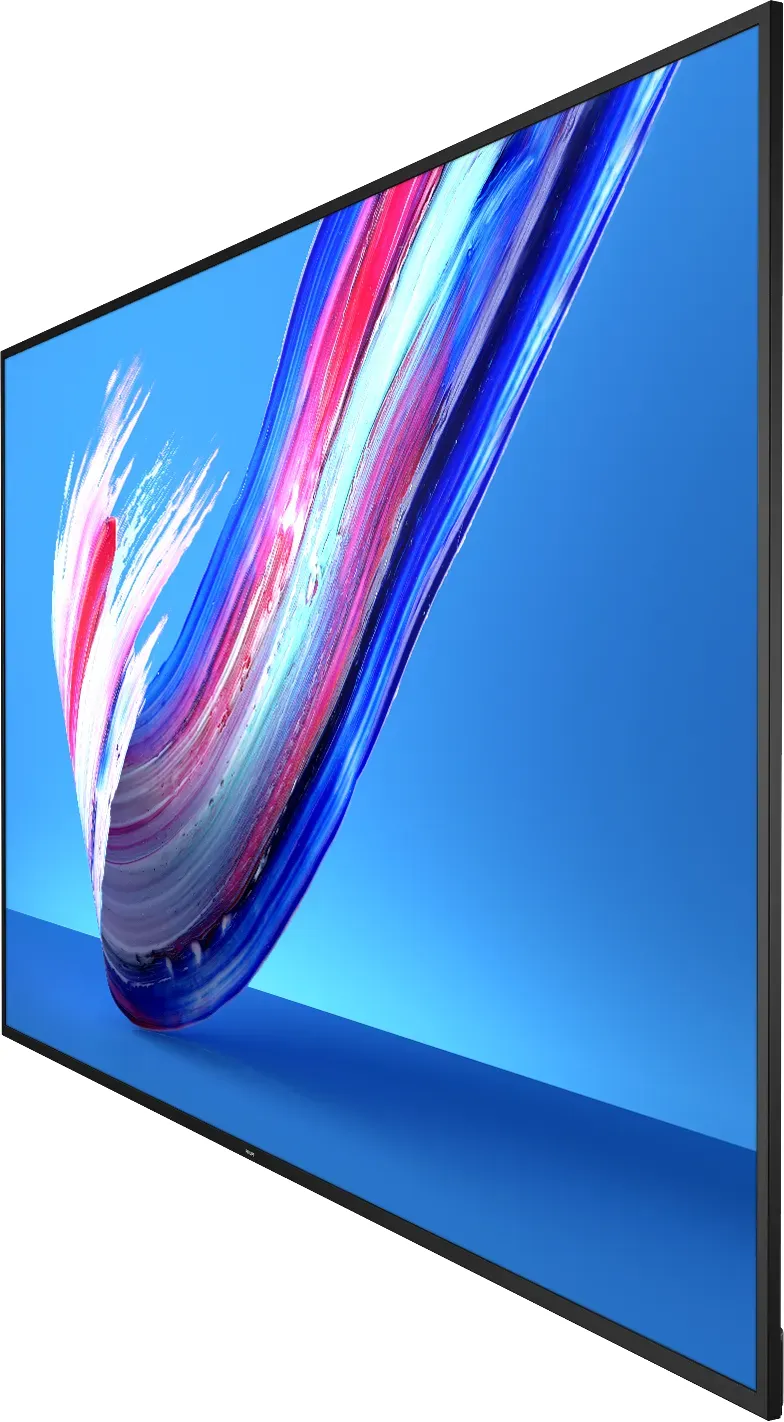
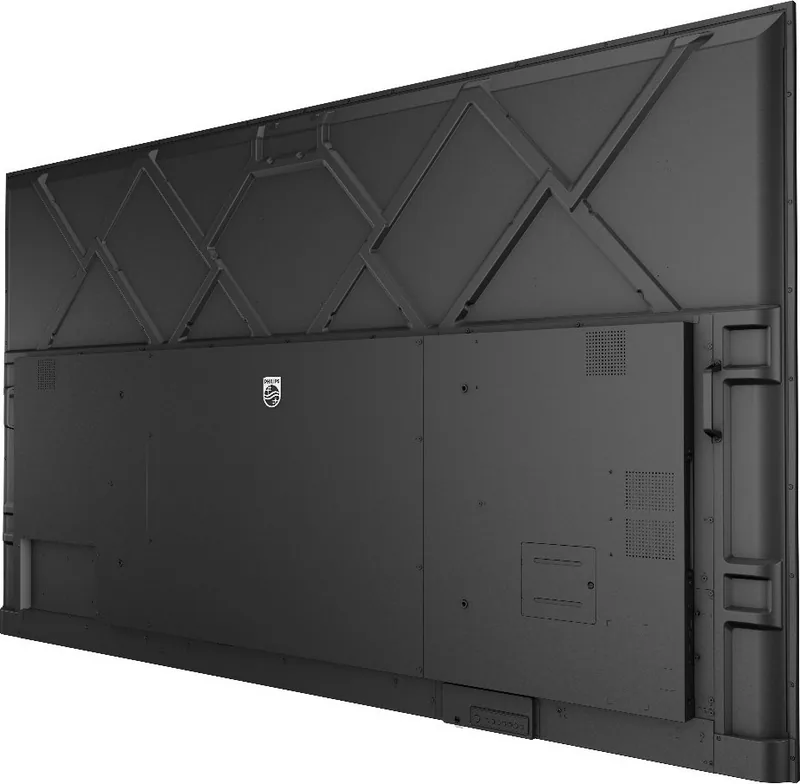

Philips Q-Line BDL3650Q Manual
PDF manual · 71 Pages
English



Quick check
Incorrect answer, please try again.
Chat with your Philips Q-Line BDL3650Q manual using AI
Get instant AI answers from your Philips Q-Line BDL3650Q manual
Ask anything about the Philips Q-Line BDL3650Q. Answers come from this manual, with the pages they are based on.
Ask a Question
Do you recommend Q-Line BDL3650Q?
Yes NoFrequently Asked Questions
Yes, the display supports portrait orientation. You must rotate the unit 90 degrees counterclockwise and remove the logo plate before installation. Note that the working hours in this mode are limited to 18 hours per day.
Is this answer helpful?
The device supports a wide range of video codecs including H.264, H.265, VP8, and VP9 up to 4K resolution. It also handles audio formats like AAC and MP3, as well as photo formats such as JPEG, PNG, and BMP.
Is this answer helpful?
You can create a daisy-chain configuration by connecting the RS232 OUT port of one display to the RS232 IN port of the next. This allows centralized control of multiple screens from a single PC or controller.
Is this answer helpful?
LCD technology can experience after-imaging if static images are displayed for extended periods. To prevent this, activate a moving screen saver or periodic refresh application. Severe burn-in is permanent and not covered under warranty.
Is this answer helpful?
No, the BDL3650Q does not have built-in Wi-Fi. You must insert an external Wi-Fi USB dongle to enable wireless network connectivity for features like web browsing or remote updates.
Is this answer helpful?
If you forget your admin password, you can reset it to the default value of 1234 through the System Tools menu under Admin Password settings. Ensure you have physical access to the display controls to perform this action.
Is this answer helpful?
The display should operate within a temperature range of 0 to 40 degrees Celsius. Exceeding these limits or exposing the unit to extreme humidity can affect reliability and void the warranty.
Is this answer helpful?
Advantages and Disadvantages
Advantages

- Supports daisy-chain configuration for multi-display setups
- Built-in Android OS with Media and PDF Players
- Flexible mounting options including portrait orientation
- Comprehensive connectivity with HDMI, DVI-I, and USB 3.0
- Advanced scheduling and remote management capabilities
Disadvantages

- Requires professional installation for wall mounting safety
- Battery replacement needed for remote control periodically
- Screen may suffer burn-in if static images are shown too long without safeguards
- Wi-Fi requires an external dongle as it is not built-in
- Complex setup for custom APKs may require technical knowledge
Product Specification
Function
Monitor (Public Display)
Backlight
LED
Shape
straight (flat)
Viewing Angle
178°/178°
FRC
unknown
Speakers
Speakers (2x 10W)
Control
Remote control included
Ergonomics
without stand
Computing
Android, built-in media player
Warranty
three years
USB Writing Style
Link
Product Description
Discover the Philips BDL3650Q Professional Display Series
The Philips BDL3650Q series represents a pinnacle in professional display technology, designed specifically for demanding business environments and digital signage applications. Available in 43-inch, 50-inch, and 55-inch configurations, these displays offer robust performance tailored for airports, banks, stock markets, and corporate control rooms. The Q Line is engineered to deliver reliability and visual clarity that supports continuous operation in high-traffic areas.
One of the standout features of the BDL3650Q is its versatile connectivity and integration capabilities. Users can easily connect external equipment such as multimedia players and PCs through a comprehensive array of ports including HDMI, DVI-I, and USB 3.0. The display supports daisy-chain configurations via RS232, allowing multiple units to be controlled from a single source. This makes it ideal for creating large video walls or synchronized information networks across an entire facility.
Operating on an advanced Android platform, the BDL3650Q comes equipped with a built-in Media Player and PDF Player. These tools enable seamless playback of various media formats without needing external hardware. The system supports complex scheduling, allowing users to set up automatic content rotation based on time of day or specific days of the week. Whether displaying dynamic videos, static images, or detailed documents, the display ensures crisp visuals with adjustable picture settings like brightness, contrast, and gamma selection.
Installation flexibility is another key advantage. The unit can be mounted on walls using standard VESA kits or placed in portrait orientation for vertical content delivery. Safety mechanisms are built-in to prevent burn-in during long-term static image display, and the device includes protective covers for USB and AC switches to maintain a clean aesthetic while preventing tampering. With support for network management via Ethernet and optional Wi-Fi dongles, administrators can remotely monitor and update the system effortlessly.
Important Notes
- Always use a qualified technician for wall mounting to ensure stability.
- Avoid exposing the display to direct sunlight or extreme temperatures to maintain longevity.
- Activate screen savers when the display is unattended to prevent image persistence.
- Use only approved power cords provided by Philips to avoid electrical hazards.
Search for 67,706 Manuals online


Type-in Brand or Model