
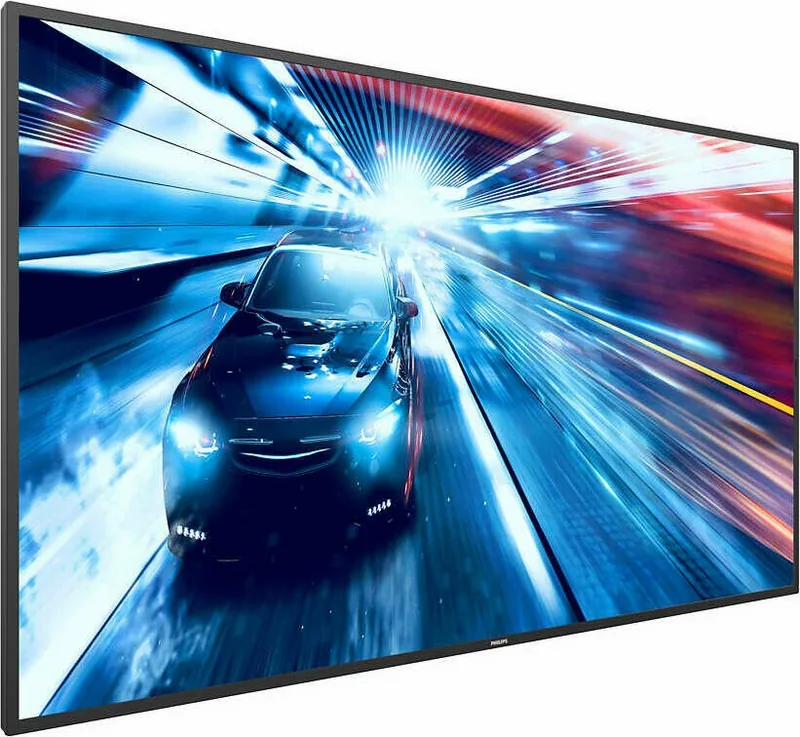
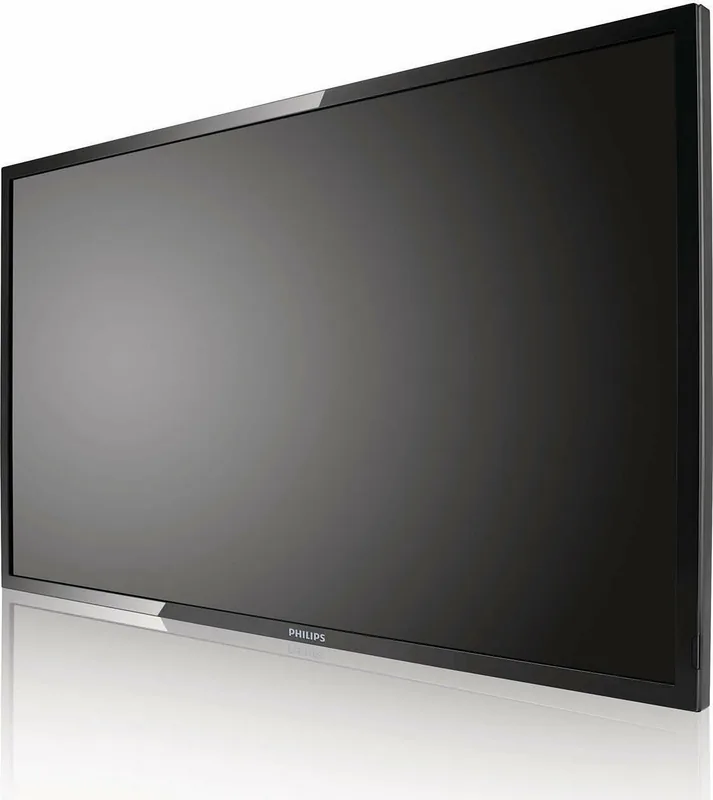
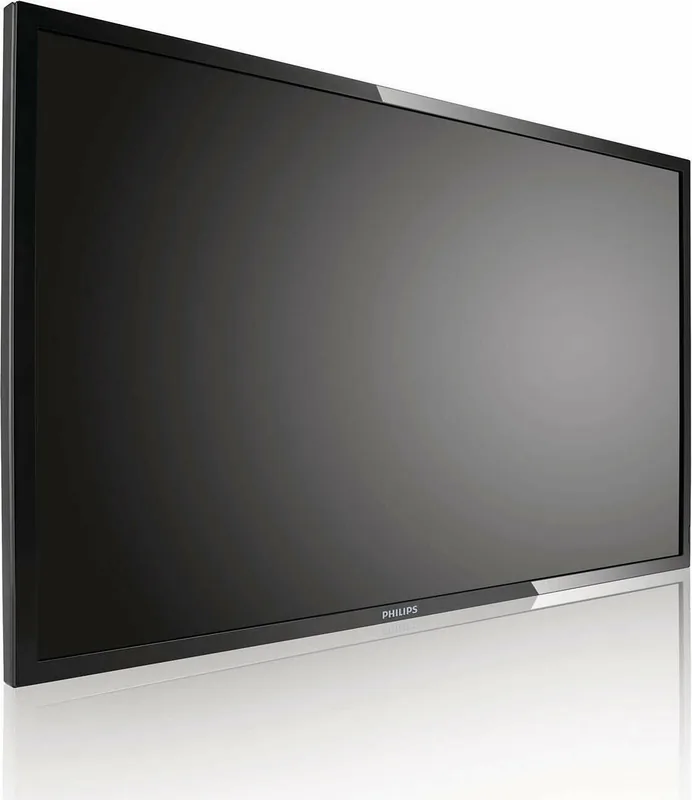
Philips Q-Line 43BDL3010Q Manual
PDF manual · 35 Pages
English



Quick check
Incorrect answer, please try again.
Chat with your Philips Q-Line 43BDL3010Q manual using AI
Get instant AI answers from your Philips Q-Line 43BDL3010Q manual
Ask anything about the Philips Q-Line 43BDL3010Q. Answers come from this manual, with the pages they are based on.
Q-Line 43BDL3010Q Maintenance Schedule
Always disconnect the power plug from the wall outlet as a safety precaution before carrying out any type of cleaning or maintenance procedure.
Wipe gently with a soft, lint-free cloth. If dirty, use a mild detergent solution wrung out well, then dry with another dry cloth.
Wipe with a soft, dry cloth. If extremely dirty, use a lint-free cloth with mild detergent solution wrung out well, then dry.
Ask a Question
Do you recommend Q-Line 43BDL3010Q?
Yes NoFrequently Asked Questions
The display has a native Full HD resolution of 1920 x 1080 pixels and a 16:9 aspect ratio. For PC text clarity, 1920 x 1080 at 60 Hz is the recommended operating resolution.
Is this answer helpful?
The display includes two HDMI inputs and one DVI-I input. HDMI carries digital video and audio, while DVI-I can be used for DVI or VGA video connections with appropriate cabling.
Is this answer helpful?
Yes. Its USB 2.0 port supports direct playback of compatible photos, music, and videos. Content must match the supported format, resolution, bitrate, and frame-rate limits for reliable playback.
Is this answer helpful?
Yes. RS232 input and output support daisy-chain control, and each display can be assigned a unique monitor ID from 1 to 255. LAN control is also available through the RJ45 port.
Is this answer helpful?
Yes. Tile settings support video walls up to 15 displays wide by 15 displays high. The menu includes position settings and bezel compensation to help align one image across multiple screens.
Is this answer helpful?
Yes. Up to seven schedules can be programmed with on and off times, active days, and source selection. Set the date and time first so scheduled operation works correctly.
Is this answer helpful?
Avoid leaving high-contrast static content on screen for long periods. Use a moving screen saver and refresh displayed content regularly. Severe image retention may become permanent.
Is this answer helpful?
Advantages and Disadvantages
Advantages

- 43-inch Full HD panel with 1920 x 1080 resolution, 350 cd/m2 brightness, and 178-degree viewing angles.
- Two HDMI inputs, DVI-I, RS232, LAN, USB, IR pass-through, audio input, and audio output support flexible installations.
- USB multimedia playback supports photos, music, and compatible video content without a separate player.
- Video wall tile settings support arrays up to 15 x 15 displays, including bezel compensation controls.
- Seven programmable schedules can automate power status and source selection for recurring display hours.
Disadvantages

- Landscape orientation only; portrait installation is not permitted.
- Static images can cause permanent image retention, which is not covered by warranty.
- Class A equipment may cause radio interference when used in residential environments.
- USB playback compatibility is limited to listed codecs, resolutions, bitrates, and frame rates.
- No integrated advanced signage platform is specified; external sources may be needed for complex deployments.
Product Specification
Diagonal
43 in
Resolution
1920 x 1080, 16:9
Brightness
350 cd/m2
Contrast
3,000:1 (static), 500,000:1 (dynamic)
Response Time
6.5 ms
Viewing Angle
178 degrees/178 degrees
Panel
VA
Shape
straight (flat)
Backlight
White LED
HDR
N/A
Refresh Rate
60 Hz
Signal Frequency
not specified (horizontal), not specified (vertical)
Connections
1x DVI, 2x HDMI, 1x 3.5 mm jack (Line-In), 1x RCA stereo L+R Line-Out
Additional Connections
1x USB-A 2.0 (480 Mb/s), 1x RJ-45 LAN, 1x serial 2.5 mm jack (RS-232), 1x serial-out 2.5 mm jack (RS-232)
VESA
15.75 x 15.75 in (unrestricted)
Power Consumption
110 W (maximum), 75 W (typical), not specified (old energy label A+++ to G), 0.5 W (standby)
SDR Energy Efficiency Class (A to G)
G
SDR Energy Consumption
80 kWh/1,000 h
Dimensions (W x H x D)
38.11 x 22.01 x 2.40 in
Weight
19.40 lb
Special Features
Speakers (2x 10 W), Android
Manufacturer Warranty
3 years
Product Description
Philips Q-Line 43BDL3010Q, 43" - Read, Download & Print Free
The Philips Q-Line 43BDL3010Q is a professional 43-inch Full HD display designed for clear, reliable public communication. With a 1920 x 1080 resolution, 350 cd/m2 typical brightness, 3000:1 typical contrast ratio, and wide 178-degree viewing angles, it delivers legible content for retail areas, corporate spaces, hospitality venues, education, and information points.
Its slim profile and 16:9 format make the display easy to integrate into modern signage installations. The unit supports landscape mounting and includes VESA 200 x 200 mm and 400 x 400 mm mounting patterns for compatible wall hardware. At 8.8 kg without a base, installation should be handled carefully by two people and with a suitably rated mounting solution.
Connectivity supports a broad range of digital signage workflows. Two HDMI inputs and a DVI-I input accommodate common media players, PCs, and video sources. RS232 input and output enable serial control and daisy-chain management, while RJ45 provides LAN-based remote control. IR input and output connections support infrared signal pass-through, making coordinated control more practical in multi-display setups.
For standalone playback, the USB 2.0 port can play compatible photo, music, and video content directly from a USB storage device. Supported video playback includes MPEG-1/2, H.264, WMV3, and Motion JPEG within specified limits, with Full HD playback supported for key formats. The built-in 10 W + 10 W speakers and audio output also provide flexible audio options for simple installations or external sound systems.
The Philips Q-Line 43BDL3010Q includes display controls for brightness, contrast, color, gamma, zoom, and audio settings. Scheduling can automate power on, power off, and input selection across up to seven programmed time periods. Tile settings support video wall configurations of up to 15 displays horizontally and 15 vertically, with bezel compensation controls for a more continuous image.
Energy-conscious operation is supported by low standby power consumption below 0.5 W. The display is intended for commercial environments and operates at temperatures from 0 to 40 C with 20 to 80 percent relative humidity.
Notes
- Use changing content or a moving screen saver to reduce the risk of image retention from static images.
- Keep ventilation openings clear and allow 100 mm of free space around installed displays.
- Use approved cables and qualified service personnel for repair or internal access.
Search for 67,706 Manuals online


Type-in Brand or Model