
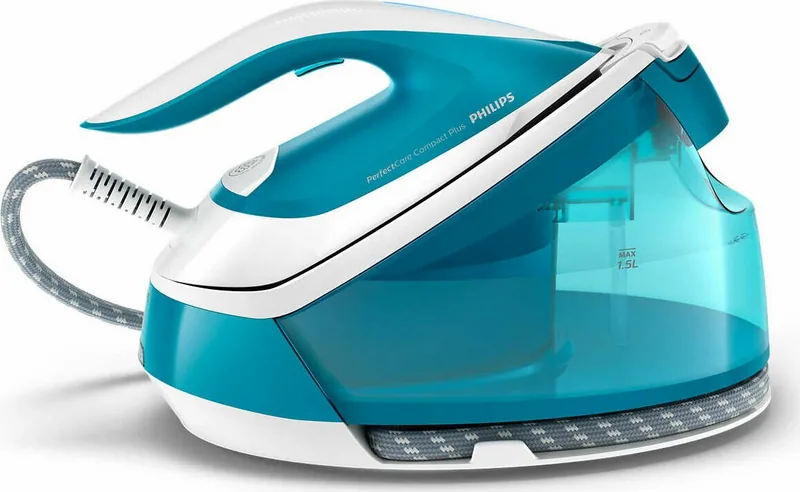
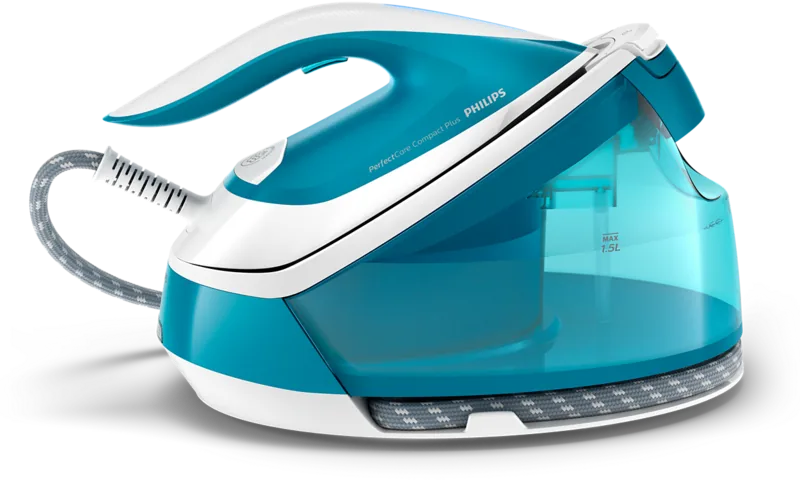
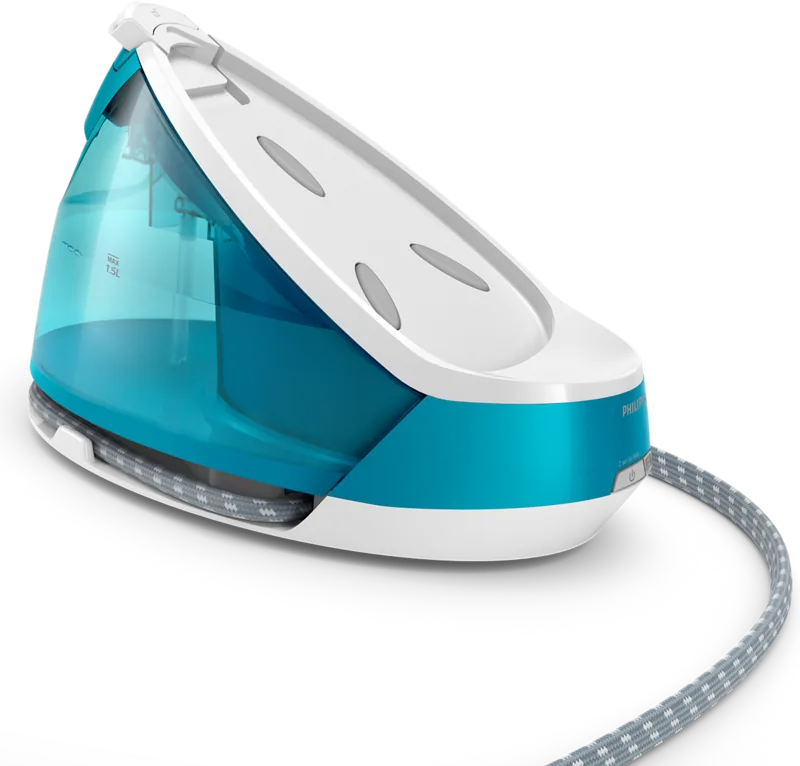
Philips PerfectCare Compact Plus GC7923/20 Manual
PDF manual · 54 Pages
English



Quick check
Incorrect answer, please try again.
Chat with your Philips PerfectCare Compact Plus GC7923/20 manual using AI
Get instant AI answers from your Philips PerfectCare Compact Plus GC7923/20 manual
Ask anything about the Philips PerfectCare Compact Plus GC7923/20. Answers come from this manual, with the pages they are based on.
PerfectCare Compact Plus GC7923/20 Maintenance Schedule
The appliance reminds you via light and sound after 1-3 months. Use the Calc-Clean container to remove scale and restore steam function.
It is recommended to empty the water tank after every use before storing the appliance.
Free maintenance reminders
Timed to your purchase date. Always free, unsubscribe anytime.
Ask a Question
Do you recommend PerfectCare Compact Plus GC7923/20?
Yes NoFrequently Asked Questions
Tap water is generally fine but distilled or demineralized water is recommended for hard water areas to reduce scale buildup and extend product life effectively.
Is this answer helpful?
Use the Calc-Clean function with the provided container to remove scale. Perform this regularly when the alert light flashes. Never interrupt the process while it is hot.
Is this answer helpful?
Check if the water tank has enough liquid and if the steam trigger is held down. If issues persist, the steam function might need descaling via the Calc-Clean system.
Is this answer helpful?
Yes, you can use the steam iron in a vertical position to remove wrinkles from hanging garments like curtains or coats. Be careful with hot steam near your hands.
Is this answer helpful?
It enters standby mode after five minutes of inactivity. It switches off completely after another ten minutes in standby mode to ensure safety and save power.
Is this answer helpful?
Advantages and Disadvantages
Advantages

- OptimalTEMP technology prevents scorch marks on delicate fabrics while ensuring consistent temperature control.
- Smart Calc-Clean system maintains steam performance long term by managing scale build up effectively.
- Vertical ironing function removes wrinkles from hanging clothes and saves significant time.
- Auto shut off feature ensures safety during unattended moments and saves energy.
Disadvantages

- Requires regular descaling to maintain function and steam quality effectively over time.
- Steam delay occurs during first use or after long storage periods need to wait.
- Distilled water is recommended for hard water areas to prevent scale accumulation.
- Do not iron synthetic fabrics marked with non ironable symbols to avoid damage.
Product Specification
Power
2400W
Color
blue / white
Steam Pressure
94.27 PSI
Steam Output
4.23 oz/min
Steam Burst
15.51 oz/min
Water Tank
50.72 fl oz, Detachable
Soleplate
SteamGlide
Features
Vertical Steam, Anti-Calc Function, Ready Indicator, Suitable for Tap Water, Auto Steam/Temperature Setting (Optimal Temp), Auto Shut-off, Transport Lock
Heat-up Time
2 min
Cord Length
5.41 ft
Product Description
Elevate Your Clothing Care Routine
Finding the right appliance for laundry can be overwhelming in many modern households today. The Philips GC7923/20 PerfectCare Compact Plus Steam Iron Station Manual provides essential insights for users seeking quality results. This station combines advanced steam power with precision engineering to help you achieve professional garment care standards consistently. OptimalTEMP technology prevents scorch marks on delicate fabrics while ensuring consistent temperature control throughout your entire ironing session. You get reliable heat output without damage concerns for your favorite shirts and trousers during regular use. Smart Calc-Clean keeps performance high over time by managing scale buildup effectively within the system. Regular maintenance ensures the iron stays efficient and reliable for many years of daily application.
Key Features Overview
Steam is vital for professional results in garment care and fabric smoothing. The MAX mode delivers powerful bursts of vapor for thick materials such as denim or linen. Vertical ironing saves significant time when removing wrinkles from hanging garments like curtains or coats. Auto shut-off adds critical safety to your daily routine by reducing energy waste and fire risks. The safe rest design protects your ironing board cover from heat damage when you need to pause. Water tanks are easy to detach for quick filling and cleaning at your convenience. The hose storage keeps everything tidy inside the unit and prevents tangling issues. Safety locks prevent accidental movement during transport and secure storage in your home.
Usage Guidelines
Read instructions carefully before first use in your home to avoid errors. Fill the tank with treated water to prevent internal issues or scaling. Avoid chemicals or perfumed liquids inside the reservoir as they cause damage. Press the steam trigger to start the process effectively and quickly. Wait for the ready light to confirm heating and steam flow preparation. MAX mode is best for heavy fabrics like thick denim or cotton. Steam boost targets stubborn creases quickly and effectively. Allow thirty seconds for initial steam generation especially on first use. Wipe the soleplate after cleaning to keep it smooth and free of residue. Ensure the plug is securely connected for stable operation.
Maintenance Tips
Descaling happens every few months based on local water hardness levels. Alerts remind you when the cleaning process is needed for optimal performance. Use the container for safe handling during the hot cleaning cycle. Never interrupt the process while the system is hot to avoid burns. Empty the container after use to prevent buildup and blockages inside. Store the hose and cord correctly inside the unit to keep it organized. Unplug the appliance when not in use for safety and efficiency. These steps extend product life significantly and maintain performance levels. Keep the iron upright for storage safety.
Important Notes
Safety is paramount during operation with high heat steam. Keep steam away from people and hands to prevent burns. Do not iron synthetic materials marked with non-ironable symbols on garments. Always unplug before cleaning to ensure safety for you and the device. Follow warnings for best results every time you use the iron. This guide ensures longevity and operational safety for your household. Enjoy wrinkle-free clothes effortlessly with the right technique and care.
Search for 67,732 Manuals online


Type-in Brand or Model
Sarah Jenkins
5 months ago
Is the setup process really as simple as people say?
Manual.ly
5 months ago
Yes, the product is designed for immediate use. You can plug it in and start without complicated configurations. Most customers agree it is user-friendly from the first attempt.