
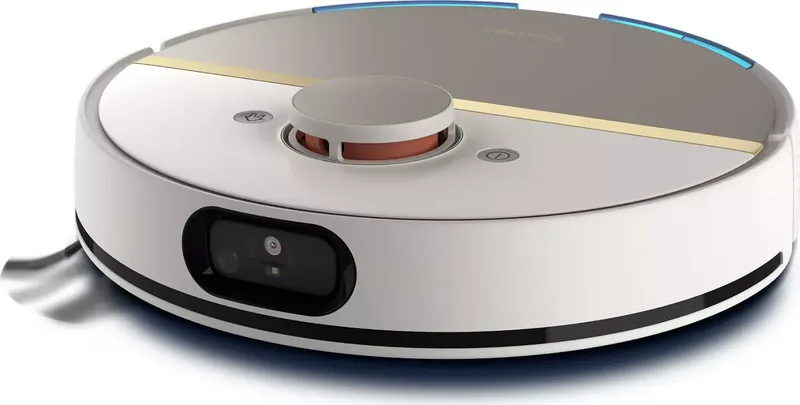
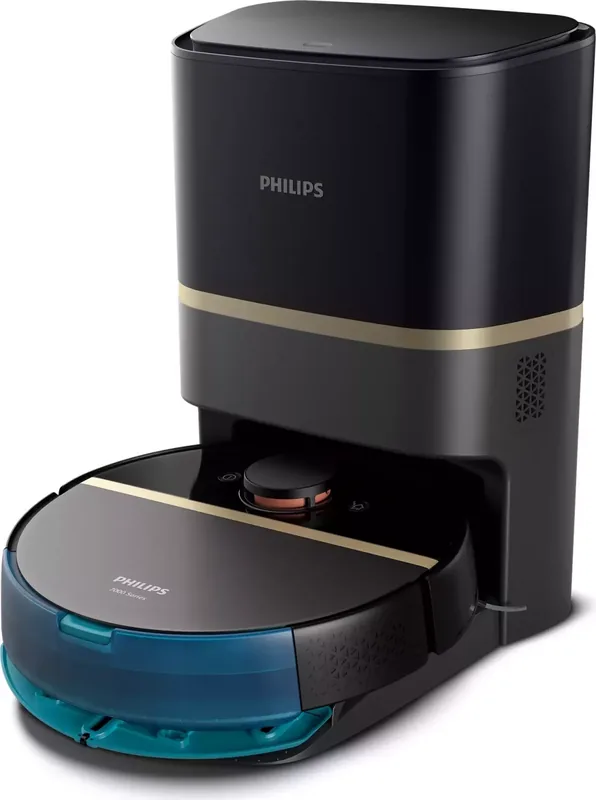
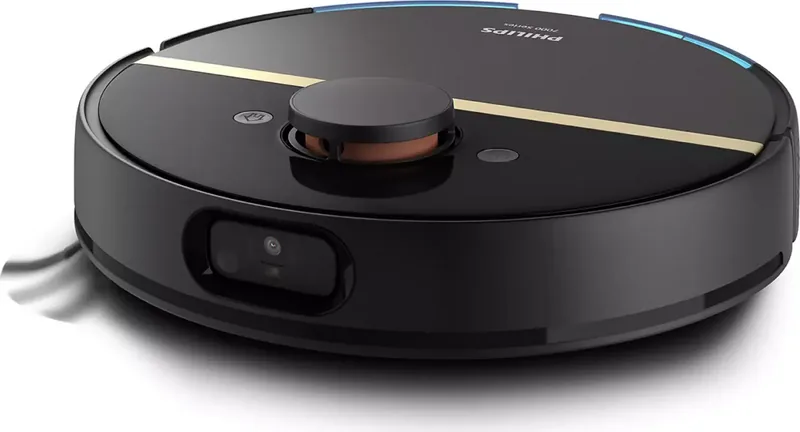
Philips HomeRun 7000 Series Aqua Manual
How many stars do you give the HomeRun 7000 Series Aqua manual?
PDF manual · 1048 Pages
English



/ 1048

Quick check
Incorrect answer, please try again.
Chat with your Philips HomeRun 7000 Series Aqua manual using AI
Get instant AI answers from your Philips HomeRun 7000 Series Aqua manual
Ask anything about the Philips HomeRun 7000 Series Aqua. Answers come from this manual, with the pages they are based on.
HomeRun 7000 Series Aqua Maintenance Schedule
Remove hairs and dirt using the cleaning tool. Check caps if necessary.
Use a soft bristle brush to remove dust or fluff from the brush and robot.
Rinse with water and air dry for 24 hours. Do not use detergents.
Clean main wheels, front caster wheel, LiDAR, and all other sensors with a soft cloth.
Clean charging contacts on robot and station with a soft non-abrasive dry cloth.
Replace the mop pad every 3-6 months when worn out.
Replace the main brush every 6-12 months if worn.
Replace the side brush every 6-12 months if worn.
Inspect sensors that detect placement of dust bin and water tank.
Rinse with water or wash in machine at max 60 C. Air dry only.
Empty the dust bin after each use for model XU7000.
Free maintenance reminders
Timed to your purchase date. Always free, unsubscribe anytime.
Ask a Question
Do you recommend HomeRun 7000 Series Aqua?
Yes NoDo you recommend HomeRun 7000 Series Aqua?
Yes NoFrequently Asked Questions
No, you should never use cleaning detergents in the water tank. Only use plain tap water. Adding detergents can cause foam buildup, making the robot slippery and potentially damaging the internal components.
Is this answer helpful?
Place the station on the floor you want to map. Ensure the area is tidy with no loose obstacles. Open all interior doors. Start the mapping process via the app. The robot will drive through the rooms using its laser sensor to build the map without cleaning during this process.
Is this answer helpful?
If the battery level drops below 20%, the robot will automatically return to the station to recharge. Once fully charged, it will resume cleaning exactly where it left off, ensuring the entire area is cleaned efficiently.
Is this answer helpful?
Yes, but you need to place the station on each floor you wish to map. The robot generates a new map for each environment. You can store up to five maps and lock three of them to prevent accidental overwrites when moving between floors.
Is this answer helpful?
The main brush should be replaced every 6 to 12 months depending on usage. However, it should be cleaned monthly to remove hair and debris that might affect its rotation and cleaning efficiency.
Is this answer helpful?
This can happen if the sensors are dirty, the floor is too slippery, or there are obstacles blocking the path. Ensure the anti-drop sensors are clean and the floor is dry before starting. Also, check that no-go zones are not set too close to doorways.
Is this answer helpful?
Advantages and Disadvantages
Advantages

- Advanced 360-degree LiDAR navigation creates precise maps for efficient cleaning paths
- Auto-empty station on XU7100 model reduces manual maintenance significantly
- Customizable cleaning modes allow tailored solutions for different floor types and dirt levels
- Smart app integration enables room selection, scheduling, and real-time monitoring
- Y-pattern mopping leaves fewer watermarks and streaks on hard surfaces
Disadvantages

- Cannot detect transparent or dark objects like glass doors or black cables
- May struggle on high-pile carpets or rugs with fringes due to potential entanglement
- Requires strict Wi-Fi coverage for full smart functionality and mapping
- Initial setup and mapping process requires a clear floor with no loose obstacles
- No-mop zones must be manually set up in the app to prevent wetting carpets
Product Specification
Cleaning Robot
Battery
1x Battery (14.4V, 5.2Ah, Li-Ion)
Recommended Room Size
up to 1398 sq ft
Cleaning Modes
5 Cleaning Modes: Vacuum, Vacuum & Mop
Navigation
Obstacle Sensor, Laser Sensor (LiDAR), Camera, Obstacle Climbing (up to 0.79 in), Virtual Wall (Software)
Filtration
Washable EPA Filter (E11, 95%)
Display
No
Features
1x Floor Brush (Rubber+Bristles), 1x Side Brush, 1x Mopping Attachment, Programmable Cleaning Times
Smart Home
App Control (Wi-Fi, Philips HomeRun Robot)
Runtime
85 min
Charging Time
5 h
Charging System
Automatic
Dimensions
13.78x3.82 in (DxH)
Station
Station Display
No
Product Description
Philips HomeRun 7000 Series Aqua: The Smart Cleaning Revolution
Welcome to the future of home maintenance with the Philips HomeRun 7000 Series Aqua. This advanced robot vacuum and mop is designed to handle your daily cleaning routines with precision and intelligence. Whether you have hard floors, carpets, or a mix of both, this device adapts to your environment effortlessly. It features a powerful suction system combined with a sophisticated mopping function that ensures every corner of your home shines.
The core of its performance lies in its 360-degree laser navigation system, known as LiDAR. This technology allows the robot to scan your rooms rapidly, creating an accurate digital map of your living space. You can customize this map through the dedicated app, designating specific rooms for cleaning, setting up no-go zones to protect fragile items, and even creating gentle zones where the robot will navigate carefully around furniture. The system also includes multiple sensors to detect obstacles, avoid drops, and communicate seamlessly with its charging station.
For those who want a hands-off experience, the XU7100 model offers an Auto-Empty station. This feature automatically empties the robot's dust bin into a large bag within the station, allowing for weeks of continuous cleaning without human intervention. The XU7000 model provides a traditional docking station for charging and water refilling. Both models support voice control via digital assistants and offer real-time status updates directly to your smartphone.
Cleaning customization is key to the HomeRun series. You can choose from various modes such as Wet & Dry for simultaneous vacuuming and mopping, Dry mode for sensitive areas, Quiet mode for noise-sensitive environments, and Intensive mode for deep cleaning stubborn dirt. Advanced settings let you adjust suction power levels, water flow rates, and even the mopping pattern to a Y-shape for fewer streaks. The robot intelligently boosts suction when it detects carpets and pauses mopping on rugs if configured to do so.
Maintenance is straightforward with washable filters, mop pads, and dust bins that are easy to clean. Regular care ensures optimal performance and longevity. With the Philips HomeRun app, you get access to troubleshooting guides, replacement part ordering, and detailed cleaning logs. Experience a cleaner home with less effort and more freedom.
Search for 67,732 Manuals online


-
No results found.
Type-in Brand or Model