
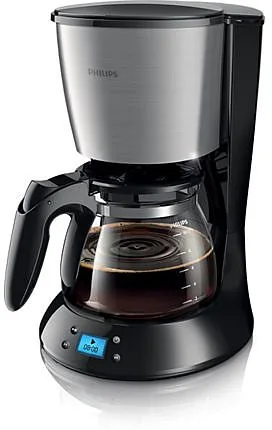
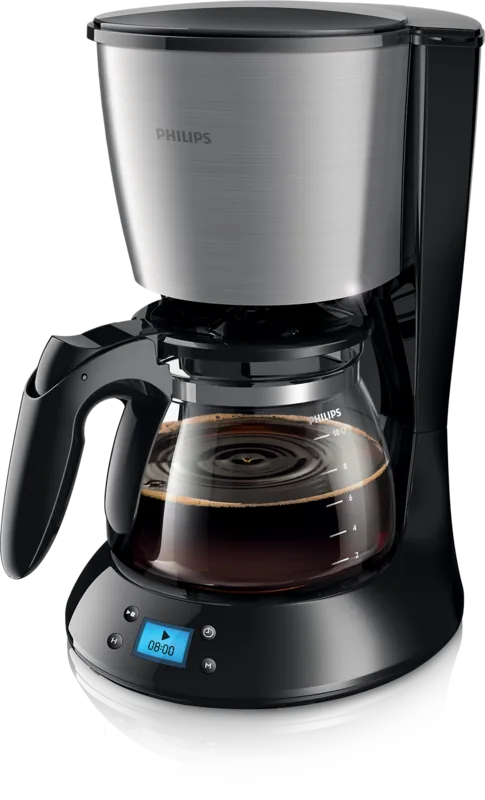
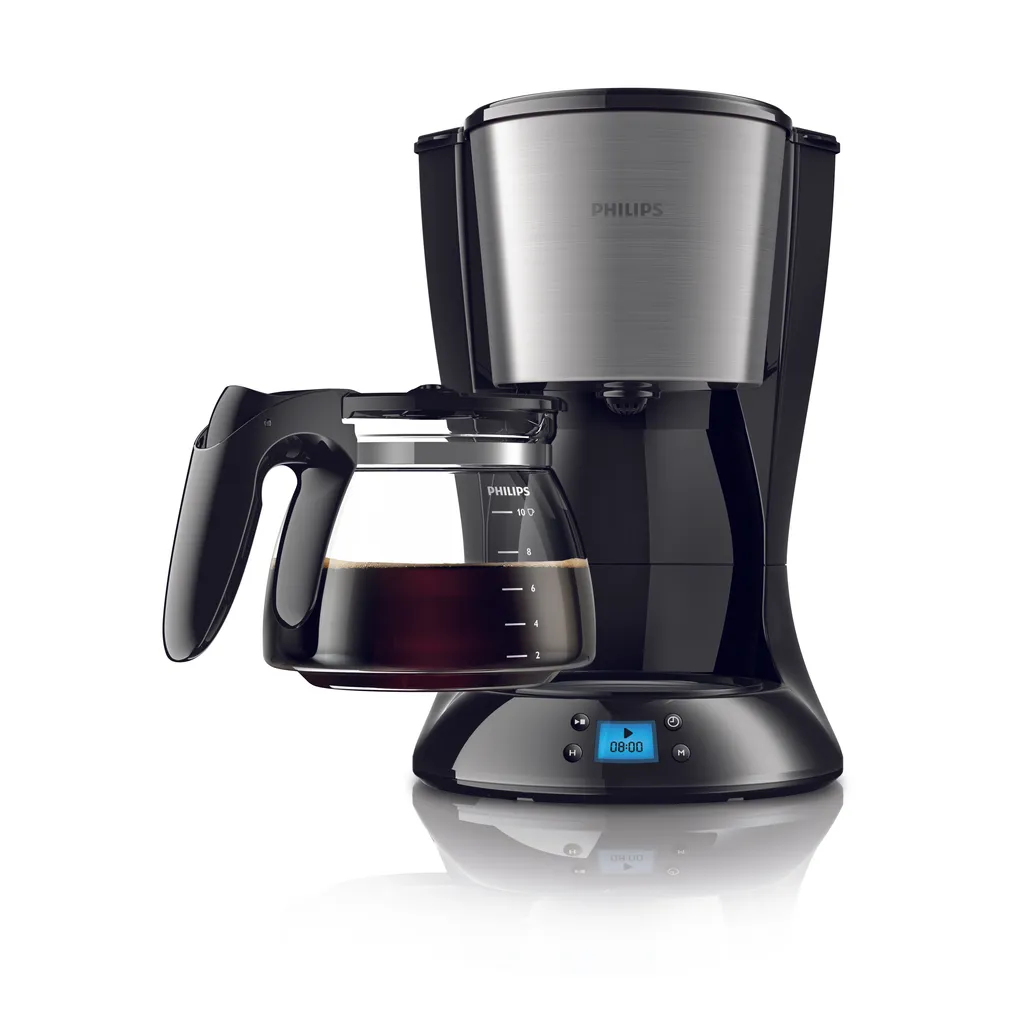
Philips HD7459/20 Manual
PDF manual · 13 Pages
English



Quick check
Incorrect answer, please try again.
Chat with your Philips HD7459/20 manual using AI
Get instant AI answers from your Philips HD7459/20 manual
Ask anything about the Philips HD7459/20. Answers come from this manual, with the pages they are based on.
Ask a Question
Do you recommend HD7459/20?
Yes NoFrequently Asked Questions
It is known as a straightforward drip coffee maker that focuses on simple brewing, practical temperature support, and easy day-to-day use. It suits users who want reliable coffee without complex settings or advanced programming.
Is this answer helpful?
A good rule is to descale it about every two months, or sooner if you notice more steam, louder operation, or slower brewing. Regular descaling helps keep performance stable and improves the coffee result.
Is this answer helpful?
Use paper filters in size 1x4 or No. 4. The correct filter size helps prevent overflow, reduces grounds in the jug, and supports a smoother brewing process with fewer interruptions.
Is this answer helpful?
Weak coffee often means the coffee-to-water ratio is off, the filter size is wrong, or the paper filter has collapsed. Make sure the jug is empty before brewing and that you are using the proper amount of ground coffee.
Is this answer helpful?
The most common reason is limescale buildup. When the machine is not descaled regularly, water flow slows down and brewing can become noisy or produce more steam. Cleaning with white vinegar can help restore normal performance.
Is this answer helpful?
No. The jug should not be placed on a stove or in a microwave for reheating. For best flavor, serve coffee soon after brewing and avoid leaving it too long on the hotplate.
Is this answer helpful?
Check that you are not overfilling the filter, that the filter paper is not torn, and that the jug is placed correctly with the spout facing the appliance. The right filter size also helps keep grounds out of the coffee.
Is this answer helpful?
Advantages and Disadvantages
Advantages

- Simple drip brewing with clear steps makes daily coffee preparation easy.
- Anti-drip behavior and correct jug placement help reduce spills and mess.
- Regular descaling guidance supports better taste and faster brewing over time.
- Safety instructions are clear, covering voltage, child protection, and cleaning.
Disadvantages

- Requires regular descaling to avoid slow brewing, steam, and extra noise.
- Coffee quality depends on using the right filter, grind, and water ratio.
- Leaving coffee on the hotplate too long can weaken flavor.
- The jug should not be reheated in a microwave or on a stove, limiting flexibility.
Product Specification
Power
1,000 W
Color
black
Capacity
10 cups
Filter
Filter insert
Special features
Timer, Automatic shut-off after 2 h, Water level indicator, Drip stop
Scope of delivery
1x Glass carafe
Product Description
Philips HD7459/20 Manual: Everyday Coffee Made Simple
The Philips HD7459/20 brings a familiar drip-coffee experience to the kitchen with a focus on convenience, safety, and dependable brewing. If you are searching for the Philips HD7459/20 Manual, the standout theme is easy daily use: fill the tank, add ground coffee with the correct paper filter, and let the machine handle the rest. It is designed for households that want straightforward coffee without unnecessary complexity.
One of the most useful traits is its practical approach to brewing control. The appliance depends on the right filter size, proper jug placement, and a balanced coffee-to-water ratio, which helps produce a cleaner cup and fewer surprises. The anti-drip function is especially helpful when you want to pour a cup before the full brew cycle ends, while the hotplate keeps coffee ready to serve for a while.
The text around the Philips HD7459/20 also shows that maintenance matters. Regular descaling, preferably every two months, helps prevent slow brewing, excess steam, and noisy operation. White vinegar is recommended for cleaning, which keeps upkeep simple and affordable. The jug and hotplate should also be kept clean so the coffee stays hot and tastes fresh instead of developing a burnt or stale note.
Safety is another strong part of the design story. The machine should never be immersed in water, used with damaged cords, or placed on hot surfaces. It is meant for normal home use and similar environments, and it includes clear guidance for child safety, unplugging before cleaning, and getting repairs done by authorized service centers only. These reminders make the appliance feel like a reliable everyday partner rather than a gadget that needs constant attention.
Overall, the Philips HD7459/20 is a classic drip coffee maker for users who value consistency, simple controls, and easy care. It may not be packed with advanced features, but it delivers what matters most: a steady brewing routine, practical temperature support, and clear guidance for keeping the machine in good shape.
Notes
- Use filter paper in size 1x4 or No. 4.
- Do not overfill the water tank beyond MAX.
- Descale regularly to maintain speed and taste.
- Do not leave brewed coffee on the hotplate too long.
Search for 67,732 Manuals online


Type-in Brand or Model
eum_consequatur
8 months ago
My Philips filter coffee maker is supposed to brew at the set time, but several reviews say the clock/timer changes or warm-plate behavior is inconsistent. Does the timer really keep the correct time, and what can I check?
Manual.ly
8 months ago
To brew at the correct time, first set the current clock time, then program the brewing start time (timer). If the unit was unplugged, had a power interruption, or the plug was removed, the clock can reset or shift, so you must re-enter the time and timer setting. Also make sure the machine is fully connected to stable power (no loose outlet). If indicators for time or water look wrong, check for limescale or heavy condensation and descale the machine following the manual. Some models also switch off the warming plate after a fixed period (often around 30 minutes). If you need longer hot coffee, pour into a thermos after brewing.