
PerfectPro Rockhart Manual
PDF manual · 37 Pages
English



Quick check
Incorrect answer, please try again.
Chat with your PerfectPro Rockhart manual using AI
Get instant AI answers from your PerfectPro Rockhart manual
Ask anything about the PerfectPro Rockhart. Answers come from this manual, with the pages they are based on.
Rockhart Maintenance Schedule
If the device is stored for more than a year, charge the battery once every three months to maintain performance. Store at room temperature with 40-60% charge.
The manual instructs to clean the device only with a dry cloth. It does not specify a recurring time interval for this task.
Free maintenance reminders
Timed to your purchase date. Always free, unsubscribe anytime.
Ask a Question
Do you recommend Rockhart?
Yes NoFrequently Asked Questions
Press Source button for Bluetooth mode, press pairing button, select RH4 on device.
Is this answer helpful?
2 year limited warranty for the radio, batteries excluded.
Is this answer helpful?
Yes, insert SD card, select USB/SD mode using source button.
Is this answer helpful?
Use AC cord for full charge, LED shows red when charging, green when done.
Is this answer helpful?
Yes, press stereo pairing button on both units to link wirelessly.
Is this answer helpful?
Advantages and Disadvantages
Advantages

- IP44 Water Resistance suitable for harsh sites.
- Multiple Power Options AC, DC, Battery.
- Bluetooth 5.2 and NFC Pairing.
- DAB Plus and FM Radio Tuning.
- Dual 6.5-inch Speakers for loud sound.
Disadvantages

- Warranty void if opened or modified.
- No external battery replacement covered.
- Charging takes up to 7 hours full.
- No built-in speakerphone feature.
- Some regions may have limited DAB coverage.
Product Specification
Power Source
Battery 18V 20.0Ah Li-Ion, Mains Power (230V)
Output Power
2x 30W
Tuner
FM, DAB+
Connections
2x AUX In (3.5mm), Bluetooth, NFC
Features
Carrying handle, Clock, 10 Memory Presets, 12V Socket, USB Charging Port, Battery Charging Function, Stereo Speakers, Subwoofer
Protection
Splash Resistant, Shock Resistant, Dust Resistant, IP44
Dimensions (WxHxD)
18.50x12.20x12.20 in
Weight
19.18 lbs (without battery)
Package Contents
Battery, AUX In Cable
Product Description
Experience Reliability with the PerfectPro Rockhart Construction Site Radio
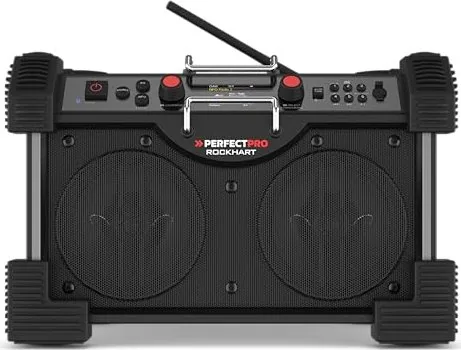
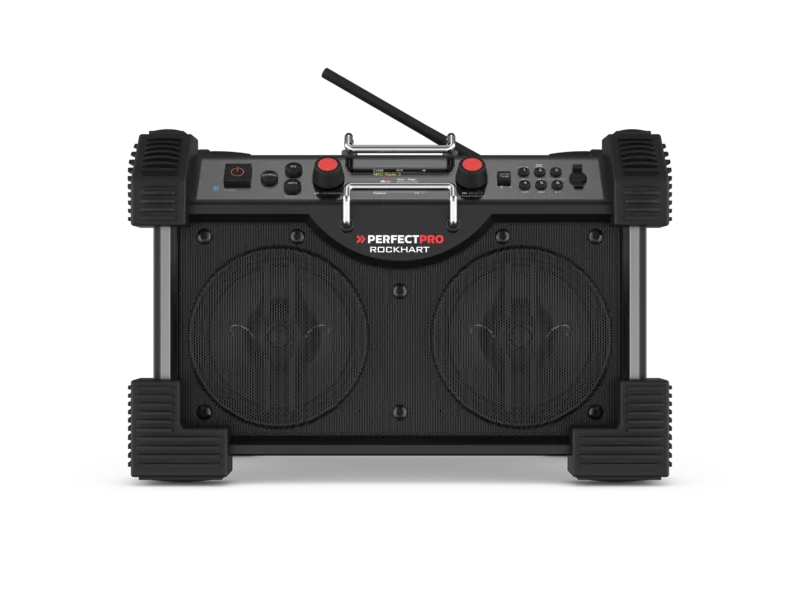
Introducing the PerfectPro Rockhart Construction Site Radio, a robust audio solution designed for challenging environments. Whether you are on a busy construction crew or enjoying outdoor activities, this device stands out with its versatility and durability. The PerfectPro Rockhart Construction Site Radio Manual details the extensive capabilities available to users who demand reliability. Built to withstand the rigors of daily use, the unit features an IP44 water resistance rating, protecting it against splashes and dust. This makes it ideal for outdoor operations where weather conditions can vary unexpectedly.
Connectivity is key with this model. It integrates DAB+ and DAB digital radio alongside traditional FM RDS bands, ensuring clear reception across diverse regions. The inclusion of Bluetooth 5.2 allows for wireless streaming from smartphones and tablets, while NFC provides instant pairing for compatible devices. Users can also connect external audio sources via the auxiliary input or play files directly from USB drives and SD cards. This multifunctionality ensures entertainment and information are always within reach at any remote location.
Sound quality is paramount, thanks to dual 6.5-inch full-range speakers delivering 18W RMS power. The equalizer function offers various presets including Rock, Outdoor, and News to tailor audio output to the environment. Loudness enhancement further improves clarity at low volumes. Power flexibility is another highlight; the internal 6700mAh lithium-ion battery provides extended runtime, complemented by 100-240V AC and 12V DC options for continuous operation.
Safety is never compromised. The device operates within a specific temperature range of 5C to 40C and includes protections against moisture and electric shock. A built-in sleep timer manages energy usage effectively, extending battery life during long shifts. The stereo pairing feature enables two units to sync wirelessly for a true stereo experience, enhancing audio immersion in open spaces. Maintenance is straightforward, guided by the comprehensive PerfectPro Rockhart Construction Site Radio Manual found with every unit.
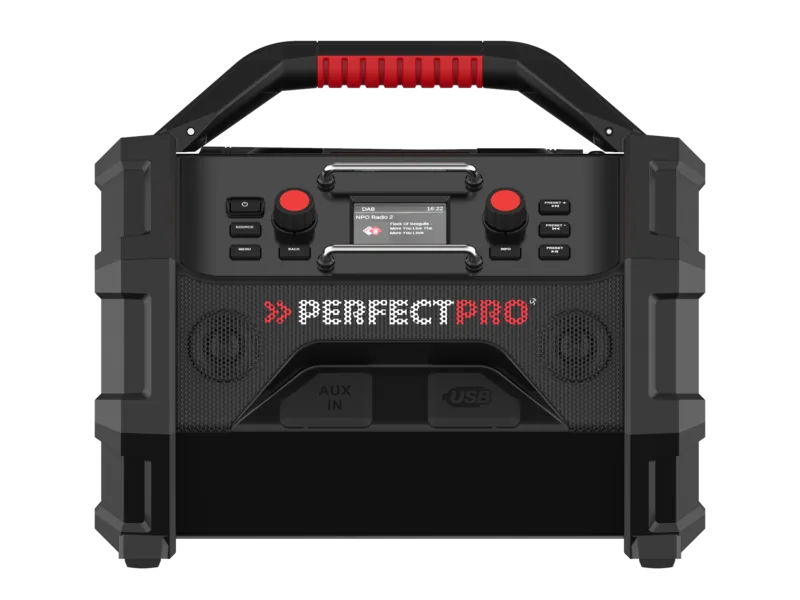
The device interface is designed for ease of use. Essential controls reside on the front panel, including a prominent tuning knob for precise frequency selection and a source button to cycle through inputs. The LCD display provides real-time information such as volume, signal strength, and active station names. This ensures that adjustments can be made quickly during busy shifts. Charging is simple. The charge LED indicator lights red while the lithium-ion battery is replenishing. Once fully charged, the light turns green. The charging time is approximately seven hours when powered off, ensuring you have enough power for a full day of work without interruption. With these features, the PerfectPro Rockhart remains a top choice for professional audio needs.
Search for 67,732 Manuals online


Type-in Brand or Model