

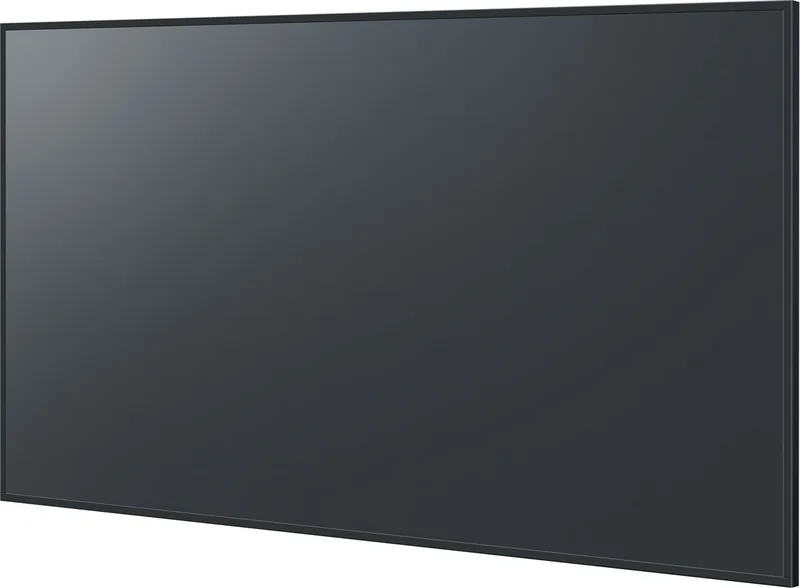

Panasonic SQ1 Manual
PDF manual · 149 Pages
English


Quick check
Incorrect answer, please try again.
Chat with your Panasonic SQ1 manual using AI
Get instant AI answers from your Panasonic SQ1 manual
Ask anything about the Panasonic SQ1. Answers come from this manual, with the pages they are based on.
Ask a Question
Do you recommend SQ1?
Yes NoFrequently Asked Questions
The display supports up to 3840 by 2160 pixels UHD resolution.
Is this answer helpful?
Yes, the LAN port allows for remote management via web browsers and software tools.
Is this answer helpful?
Use a soft cloth slightly dampened with neutral cleaner, avoiding harsh chemicals or pressure.
Is this answer helpful?
Yes, you can schedule automatic shut-off periods using the OFF TIMER function.
Is this answer helpful?
It includes HDMI 1, HDMI 2, DisplayPort, DVI-D, PC IN, and USB ports for various devices.
Is this answer helpful?
Yes, strict weight distribution rules and specific wall brackets are required to prevent tipping.
Is this answer helpful?
Yes, the system supports synchronized content across multiple units in video wall setups.
Is this answer helpful?
Advantages and Disadvantages
Advantages

- 4K UHD resolution at 3840 by 2160 pixels for superior clarity
- Extensive connectivity including HDMI, DisplayPort, and LAN for flexible setup
- Network management and web browser control enable remote operation
- Built-in power management reduces energy consumption during idle times
- Multi-display support allows synchronized video wall configurations
Disadvantages

- Large physical dimensions require space-specific structural support
- Complex mounting process necessitates professional installation assistance
- Power consumption is higher when full brightness and performance modes are active
- Remote control requires batteries which must be replaced regularly
- Specific accessory brackets are required for different model sizes to ensure safety
Product Specification
Resolution
3840x2160, 16:9
Brightness
500 cd/m2
Response Time
8 ms
Viewing Angle
178 deg
Panel
IPS
Shape
Straight (flat)
Backlight
White LED
HDR
N/A
Signal Frequency
Not specified (horizontal), Not specified (vertical)
Ports
1x VGA, 1x DVI, 2x HDMI, 1x DisplayPort, 1x DisplayPort-Out, 2x 3.5mm Jack (Line-In), 1x 3.5mm Jack (Line-Out)
Additional Ports
1x RJ-45 LAN, 2x USB-A 3.0 (5Gb/s), 1x Serial, 1x Intel SDM-Slot
Operating Time
24/7
Features
Slim Bezel, Speakers (2x 10W), Integrated Mediaplayer, Remote Control, HDCP 2.2
Manufacturer Warranty
2 years
Product Description
Panasonic SQ1 UHD Display System
The Panasonic SQ1 series represents a pinnacle in professional display technology designed for large-scale commercial applications. Available in sizes ranging from 49 inches to 98 inches, this series offers stunning 4K UHD resolution at 3840 by 2160 pixels. Users seeking comprehensive information about setup and operation often refer to the Panasonic SQ1 Manual for detailed guidance on configuration and maintenance. This high-performance device is ideal for digital signage, command centers, and large venues requiring clarity and reliability in their visual output.
The Panasonic SQ1 series offers robust connectivity options to ensure versatility across different environments. It supports various video inputs including HDMI, DisplayPort, DVI-D, and a dedicated PC IN port for computer connection. Network capabilities are robust, featuring a LAN port for remote management via web browsers or specialized software tools like Screen Transfer and Memory Viewer. This allows operators to control content playback and monitor system status remotely without physical access. USB ports provide media player functionality for direct content playback from storage devices without a computer. Additionally, optional functional boards can expand capabilities depending on the specific model requirements and installation needs.
Proper installation is critical for safety and performance due to the massive physical footprint of the larger models. Mounting requires specific wall brackets or stands depending on the inch size, with strict weight distribution rules to prevent tipping. The device includes built-in safety mechanisms to prevent overheating and electrical hazards during extended use. It features automatic power management to reduce energy consumption during idle periods. Cleaning must be done carefully with a soft cloth to avoid damaging the sensitive screen surface permanently. The system also supports multi-display configurations allowing synchronized content across multiple units in video wall setups. For detailed operational parameters and troubleshooting steps, users should consult the official technical resources provided with the unit to ensure compliance with all safety and environmental conditions during operation and routine maintenance procedures.
The included remote control offers convenient access to essential functions such as power toggling, volume adjustment, and input selection for daily use. Advanced users can configure custom function keys for frequent tasks to streamline workflow efficiency. Power management settings allow scheduling automatic shut-off periods to conserve electricity and extend component life. The OSD menu provides intuitive navigation for adjusting picture quality, including contrast, brightness, and color temperature settings. For environments prone to distractions, a mute function ensures sound isolation when silence is required. Failover and failback settings maintain connectivity stability in complex networked setups ensuring continuous display uptime. The device includes a built-in speaker system rated for general audio, though external audio outputs are available for higher fidelity sound needs in larger rooms. Network security is enhanced through password protection on LAN control settings to prevent unauthorized access to dashboard controls. Users can also utilize serial interfaces for legacy control integration with older systems. Regular firmware updates ensure the software remains compatible with modern industry standards and security protocols.
Search for 67,706 Manuals online


Type-in Brand or Model