Get instant AI answers from your Optoma ZK400 manual
Ask anything about the Optoma ZK400. Answers come from this manual, with the pages they are based on.
Ask a Question
0/1000
Do you recommend ZK400?
YesNo
Frequently Asked
Questions
A
You can access the detailed user manual by scanning the QR code found in the Quick Start Guide or by visiting the official Optoma support website at www.optoma.com/support/download.
Is this answer helpful?
A
The lens cap is an optional accessory that varies depending on the specific region and model purchased. Please check your local distributor or product specifications for availability.
Is this answer helpful?
A
Ensure that the inlet and outlet air vents are not blocked. Place the projector on a stable surface and verify that the operating environment meets the requirements listed in the manual.
Is this answer helpful?
A
No, you should never open or disassemble the projector yourself as it may cause electric shock. All repairs must be handled by authorized service personnel only.
Is this answer helpful?
A
Power outages and brown-outs can kill electronic devices. Using a surge protector or power strip helps safeguard the Optoma ZK400 against voltage fluctuations and potential damage.
Is this answer helpful?
A
Remove the batteries from the remote control before storing it for long periods to prevent leakage. Replace them whenever the remote becomes unresponsive or shows signs of low power.
Is this answer helpful?
M: QW-35-FL
Advantagesand
Disadvantages
Advantages
Intuitive remote control for easy operation
Advanced thermal management prevents overheating
Compatible with various input devices
Robust build quality ensures durability
Surge protector compatibility enhances safety
VS
Disadvantages
Lens cap is an optional accessory by region
Requires stable surface to prevent damage
Batteries must be removed from remote for storage
Safety instructions must be read before use
Must use authorized service personnel for repairs
M: QW-35-FL
Product
Specification
Type
DLP
Light source
Laser
Resolution (displayable)
Ultra HD (3840x2160)
Resolution (native)
Full HD (1920x1080)
Brightness
-/-4000/- ANSI Lumens (High/Standard/Eco)
Contrast
2,000,000:1
Image diagonal
2.75-25.0ft
Projection distance
3.94-32.48ft
Projection ratio
1.51:1-1.66:1
Lens shift
no
Video connections
3x HDMI 2.0 In
Audio connections
1x Digital Audio Out (optical), 1x Jack Audio Out
Other connections
1x USB, 1x RS-232
Features
3D ready (active), built-in speaker (2x 10W), vertical projection axis
Lamp life
30,000/-/- Hours (Standard/Eco/Eco+)
Noise level
29/27dB(A) (Standard/Eco)
Power consumption
230/175W (Standard/Eco)
Dimensions
13.27x4.72x10.43in (WxDxH)
Weight
10.58lbs
Manufacturer warranty
3 years
M: QW-35-FL
Product
Description
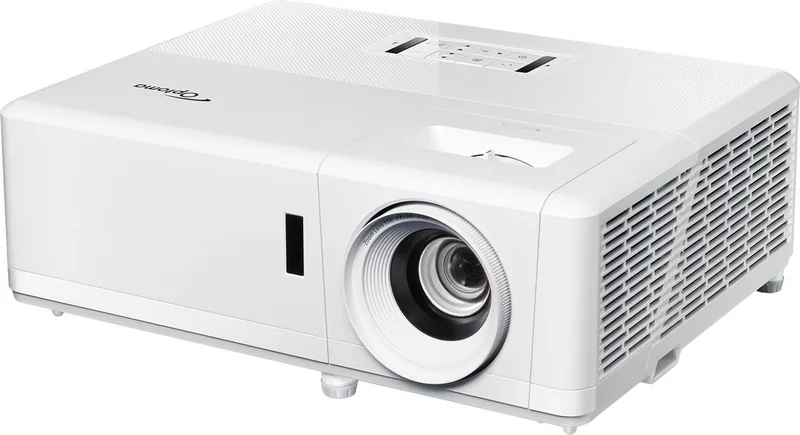
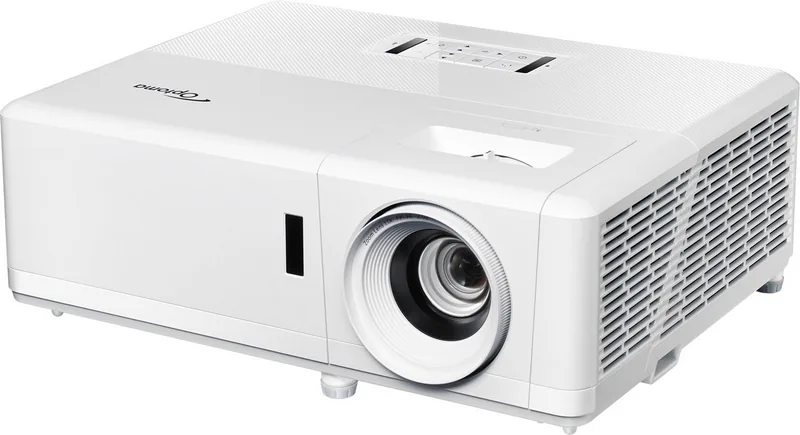
Optoma ZK400: Your Ultimate Projecting Companion
The Optoma ZK400 projector stands as a testament to modern visual technology, designed to bring clarity and vibrancy to any environment. Whether you are setting up a home theater for an immersive movie night or preparing a presentation space for professional meetings, this device delivers exceptional performance. Its robust build ensures longevity, while its advanced optical engine provides sharp images that captivate audiences from every angle.
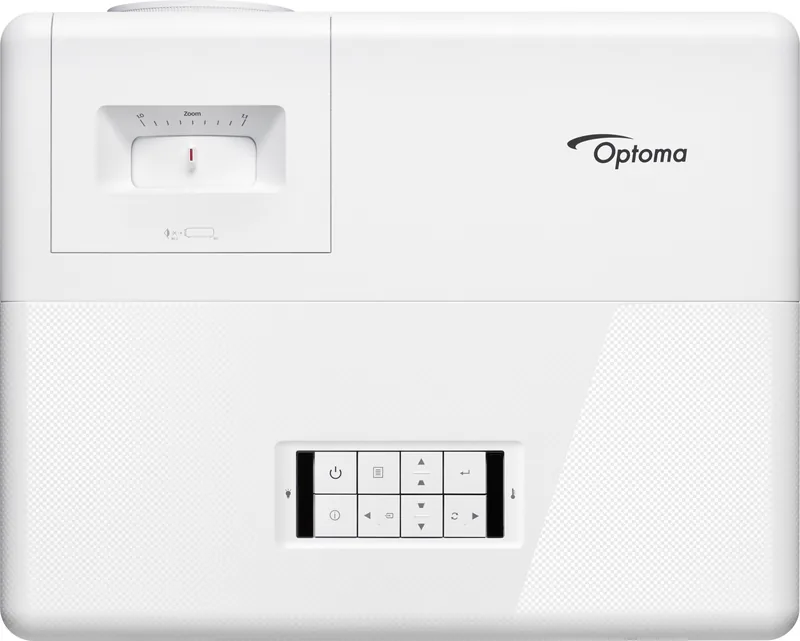
Operating the Optoma ZK400 is straightforward, thanks to intuitive controls and a user-friendly interface. The included remote control allows for seamless navigation of settings, ensuring you can adjust focus, zoom, and brightness with ease. Safety is paramount in the design of this unit; it features intelligent thermal management systems that prevent overheating during extended use. Users are advised to ensure proper ventilation around the air vents to maintain optimal operating temperatures and protect the internal components.
One of the standout features of the Optoma ZK400 is its versatility. It supports a wide range of input sources, making it compatible with laptops, gaming consoles, and media players. The lens protection cap is an optional accessory available depending on your region, offering an extra layer of care when the device is not in use. For those seeking detailed guidance, the manufacturer provides comprehensive resources online, including QR codes for quick access to setup tutorials and warranty information.
Installation should be performed in a stable location away from direct heat sources like radiators or stoves. This precaution helps avoid potential damage to the projector and ensures consistent image quality. Additionally, using a surge protector is highly recommended to safeguard the unit against power fluctuations and outages, which can be detrimental to sensitive electronics. Always remember to remove batteries from the remote control during long periods of storage to prevent leakage issues.
The Optoma ZK400 represents a blend of reliability, safety, and high-quality projection. By following the provided safety guidelines and utilizing the available support resources, users can maximize their experience with this powerful device. It is an ideal choice for anyone looking to elevate their visual presentations or entertainment setups without compromising on quality or safety.