
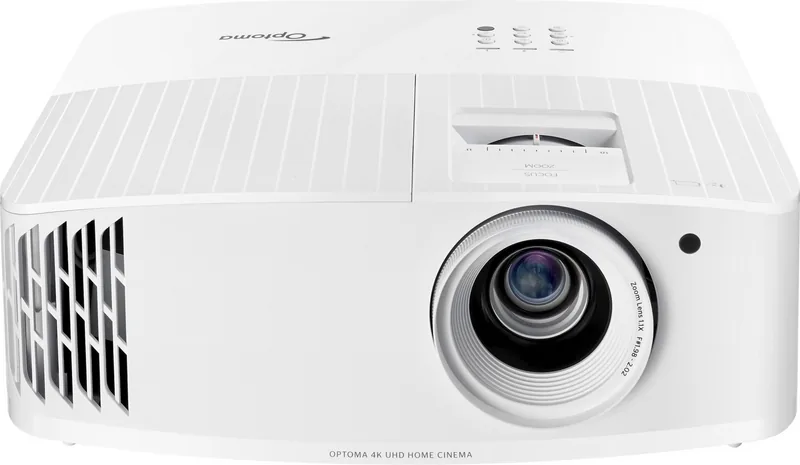
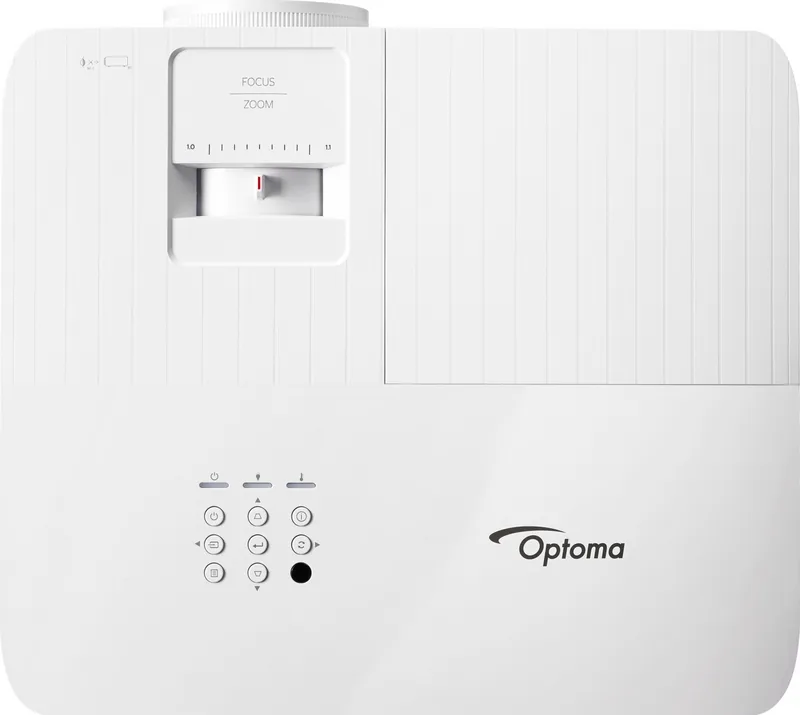
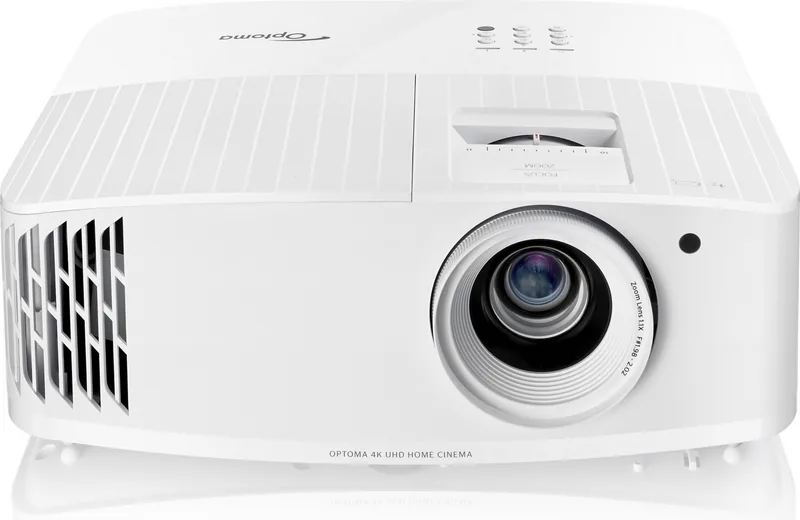
Optoma UHD35x Manual
PDF manual · 4 Pages
English



Quick check
Incorrect answer, please try again.
Chat with your Optoma UHD35x manual using AI
Get instant AI answers from your Optoma UHD35x manual
Ask anything about the Optoma UHD35x. Answers come from this manual, with the pages they are based on.
Ask a Question
Do you recommend UHD35x?
Yes NoFrequently Asked Questions
Keep it on for at least 60 seconds to prolong life.
Is this answer helpful?
No, do not look into the lens as the light may harm your eyes.
Is this answer helpful?
Visit the official website for warranty details depending on your region.
Is this answer helpful?
Remove batteries before storage to prevent potential leakage over time.
Is this answer helpful?
Yes, use a surge protector to avoid damage from power outages.
Is this answer helpful?
No, only authorized service personnel should repair the unit to prevent electric shock.
Is this answer helpful?
Advantages and Disadvantages
Advantages

- Prolonged lamp life by following sixty second cool down protocol
- Comprehensive safety warnings protect users from eye damage and electric shock
- Surge protection recommended to prevent damage from power outages
- Remote controls vary by region ensuring localized compatibility and fit
Disadvantages

- Lens cap is an optional accessory depending on region and model
- Batteries must be removed during storage to prevent leakage risks
- Air vents cannot be blocked or overheating may damage internal components
- Only authorized personnel should perform internal repairs for safety compliance
Product Specification
Type
DLP, 1x 0.47"
Light Source
Lamp
Resolution (Supported)
Ultra HD (3840x2160)
Resolution (Native)
Full HD (1920x1080)
Brightness
3,600 ANSI Lumens (High/Standard/Eco)
Contrast
1,000,000:1
Image Diagonal
33.07-300.00 Inches
Throw Distance
3.97-32.48 Feet
Throw Ratio
1.50:1-1.66:1
Lens Shift
No
Video Connections
2x HDMI 2.0 Input
Audio Connections
1x Digital Audio Out (Optical), 1x 3.5mm Audio Out
Other Connections
1x USB, 1x RS-232
Features
3D Ready (Active), 4K Upscaling, HDR, HLG, Built-in Speaker (1x 10W), Pixel-Shift
Lamp Life
4,000/10,000/15,000 Hours (Standard/Eco/Eco+)
Noise Level
28/26dB(A) (Standard/Eco)
Power Consumption
305W/220W (Standard/Eco)
Dimensions
12.40x4.65x10.63 inches (WxHxD)
Weight
8.60 lbs
Manufacturer Warranty
2 Years
Product Description
Discovering High Performance
The Optoma UHD35x represents a leap for home entertainment enthusiasts seeking vivid visuals. This device delivers brightness and color accuracy suitable for gaming and cinema. Owners rely on the Optoma UHD35x Manual to understand the potential. Proper configuration ensures users get the best image quality. The machine is designed for durability when maintained correctly.
Essential Operating Guidelines
Safety remains a top priority during usage. Never stare directly into the projector lens while it is active as the intense light can cause eye damage. It is crucial to maintain adequate airflow around the unit to prevent overheating risks. Blocking air vents can lead to thermal shutdowns or permanent hardware damage. Place the device on a flat, stable surface to ensure reliability. Avoid installing near heat sources like radiators or amplifiers which generate thermal energy. Keep equipment away from rain or moisture to avoid electrical risks.
Power and Connectivity
Protect your investment by utilizing a quality surge protector or power strip. Sudden power fluctuations can be detrimental to electronic components. The unit offers multiple input options allowing connection to media sources. Remote control layouts differ by region so learn functions. Ensure cables are connected securely before powering the system. Use standard adapters specified by the manufacturer.
Long Term Care
Maximizing the lifespan of the light source involves habits during daily use. Allow the lamp to remain on for at least sixty seconds after use to cool down. This step contributes significantly to longevity. When storing the device, take batteries out of the remote control to avoid leaks. Refer to official channels for warranty support. Never open the cabinet yourself as this creates electric shock hazards.
Important Maintenance Notes
Lens covers and physical media guides are optional accessories determined by your market. Authorized repair staff should handle any internal disassembly to maintain safety standards. Ensure your setup environment complies with the operational requirements. Regular cleaning of exterior surfaces keeps the look pristine. Turning off power and unplugging the cord is required before changing the lamp. Keep moisture away from the unit.
Support Resources
Access detailed instructions through official support URLs or QR codes. This ensures you have the most current version of guidance available. Stay informed about product updates to keep your system running. Contact customer service for specific regional warranty details. Verify local regulations regarding electrical safety.
Installation Zone
Ensure stable power supply and ambient temperature are within range. Do not place in direct sunlight or damp areas. Proper ventilation is key to maintaining performance over many hours. Follow specific setup guidelines for the best projection outcomes. This ensures the system runs efficiently without interruption. Regular checks help maintain optimal functioning throughout the lifespan.
Search for 67,706 Manuals online


Type-in Brand or Model