
Optoma HDCast Pro Manual
PDF manual · 30 Pages
English



Quick check
Incorrect answer, please try again.
Chat with your Optoma HDCast Pro manual using AI
Get instant AI answers from your Optoma HDCast Pro manual
Ask anything about the Optoma HDCast Pro. Answers come from this manual, with the pages they are based on.
Ask a Question
Do you recommend HDCast Pro?
Yes NoFrequently Asked Questions
It is used to wirelessly share screens and media with a compatible projector. It supports mirroring, streaming, document viewing, photos, music, and collaborative presentation tools.
Is this answer helpful?
It works with Android, iOS, Windows, and Mac devices. Support depends on the feature being used, but the adapter is designed for mixed-device environments.
Is this answer helpful?
Plug in the dongle, select the correct HDMI source on the projector, install the HDCast Pro app, and connect to the HDCastPro wireless SSID shown on screen.
Is this answer helpful?
It depends on the connection type. MHL mode can draw power from a compatible MHL port, while HDMI use may require external 5V/1A power through Micro USB.
Is this answer helpful?
Yes. Android devices can mirror through the app or Miracast, and iOS devices can use AirPlay. The exact steps differ by platform, but both are supported.
Is this answer helpful?
It supports common video, photo, music, and document formats, including MPEG, H.264, JPG, PDF, Word, Excel, PowerPoint, and several audio types. Format limits still apply.
Is this answer helpful?
Direct link connects the device straight to the dongle for simpler, often better performance. Infrastructure mode uses a router, which can keep internet access available but may reduce speed.
Is this answer helpful?
Advantages and Disadvantages
Advantages

- Supports Android, iOS, Windows, and Mac for broad device compatibility.
- Offers mirroring, media streaming, browser access, and cloud content support.
- Host/guest controls and split-screen sharing help manage group presentations.
- Sketch and annotation tools add interactive value for teaching and collaboration.
Disadvantages

- Some features are limited by platform, especially on iOS and Google Drive support.
- Infrastructure mode can be slower than direct link mode.
- Requires setup, app installation, and correct Wi‑Fi/network configuration.
- Media and document support includes file size, format, and codec restrictions.
Product Specification
Type
WLAN Adapter/Module
Suitable for
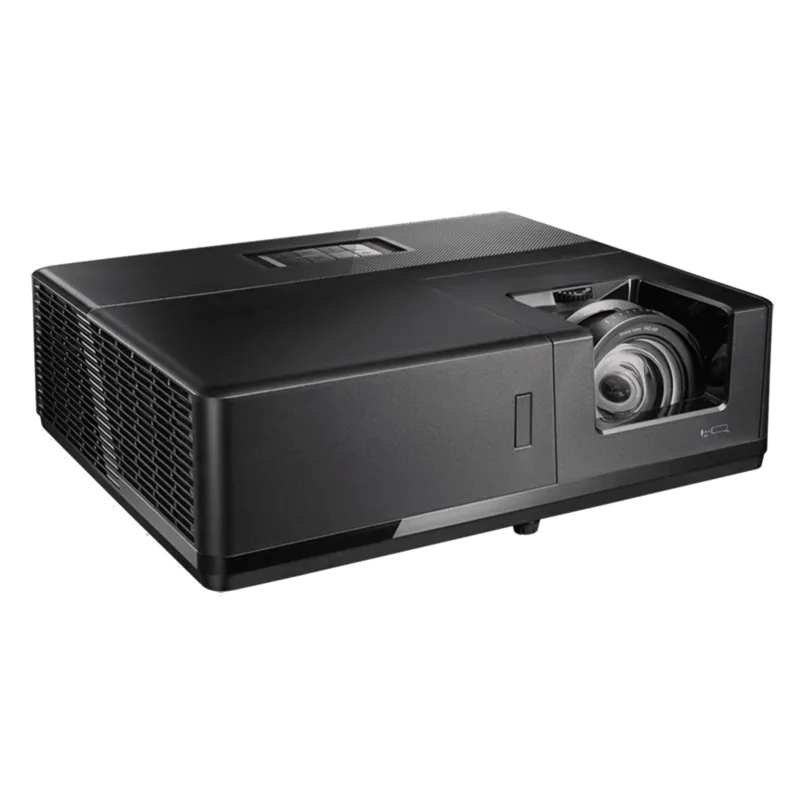
Optoma Projectors: EH319USTi
Product Description
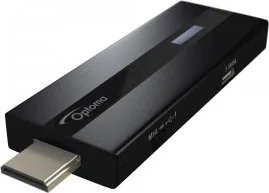
Optoma HDCast Pro Wireless Adapter: Wireless Sharing Made Simple
The Optoma HDCast Pro Wireless Adapter is built for people who want fast, cable-free presentation and media sharing from a projector. It adds a flexible wireless layer to compatible Optoma setups, letting users mirror screens, stream media, and open content from mobile devices or computers with minimal friction. If you're searching for the Optoma HDCast Pro Wireless Adapter Manual, the key takeaway is that this device is designed around quick setup, broad device support, and easy casting from everyday devices.
A practical companion for meetings and entertainment
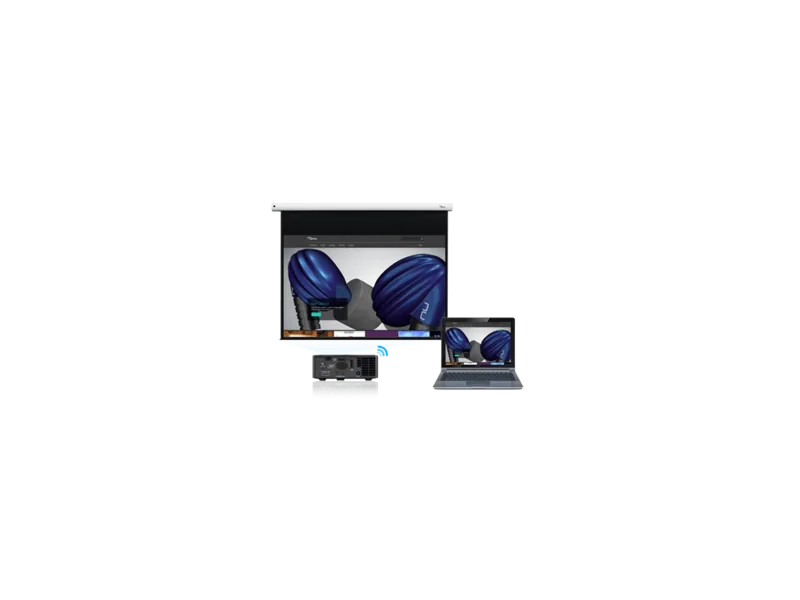
At its core, HDCast Pro helps transform a projector into a shared display platform. The adapter supports Android, iOS, Windows, and Mac systems, making it useful in mixed-device environments such as classrooms, conference rooms, and home entertainment spaces. Users can connect through direct wireless link or infrastructure mode, depending on whether they want the simplest connection or a router-based setup with internet access.
Beyond basic screen mirroring, the adapter offers a surprisingly rich feature set. It can stream video, photos, documents, and music, and it also supports live camera viewing, browser access, cloud storage integration, and online video shortcuts. For interactive use, the sketch and annotation tools add a collaborative touch, allowing notes and drawings to be added directly to content.
Why it stands out
One of the strongest aspects of HDCast Pro is its host and guest control model. The first connected user becomes the host and can manage the display, while later users join as guests with limited permissions. This helps keep presentations orderly, especially when multiple people need access. A four-way split-screen option also makes it possible for several users to share content at once.
The adapter is also built with practical deployment in mind. It supports Miracast for Android, AirPlay for iOS, and DLNA-style streaming for compatible media. Setup is straightforward: connect the dongle, select the HDMI source, install the app, and join the HDCastPro wireless network. From there, casting and mirroring can begin quickly.
Notes
- Best results usually come from direct link mode.
- Some features vary by platform, especially on iOS.
- File format and size limits apply for documents and media.
- External power may be required depending on connection type.
Search for 67,706 Manuals online


Type-in Brand or Model