
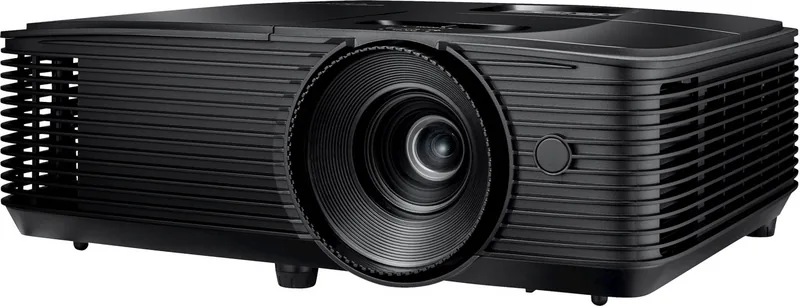
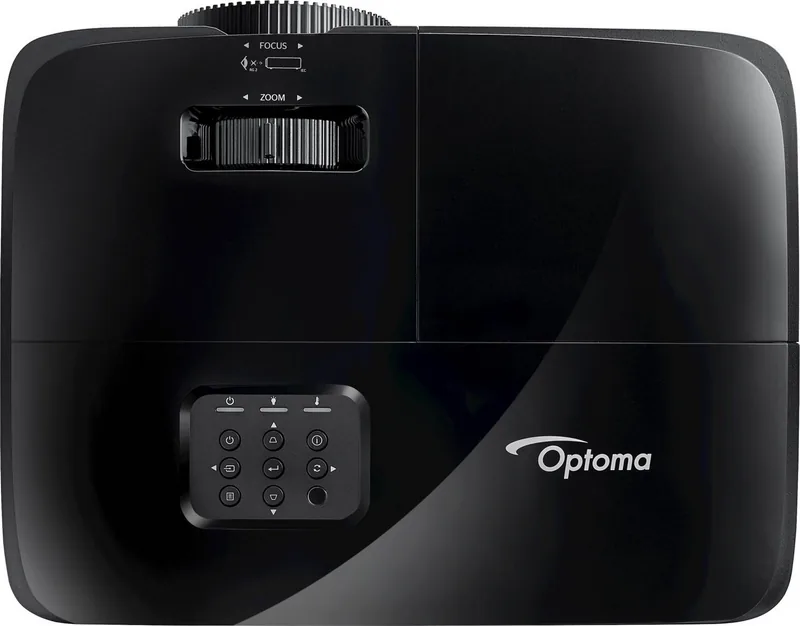
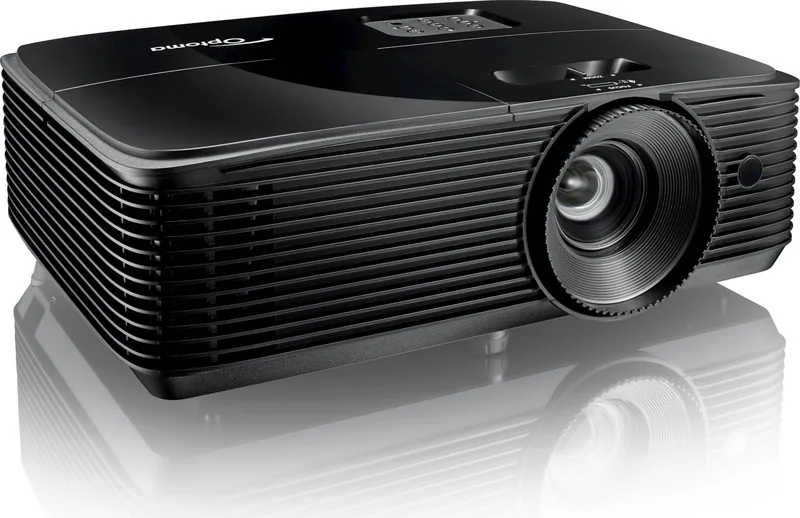
Optoma HD146X Manual
PDF manual · 56 Pages
English



Quick check
Incorrect answer, please try again.
Chat with your Optoma HD146X manual using AI
Get instant AI answers from your Optoma HD146X manual
Ask anything about the Optoma HD146X. Answers come from this manual, with the pages they are based on.
HD146X Maintenance Schedule
Contact local dealer or service center to replace the light bulb when the warning message appears. Ensure unit is off, unplugged, and cooled for 30 minutes.
Reset the Lamp Reset function from the Setup lamp settings menu after replacing the lamp module.
Filter Reminder can be set to show warning at 500 hours. Filter Reset must be used after cleaning or replacing the dust filter.
Ask a Question
Do you recommend HD146X?
Yes NoFrequently Asked Questions
The Optoma HD146X has a native Full HD 1920x1080 DLP resolution, providing detailed 1080p images suitable for movies, gaming and presentations.
Is this answer helpful?
Yes. The projector supports 3D over HDMI 1.4a and accepts formats such as side-by-side (SBS), top-and-bottom (TAB) and frame-sequential. It supports DLP-Link and 3D Sync modes depending on your glasses and source.
Is this answer helpful?
Enable the Enhanced Gaming mode in the Display menu; it reduces input latency (noted to reach around 16ms) for compatible 1080p@60Hz signals to improve responsiveness during gameplay.
Is this answer helpful?
The projector monitors lamp life and shows warning messages when replacement is due. It offers lamp-reset after replacement, lamp reminder options, optional filter settings and filter usage counters to schedule cleaning or replacement.
Is this answer helpful?
The HD146X supports front/rear and ceiling-top/rear-top installations, manual zoom and focus, keystone correction, horizontal/vertical image shift, edge mask, zoom and aspect ratio presets to adapt to varied screen sizes and mounting positions.
Is this answer helpful?
Key connectivity includes HDMI 1.4a, USB power output (5V 1.5A) for accessories, and an audio-out jack for external speakers. The projector also supports HDMI-CEC via HDMI Link settings for linked device power control.
Is this answer helpful?
Operate within 5°C to 40°C ambient temperature and 10%–85% relative humidity (non-condensing). Maintain clear ventilation, avoid enclosed hotspots, and keep the projector horizontal (tilt not exceeding 15°) to protect lamp life and prevent overheating.
Is this answer helpful?
Advantages and Disadvantages
Advantages

- Native 1920x1080 resolution for sharp Full HD images and accurate Rec.709 reference modes.
- Enhanced Gaming mode reduces input lag for responsive 1080p@60Hz gameplay.
- Wide image control set: gamma, BrilliantColor, RGB gain/bias, color matching and ISF presets.
- Flexible installation: front/rear/ceiling positions, keystone, image shift and manual zoom/focus.
- HDMI 1.4a 3D support (DLP-Link/3D Sync) and broad input timing compatibility.
Disadvantages

- Manual zoom and focus lack motorized lens convenience for frequent repositioning.
- Built-in speaker (3W) is suitable only for basic use; external audio recommended.
- Zoom ratio is limited (1.1x), reducing projection flexibility compared with higher-zoom lenses.
- No advanced lens-shift hardware — larger offsets require careful placement or ceiling mount.
- Standby signal power 'On' may draw >3W in certain configurations.
Product Specification
Type
DLP
Light source
Lamp
Resolution (displayable)
Full HD (1920x1080)
Resolution (native)
Full HD (1920x1080)
Brightness
-/3600/- ANSI Lumen (High/Standard/Eco)
Contrast
25,000:1
Image diagonal
27.95-301.15in
Projection distance
3.28-32.15ft
Throw ratio
1.47:1-1.62:1
Lens shift
no
Video connections
1x HDMI 1.4 In
Audio connections
1x Jack Audio Out
Other connections
1x USB 2.0
Special features
3D ready (active), integrated speaker (1x 5W)
Lamp lifespan
4000/10000/15000 hours (Standard/Eco/Eco+)
Noise level
28/26dB(A) (Standard/Eco)
Power consumption
295/205W (Standard/Eco)
Dimensions
12.44x4.25x9.61in (WxHxD)
Weight
6.17lb
Product Description
Optoma HD146X — Bright, Reliable Full HD Projector
The Optoma HD146X is a compact 1080p DLP projector designed for home entertainment and gaming. It delivers vivid color reproduction, strong contrast and a reliable lamp system in a portable package. With native 1920x1080 resolution, manual zoom and focus, and a 1.1x zoom range, the HD146X produces sharp images from small to large screen sizes and supports a wide range of input timings including 1080p 60Hz and multiple 3D formats.
This model emphasizes simple installation and flexible placement: it supports front/rear and ceiling mounting, includes keystone correction and image shift controls, and provides detailed projection distance and image-size tables so you can position the unit precisely. The HD146X also offers USB power for accessories, an audio output for external speakers, and a 3W built-in speaker for quick setups.
Gamers will appreciate the Enhanced Gaming mode, which lowers input lag for responsive play with compatible 1080p@60Hz sources. Movie watchers can use multiple display presets (Cinema, Vivid, Reference, ISF Day/Night) and extensive image controls — brightness, contrast, sharpness, color temperature, gamma, BrilliantColor, RGB gain/bias and color matching — to tune the picture toward accurate Rec.709 reproduction or punchy, high-brightness output.
For 3D content the HD146X supports DLP-Link and multiple 3D formats (side-by-side, top-and-bottom, frame-sequential) via HDMI 1.4a, enabling immersive playback with compatible sources and glasses. The projector also exposes advanced setup features: lamp and filter reminders, power behaviors (direct power on, signal power on, quick resume), HDMI-CEC link options, security/password timer, and customizable remote presets.
Maintenance is straightforward: the lamp life is monitored by the projector and displays warning messages when replacement is due; a lamp-access procedure and safety guidance are provided. Cooling and ventilation requirements are detailed to prevent overheating and ensure long lamp life. Comprehensive troubleshooting, remote control codes, and regional service contacts round out the offering.
Notes:
- Native 1080p resolution and support for 3D and many input formats make this a versatile home projector.
- Manual zoom and focus plus keystone and image shift allow flexible placement without motorized lenses.
- Lamp and filter reminders and selectable Eco/Bright modes help balance brightness and operating costs.
Search for 67,706 Manuals online


Type-in Brand or Model
Tom Weber
10 months ago
I want to switch from a flat TV to a beamer. Do I really just need to buy the projector, or what other components should I plan for (screen, audio, mounting, streaming)?
Manual.ly
10 months ago
You usually need more than the projector for a smooth upgrade. Plan your setup in advance: choose the right screen (often an electric 90-120 inch screen for living rooms), arrange proper wall/ceiling mounting, and ensure you have the audio solution you want (for example Bluetooth audio transmitters or analog/HDMI audio connections). Also consider your video sources and control, such as a streaming stick or TV service, and make sure you have enough HDMI inputs (HDMI switch if needed). For many buyers the value depends on the whole package and how well you match price vs. the achievable image size (compared to a typical 60-70 inch TV).