
Optoma CinemaX D2 Manual
PDF manual · 51 Pages
English



Quick check
Incorrect answer, please try again.
Chat with your Optoma CinemaX D2 manual using AI
Get instant AI answers from your Optoma CinemaX D2 manual
Ask anything about the Optoma CinemaX D2. Answers come from this manual, with the pages they are based on.
CinemaX D2 Maintenance Schedule
Turn off and unplug the projector. Use compressed air to remove dust, then gently wipe with a special lens cloth. Do not use alcohol or abrasive cleaners.
Turn off and unplug the power cord. Use a soft dry cloth with mild detergent. Do not use abrasive cleaners, waxes, or solvents.
Remove old AAA batteries when they are depleted. Insert new AAA batteries of the same type. Remove batteries if storing for long periods to prevent leakage.
Ask a Question
Do you recommend CinemaX D2?
Yes NoFrequently Asked Questions
The projector outputs 4K UHD at 3840 x 2160 pixels and 60 Hz. It can accept input signals up to 4096 x 2160 at 60 Hz through its HDMI connections.
Is this answer helpful?
It supports projected images from 85 to 105 inches. Optoma identifies a 90-inch image as the optimized size. Because it is an ultra-short-throw model, it can create these large images from a short distance from the screen or wall.
Is this answer helpful?
Yes. Enhanced Gaming mode on HDMI 1 reduces input latency. With a 1080p 240 Hz signal, latency is approximately 4.4 ms. At 4K 60 Hz, it is approximately 16.9 ms. Geometry and scaling tools are disabled while this mode is active.
Is this answer helpful?
The CinemaX D2 includes three HDMI 2.0 ports, with HDMI 1 supporting eARC and low-latency gaming. It also has USB-A power, RS-232, optical S/PDIF output, and a 3.5 mm audio output.
Is this answer helpful?
Yes. The projector supports 3D playback with compatible DLP-Link 3D glasses. Use the 3D mode and sync inversion settings when needed. Take regular breaks and stop viewing if discomfort, dizziness, eye strain, or nausea occurs.
Is this answer helpful?
Use the projector's focus controls, horizontal or vertical keystone correction, four-corner adjustment, or 3x3 warping. For the best image quality and gaming latency, position the projector as squarely aligned with the projection surface as possible.
Is this answer helpful?
Advantages and Disadvantages
Advantages

- 4K UHD output with HDR and HLG support for detailed images and enhanced dynamic range.
- Ultra-short-throw design creates 85 to 105 inch images while placed close to the projection surface.
- Enhanced Gaming mode supports about 4.4 ms input lag at 1080p and 240 Hz through HDMI 1.
- Three HDMI 2.0 inputs, eARC, S/PDIF, audio output, USB power, and RS-232 provide broad connectivity.
- Flexible image setup includes focus adjustment, keystone correction, four-corner correction, and 3x3 warping.
Disadvantages

- The image-size range is limited to 85 to 105 inches, with 90 inches identified as the optimized size.
- Enhanced Gaming mode disables aspect ratio, zoom, image shift, keystone, four-corner, and 3x3 warping controls.
- Accurate color is best achieved with a projection screen rather than a painted wall.
- The unit is relatively large and heavy at 8.4 kg, which may limit portability.
- 3D requires compatible DLP-Link glasses and may cause discomfort for some viewers.
Product Specification
Type
DLP
Light source
Phosphor laser
Resolution (supported)
Ultra HD (3840 x 2160)
Resolution (native)
Full HD (1920 x 1080)
Brightness
-/3,000/- ANSI lumens (High/Standard/Eco)
Contrast
1,800,000:1
Image diagonal
85.04-120.08 in
Projection distance
18.50-25.98 in
Throw ratio
0.25:1
Video connections
3 x HDMI 2.0 input
Audio connections
1 x digital audio output (optical), 1 x 3.5 mm audio output
Other connections
1 x USB
Special features
3D ready (active), integrated speaker (2 x 10 W)
Lamp life
20,000/-/- hours (Standard/Eco/Eco+)
Noise level
28/26 dB(A) (Standard/Eco)
Power consumption
230/190 W (Standard/Eco)
Dimensions
22.68 x 5.12 x 15.08 in (W x H x D)
Weight
18.52 lb
Product Description
Optoma CinemaX D2 Manual: Big-Screen Home Entertainment Made Simple
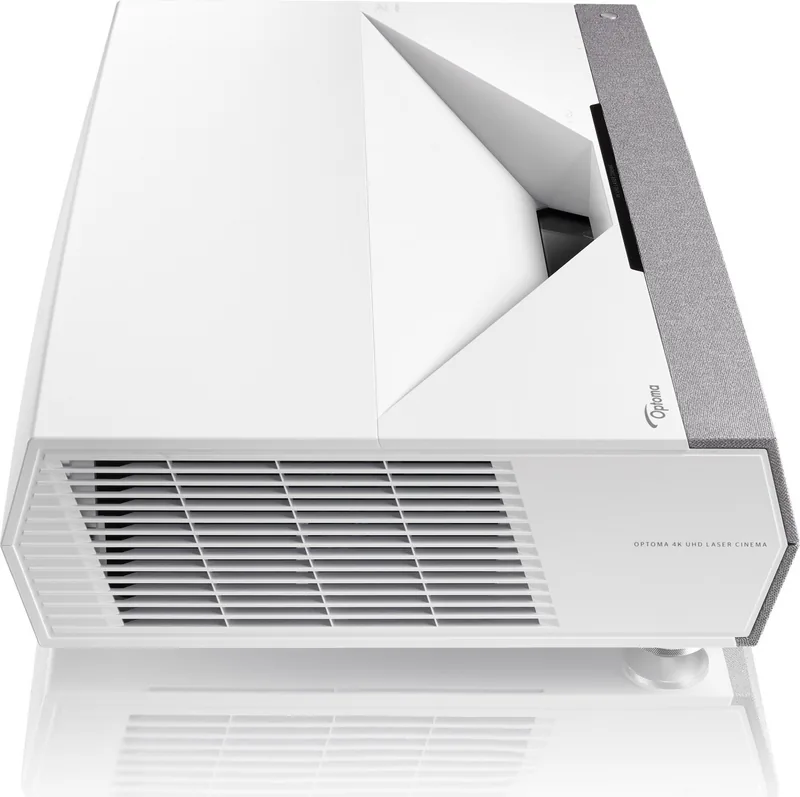
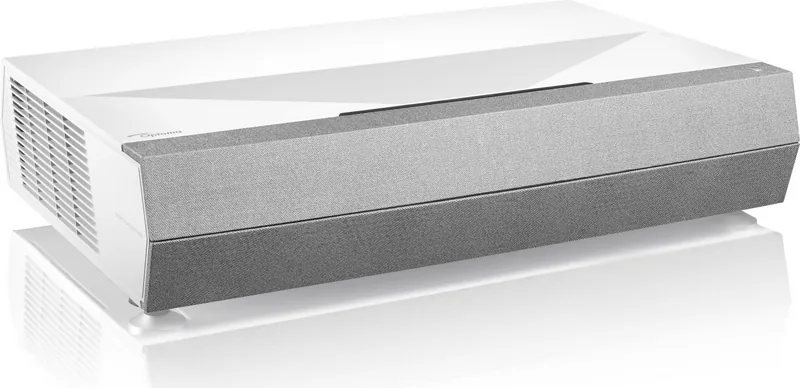
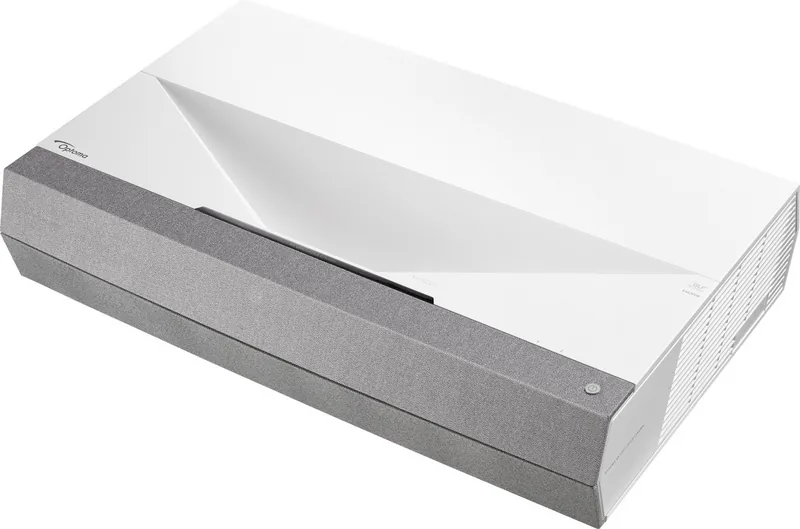
The Optoma CinemaX D2 is a 4K UHD laser projector designed for people who want a cinematic image without dedicating an entire room to a traditional long-throw setup. Its ultra-short-throw optical design can produce a large image from a position close to the wall or screen, making it a practical choice for living rooms, media spaces, and compact home theaters. It supports image sizes from 85 to 105 inches, with 90 inches listed as the optimized size.
4K Detail, HDR Support, and Flexible Viewing
Using a 0.47-inch DMD system with XPR technology, the projector delivers a 3840 x 2160 4K UHD output at up to 60 Hz. It accepts signals up to 4096 x 2160 at 60 Hz, allowing compatibility with modern streaming devices, UHD players, PCs, and game consoles. HDR and HLG support help deliver brighter highlights, richer contrast, and more convincing color when compatible content is used.
Picture controls are extensive. The CinemaX D2 includes cinema, game, bright, reference, HDR, HLG, 3D, and user modes, plus adjustments for gamma, color temperature, BrilliantColor, RGB gain, contrast, sharpness, and wall color. These options let viewers tailor the image for movies, sports, games, or projection directly onto a suitably colored wall. A proper projection screen is still recommended for the most accurate color performance.
Built for Gaming and Connected Systems
Gamers can use Enhanced Gaming mode through HDMI 1. With a compatible 1080p 240 Hz source, input lag can be reduced to approximately 4.4 ms. HDMI 1 also supports eARC, while the projector provides two additional HDMI 2.0 inputs for other devices. Audio connections include optical S/PDIF, a 3.5 mm audio output, and dual built-in 10 W speakers.
The Optoma CinemaX D2 Manual highlights convenient setup features including automatic focus adjustment through remote buttons, horizontal and vertical keystone correction, four-corner correction, and 3x3 warping. These tools are useful when placement is not perfectly aligned, although gaming mode disables several geometry controls to preserve lower latency.
Everyday Operation and Safety
The projector can be installed for front, rear, front-ceiling, or rear-ceiling projection. It also includes HDMI-CEC controls, RS-232 control, USB power, automatic source detection, timer settings, and password protection. Its laser light source offers brightness modes including DynamicBlack, Eco, constant power, and constant luminance.
Notes: Keep ventilation openings clear, allow the cooling fan to finish after shutdown, and never look into the projected beam. The eye-protection sensor can temporarily reduce illumination when an object is detected near the light path. For 3D viewing, use compatible DLP-Link glasses and take regular breaks.
Search for 67,706 Manuals online


Type-in Brand or Model