
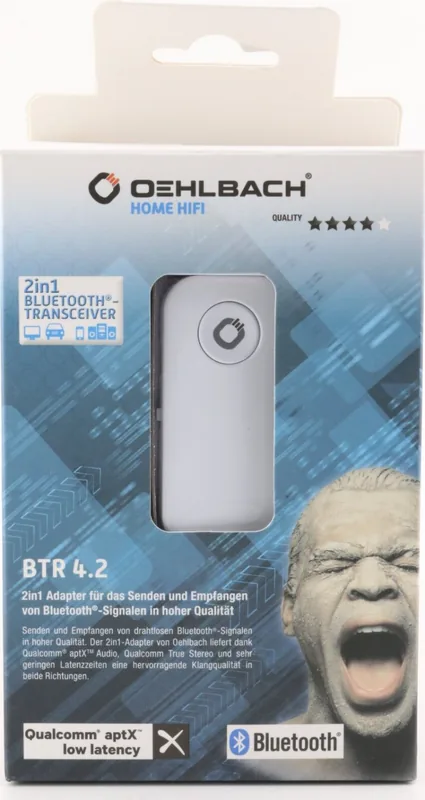
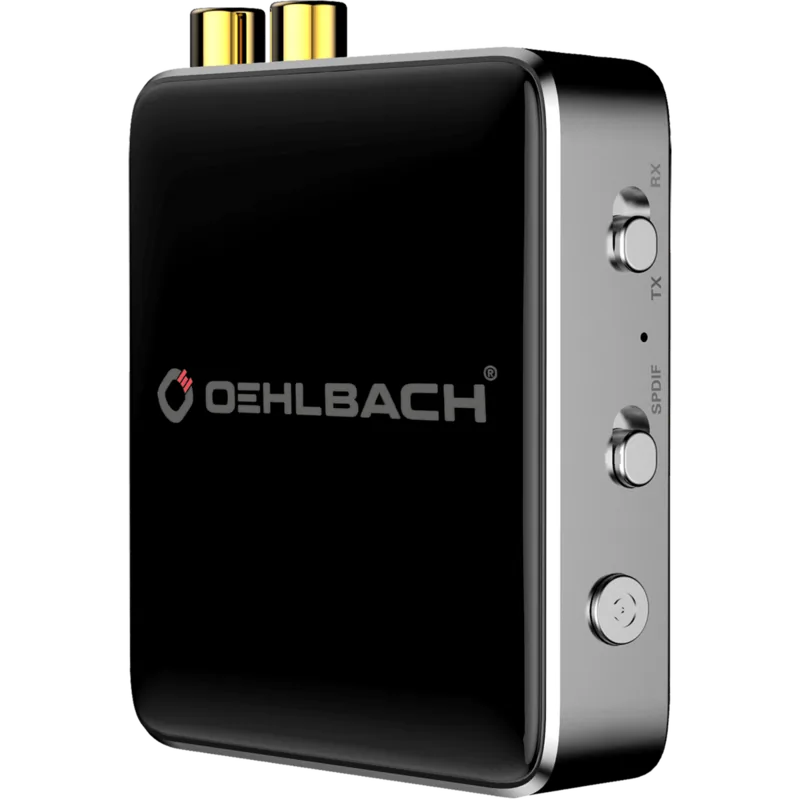
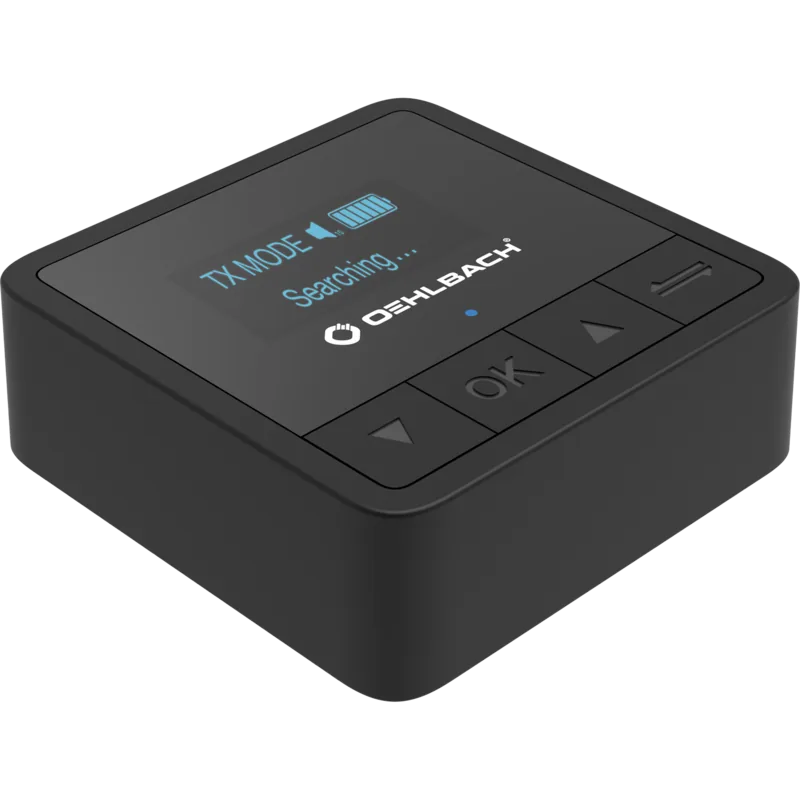
Oehlbach BTR 4.2 Manual
PDF manual · 72 Pages
English



Quick check
Incorrect answer, please try again.
Chat with your Oehlbach BTR 4.2 manual using AI
Get instant AI answers from your Oehlbach BTR 4.2 manual
Ask anything about the Oehlbach BTR 4.2. Answers come from this manual, with the pages they are based on.
Ask a Question
Do you recommend BTR 4.2?
Yes NoFrequently Asked Questions
It is a Bluetooth 4.2 2-in-1 adapter that can either send audio from wired sources to Bluetooth devices or receive audio from Bluetooth sources and output it through a 3.5 mm connection.
Is this answer helpful?
Yes. The low-latency feature reduces delay to under 40 ms, which helps keep audio and video better synchronized when watching films or playing games.
Is this answer helpful?
It supports optical digital input via Toslink and analog audio connections, plus a 3.5 mm output for receiver mode.
Is this answer helpful?
The device uses Bluetooth Class 1 and can reach more than 20 meters in ideal conditions. Real-world range may be lower if walls or objects are between devices.
Is this answer helpful?
It needs 5V power through USB and should be connected to a source that provides at least 500 mA. A power adapter is included.
Is this answer helpful?
Pairing may fail if the wrong mode is selected, Bluetooth is disabled on the other device, or the devices are too far apart during setup. Keeping them within 1 meter is recommended.
Is this answer helpful?
Yes. It is especially useful for upgrading older stereo systems, adding wireless headphone support, or connecting TVs and playback devices with less cable clutter.
Is this answer helpful?
Advantages and Disadvantages
Advantages

- 2-in-1 design lets it work as both a Bluetooth transmitter and receiver.
- aptX and low latency help deliver clearer audio with minimal delay.
- Class 1 Bluetooth offers strong wireless range for flexible placement.
- Includes useful cables, adapter, and power supply in the box.
Disadvantages

- Requires external 5V power, so it is not fully cable-free.
- Best pairing results depend on correct TX/RX selection and setup.
- Range can drop noticeably when walls or obstacles are in the way.
- Compact design is practical, but some users may prefer newer Bluetooth versions.
Product Specification
Type
Transmitter & Receiver
Signal Transmission
Bluetooth 4.2
Connections
Stereo Line Out (3.5mm Jack), USB
Power Supply
USB
Special Features
aptX
Dimensions
1.30x0.47x2.44in (WxHxD)
Weight
0.04 lb
Product Description
Oehlbach BTR 4.2 Bluetooth Transmitter/Receiver
The Oehlbach BTR 4.2 Bluetooth transmitter/receiver Manual points to a compact audio tool designed for people who want more freedom from cables without losing sound quality. This 2-in-1 adapter works both as a transmitter and as a receiver, making it a flexible bridge between classic audio gear and modern Bluetooth devices.
A smart way to modernize your sound setup
In transmitter mode, the BTR 4.2 can take audio from optical digital or analog sources and send it wirelessly to headphones or active speakers. In receiver mode, it accepts music from a smartphone, tablet, or computer and outputs it through a 3.5 mm connection. That dual-purpose design makes it useful in living rooms, home offices, and entertainment setups where one device needs to do multiple jobs.
Built for quality and convenience
One of the strongest features is aptX support, which helps deliver audio in near CD quality. The low-latency function is another major advantage, reducing delay to under 40 ms so sound stays in sync with what you see on screen. For movies, gaming, and video calls, that difference matters. Bluetooth 4.2 and Class 1 technology also help provide a stable connection with a range of more than 20 meters in ideal conditions.
The device comes with practical extras, including a Toslink cable, a Toslink-to-3.5 mm adapter, a USB power cable, and a 5V/1A power supply. Gold-plated contacts add a premium touch and support reliable signal transfer. Its small size and light weight make it easy to place almost anywhere.
Easy to use, but best when set up correctly
Operation is straightforward: choose TX or RX, supply power through USB, then enter pairing mode with the function button. The product also includes troubleshooting guidance for common issues such as pairing problems or no sound output. That makes it more approachable for users who want a practical audio upgrade without a complicated installation.
Notes
- Use the correct mode before pairing: TX for sending, RX for receiving.
- Keep devices close during pairing for the best results.
- Volume settings and cable connections matter if audio does not play.
- The unit is intended for dry, ventilated indoor use only.
Search for 67,706 Manuals online


Type-in Brand or Model
Antonio Berríos
9 months ago
Does the Bluetooth audio transmitter stay stable and produce any interference or noise when connected to my wireless headphones?
Manual.ly
9 months ago
Yes, it is designed for reliable, stable Bluetooth audio transmission, including a fast connection setup and playback without noticeable background noise. For best results, pair the transmitter first, then start audio on your source, and keep the devices within a few meters with minimal obstacles. If you notice dropouts or interference, try re-pairing (power cycle both devices), verify the headphones support Bluetooth audio receiving (A2DP), and confirm you are using the correct mode (transmitter for TV/audio output).