
NUK Flash Manual
PDF manual · 109 Pages
English



Quick check
Incorrect answer, please try again.
Chat with your NUK Flash manual using AI
Get instant AI answers from your NUK Flash manual
Ask anything about the NUK Flash. Answers come from this manual, with the pages they are based on.
Flash Maintenance Schedule
Check if the mirror is clean before each measurement and clean with a cotton bud dipped in 70% alcohol if necessary. Dry for at least one minute.
Place the cap on the thermometer after each measurement to avoid contamination of the reflective mirror.
Replace the CR2032 battery immediately when the low battery symbol appears on the display.
Ask a Question
Do you recommend Flash?
Yes NoFrequently Asked Questions
It is designed to measure forehead temperature quickly and estimate body temperature. It can also show room temperature when idle and measure certain surface temperatures for household use.
Is this answer helpful?
Switch the device on, remove the cap, hold it about 2 to 3 cm from the center of the forehead, and briefly press SCAN. Wait for the confirmation tones, then read the result on the display.
Is this answer helpful?
It is intended for fever checks and provides a clinical estimate from the forehead. For best results, use it under stable room conditions and follow the positioning and cleaning instructions carefully.
Is this answer helpful?
No. Surface mode is only for objects and liquids, not for body temperature or fever checks. Using it for that purpose may give misleading results.
Is this answer helpful?
The device stores up to 25 recent measurements. This makes it easier to compare readings and watch how temperature changes over time.
Is this answer helpful?
Clean the sensor area with a cotton swab lightly moistened with about 70% alcohol, then let it dry fully. Always replace the protective cap after use and store it with the cap on.
Is this answer helpful?
Advantages and Disadvantages
Advantages

- Fast forehead readings with simple one-button scanning and clear signal tones.
- Stores 25 results, helping users follow temperature trends over time.
- Silent mode and °C/°F switching make it comfortable and flexible to use.
- Can also measure room and surface temperatures for extra household convenience.
Disadvantages

- Must be used indoors in dry conditions, so it is not suitable for outdoor or humid use.
- Accuracy can be affected by handling, room temperature changes, or a dirty sensor.
- Surface mode cannot be used for fever checks, limiting its medical range.
- Requires a CR2032 battery and careful storage to maintain performance.
Product Specification
Type
Infrared thermometer
Application
on the forehead
Units of measurement
°F
Measurement range
93.2°F to 107.96°F (body temperature), -7.6°F to 176°F (surface temperature)
Accuracy
±0.54°F
Measurement time
1s
Memory function
25 memory slots
Display
yes
Special features
Fever indicator, Surface measurement
Product Description
NUK Flash: A Practical Thermometer for Everyday Family Care
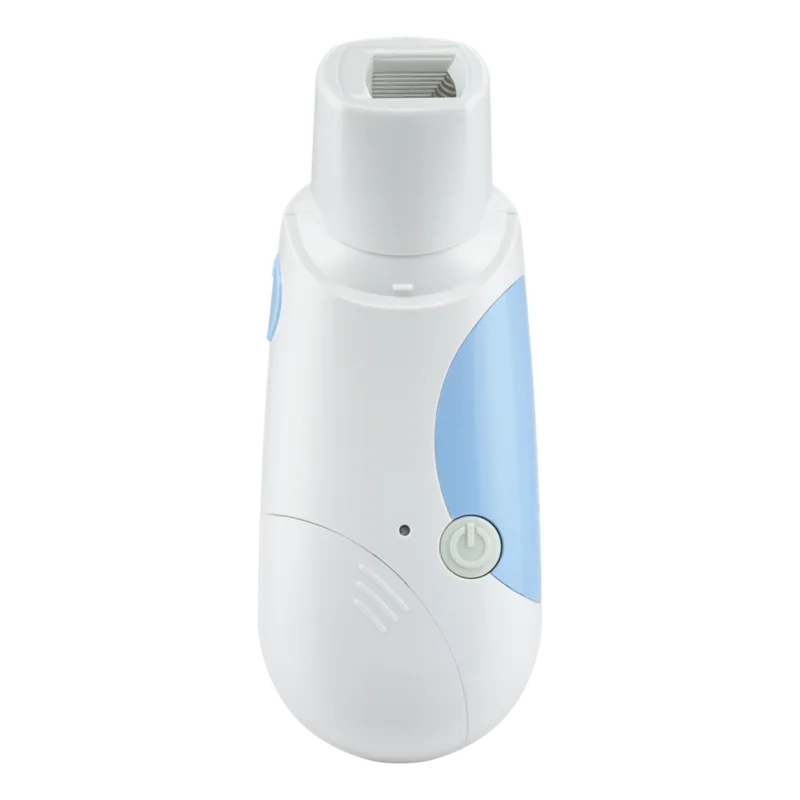
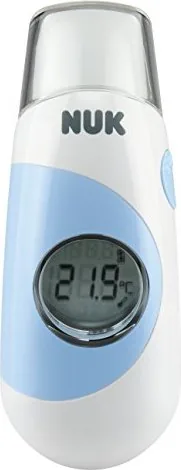
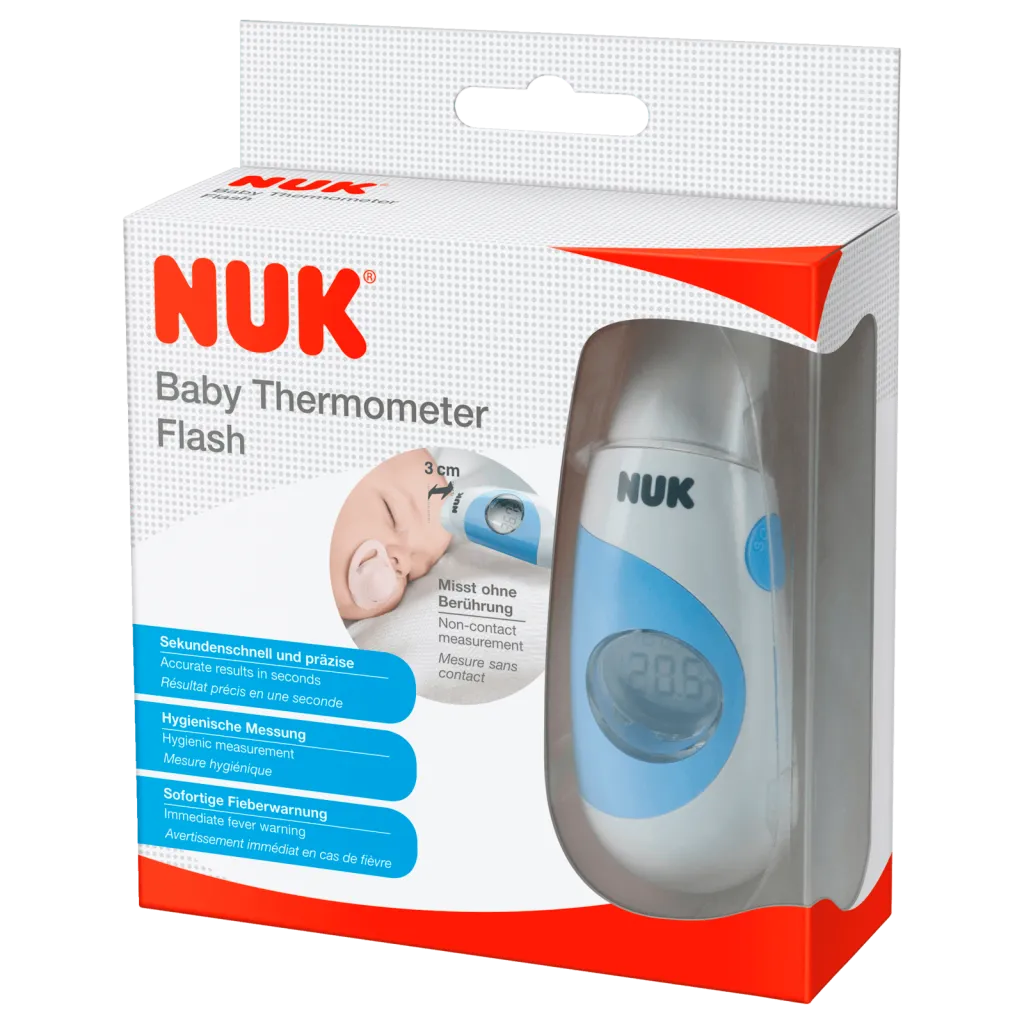
The NUK Flash is a compact infrared forehead thermometer designed for quick, low-stress temperature checks at home. In the spirit of the keyword NUK Flash Manual, this guide-style overview highlights what makes the device useful in daily routines: it measures body temperature from the forehead, can also read surface temperatures, and shows room temperature when idle. That makes it more than a simple fever checker—it’s a handy household tool for parents, caregivers, and anyone who wants fast readings without fuss.
One of its biggest strengths is ease of use. The thermometer is battery-powered, ready to go right away, and stores up to 25 measurements so users can track temperature changes over time. For forehead measurements, the process is straightforward: position the device a few centimeters from the center of the forehead, press scan, and wait for the signal tones. If the reading suggests a higher temperature, the device gives an audible warning, helping users react quickly when a closer watch is needed.
The NUK Flash also includes several thoughtful comfort features. A silent mode can mute the beeps, which is especially helpful when checking a sleeping child. The display can switch between Celsius and Fahrenheit, making it flexible for different users and regions. It even shows the previous measurement for comparison, which adds context to each new reading.
Beyond body temperature, the surface-temperature mode expands its usefulness. It can help check the warmth of bottles, liquids, radiators, or other objects, though it should never be used as a substitute for fever measurement. The device is intended for dry indoor environments, so it fits best in a home setting where conditions are stable and controlled.
Care is simple but important. The sensor area should stay clean, the protective cap should be used after each measurement, and the thermometer should be stored properly to preserve accuracy. Like any precision tool, it benefits from gentle handling and regular attention.
Notes
- Let the thermometer adjust to room temperature before use.
- Clean the sensor carefully with a lightly alcohol-moistened cotton swab.
- Do not use the surface mode for body temperature checks.
- Replace the CR2032 battery when the low-battery symbol appears.
Search for 67,706 Manuals online


Type-in Brand or Model