
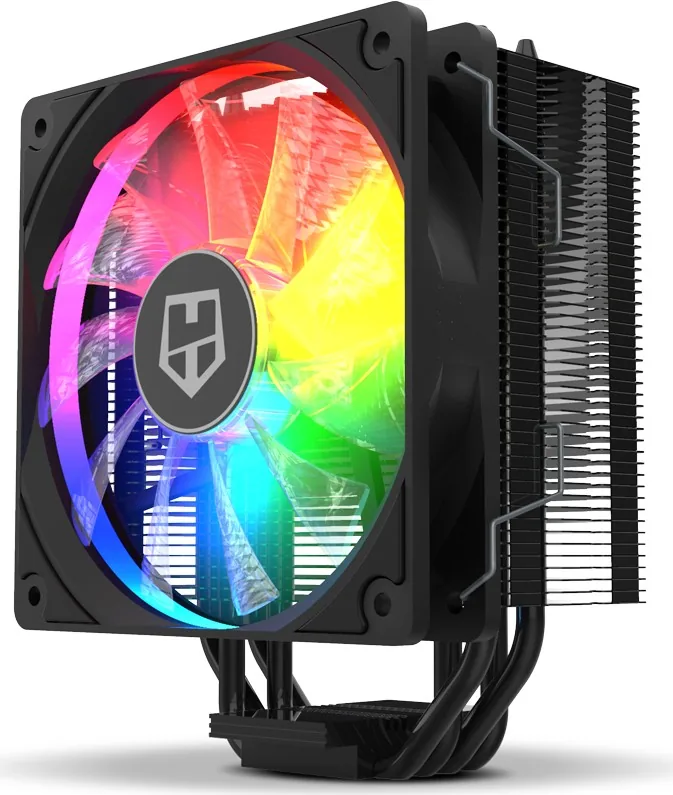
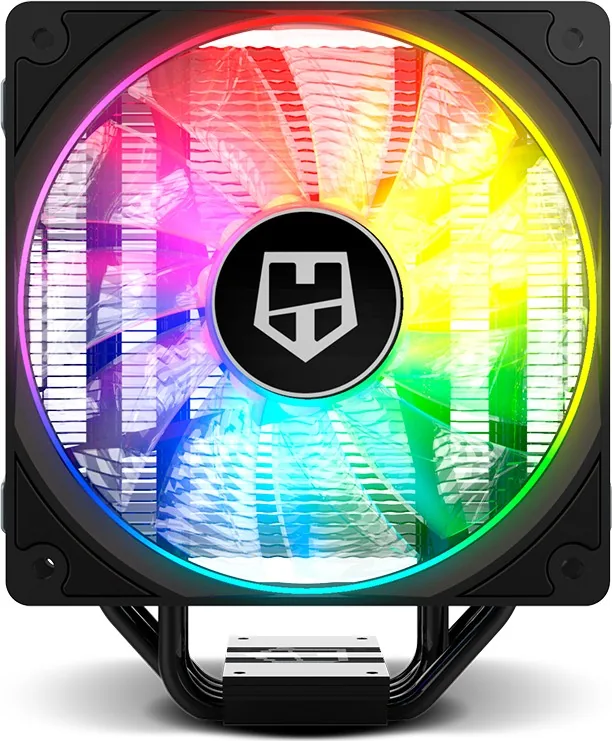
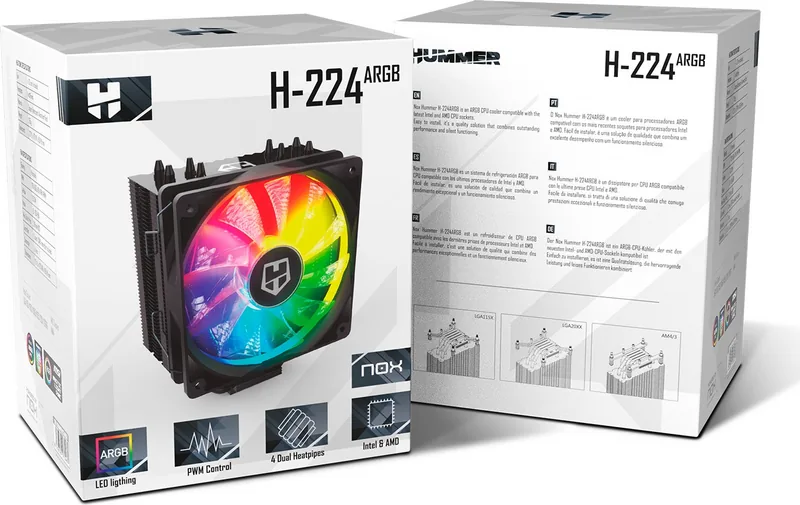
Nox Xtreme H-224 ARGB Manual
PDF manual · 12 Pages
English



Quick check
Incorrect answer, please try again.
Chat with your Nox Xtreme H-224 ARGB manual using AI
Get instant AI answers from your Nox Xtreme H-224 ARGB manual
Ask anything about the Nox Xtreme H-224 ARGB. Answers come from this manual, with the pages they are based on.
Ask a Question
Do you recommend Xtreme H-224 ARGB?
Yes NoFrequently Asked Questions
Yes, it supports AMD sockets with included retention clips.
Is this answer helpful?
The warranty spans two years from the purchasing date.
Is this answer helpful?
Use the internal buttons or motherboard ARGB software.
Is this answer helpful?
No, connect all parts before turning on the unit.
Is this answer helpful?
Yes, stop installation if interference is detected.
Is this answer helpful?
Advantages and Disadvantages
Advantages

- Comprehensive socket support for Intel and AMD
- Built-in ARGB controller for customizable lighting
- Includes all necessary mounting brackets and thermal paste
- Two-year warranty coverage for customer confidence
- Versatile connection options for MB or PSU
Disadvantages

- Requires careful installation to avoid CPU damage
- Potential for motherboard interference issues
- ESD precautions must be taken during setup
- Multiple language manual can be confusing
- Not suitable for non-computer cooling uses
Product Specification
Type
Tower Cooler
Dimensions without Fan
5.00x6.14x3.03 in (WxHxD)
Fan
1x 4.72x4.72x1.00 in, 700-1500 rpm, 61.97 CFM, 18-26.4 dB(A), 0.09 inH2O
Weight with Fan
1.73 lbs
Connector
4-Pin PWM, 3-Pin ARGB (+5V/DATA/GND)
AMD Socket
AM4
Intel Socket
2011-0/2011-1/2011-3/2066, 1150/1151/1155/1156/1200, 775
Lighting
RGB
Features
4 Heat Pipes (0.24 in), Black Cooler
Product Description
Cooling Performance Meets Style
Introducing the Nox Xtreme H-224 ARGB
When it comes to maintaining optimal temperatures for your high-performance processor, the Nox Xtreme H-224 ARGB liquid cooler stands out as a premium solution. Designed for enthusiasts who demand both efficiency and aesthetics, this cooler integrates advanced water cooling technology with customizable illumination. Refer to the guide for detailed guidance on maximizing its potential. This guide ensures that every screw placement and connection is optimized for safety and efficiency. Improper installation can lead to damages to the processor, so reading the steps before starting is vital. Nox XTreme is not responsible for any damage caused by incorrect installation.
The cooler features an internal ARGB controller that allows for extensive customization. You can switch between dynamic and static lighting modes with ease using the physical buttons on the hub. A dedicated button lets you cycle through various colors and adjust the speed of the effects. If your motherboard lacks a native ARGB header, the internal controller can connect directly to a PSU connection via the provided hub adapter. This versatility ensures your build looks vibrant regardless of your system configuration. The ARGB hub adapter connects to the internal controller, ensuring synchronized lighting effects across the radiator fans. It requires careful connection to the correct 12V pin on the motherboard for ARGB systems.
Compatibility is a major strength of this unit. It supports a wide range of Intel and AMD sockets. For Intel systems, it handles LGA 1150, 1151, 1155, 1156, 1200, 2011, and 2066. AMD sockets are also fully supported with included retention clips. Proper mounting is crucial, and the kit includes necessary brackets, screws, and thermal paste to facilitate a secure fit. You must select the correct bracket according to your specific socket type. The package contains the cooler radiator, clips for both platforms, thermal grease, and the ARGB internal controller. Ensuring the backplate is correctly placed on Intel motherboards is essential for stability.
Installing this water cooler requires attention to detail and patience. Always connect the cooler and fans to the motherboard power before turning on the system. Never switch the computer on until these connections are verified. Electrostatic discharge can harm components, so using an ESD wrist strap or workstation is recommended. Touching an earthed surface before handling components is also advised. Once installed, avoid moving the radiator to prevent CPU damage. The warranty period spans two years, provided no user negligence or improper installation caused the issue. Follow the instructions carefully to ensure your investment lasts for years of reliable cooling.
Search for 67,706 Manuals online


Type-in Brand or Model