
Noctua NT-H1 Manual
PDF manual · 1 Pages
English


Quick check
Incorrect answer, please try again.
Chat with your Noctua NT-H1 manual using AI
Get instant AI answers from your Noctua NT-H1 manual
Ask anything about the Noctua NT-H1. Answers come from this manual, with the pages they are based on.
Ask a Question
Do you recommend NT-H1?
Yes NoFrequently Asked Questions
Noctua NT-H1 is thermal paste used between a CPU and heatsink. Its job is to improve heat transfer so the processor can run cooler and more efficiently under load.
Is this answer helpful?
No. The guidance suggests that manual spreading is unnecessary. A small dot or the recommended dot pattern is usually enough, and the pressure from the cooler helps distribute the paste.
Is this answer helpful?
Use only a small amount. The recommended pattern depends on CPU size: one dot for smaller chips, multiple dots for medium or large ones. Too much paste can reduce cooling performance.
Is this answer helpful?
Yes. Any residue from a previous installation should be cleaned off the CPU and heatsink before applying new paste. This helps ensure proper contact and consistent thermal performance.
Is this answer helpful?
A dry paper towel or tissue can handle basic cleanup. For tougher residue, a little water, isopropyl alcohol, or a cleaning wipe can be used to finish the job more thoroughly.
Is this answer helpful?
Yes, when handled properly. Keep it away from children and pets, avoid contact with eyes and skin, and never ingest it. Follow the basic safety precautions during installation.
Is this answer helpful?
Advantages and Disadvantages
Advantages

- Easy application with no manual spreading required, making installation faster and less messy.
- Excellent spreading behavior helps create good CPU-to-heatsink contact with minimal effort.
- Flexible dot patterns support different CPU sizes, from small mainstream chips to large HEDT processors.
- Backed by Noctua’s strong reputation for quality, reliability, and cooling-focused design.
Disadvantages

- Applying too much paste can hurt cooling performance and raise CPU temperatures.
- Old thermal paste should be removed before use, so preparation takes a bit of extra time.
- Requires careful handling and safety awareness, especially around skin, eyes, children, and pets.
Product Specification
Type
Thermal paste
Form
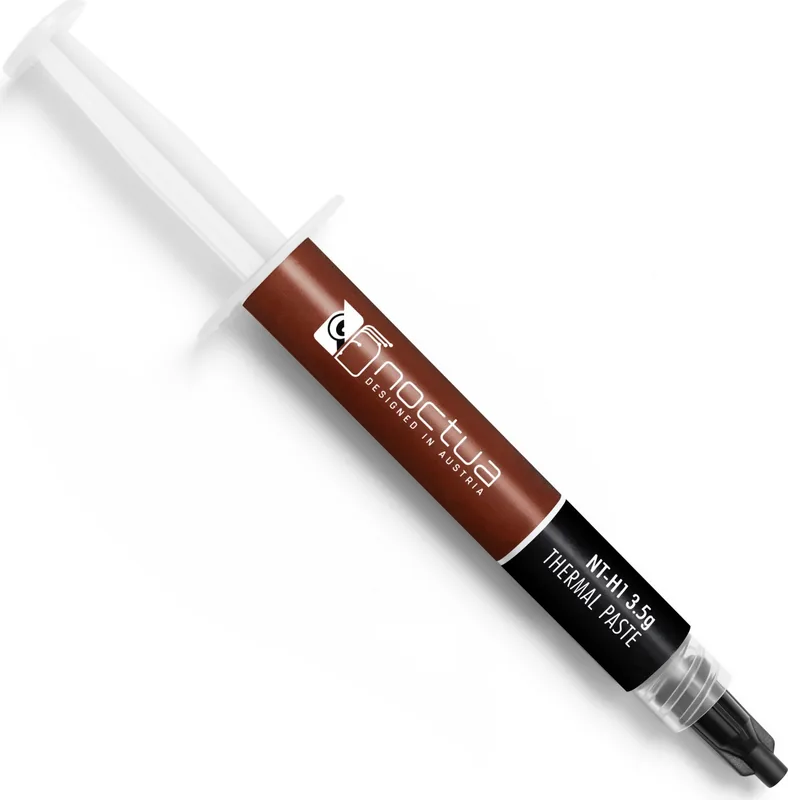
Syringe
Product Description
Noctua NT-H1: Simple, Clean, and Effective Thermal Paste
Noctua NT-H1 is a premium thermal compound designed for users who want reliable cooling without unnecessary complexity. Backed by Noctua’s reputation for quiet, high-performance hardware, it focuses on one job: helping your CPU transfer heat efficiently to the cooler. The result is a smoother thermal path, better stability, and a more confident build process for both new systems and upgrades.
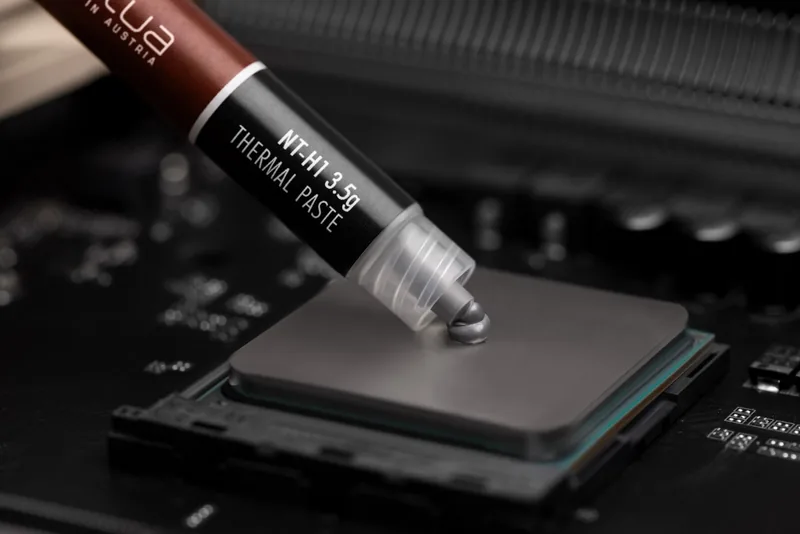
What makes the Noctua NT-H1 Manual especially helpful is how straightforward the application process is. There is no need to manually spread the paste before mounting the heatsink. A small dot in the center of the CPU is usually enough, and larger processors may benefit from multiple-dot patterns for better coverage. This simple approach saves time and reduces the chance of applying too much paste, which can actually raise temperatures instead of lowering them.
The paste is also designed with practical maintenance in mind. If you are replacing a cooler or reusing a CPU, old thermal residue should be cleaned off first. A dry paper towel or tissue works for basic cleanup, while a little water, isopropyl alcohol, or a cleaning wipe can help remove stubborn traces. That makes NT-H1 a convenient choice for people who want a clean installation and easy upkeep.
Safety is another important part of the product’s guidance. Like any thermal compound, it should be handled carefully and kept away from children and pets. Avoid contact with eyes or skin, and do not ingest it. These precautions are simple, but they matter for anyone assembling or servicing a PC at home.
Noctua NT-H1 stands out because it combines ease of use with dependable performance. It is a strong fit for gamers, creators, PC builders, and everyday users who want a trusted thermal paste that does its job quietly in the background. If you are looking for a practical cooling upgrade, this compound delivers a balanced mix of convenience, quality, and proven results.
Notes
- Use only a small amount for best performance.
- Clean the CPU and heatsink before reapplying.
- Follow the recommended dot pattern for your CPU size.
- Overapplication can reduce thermal efficiency.
Search for 67,706 Manuals online


Type-in Brand or Model