
Noctua NH-L9i Manual
PDF manual · 1 Pages
English


Quick check
Incorrect answer, please try again.
Chat with your Noctua NH-L9i manual using AI
Get instant AI answers from your Noctua NH-L9i manual
Ask anything about the Noctua NH-L9i. Answers come from this manual, with the pages they are based on.
Ask a Question
Do you recommend NH-L9i?
Yes NoFrequently Asked Questions
It is primarily designed for LGA1700 sockets. You must check the Noctua compatibility center to ensure it works with your specific motherboard and that there is no interference with other components like RAM or graphics cards.
Is this answer helpful?
The NA-RC7 reduces fan speed to lower operating noise. Users should monitor CPU temperatures while using it to ensure automatic throttling does not occur due to increased heat.
Is this answer helpful?
Yes, you can replace the pre-installed NF-A9x14 fan with a 92x25mm fan using the supplied longer screws for better performance, but you must tighten them gently without exceeding 0.6 Nm torque.
Is this answer helpful?
Apply four dots about 2mm near the corners and one larger dot of 3-4mm in the center. Using too much paste will reduce heat conductivity and cooling efficiency.
Is this answer helpful?
Noctua provides a six-year warranty covering defects. They also offer direct and fast RMA service for any issues encountered during the product's lifespan.
Is this answer helpful?
Advantages and Disadvantages
Advantages

- Exceptionally quiet operation suitable for silent HTPC builds
- Compact design fits perfectly in small form factor cases
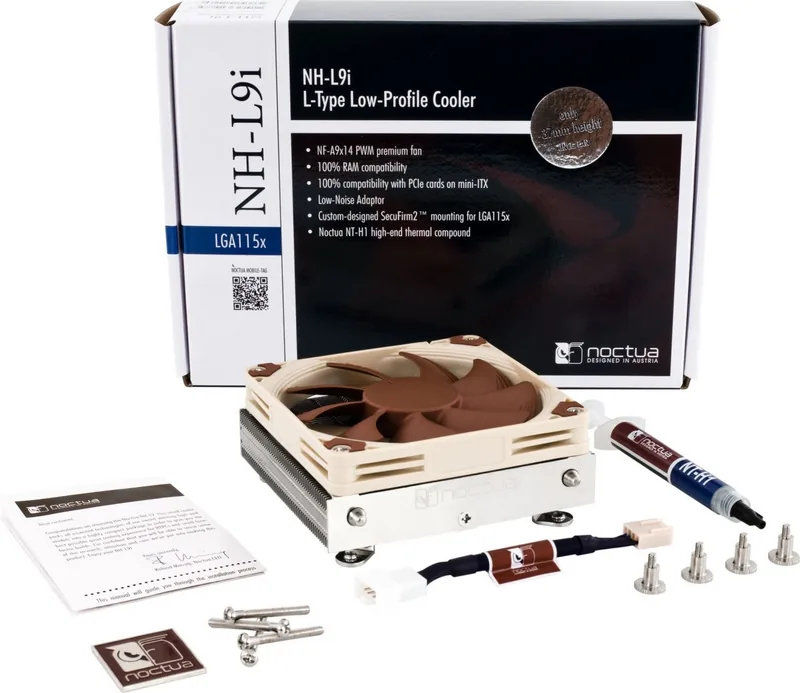
- Includes premium NT-H1 thermal paste and NA-RC7 low-noise adapter
- Six-year manufacturer warranty ensures long-term reliability
- SecuFirm2 mounting system provides secure installation on LGA1700
Disadvantages

- Requires careful monitoring when using the low-noise adapter
- May struggle with extreme overclocking due to low-profile limits
- Higher price point compared to standard budget air coolers
- Installation requires precise torque control to avoid damage
- Compatibility checks are mandatory before purchase to avoid conflicts
Product Specification
Type
Top-Blow Cooler, 2HE
Dimensions with Fan
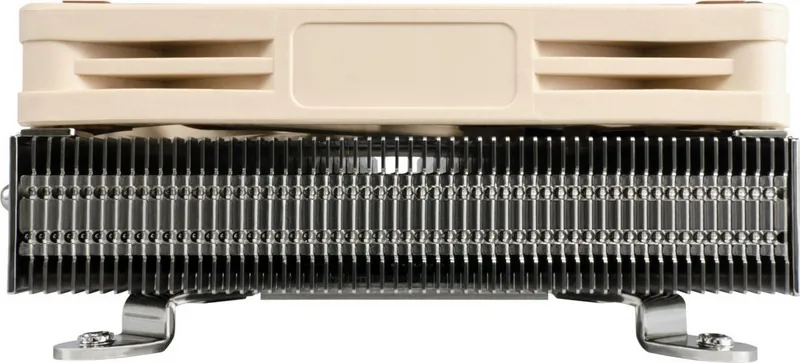
3.74x1.46x3.74in (WxHxD)
Dimensions without Fan
3.74x0.91x3.74in (WxHxD)
Weight without Fan
11.29oz
Connector
4-Pin PWM
Manufacturer Warranty
6 years
Product Description
Noctua NH-L9i-17xx chromax.black: Ultimate Quiet Cooling for Compact Builds
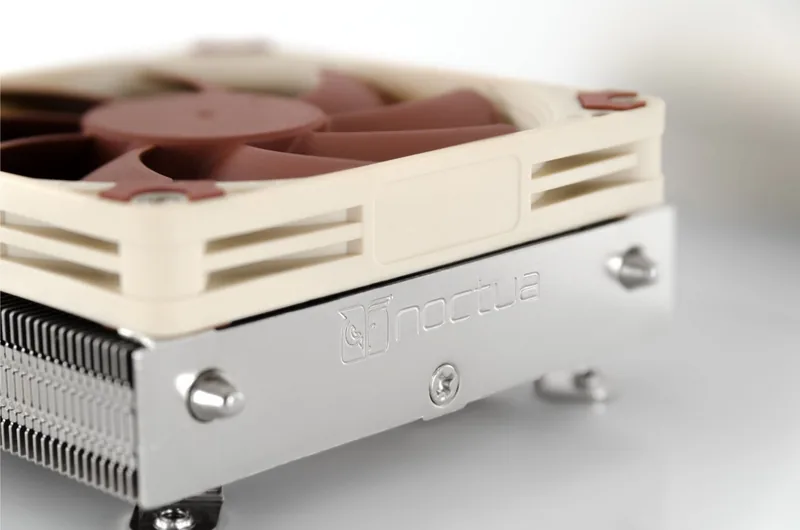
The Noctua NH-L9i-17xx chromax.black is a premium low-profile cooler designed specifically for high-end HTPCs and small form factor systems. Despite its compact size, this unit integrates the advanced technologies found in Noctua's award-winning high-performance models. It delivers an exceptional balance of silence and cooling efficiency, making it ideal for users who demand top-tier thermal performance without the noise or bulk of traditional coolers.
Installation and Compatibility
Installing the NH-L9i involves the SecuFirm2 mounting system, which ensures a secure and stable fit on Intel LGA1700 sockets. Before beginning, verify compatibility with your motherboard via the Noctua compatibility center and ensure your PC case offers sufficient clearance. The heatsink must not interfere with VGA cards, PCIe modules, or tall RAM sticks. Proper preparation includes cleaning any residual thermal paste from the CPU before applying the supplied NT-H1 paste in the recommended dot pattern.
Performance Optimization
For those seeking even lower noise levels, the included NA-RC7 Low-Noise Adaptor can be connected between the fan and the motherboard. However, users must monitor CPU temperatures closely to prevent throttling caused by reduced airflow. If cooling proves insufficient, removing the adaptor or improving case ventilation is necessary. The unit also supports upgrading to a thicker 92x25mm NF-A9 fan using the provided longer screws for enhanced thermal dissipation, provided the torque does not exceed 0.6 Nm.
Reliability and Support
Noctua stands behind this product with a robust six-year warranty and a streamlined RMA process. Should any issues arise, the support team at [email protected] is ready to assist. Multilingual manuals are available online for detailed guidance. This cooler represents a commitment to quality, ensuring that every component is handled with precision and care.
Search for 67,706 Manuals online


Type-in Brand or Model