
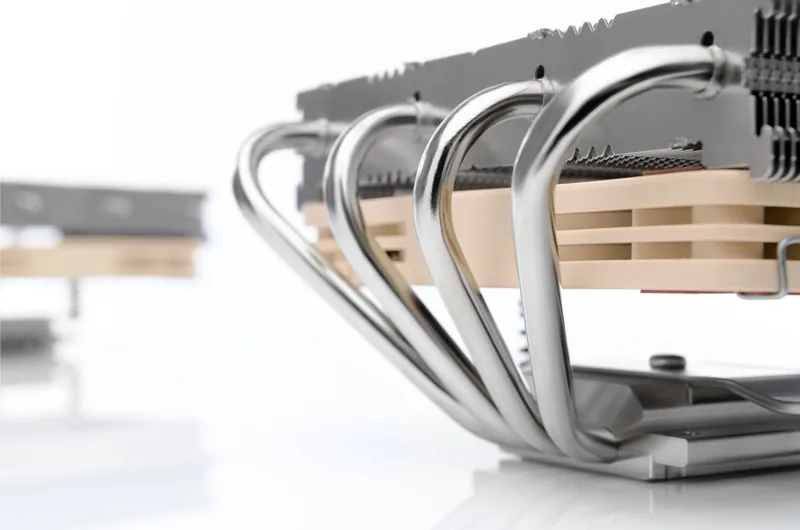
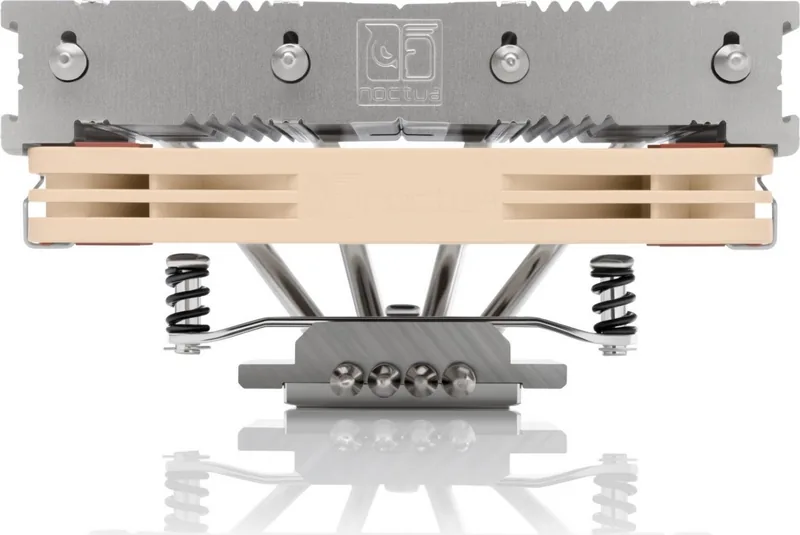
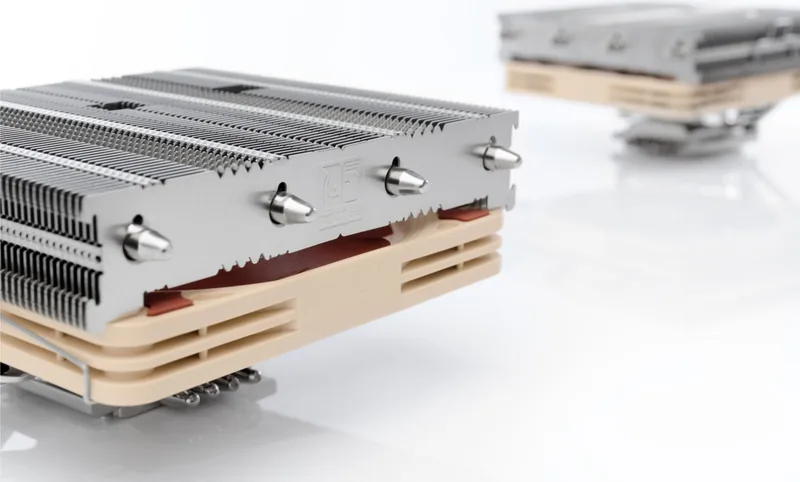
Noctua NH-L12 Manual
PDF manual · 6 Pages
English



Quick check
Incorrect answer, please try again.
Chat with your Noctua NH-L12 manual using AI
Get instant AI answers from your Noctua NH-L12 manual
Ask anything about the Noctua NH-L12. Answers come from this manual, with the pages they are based on.
Ask a Question
Do you recommend NH-L12?
Yes NoFrequently Asked Questions
Clean the CPU first, then press 3-4 small dots of NT-H2 onto the centre of the heatspreader. Do not apply too much paste as it lowers heat conductivity.
Is this answer helpful?
No, the supplied backplate installs over the motherboard's stock backplate. The stock backplate must not be taken off to avoid damage.
Is this answer helpful?
Gently tighten thumbscrews until they stop, but do not use excessive force exceeding 0.6 Nm to prevent thread stripping.
Is this answer helpful?
Noctua provides a full six-year manufacturer warranty on the NH-L12 Ghost S1 edition for reliability and convenience.
Is this answer helpful?
Yes, but check CPU temperatures regularly to evade automatic throttling due to increased temperature inside the case.
Is this answer helpful?
Check the FAQ section on the website or contact the support team at [email protected] for troubleshooting.
Is this answer helpful?
Advantages and Disadvantages
Advantages

- Excellent cooling performance for low-profile builds with 92mm fan
- Includes improved NT-H2 thermal compound for better heat transfer
- Comprehensive six-year manufacturer warranty covers defects
- SecuFirm2 mounting system ensures stability across sockets
Disadvantages

- Single 92mm fan provides less airflow than dual fan setups
- Torque limit of 0.6 Nm requires careful handling during install
- L.N.A. adaptor may trigger CPU throttling if temperatures rise
Product Specification
Type
Top-Blow Cooler
Connector
4-Pin PWM
Features
4 Heatpipes, nickel-plated
Warranty
6 Years
Product Description
Premium Silent Cooling Solution
Building a silent personal computer requires careful component selection, particularly the cooling solution. The Noctua NH-L12 stands out as a premier choice for low-profile air cooling needs. Specifically, the Ghost S1 edition is engineered to fit perfectly within the constrained dimensions of the Louqe Ghost S1 chassis. This unique configuration utilizes a single 92mm fan to deliver efficient thermals without consuming excessive space within the case. When navigating the setup process, referring to the Noctua NH-L12 Manual is essential for optimal performance and safety. The manufacturer provides detailed instructions on how to handle the SecuFirm2 mounting system, ensuring stability across various mainstream motherboard sockets including Intel and AMD platforms.
Installation involves placing the backplate carefully to align with stock retention modules. Users must observe caution when attaching mounting bars to prevent damage to the motherboard circuitry. The guide directs you through aligning curved sides of bars either inwards or outwards depending on the desired final orientation. Thermal paste application is another critical step where precision matters. You should apply small dots of NT-H2 compound rather than a single large blob to maximize contact surface without wasting valuable material. Excessive paste reduces heat conductivity significantly.
Performance-wise, the cooler operates quietly even under heavy load but noise reduction features require monitoring. Users installing the Low-Noise Adaptor should check CPU temperatures regularly to avoid automatic throttling scenarios. The included screwdriver allows attachment through fan blades, simplifying maintenance tasks. Reliability is backed by a comprehensive six-year manufacturer warranty covering potential defects. This assurance reflects Noctua's commitment to high-grade quality control. Before starting, always check compatibility lists online to ensure motherboard and case clearance are sufficient for this hardware. Tall RAM modules or VGA cards might interfere, so double-checking physical clearances is wise for peace of mind.
The product comes with specific mounting hardware for different socket types, eliminating the need for third-party solutions. Whether you use Intel LGA20xx sockets or AMD platforms, the SecuFirm2 system adapts accordingly with different backplate and spacer combinations. This flexibility makes it a versatile choice for enthusiast builds requiring specific orientations. For those seeking premium grade quiet builds, this edition remains ideal. Follow the guidelines found in the Noctua NH-L12 Manual to avoid compatibility issues that could void warranties or damage parts during installation.
Installation Warnings
Be careful with torque settings. Tighten screws gently until they stop but do not exceed 0.6 Nm to avoid stripping threads. Removing the stock backplate is unnecessary and potentially harmful as the new unit installs over it. If your motherboard does not include a stock backplate, contact support immediately. Proper alignment ensures longevity and prevents overheating due to improper mounting. For best results, consult the support team for specific compatibility queries regarding your board layout. Ensure case ventilation supports the fan header connection to maintain stable clock speeds.
Search for 67,706 Manuals online


Type-in Brand or Model