
Noctua NH-D15 Manual
PDF manual · 6 Pages
English



Quick check
Incorrect answer, please try again.
Chat with your Noctua NH-D15 manual using AI
Get instant AI answers from your Noctua NH-D15 manual
Ask anything about the Noctua NH-D15. Answers come from this manual, with the pages they are based on.
Ask a Question
Do you recommend NH-D15?
Yes NoFrequently Asked Questions
Yes, it is designed for the AM4 platform. However, you must check the compatibility list on the Noctua website to verify fitment with your specific motherboard model and ensure there are no conflicts with other components like RAM or graphics cards.
Is this answer helpful?
You should never exceed 0.6 Nm of torque. Tighten the screws gently until they stop, but avoid using excessive force to prevent damaging the motherboard or the cooler mounting structure.
Is this answer helpful?
Yes, you can install a second fan using the supplied steel clips. However, using only the center fan guarantees better compatibility with tall RAM modules. Adding the second fan improves cooling performance but reduces clearance.
Is this answer helpful?
Yes, it is highly recommended to remove the cooler before transport. Forces during shipping could cause excessive stress on the motherboard if the heavy heatsink remains installed, potentially leading to damage that Noctua cannot be held responsible for.
Is this answer helpful?
Apply a small drop with a diameter of approximately 4 to 5 mm directly onto the center of the CPU heatspreader. Applying too much thermal paste will lower heat conductivity and reduce overall cooling efficiency.
Is this answer helpful?
Noctua offers a six-year warranty period for the NH-D15 SE-AM4. They also provide direct, fast, and straightforward RMA service should any defects occur despite their strict quality control measures.
Is this answer helpful?
Advantages and Disadvantages
Advantages

- Award-winning dual-tower design delivers exceptional cooling performance
- SecuFirm2 mounting system ensures secure installation on AM4 motherboards
- Includes high-quality NT-H1 thermal paste for optimal heat transfer
- Six-year warranty provides long-term reliability and peace of mind
- Optional second fan slot allows for customizable airflow configurations
Disadvantages

- Large size may cause clearance issues with tall RAM modules or PCIe cards
- Requires careful torque control during screw installation to prevent damage
- Using Low-Noise Adaptors may increase CPU temperature requiring monitoring
- Longer mounting bars might not fit all motherboard layouts
- Transporting the system requires removing the cooler to avoid stress damage
Product Specification
Type
Tower Cooler (Dual-Tower)
Dimensions with Fan
5.91x6.50x6.34 in (WxHxD)
Weight with Fan
2.91 lbs
Connector
4-Pin PWM
Manufacturer Warranty
6 Years
Product Description
Discover the Noctua NH-D15 SE-AM4
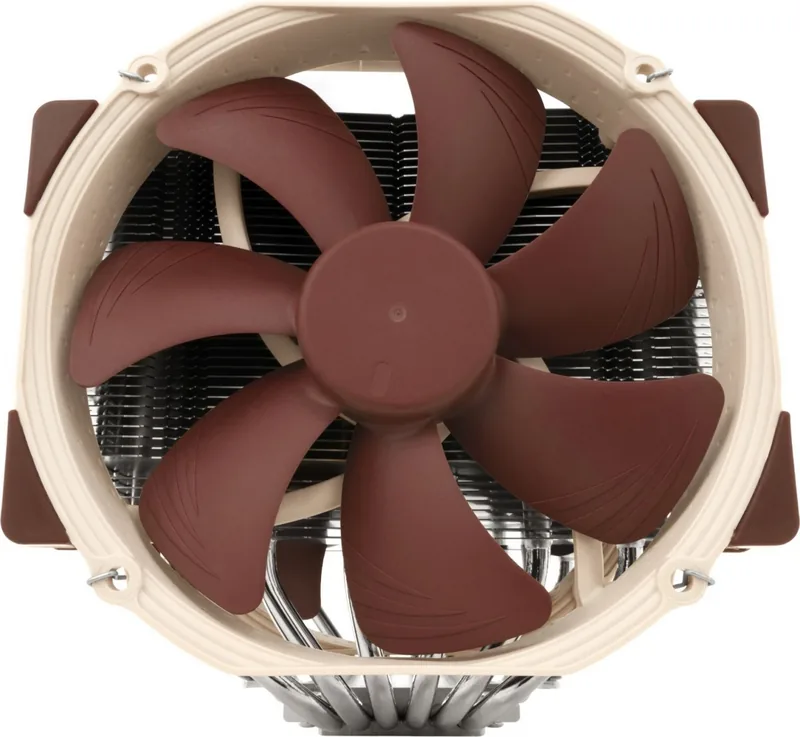
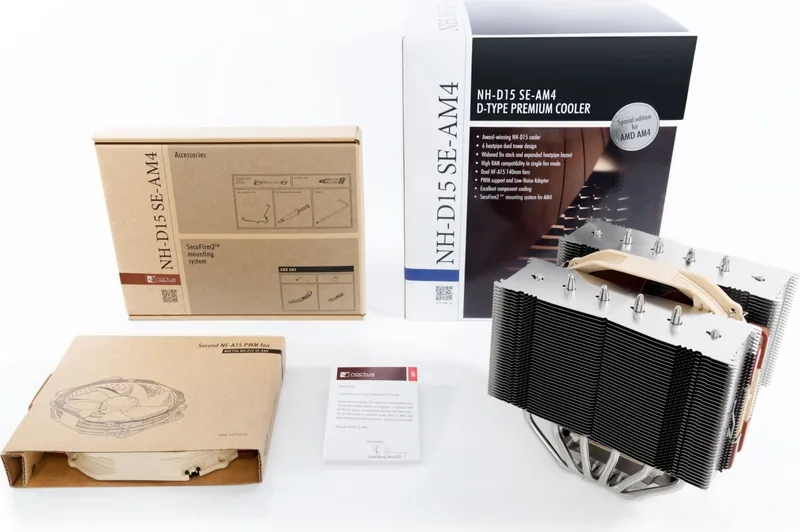
The Noctua NH-D15 SE-AM4 stands as a testament to engineering excellence in the world of computer cooling. Recognized with over 200 awards from global hardware experts, this dual-tower cooler sets the benchmark for elite-class performance. Designed specifically for AMD's AM4 platform, it features the innovative SecuFirm2 mounting system that ensures a secure and stable fit without compromising motherboard integrity.
Installation is straightforward yet precise. The process begins by verifying compatibility with your specific motherboard and PC case to ensure sufficient clearance for tall RAM modules and graphics cards. Users must remove the stock retention module while keeping the backplate intact, then attach either the short NM-AMB4 or long NM-AMB5 mounting bars depending on the desired orientation. Careful attention is required when tightening screws to a maximum torque of 0.6 Nm to avoid damage. Applying a small drop of NT-H1 thermal paste is crucial; too much can hinder heat conductivity.
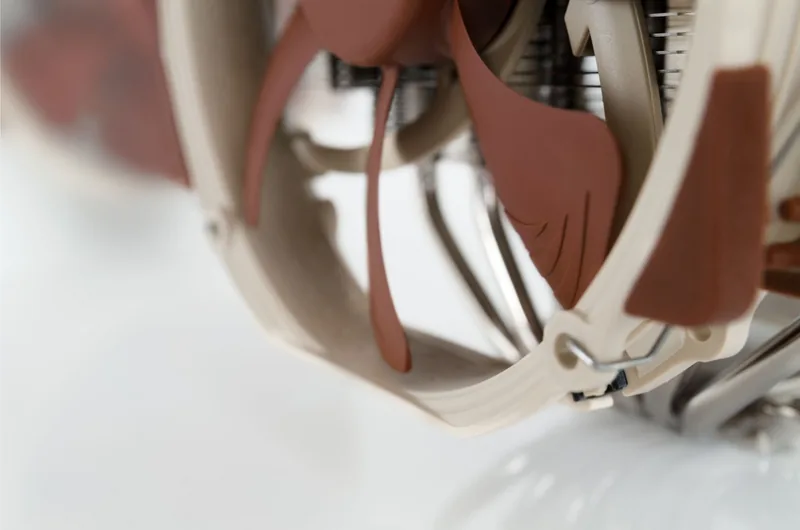
Once the heatsink is secured, users can attach the center fan and optionally add a second fan using steel clips for enhanced cooling. The setup allows for flexibility with Low-Noise Adaptors to reduce operational sound, though caution is advised to prevent CPU throttling due to increased temperatures. This cooler offers a six-year warranty and reliable support, making it a top choice for enthusiasts seeking silent yet powerful thermal management.
Search for 67,706 Manuals online


Type-in Brand or Model