
Noctua NF-A4x10 Manual
PDF manual · 2 Pages
English



Quick check
Incorrect answer, please try again.
Chat with your Noctua NF-A4x10 manual using AI
Get instant AI answers from your Noctua NF-A4x10 manual
Ask anything about the Noctua NF-A4x10. Answers come from this manual, with the pages they are based on.
Ask a Question
Do you recommend NF-A4x10?
Yes NoFrequently Asked Questions
The fan requires a 24V power supply and needs a starting voltage of at least 17V. It is not suitable for standard 12V PC applications.
Is this answer helpful?
Yes, the fan has a 4-pin PWM connector but works with 3-pin headers. When connected to 3-pin headers, the fan will run at full speed.
Is this answer helpful?
Use a duster, slightly moist tissue, or canned air. Do not use a vacuum cleaner as it may apply excessive force. Do not take the fan apart.
Is this answer helpful?
The box includes a 4-pin PWM connector, NA-AC9 adaptor cable, OmniJoin adaptor set, fan screws, and NA-AV3 anti-vibration mounts.
Is this answer helpful?
No, the premium grade SSO2 bearing is fully sealed. Removing the impeller breaks the sealing and results in a loss of warranty.
Is this answer helpful?
Noctua provides a warranty period of 6 years for this fan along with direct and straightforward RMA service for defective units.
Is this answer helpful?
Yes, the Low-Noise Adaptor reduces the fan speed from 5000 to 4100 RPM. It can set a fixed speed or cap the maximum speed during PWM control.
Is this answer helpful?
Advantages and Disadvantages
Advantages

- PWM speed control provides flexible operational settings for various cooling needs.
- Included Low-Noise Adaptor allows reducing speed from 5000 to 4100 RPM.
- Six-year warranty offers long-term reliability and peace of mind for users.
- Sealed SSO2 bearing prevents dust entry ensuring long fan lifespan.
- OmniJoin adaptor set enables easy connection to proprietary fan headers.
Disadvantages

- Requires 24V power supply and cannot run on standard 12V PC headers.
- Running on standard 3-pin headers forces the fan to operate at full speed.
- User cannot dismantle the impeller without voiding the warranty immediately.
- Requires specific voltage starting requirements of at least 17V to operate.
- Extension cables must be purchased or sourced separately if 20cm is too short.
Product Specification
Dimensions
1.57x1.57x0.39in (WxHxD)
Fan Bearing
Magnetic hydrodynamic bearing (SSO2)
Color
brown/beige (Frame), brown (Rotor)
Manufacturer Warranty
6 Years
Product Description
Noctua NF-A4x10 Manual Overview
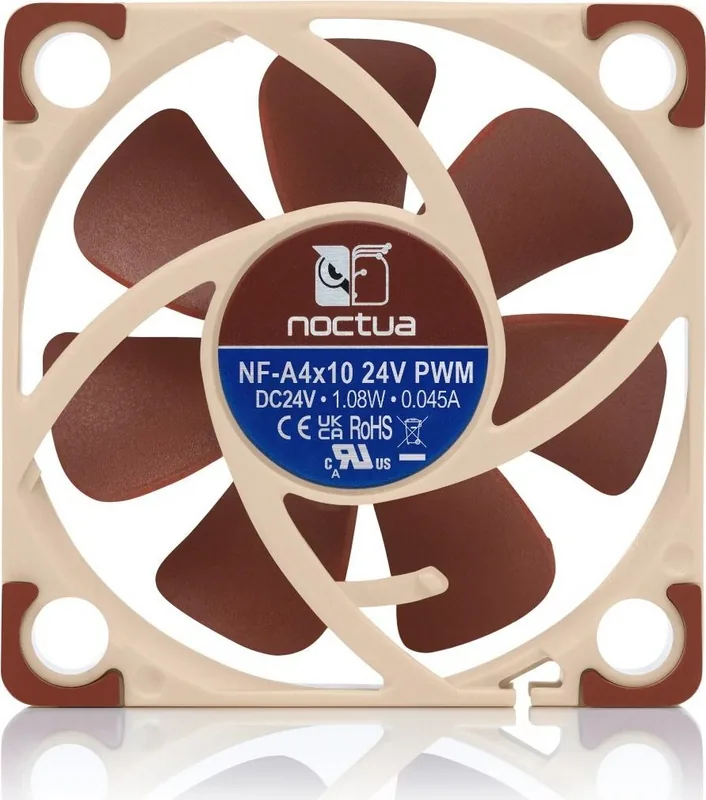
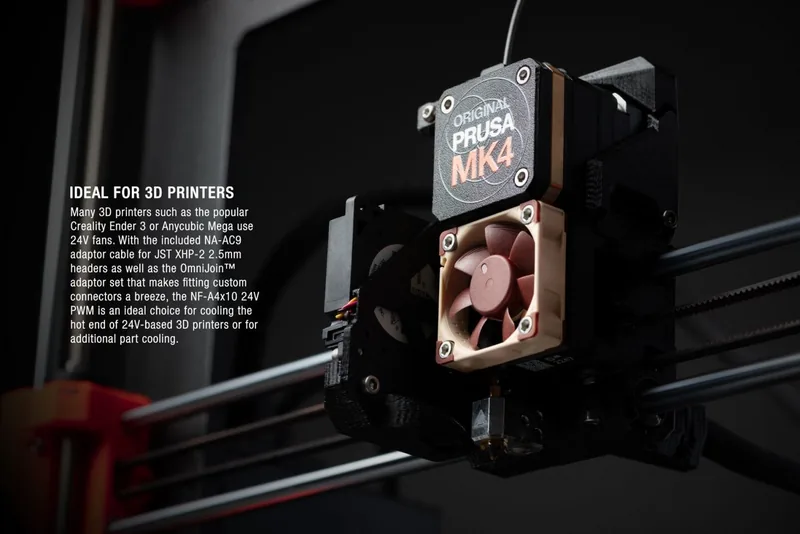
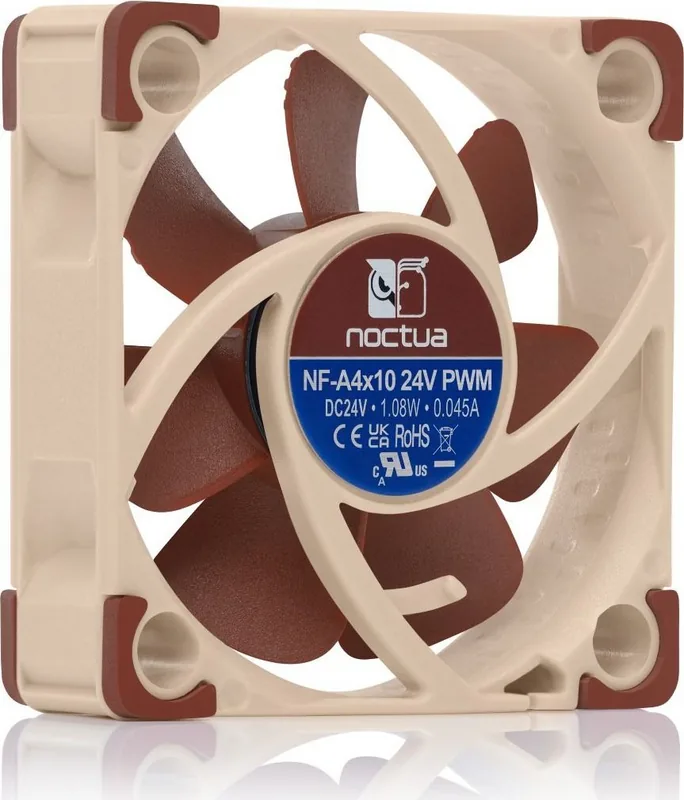
The Noctua NF-A4x10 24V PWM represents a significant leap in cooling technology for compact devices. Designed specifically for applications requiring reliable airflow, this fan integrates advanced aerodynamic design measures found in larger models. Whether you are upgrading a 3D printer or need silent cooling for specialized hardware, this unit delivers superior quiet cooling performance. The engineering behind each fan ensures flawless operation from the factory. Quality control teams double-check every unit to ensure research and care are evident in the final product.
Installation and Connectivity
Managing cable clutter is essential in tight spaces like 3D printers or server racks. The fan features a short 20cm primary cable to help minimize issues. For those needing more reach, a supplied 30cm extension cable is available for purchase or included depending on the kit. Connection flexibility exists through a 4-pin PWM connector for speed control. Users can also connect to standard 3-pin fan headers, where it will run at full speed. The included NA-AC9 adaptor cable allows connection to 2-pin JST XHP-2.5mm sockets found on popular models.
Customization Options
The Low-Noise Adaptor, also known as NA-RC8, lets users reduce fan speed from 5000 RPM to 4100 RPM. This allows for a fixed speed setting or a cap during PWM control for quieter operation. Anti-vibration mounts ensure stability during operation inside equipment cases. Installation requires careful identification of GND and 24V leads when using the OmniJoin adaptor set provided. Safety warnings emphasize that this is a 24V device not suitable for standard 12V PC applications. It requires a starting voltage of at least 17V.
OmniJoin Installation
The OmniJoin adaptor set allows you to easily connect to proprietary fan headers found in custom builds. You must identify the leads on the adaptor carefully. Black is ground and red is plus 24V. Connect these to the original leads of your device. Pull the case side through the mounting holes securely. If long ends of mounts are in the way, you can cut them after installation but they become difficult to reinstall.
Maintenance and Longevity
Proper care ensures flawless operation over many years of usage. The premium grade SSO2 bearing is fully sealed to prevent fine dust particles from entering the mechanism. Regular cleaning using a duster, moist tissue, or canned air maintains maximum performance levels. Vacuum cleaners should be avoided to prevent damage from excessive force. The bearing is not designed to be taken apart by the user. Dismantling the impeller breaks the sealing and results in loss of warranty coverage.
Support and Reliability
Noctua offers a warranty period of 6 years for added peace of mind regarding the purchase. Direct RMA service is available for defects that cannot be eliminated entirely despite production. Support teams are ready to assist with difficulties encountered during setup or operation. Users should consult FAQs on the official website for detailed troubleshooting steps. Enjoy the thorough optimization found in this market-leading 40mm fan for your cooling needs.
Notes: Always check voltage requirements before installation to prevent damage to hardware components.
Search for 67,706 Manuals online


Type-in Brand or Model